620 Contact Form One Page Templates


































Contact Form One-Page Template for a Clear Single-Page Inquiry
A Contact Form One-Page Template gives a single-page layout a ready-made inquiry section that visitors can reach without opening another page. The form may follow an information section or provide a clear contact destination toward the end of the continuous page.
The key choice is the form design itself: how much information it requests, how its fields fit the page width, and how easily a visitor can reach it. A Contact Form block is not, by itself, a complete one-page website.
Choose Contact Form Sections for a Continuous One-Page Flow
Ready-made Contact Form designs can play different roles within a continuous page:
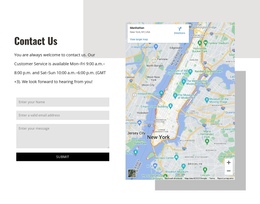
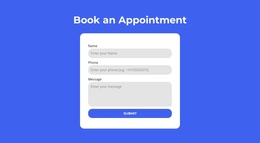
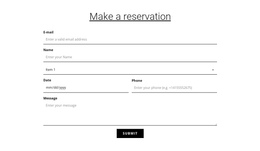
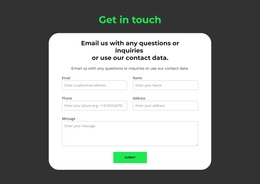
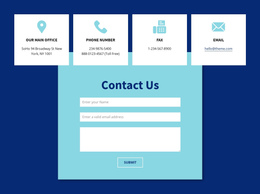
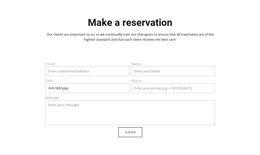
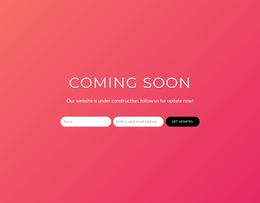
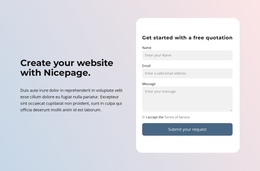
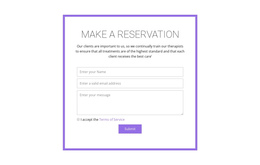
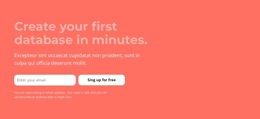
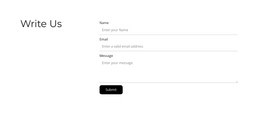
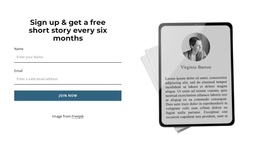
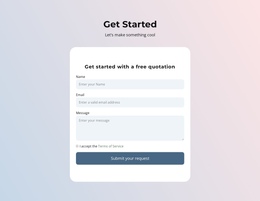
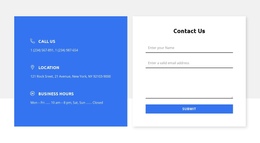
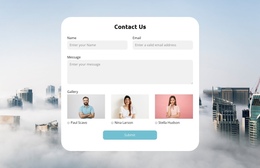
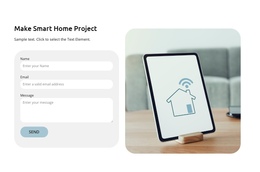
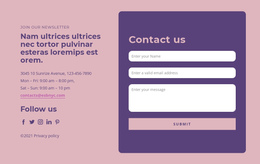
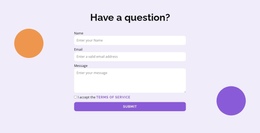
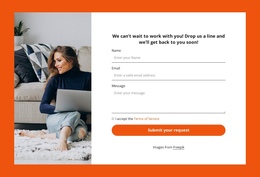
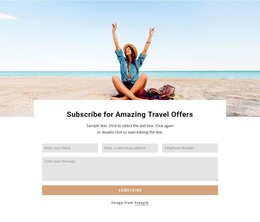
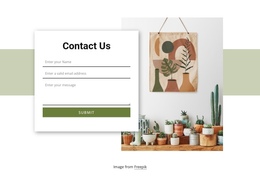
- Compact message form: A short inquiry area fits after a concise service or project explanation.
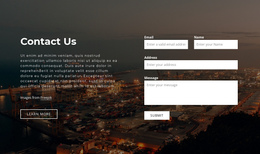
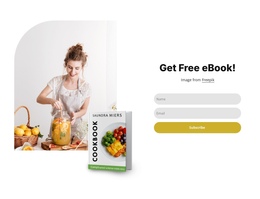
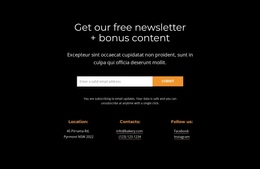
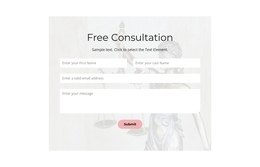
- Form after an information section: A short inquiry section follows relevant content without redirecting visitors to another page.
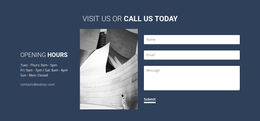
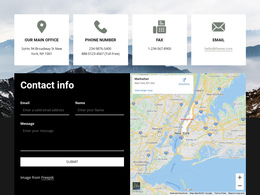
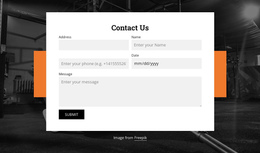
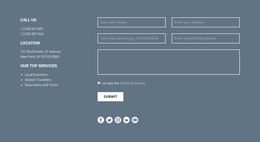
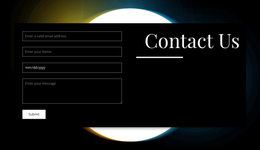
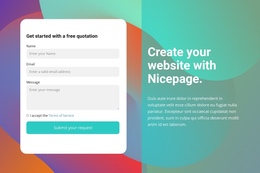
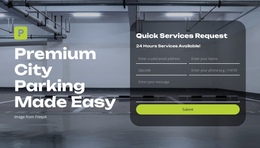
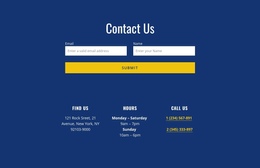
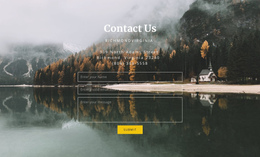
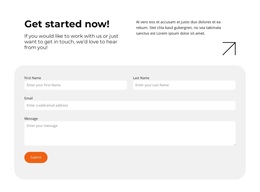
- Full-width contact section: A more prominent input area suits the main contact destination of the page.
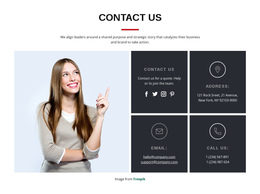
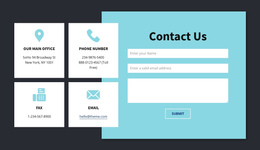
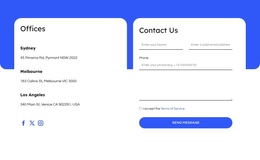
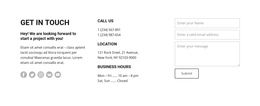
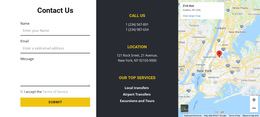
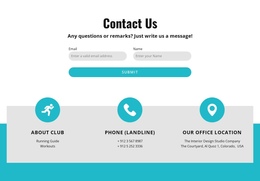
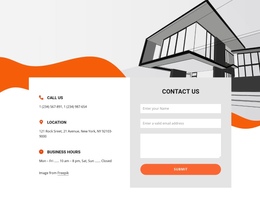
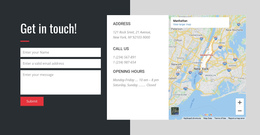
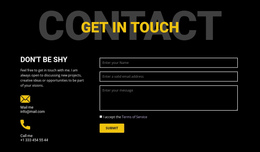
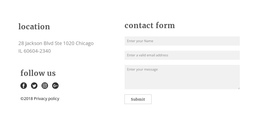
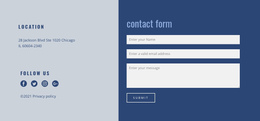
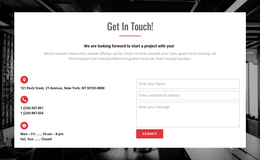
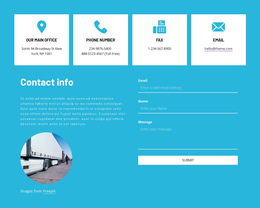
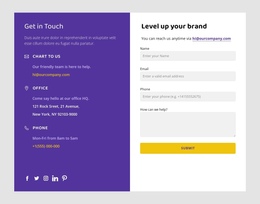
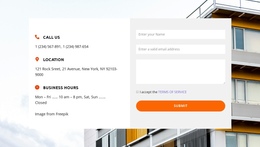
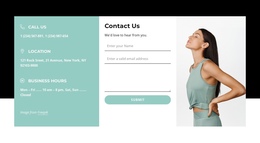
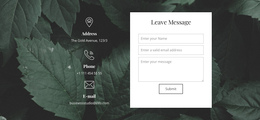
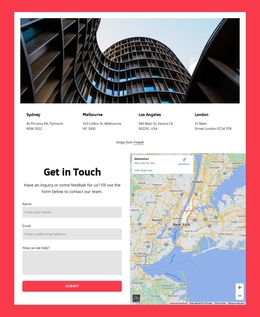
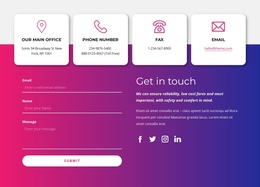
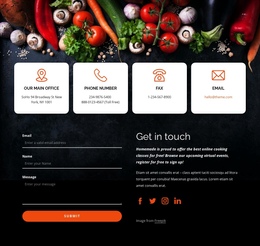
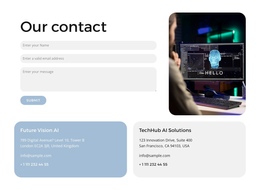
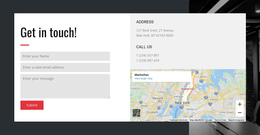
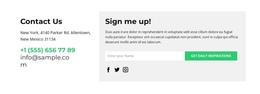
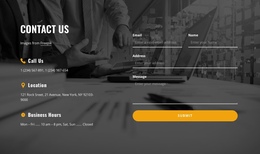
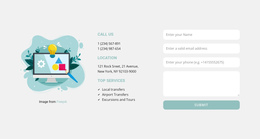
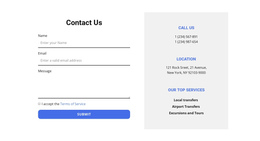
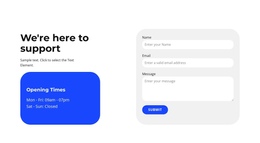
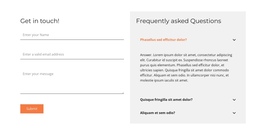
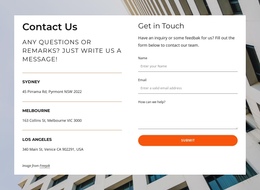
- Form beside contact details: A written inquiry remains available next to direct communication options.
Choose the section based on the actual request and available space, rather than assuming every one-page layout needs an identical closing form.
Link Navigation and CTAs to the Form
Many one-page designs use anchor navigation to move between sections. A menu link to #contact can take visitors to the existing contact section. Other links or CTAs may point to that same anchor when appropriate.
This makes the form itself easy to reach. Ready visitors can skip ahead, while others can read the relevant page content before sending a message.
Look for a Contact Form block whose heading and fields make sense when reached directly from the menu. The navigation still needs to be configured in the actual project; a visual template preview doesn't guarantee that anchors already work.
Choose the Right One-Page Contact Section
In a ready-made layout, the form may be full-width at the bottom, paired with company details, or positioned after a key offer. A short general message often needs only contact details and a message field; a more specific request can justify a service or project-description input.
Keep the input sequence and submit button recognizable, particularly on mobile, where a form with too many fields can dominate the page. Nicepage provides a Contact Form element that can be adapted within the one-page composition. Verify submission setup separately.
A Login Form addresses account access, not visitor inquiries, so it belongs in a different type of single-page experience.
Contact Form One-Page Template FAQ
Can a header Contact link lead to a form lower on the page?
Yes. One-page layouts commonly use section anchors so navigation and CTA links can direct visitors to the inquiry area.
Does the form need to be the final section?
No. It can appear after an information section; many designs place it near the end to match the page's reading flow.
Can Several Sections Link to the Same Contact Form?
Yes. Navigation items and buttons in different sections can link to one contact anchor when configured accordingly. A ready-made block does not automatically establish those links.
Can I customize a ready-made one-page form in Nicepage?
Nicepage includes a Contact Form element for adapting inquiry sections. You also need to configure the form's submission handling.
Choose a Single-Page Layout with a Clear Contact Destination
Compare the ready-made Contact Form sections first, then select one whose size, field content, and heading suit the single-page inquiry. Make sure anchor links or CTAs bring visitors to a clear submission action.