410 Testimonials One Page Templates


































Flexible Testimonials One-Page Template Layouts for Continuous Page Flow
A Testimonials One-Page Template helps place real customer experiences within a continuous scrolling page. Instead of separating feedback into a dedicated page, a testimonial section connects quotations, customer names, and supporting details with the information visitors have just read. This allows people to encounter firsthand experiences at a meaningful point in the page sequence.
The placement matters as much as the content. Reviews appearing too early may lack context, while testimonials placed far below the information they support can feel disconnected. A useful section creates a natural transition between explanation, customer experience, and the next content block.
Testimonials Within a Continuous One-Page Layout
On a one-page site, the review section is part of a continuous story. In a service layout, testimonials might follow the service descriptions; in a portfolio, they may appear after selected projects. Neither sequence is compulsory. What matters is how naturally the customer comments sit between the surrounding sections.
Different one-page formats suggest different treatments:
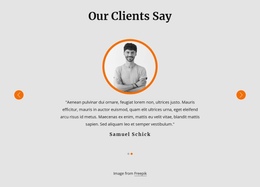
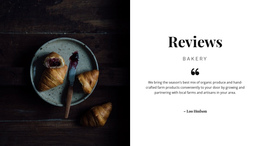
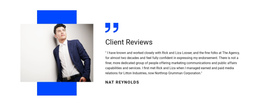
- A short service introduction can use one strong customer statement as a pause in the scroll.
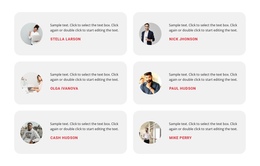
- A longer portfolio page may give several project-specific reviews a dedicated band.
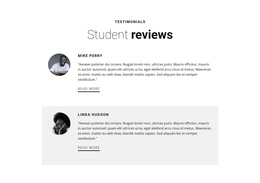
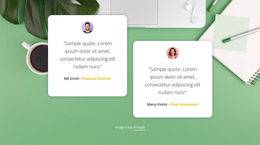
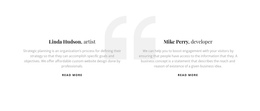
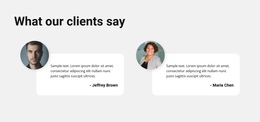
- A compact personal page may need just two concise comments without a large gallery.
A testimonial block does not need to direct every visitor toward an immediate action. In a one-page structure, its primary task is to strengthen the narrative with attributed customer voices.
Review Cards That Respect the Page's Rhythm
A scrolling page contains several content areas with different visual purposes. Testimonials should read as a distinct section while staying consistent with the surrounding design.
The main content elements include:
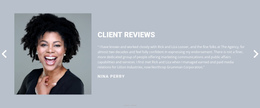
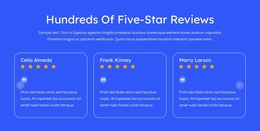
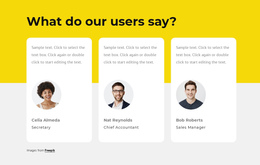
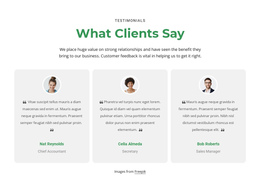
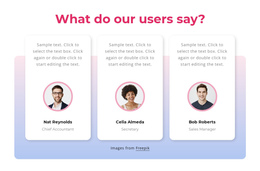
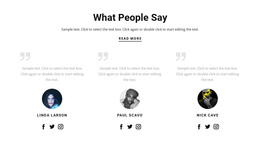
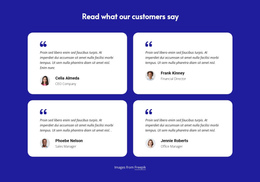
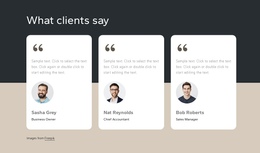
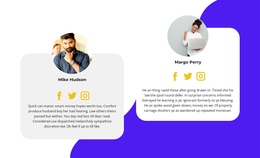
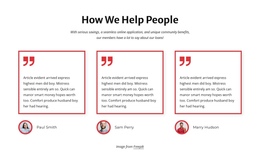
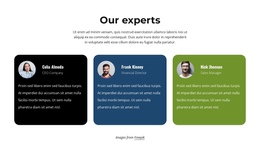
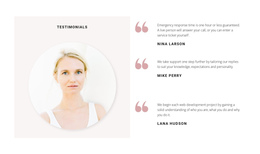
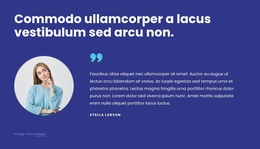
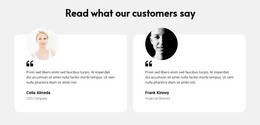
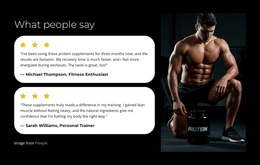
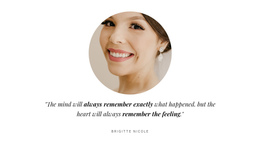
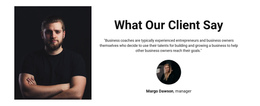
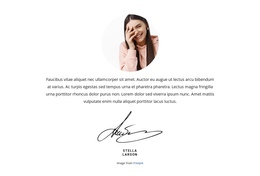
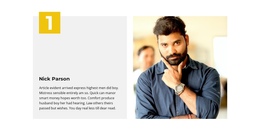
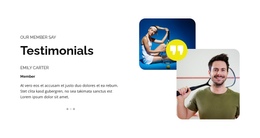
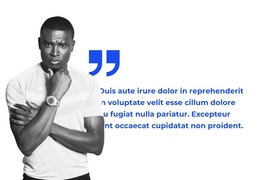
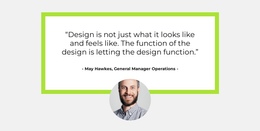
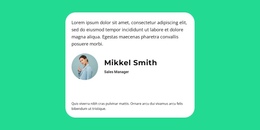
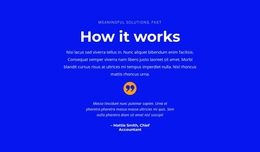
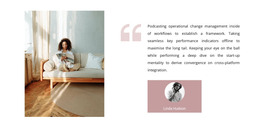
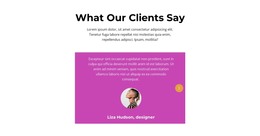
- Customer quotation: The review or experience in the customer's own words.
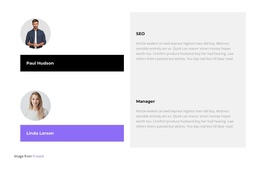
- Author attribution: A name connected directly to the statement.
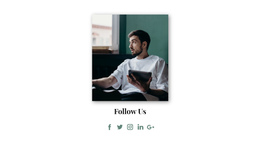
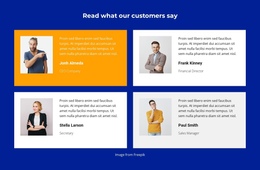
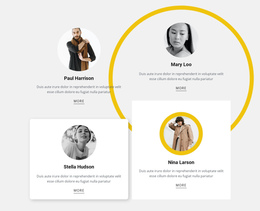
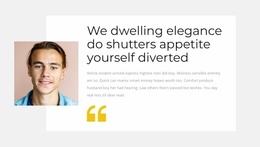
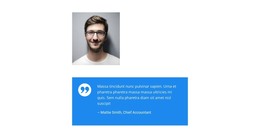
- Optional portrait: A personal visual detail when appropriate.
- Supporting information: A role or company that gives the quotation useful context.
The Nicepage Text Element supports the quotation and attribution content. You can adapt the text to the available space and distinguish the review from its author's details through typography and alignment.
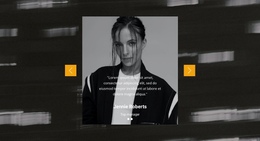
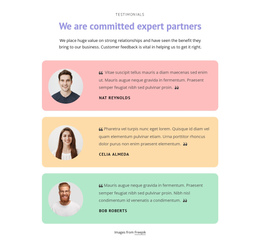
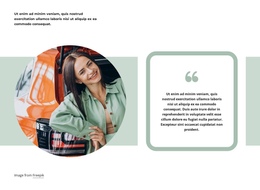
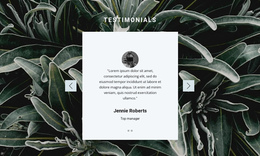
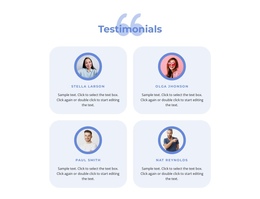
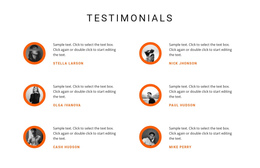
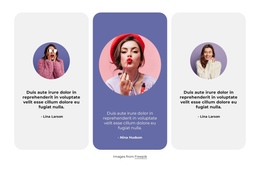
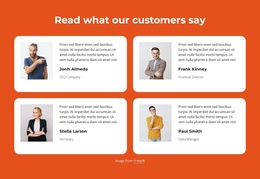
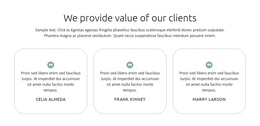
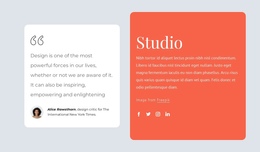
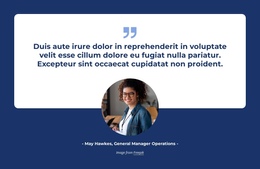
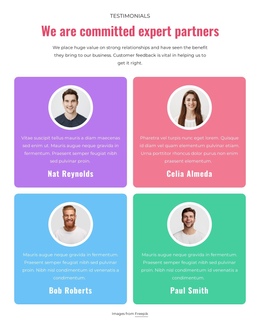
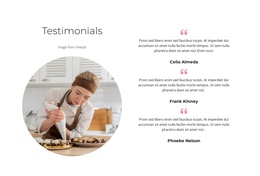
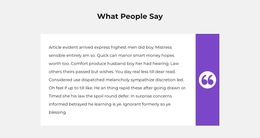
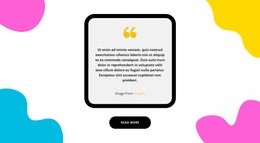
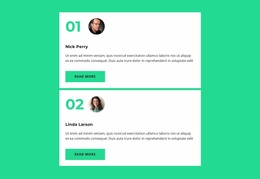
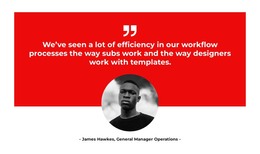
A single featured statement creates a short pause in the page journey. Several testimonial cards work when different customers provide complementary perspectives. For additional arrangements, testimonial section ideas can help illustrate how quotations and author details fit together.
Keep Testimonials Compact Within a Scrolling Design
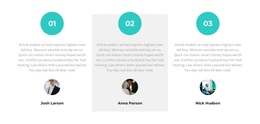
A good one-page arrangement gives reviews breathing room without letting them dominate the scroll. Notice how many cards stay visible, whether one quote gets special emphasis, and how the following section begins.
To maintain that sequence:
- Introduce testimonials with relevant context rather than an unrelated heading.
- Keep reviews concise enough that the section does not dominate the page.
- Group related statements together when several customers discuss similar experiences.
- Leave a clear visual transition into the next section without making the feedback feel isolated.
Long testimonials can disrupt the vertical rhythm, especially when several cards have uneven text lengths. Shorter quotations may be preferable when the section is intended as a brief supporting stage.
The customer feedback examples can offer additional content directions. However, review relevance should determine placement, not the desire to fill a particular area of the page.
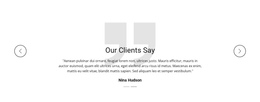
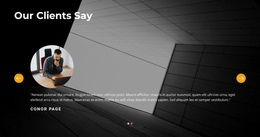
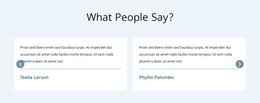
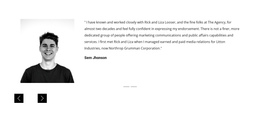
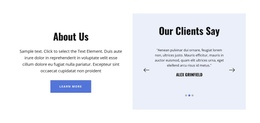
A compact one-page layout may need just one featured quote, while a longer design can accommodate a multi-card section. A slider is another option when it appears in the collection and sequential browsing fits the scroll. Select by the actual length of the page and the volume of feedback, not by a fixed rule for where testimonials must appear.
Testimonials One Page Template FAQ
Can Nicepage AI help generate a testimonial block for a one-page website?
Yes. Nicepage AI Services can generate sites, pages, and blocks. You can use an AI-generated testimonial layout as a starting point, then replace example statements with authentic customer feedback and adjust the section to fit the surrounding page content.
Can I combine different block designs on a one-page website?
Yes. Nicepage allows you to work with different blocks within a page. Keep typography, spacing, and colors visually consistent so the testimonial section fits naturally between the surrounding content areas.
Can I preview my testimonial section on different screen sizes?
Yes. Nicepage provides responsive editing and preview capabilities. Review how quotation cards, customer names, and portraits appear on desktop, tablet, and mobile layouts, paying particular attention to readability when the page becomes narrower.
Should testimonials appear before or after the Features section?
In most cases, testimonials work well after a Features section because visitors already understand the benefits being discussed. A customer quotation can then provide a relevant experience that supports those points. Use the Nicepage Text Element to keep the statement and its attribution clear within the selected block.
Add Testimonials to Your One-Page Project
Choose a Testimonials block that matches the length and number of customer statements available. Open it in the Nicepage editor, replace placeholder quotations, and organize the author details so each review remains identifiable.
Position the finished section where it continues the page's story rather than interrupting it. The result should connect the surrounding information with genuine customer perspectives and leave a clear transition into the next section.