
270 Counter One Page Templates












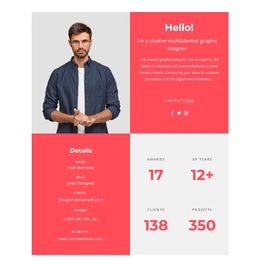
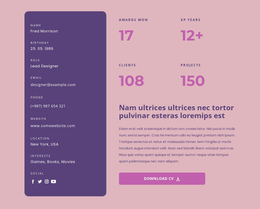

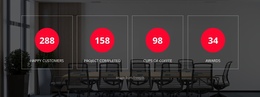






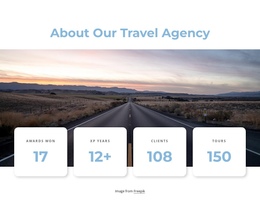

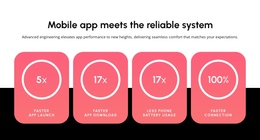
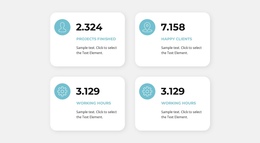
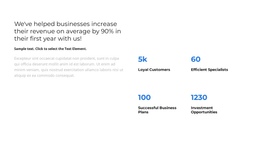
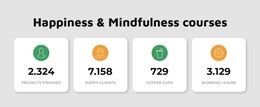
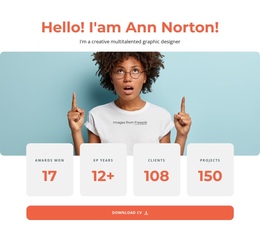









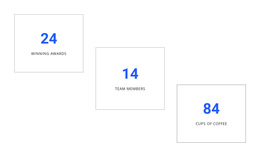


































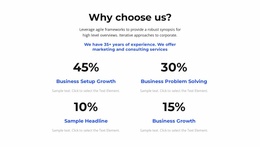





Modern Counter One-Page Template Sections for Continuous Scroll Layouts
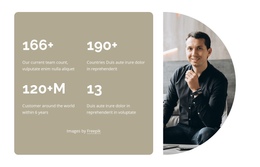
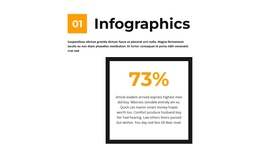
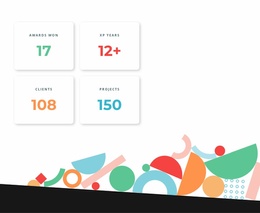
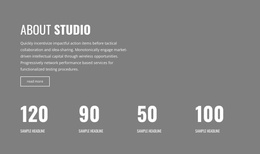
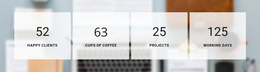
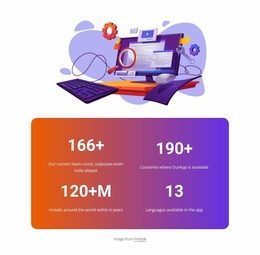
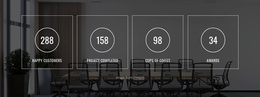
A Counter One Page Template places numeric milestones in a single, ordered scrolling journey. Instead of making visitors read a long explanation, the section presents selected figures with short labels. Positioned between related content areas, animated counters help communicate achievements, totals, or milestones before the page moves to its next topic.
Where Does a Counter Section Fit in a One-Page Layout?
A Counter section works best as a transition between two related stops on the same page. It creates a compact information checkpoint without interrupting the overall page sequence.
Consider this one-page sequence: Hero → About → Counter → Projects → Contact. The About section explains the work, the Counter summarizes its scale, and Projects shows the evidence behind those numbers. For example, an introductory section may explain a project or organization. A statistics section can then present measurable results before the following content explores specific activities or achievements. For figures that require additional explanation, a separate data presentation section can provide supporting information without overloading the counters.
Other useful positions include:
- After an introduction, to establish scale through verified figures.
- Between descriptive sections, to summarize important achievements.
- Following a project overview, to highlight completed milestones.
- Before detailed supporting content, to provide quantitative context.
The right position depends on what the numbers explain and how they connect to neighboring sections.
Organizing Numerical Highlights with Clear Metric Labels
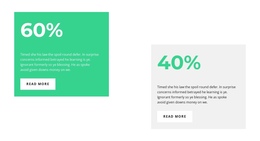
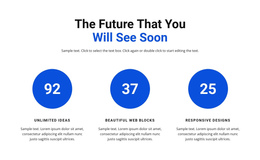
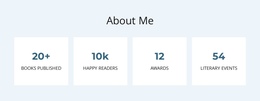
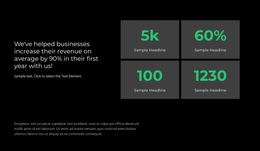
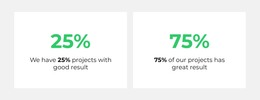
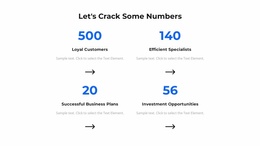
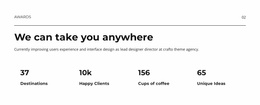
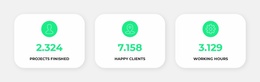
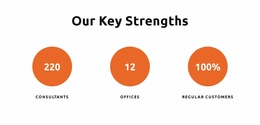
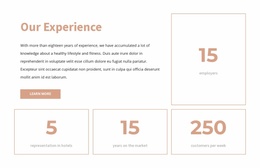
Each counter unit has two essential components: a prominent number and a concise label that explains what it means.
The number should receive the greatest visual emphasis, while the label provides enough context to make the figure understandable. Optional icons can support recognition, but they should not compete with the numerical content.
Several counter units usually appear in a coordinated row or band. Consistent typography, spacing, and alignment make the statistics easier to scan as one group.
The native Counter Element supports scrolling-triggered number animation, which can fit this continuous layout.
You can adjust the animation duration and delay, along with typography and alignment. These options help establish a visual rhythm without changing the basic relationship between each figure and its label.
For continuous pages, restraint matters. Too many animated values in one area can distract visitors from the information they are meant to understand.
Keeping Counter Sections Connected to the One-Page Flow
A one-page layout depends on the order in which visitors encounter information. A Counter block should reinforce this sequence rather than behave like a separate destination.
One effective arrangement places a short explanatory section above the counters and a more detailed section immediately below them. The figures then transition from general context to supporting information.
Another approach uses achievement counters after describing completed work. Visitors first understand what was done, see the numerical results, and then continue to further examples or explanations.
In the Nicepage editor, select a counter design, replace the example values and labels, and adjust the presentation to match surrounding sections. Review the spacing above and below the block so that it remains visually connected to the page.
For longer one-page layouts, anchor links in a one-page menu can take visitors directly to sections such as Projects or Contact without opening a separate page. The Counter remains part of the scrolling sequence rather than an extra destination. Nicepage's one-page menu setup explains how menu links can target sections within the same page. The Counter block itself remains a numerical summary rather than a navigation component.
Because the Counter Element animates when it becomes visible, its interaction naturally fits a scrolling reading experience.
Keep the Counter in the Scrolling Journey
Unlike a landing-page proof block placed near a single offer, a one-page Counter should follow the story of the page. Its location depends on the section visitors have just read and what they should see next.
A Features section is better when descriptions of benefits or capabilities carry the main message. A Table is more appropriate when visitors need rows, columns, and precise relationships between several data points.
Counters also differ from chronological content. A milestone total can appear in a numerical counter, while a timeline section is more appropriate when visitors need to understand the sequence of events behind that achievement.
Expert Tip: Give each metric one clear meaning. Avoid combining unrelated figures merely to fill a row, and use only values that can be verified. A concise group of relevant numbers is more useful than a large collection of decorative statistics.
Counter One Page Template FAQ
Where should counters appear in a scrolling one-page site?
After the section that introduces the subject and before examples that explain the results. A Hero → About → Counter → Projects sequence is one option.
Should the Counter have its own anchor-menu item?
Only if visitors need to jump directly to the statistics; usually, the Counter works as part of a larger content section rather than an independent navigation destination.
Can the counter animation work as visitors scroll?
Yes. The Nicepage Counter Element can animate its configured value when it comes into view. Keep the figures understandable without the motion.
How do I avoid interrupting the one-page flow?
Keep metric labels short and choose figures that genuinely summarize the surrounding content, rather than adding unrelated totals.
Place Your Counter Block Where the Numbers Matter
Choose a Counter section that matches the figures you want to highlight. Replace sample values with accurate metrics, refine their labels, and adjust the animation in the Nicepage editor. Position the finished block between related sections so visitors understand the numbers before continuing through the one-page layout.



































