
4040 Business & Law One Page Templates













































































Responsive Business Law One-Page Template for a Complete Legal Site
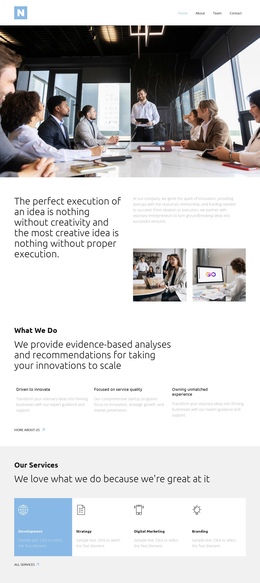
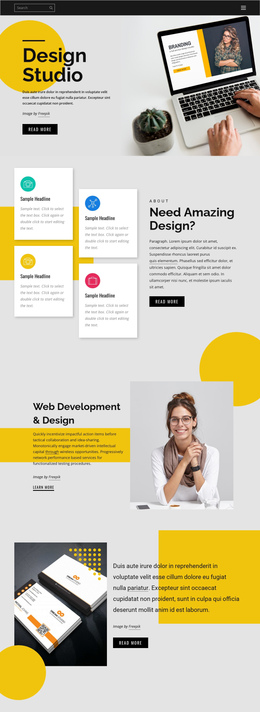
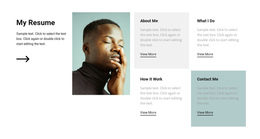
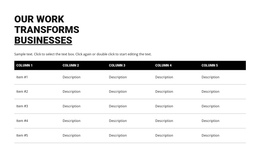
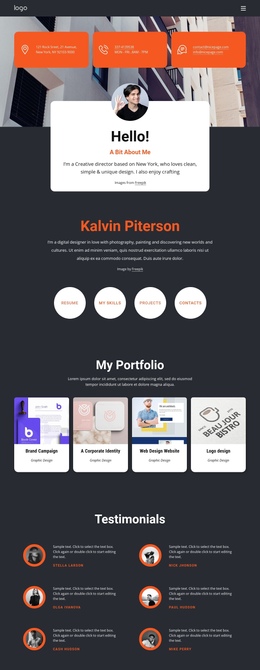
A business law one-page template gives corporate firms, solo business attorneys, compliance advisers, and legal consultants a focused web presence without a complex page tree. It places services, expertise, team details, proof, and contact information on a single, well-organized page so visitors can understand the practice without navigating multiple URLs. Unlike a landing page built around a single campaign offer, this format can present the entire small legal practice on a single, continuous site.
How to Create a Clean Business Law One-Page Website?
Corporate firms: Lead with practice areas and transaction experience. Solo attorneys: Keep credentials and contact options close to each service. Compliance advisers: Place regulatory expertise before the final inquiry section. This compact, one-page legal services design turns a long scroll into a clear legal narrative.
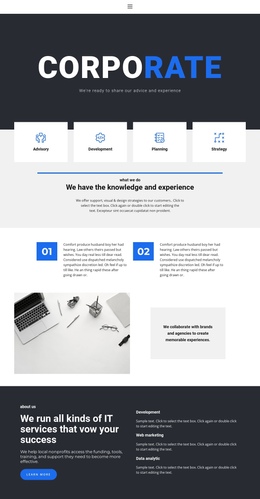
A corporate attorney single-page site works best when every block has a defined role. Introduce the firm and its main areas of practice at the top, follow with expertise and background, and make contact information easy to find. Related consulting website concepts can inspire advisory sections, while accounting website layouts offer useful ideas for structured financial-law content.
Flexible Features for a One-Page Legal Site
Header Block: Add a logo, concise menu, contact details, and a primary contact button. Enable sticky behavior so that navigation remains visible during scrolling.
Website Menu: Link menu items to page blocks and configure navigation for a one-page site.
Ideal Scroll Structure for a Business Law One-Page Website
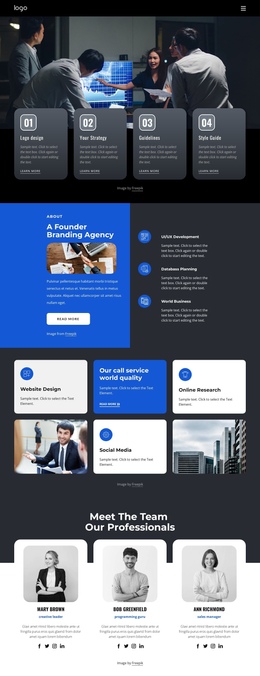
Screen 1: (Introduction) Who you are, your jurisdiction, and the main legal areas you work with.
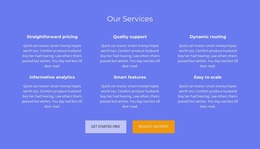
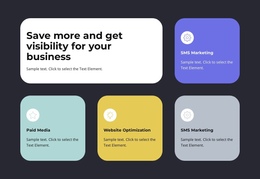
Screen 2: (Services) 3–4 key practice areas with a defined scope, such as contract review or transaction support.
Screen 3: (Expertise) Experience, years in practice, representative matters, professional memberships, certificates, and diplomas.
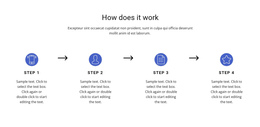
Screen 4: (Process) Explain how clients usually work with the firm, from the initial request and document review to the next legal steps.
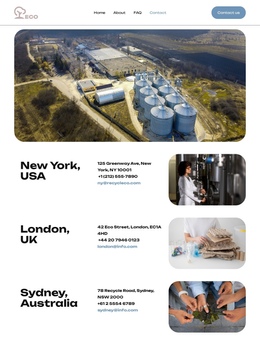
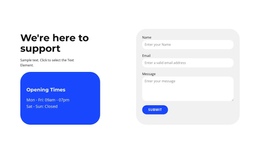
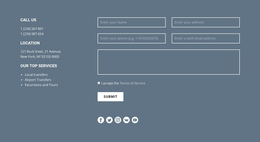
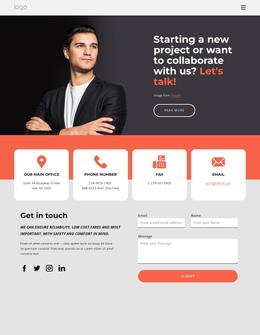
Screen 5: (Contacts and Contact Form) Provide a simple contact form together with office and contact details.
Best Practices for an Easy Legal Scroll Experience
Fixed navigation: For longer one-page sites, consider a sticky header with anchor links to the main sections.
Quick return button: Place the Back to Top button near the bottom of the page to help visitors quickly return to the header.
Consistent section order: Keep the main information in a logical sequence so visitors can move from the firm's introduction to services, expertise, process, and contacts without losing context.
One-Page Website Planning Questions
Who is a one-page law website best suited for?
A one-page site works especially well for solo business attorneys, highly specialized consultants, or smaller firms that can explain their main services and expertise without building a large multi-page website.
Will a long scroll overload mobile users?
Not necessarily. A long page can still work well on mobile if you use short sections, visible breaks between topics, and anchor navigation.
How is a one-page law website different from a landing page?
A one-page website can present the entire small legal practice, including services, expertise, processes, and contact information. A landing page is usually built around one specific offer or campaign goal.
Keep the Entire Legal Practice Easy to Navigate on One Page
- Select a one-page concept with enough sections for the firm's services, expertise, background, and contact information.
- Customize the copy, menu anchors, forms, and responsive views while keeping the page structure easy to scan.
- Review the full scroll on desktop and mobile to make sure each section connects naturally to the next.




































