
520 Technology One Page Templates



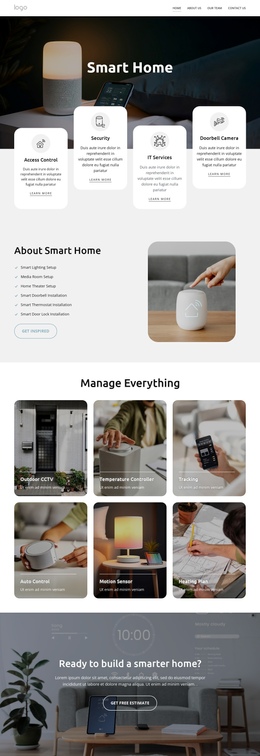
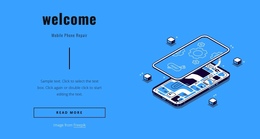
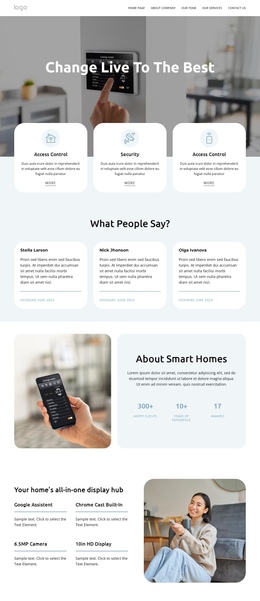
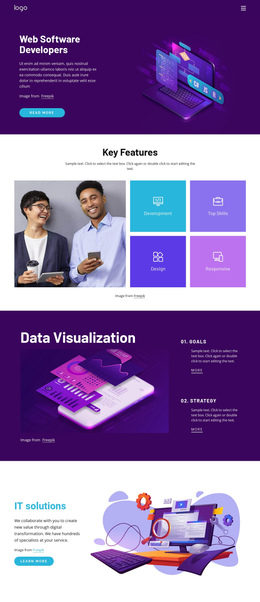

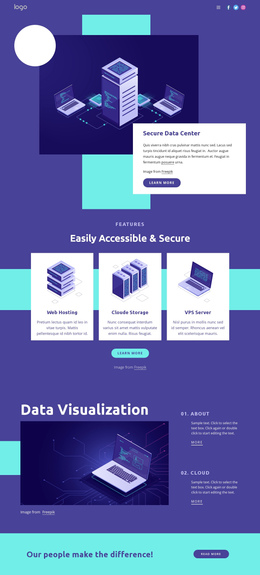

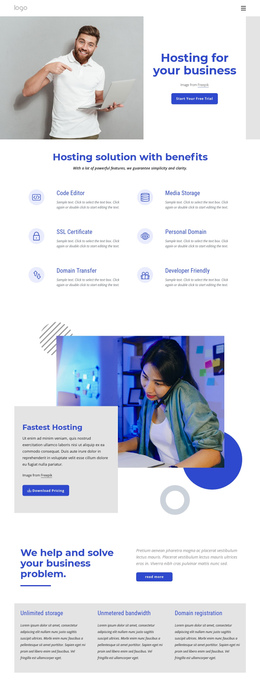
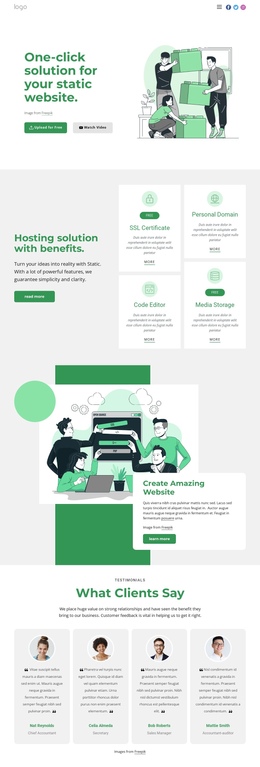

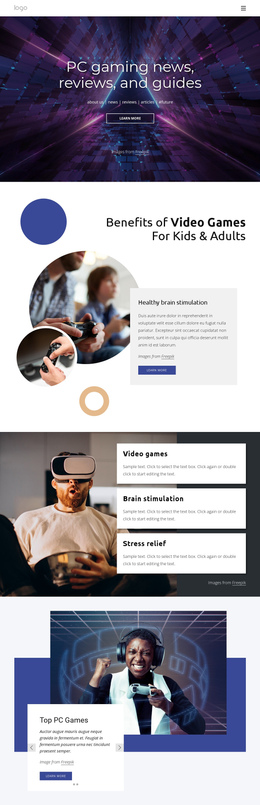


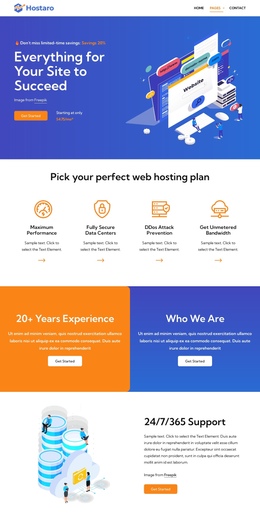
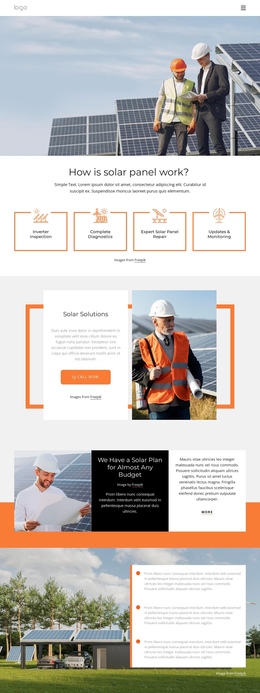







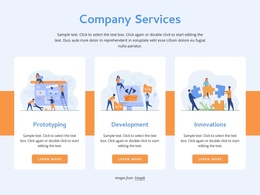







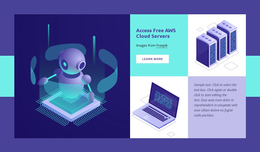
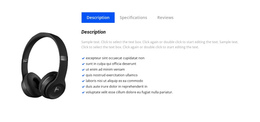


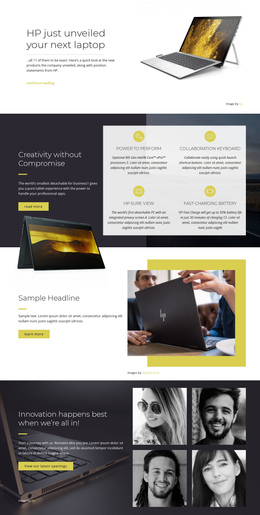




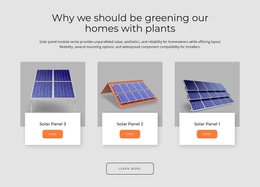
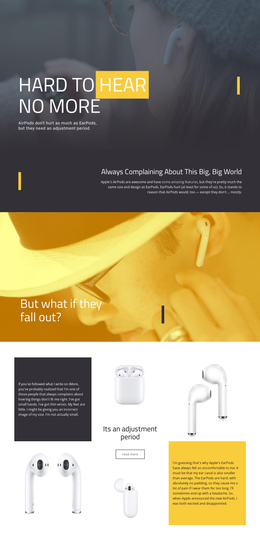
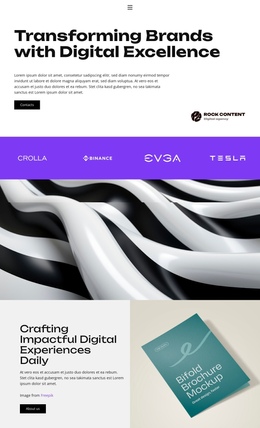










Simple Technology One-Page Template for Apps and Digital Products
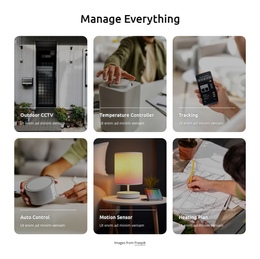
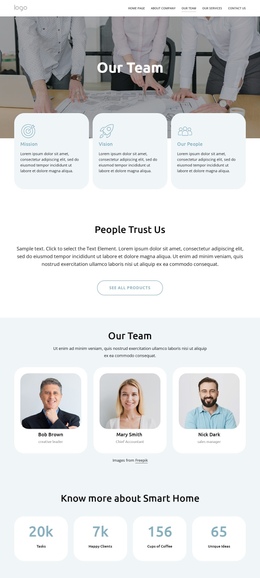
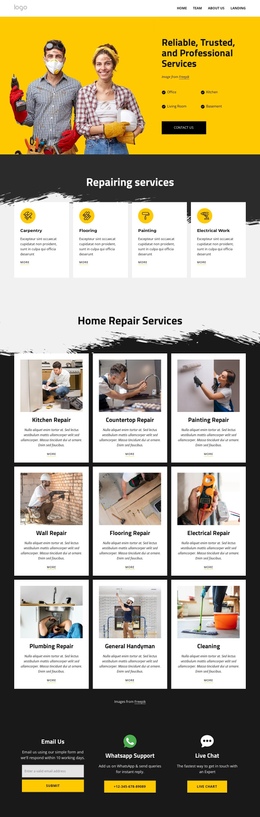
A clear, single-page information architecture defines an effective one-page technology template. App startups, SaaS teams, mobile product companies, and digital services can keep the main product story, technical details, updates, and support information on a single continuous page, with anchor navigation linking sections instead of distributing the experience across multiple URLs.
How to Create a Stunning Technology One-Page Website?
A complete technology one-page structure can follow a sequence such as:
- hero and product overview
- capabilities and interface examples
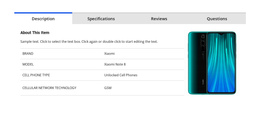
- technical details and specifications
- integrations or compatibility
- product updates or release information
- support, contact, or other closing information
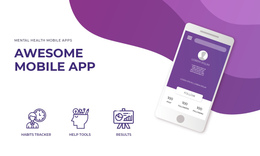
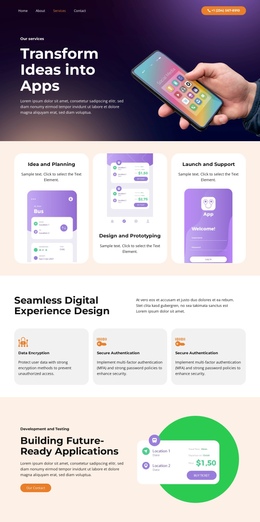
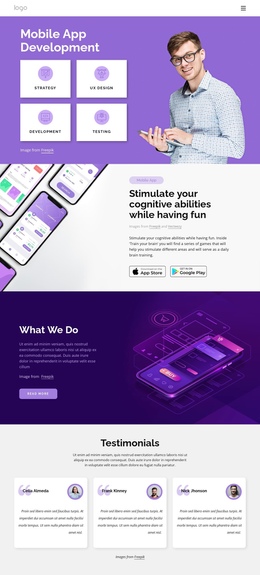
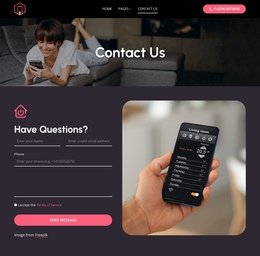
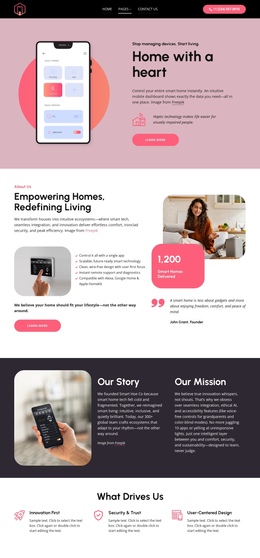
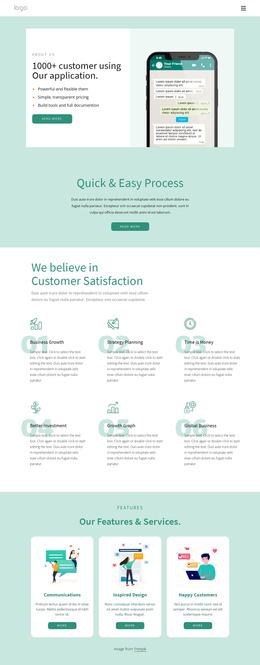
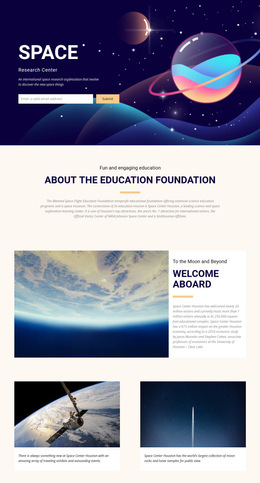
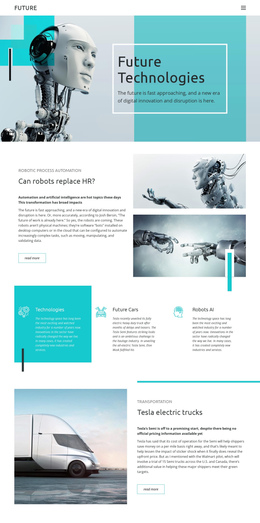
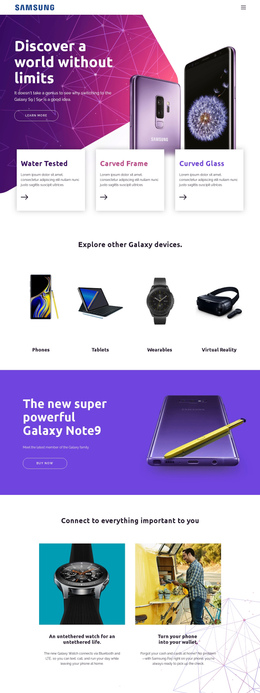
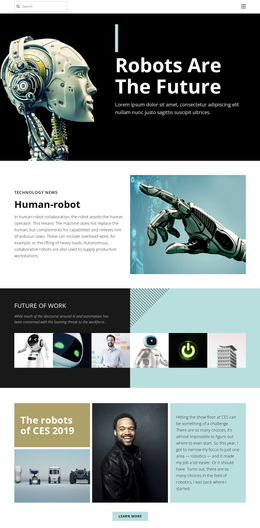
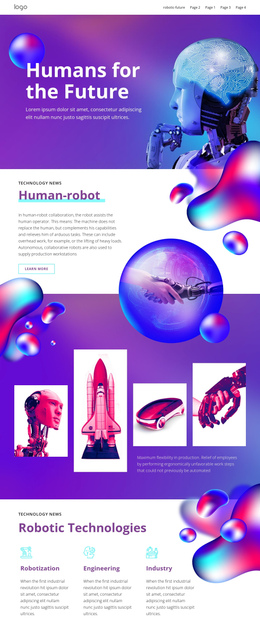
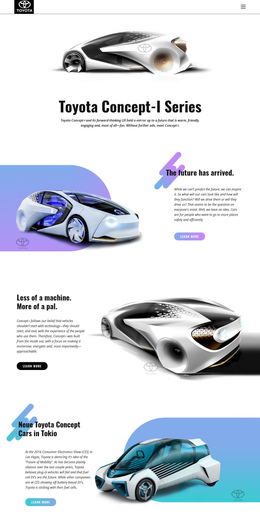
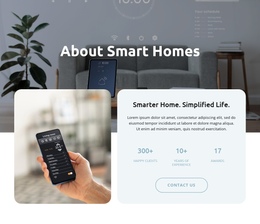
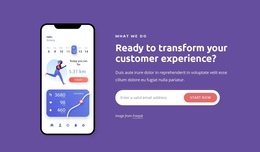
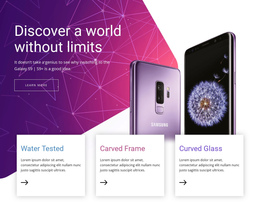
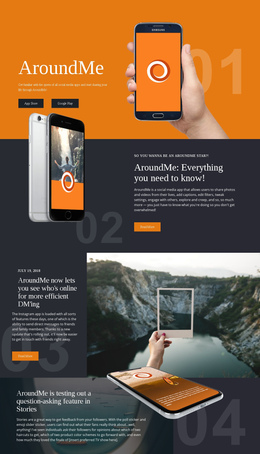
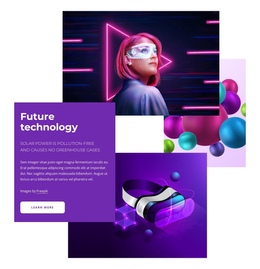
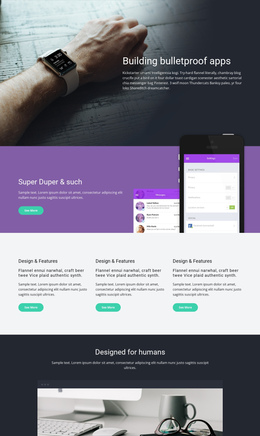
For an app or hardware concept, a mobile-phone design direction can help establish the visual language for screen previews, device imagery, and product benefits. More experimental products may benefit from a futuristic technology concept with stronger visual contrast and interface-led sections.
Nicepage lets you select a design concept, open it in the visual page editor, arrange sections in the required order, and connect them through one-page navigation. The dedicated Menu for One-Page Site supports anchor-based movement between sections on the same page, so visitors can jump from the product overview to features, specs, integrations, updates, or support without leaving the page.
Fully Responsivee Features for a Single Technology Page
A useful one-page technology site needs a complete content sequence and clear movement between its sections.
- One-Page Menu: connect navigation items with anchors for product, features, specs, integrations, updates, support, or other sections on the same page.
- Back To Top Element: give users a quick route back to the beginning of a long technology page; the Back To Top control is designed for this purpose.
- Responsive Modes: refine spacing, element sizes, and section order for desktops, laptops, tablets, and phones while keeping the same single-page information architecture.
- Grid Element: structure capabilities, technical details, integrations, device specs, or product modules in responsive cells.
- Animation Effects: apply controlled on-scroll emphasis to selected interface images, headings, or product elements without turning navigation into a distraction.
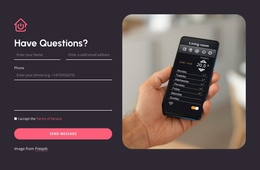
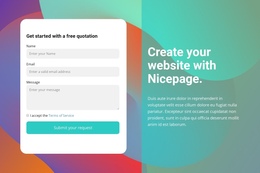
- Form Element: add contact, subscription, or another form only when the project needs it. The form is optional content within the page, not the defining purpose of the one-page format.
A more visually intense product can draw inspiration from a fire-themed direction, but the page still needs a disciplined hierarchy. Strong artwork should support orientation between sections rather than compete with technical explanations or serve as an anchor for navigation.
A practical SaaS one-page site, for example, might move from a hero to a product overview, then capabilities, technical details, integrations, product updates, and finally support or contact information. An app presentation might use the same architecture with interface previews, compatibility, downloads, release notes, and support. In both cases, the defining idea is a compact site architecture presented as one navigable page.
Flexible Technology One-Page FAQ
Can I organize questions inside a one-page technology website?
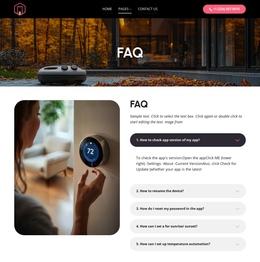
Yes. Nicepage includes an FAQ Element that lets visitors expand and collapse individual answers. It can keep support, compatibility, pricing, or product questions compact without adding another page to the site.
How can visitors move between sections on a long technology one-page site?
Use the One-Page Menu to link navigation items to anchors within the same page. This lets visitors jump directly to product, features, specifications, integrations, updates, support, or other sections without loading a separate page.
Does a one-page technology template need a signup form or a primary CTA?
No. A form or CTA can be included when the project needs one, but the defining feature is the single-page structure and internal navigation. The page can primarily organize product information, technical details, updates, and support content.
Drag-And-Drop Control for One Connected Page
Keep the complete technology narrative within a single navigable experience. Select a concept, arrange the sections in a logical reading order, connect anchor navigation to each major area, and review the flow in every Responsive Mode. Product information, specifications, integrations, updates, support, and optional contact actions can all remain connected without turning the page into a short campaign-style landing page.




































