Camping in National Park One Page Template



Edit Template Offline
2. Create new page and search for id 2625204
Edit Template Online
Create Awesome Websites


Free Nicepage Builder
Keywords
Camping Tours, Family Camp, and Contact in One Continuous Sequence
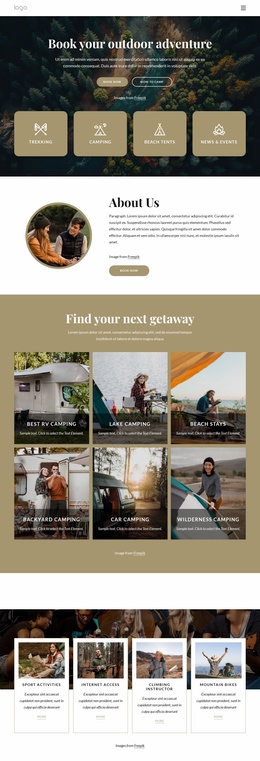
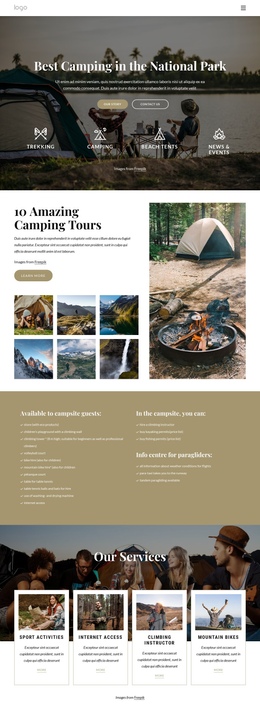
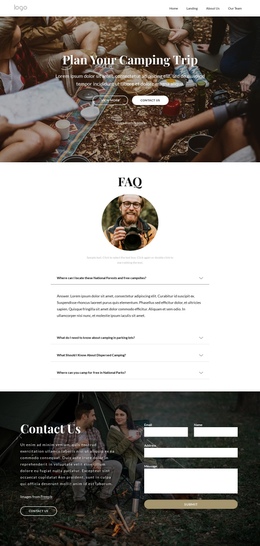
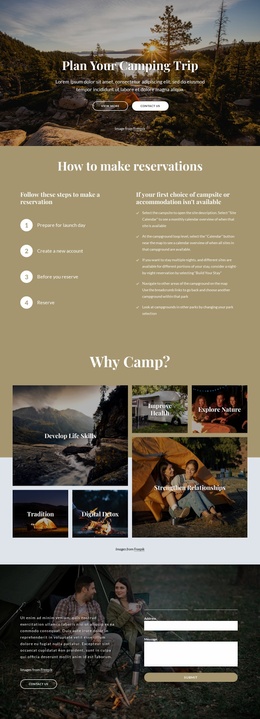
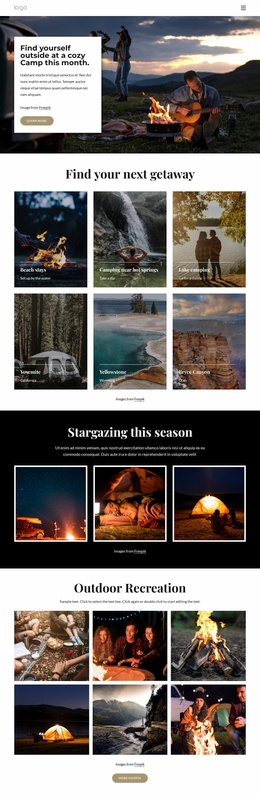
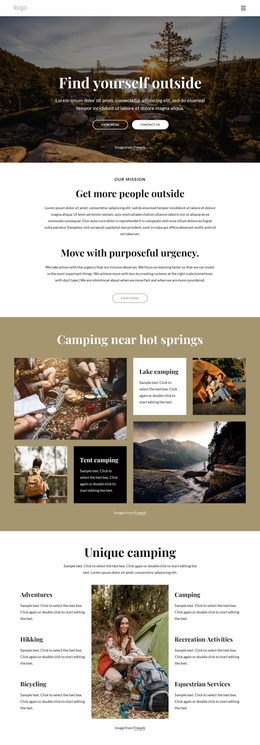
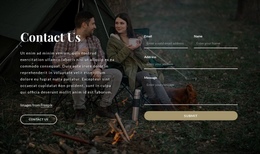
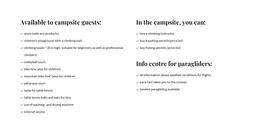
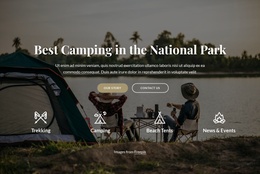
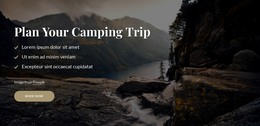
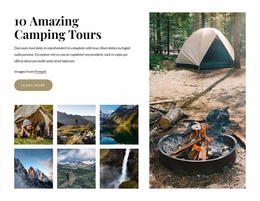
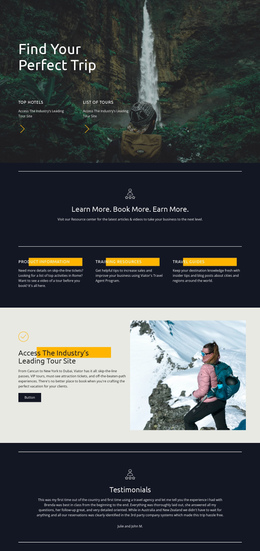
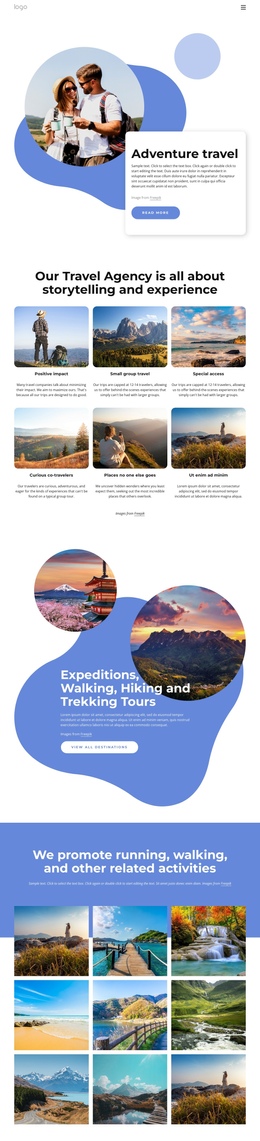
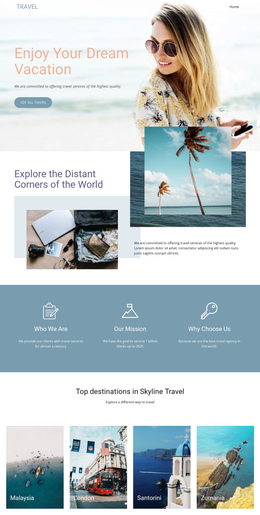
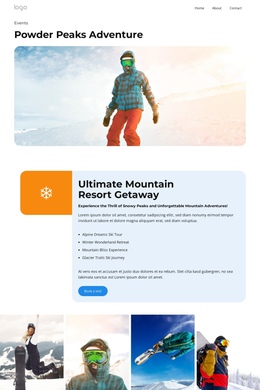
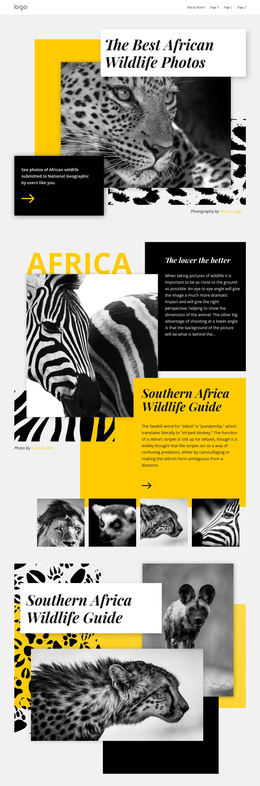
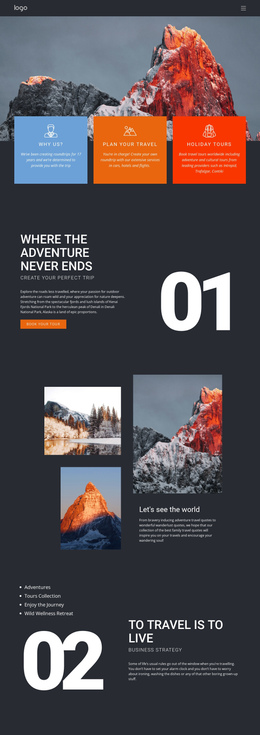
The page contains several distinct information zones that can be understood as destinations within one continuous document. The hero introduces the national park setting, while the camping tour section gives visitors an early place to explore the main offer. The two-column practical information block follows with guidance and preparation-related content, creating a useful change from promotional imagery to compact reference material. This order allows visitors to move through different questions without opening a separate page for every topic.
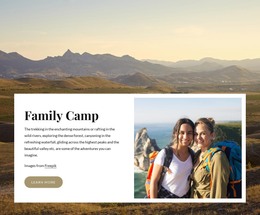
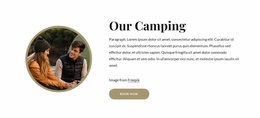
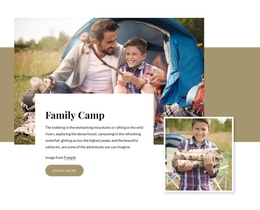
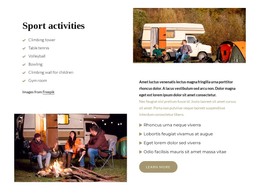
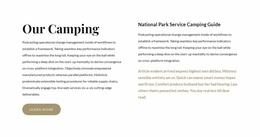
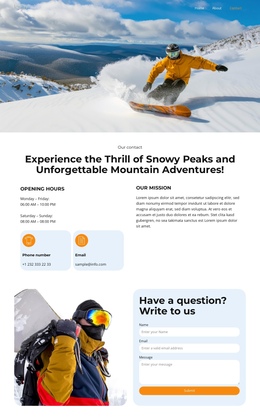
The four service cards provide another clear destination, separating Sport Activities, Internet Access, Climbing Instructor, and Mountain Bikes into repeated units. From there, the Our Camping content and National Park Service Camping Guide deepen the informational journey, while Family Camp presents a family-oriented offering with its own image and action. The alternating Sport activities rows create a further section for exploring activity content before the Contact Us block closes the sequence. The contact area is therefore important as the final content destination, but it is not the only organizing principle: the page also supports discovery, practical reading, service comparison, and audience-specific exploration. This makes the design suitable for a one-page structure where visitors move between meaningful camping sections while remaining within the same page experience.
Customize with Nicepage
Open this ready-made template in the One Page Template Builder and customize it visually in the Nicepage editor. Replace demo content, edit page sections, and adapt the design to your project without rebuilding the template from scratch.
Build a Navigable One-Page Website
Connect the Menu to Page Sections
Organize the website as a sequence of sections on a single page and use the Menu For One-Page Site to connect menu items with individual page Blocks. Visitors can jump directly to sections such as About, Services, Testimonials, or Contact without opening separate pages.
Keep the Website on One URL
A one-page template can combine several parts of a small website within one continuous page. Arrange the Header, introduction, services, portfolio, company information, reviews, contact details, and other relevant sections in the order that fits the project while keeping them accessible through the same page navigation.
Make Long Pages Easier to Navigate
For longer one-page websites, keep navigation labels short and connected to meaningful sections so visitors can move through the page without relying only on scrolling. You can also use the Back To Top element to provide a quick way back to the beginning after longer sections.
This workflow makes the template suitable for compact websites that need several distinct content sections while keeping the complete visitor experience on one URL.

Design Set (31)
-

-
-
-
-
-
-
-
-
-
-
-
-
-
-
-
-
-
-
-
-
-
-
Build Website with no CodingDownload
-