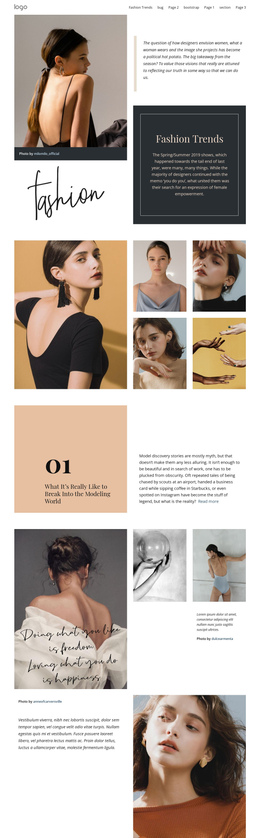
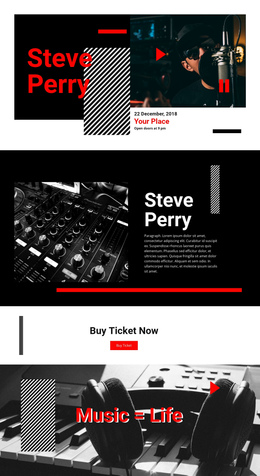
100 Wedding One Page Templates
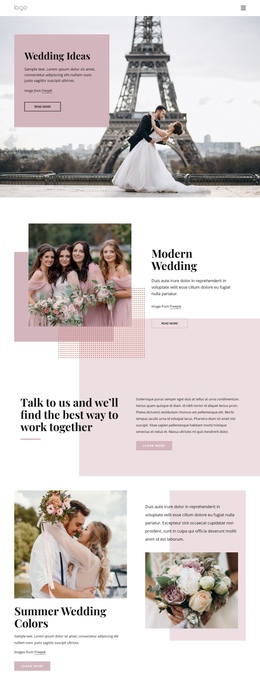
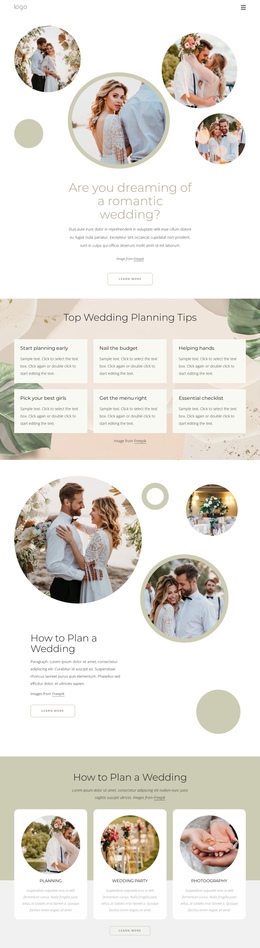
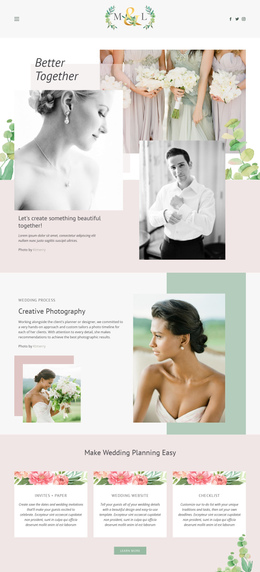
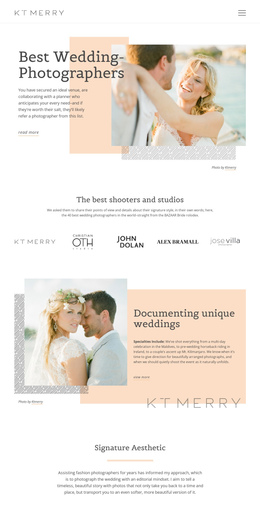
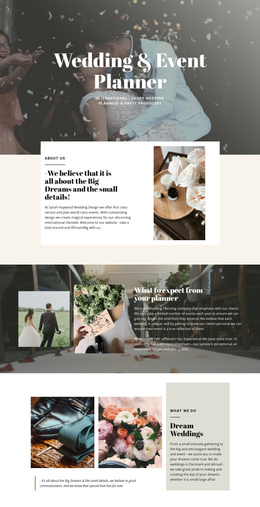

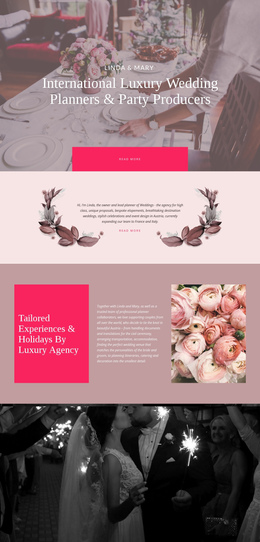
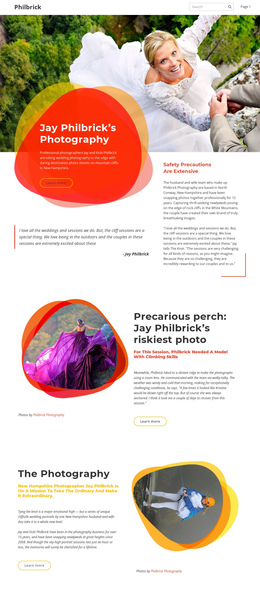
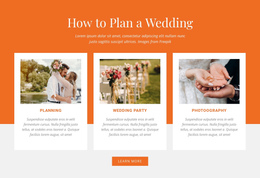
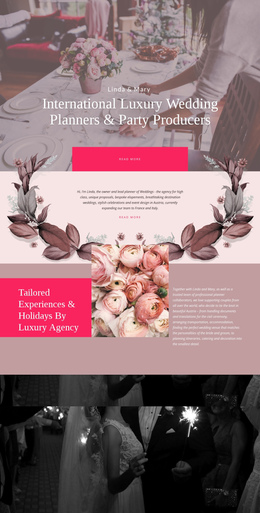
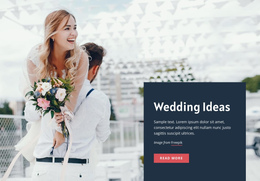
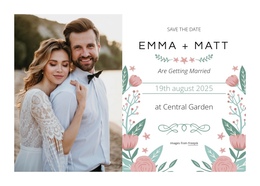

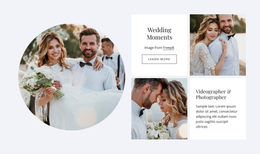
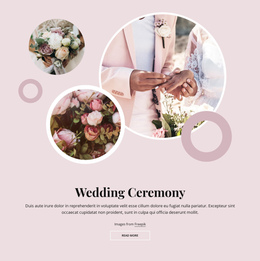
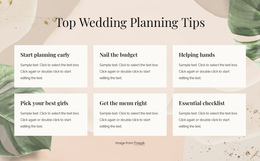
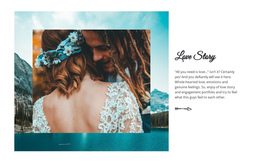
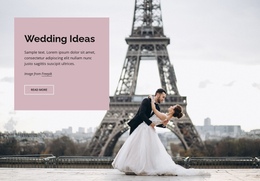
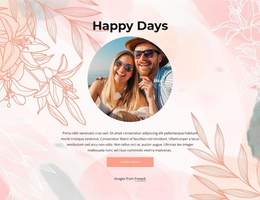
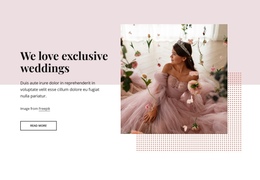
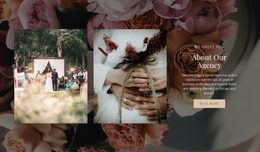
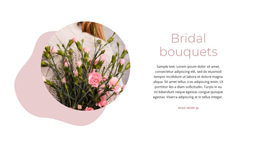
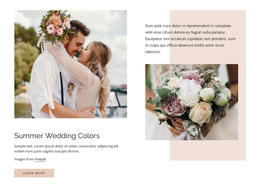
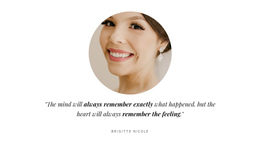
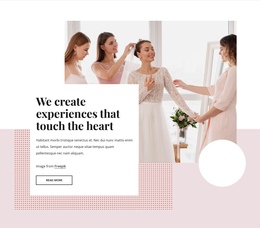
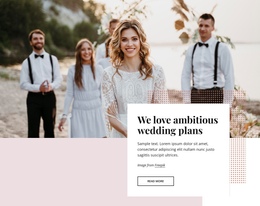
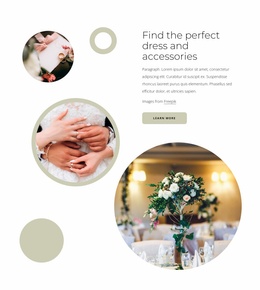
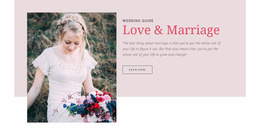
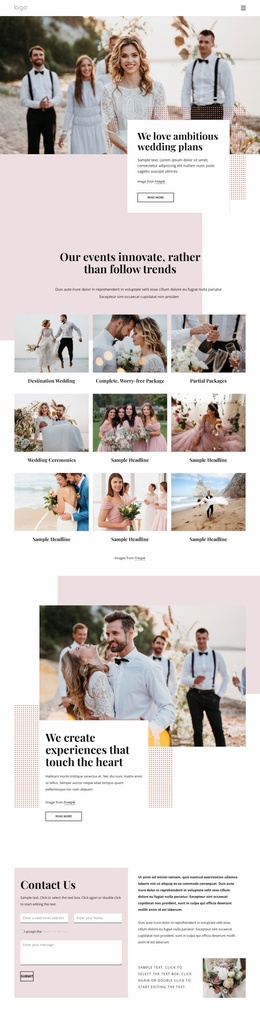
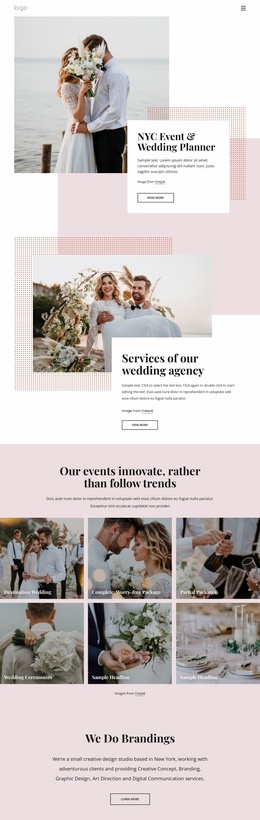
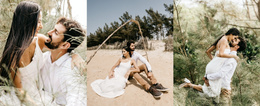
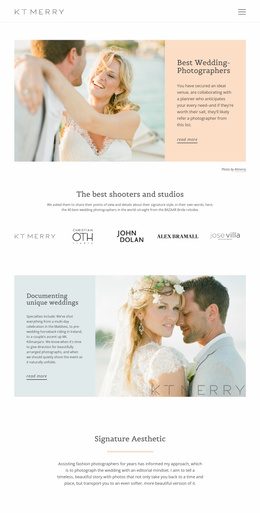

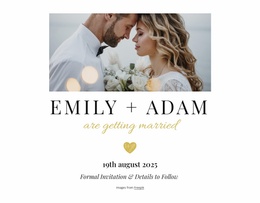
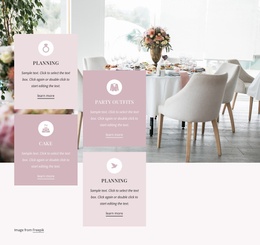

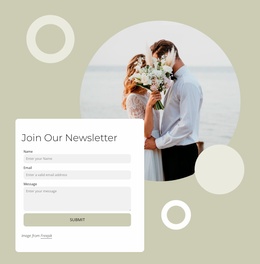
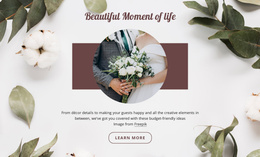
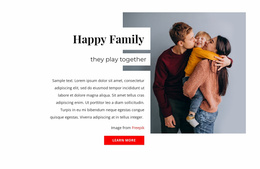

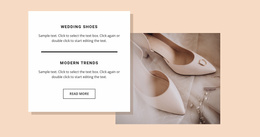
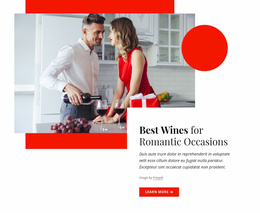
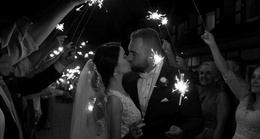
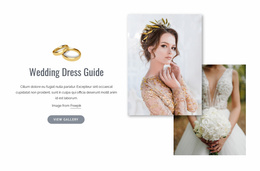
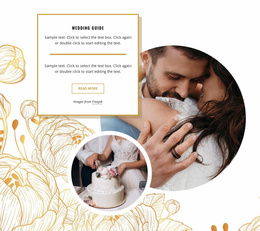

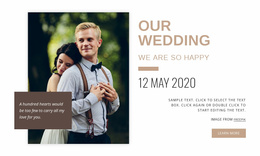
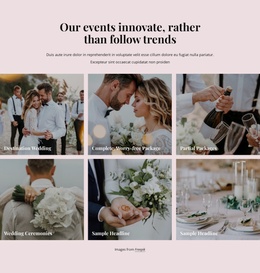
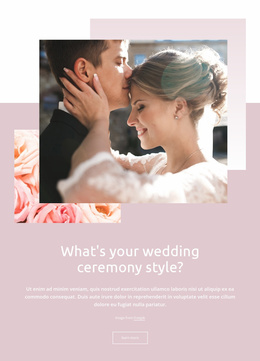
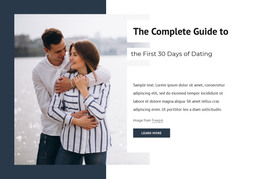
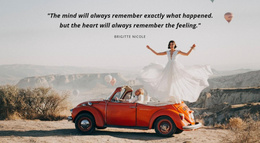
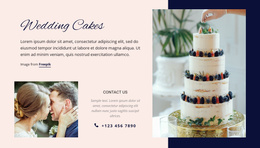

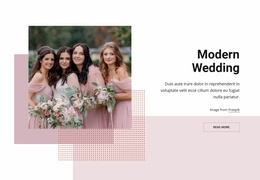
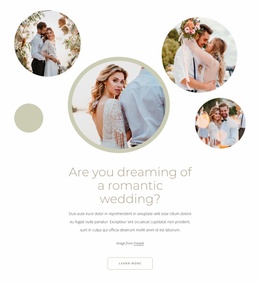
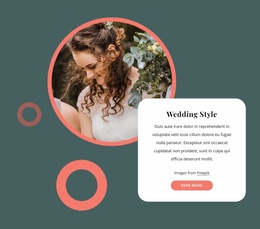
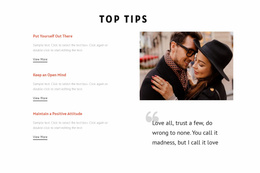
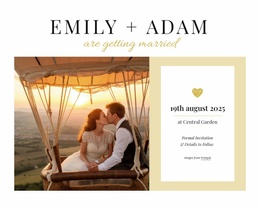
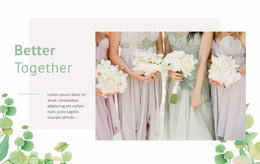
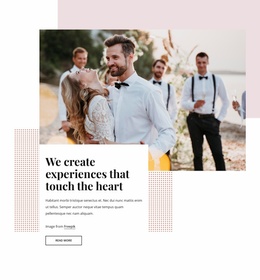
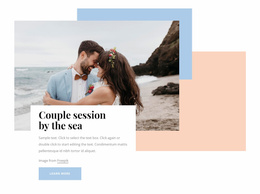
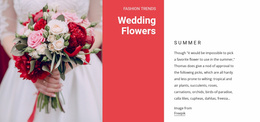

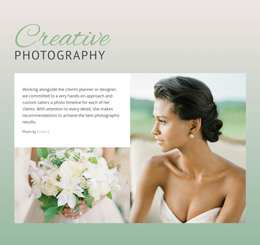
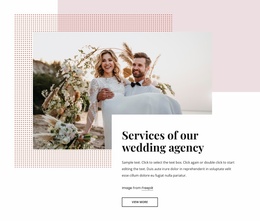
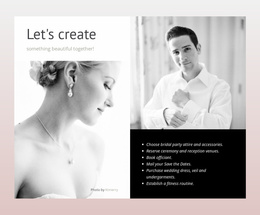
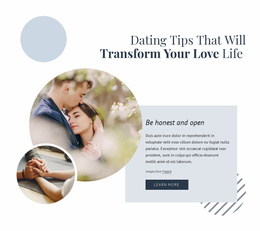
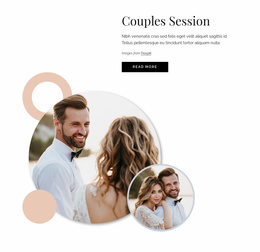
Fully Responsive Wedding One-Page Template
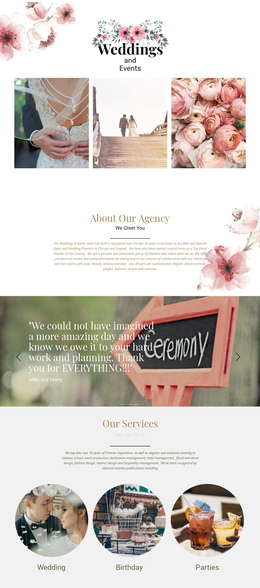
Wedding information can be difficult to follow when guests must navigate several pages for the ceremony time, venue, schedule, photos, and response details. A wedding one-page template solves that problem with a single ordered vertical layout, so each section follows the previous one and the complete celebration remains easy to understand.
Who Needs a Simple One Page Wedding Website?
If you are planning an intimate ceremony, one page can keep essential details close together. For destination weddings, guests can move from dates to venue information, then to travel notes. Photographers can add a compact visual story, while planners can place the schedule and response section where they naturally fit in the guest journey.
A romance-inspired design direction can establish the emotional tone for the opening sections, while the structure itself should remain practical. The couple introduction, ceremony details, reception information, gallery, and guest action each need a distinct place in the vertical sequence.
Clean Features for a Single-Page Wedding Layout
Nicepage supports this format with several tools that are well-suited to long wedding pages. The Menu For One-Page Site can link navigation items to sections on the same page, allowing visitors to jump directly to the ceremony, story, venue, gallery, or contact area. The documented one-page menu workflow provides the relevant navigation setup.
A Gallery Carousel can hold engagement or ceremony photographs without extending the page with a long stack of images. Google Maps Element can identify the ceremony or reception location, while the Contact Form Element can provide a guest-facing response or inquiry area. Responsive Modes help refine the vertical composition for phones and tablets.
For a long page, the Back To Top Element gives visitors a direct route back to the opening section after they reach later content. Nicepage documents the Back To Top button specifically for pages where visitors need an easier return to the beginning.
Short personal details can also borrow from signature-style ideas for names, monograms, or handwritten accents. A girlfriend-inspired concept may fit informal couple-story sections when the wedding site uses a playful rather than formal tone.
Best Practices for the Wedding Guest Journey
Do: order sections around what guests need before and during the event—identity, date, venue, schedule, supporting details, and response options. Don't: treat a one-page layout as permission to place every photograph and paragraph on the same screen. Keep sections visually distinct and use navigation links to shorten movement through a long page.
Professional One Page Wedding Questions
How can I present questions and answers on a long wedding page?
Use the built-in FAQ Element. Visitors can expand and collapse individual answers, which helps keep accommodation notes, dress code information, travel guidance, and other guest questions compact within a single-page layout.
Can wedding animations and video remain fast on a one-page site?
Use compressed media, WebP images where appropriate, and lazy loading for media. These practices reduce the burden created by image-heavy or animated sections on a long wedding page.
Can I show the ceremony venue directly on the wedding page?
Yes. The Google Maps Element lets you specify an exact location on the page, helping guests find a ceremony venue, reception location, or another important event address without adding a separate location page.
Easy-To-Use Route From Concept to One Page
A compact wedding site can move from concept to publication without a complicated page structure.
- Select a suitable design and open it in the visual page editor.
- Arrange the story, ceremony, venue, gallery, and guest sections in one vertical sequence.
- Refine the mobile layouts, then publish online or prepare the required output.
Start for free and keep the entire guest journey focused on a single page, from the opening photograph to the final response section.