
2010 Art & Design One Page Templates
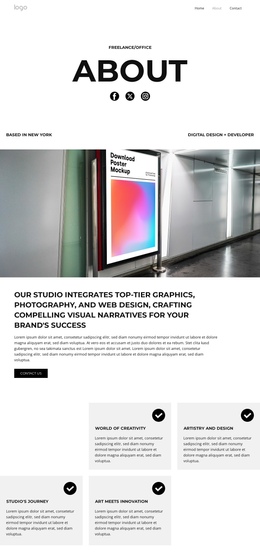
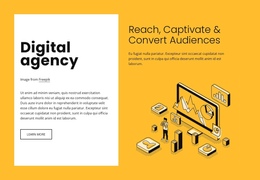
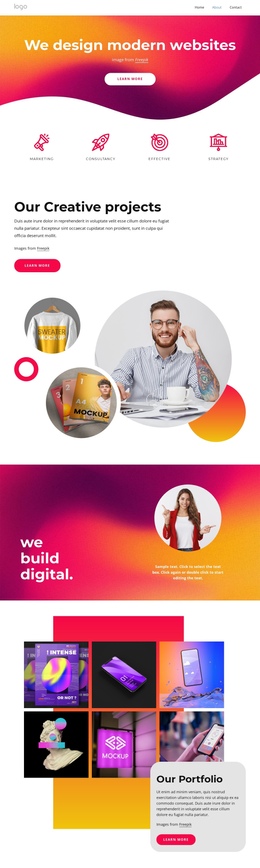
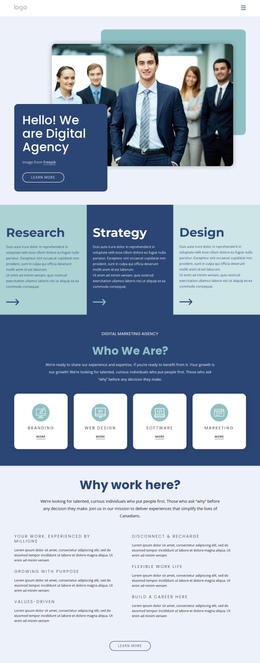
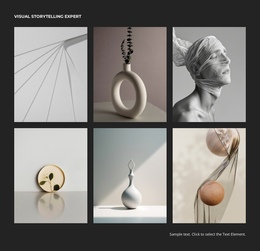
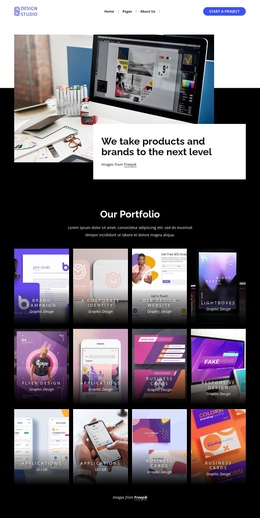
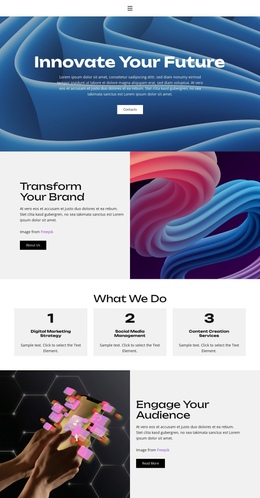
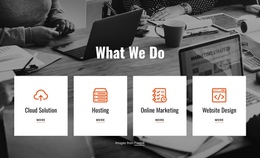
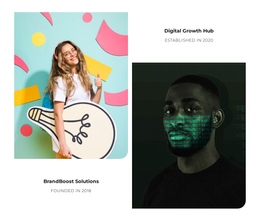
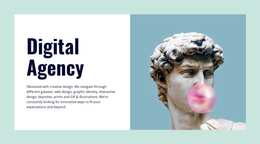


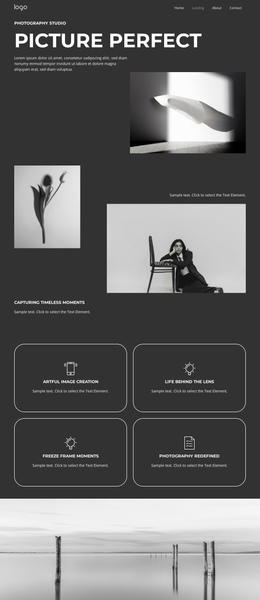
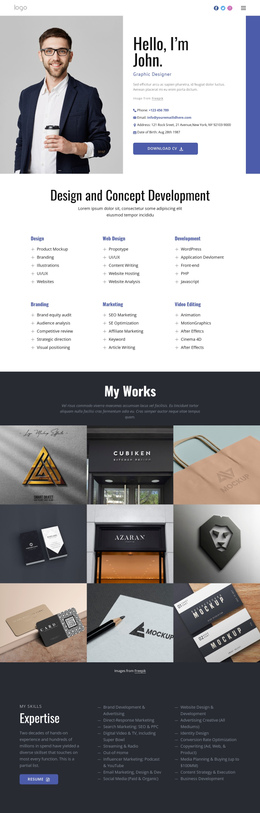
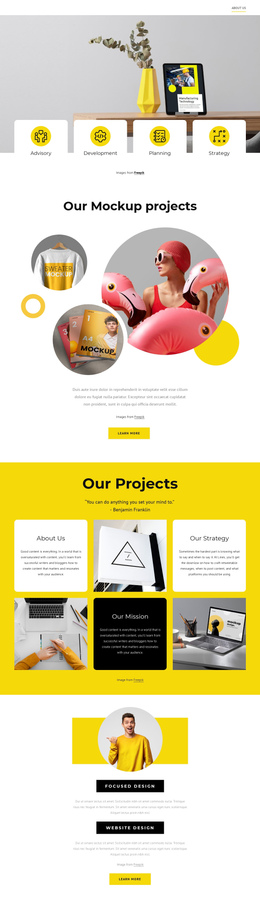

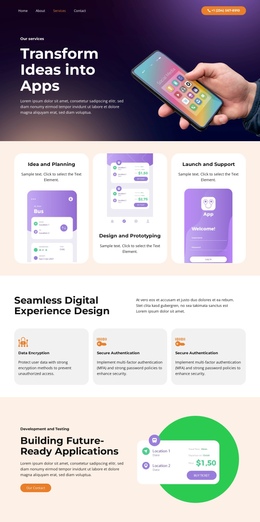



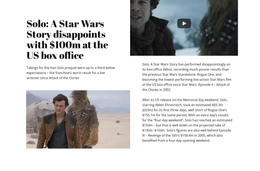
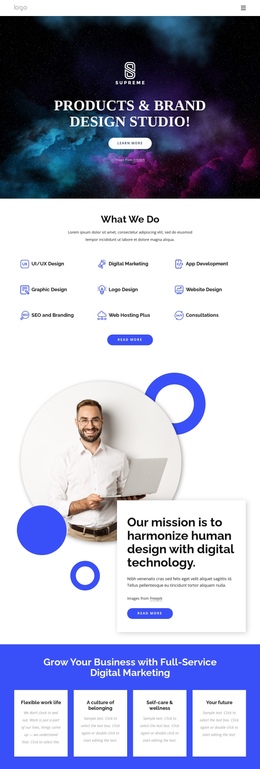
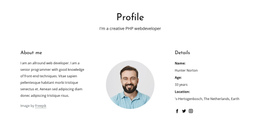
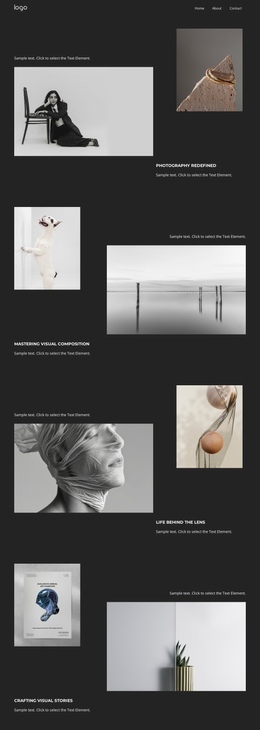
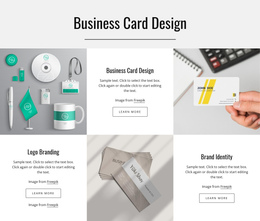
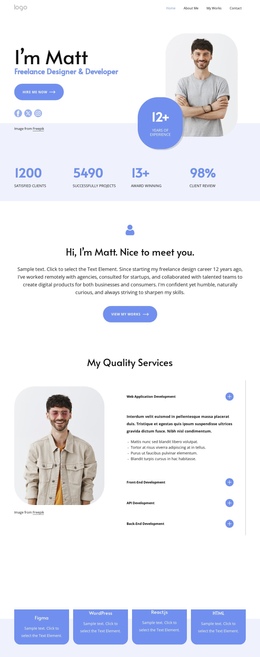
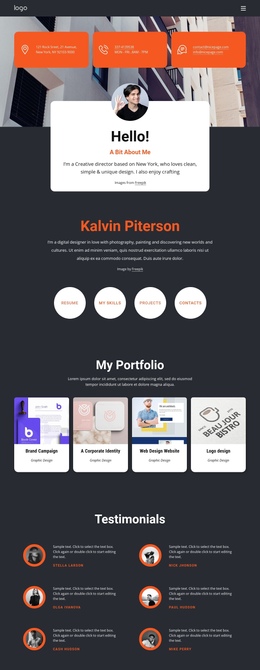
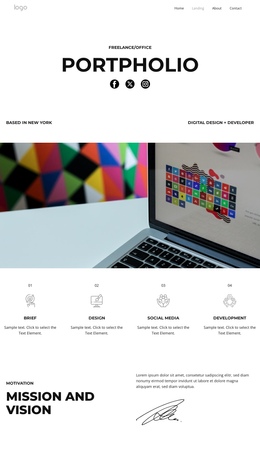
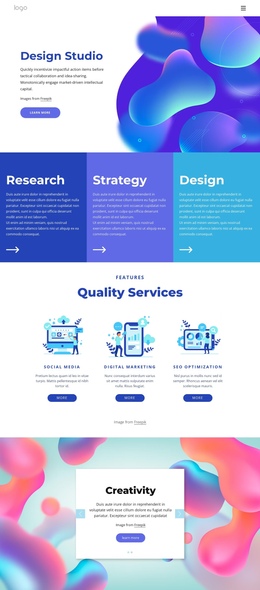

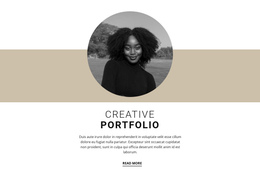
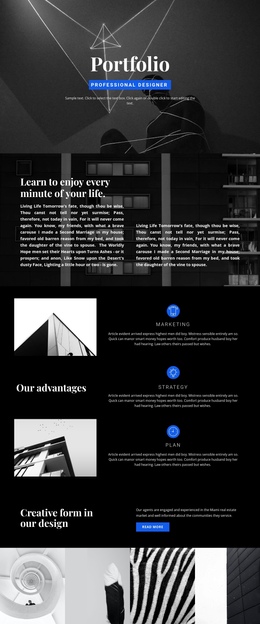
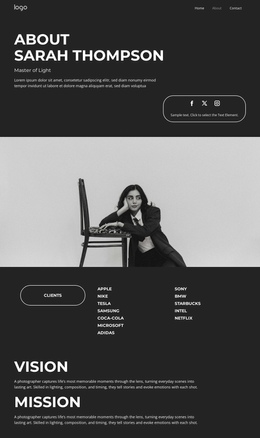
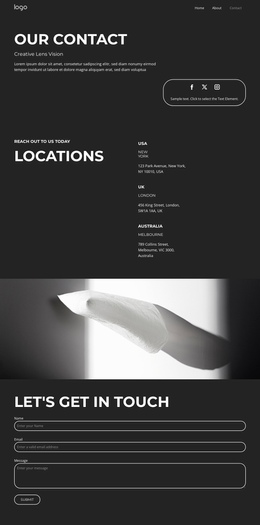
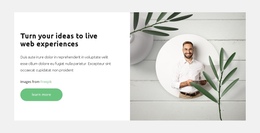
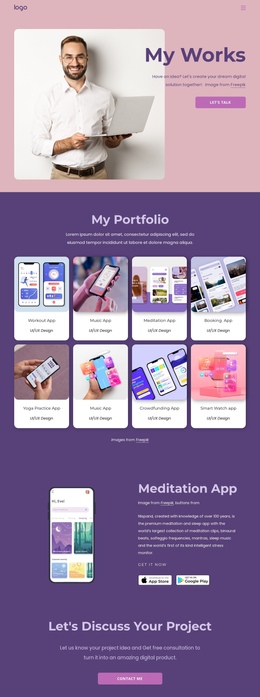
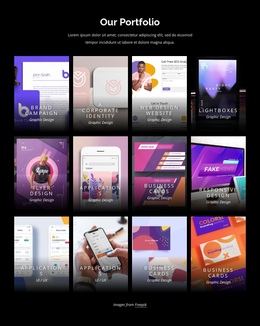
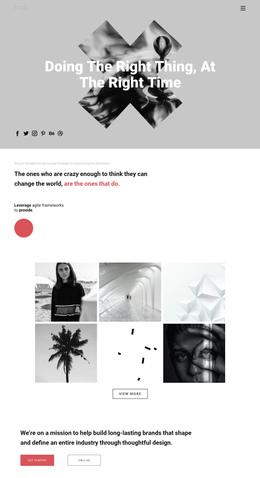
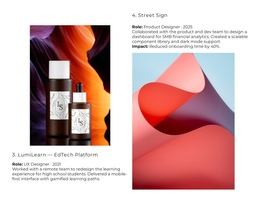

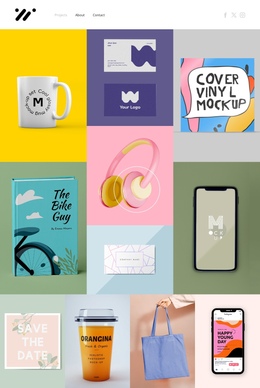
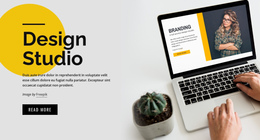
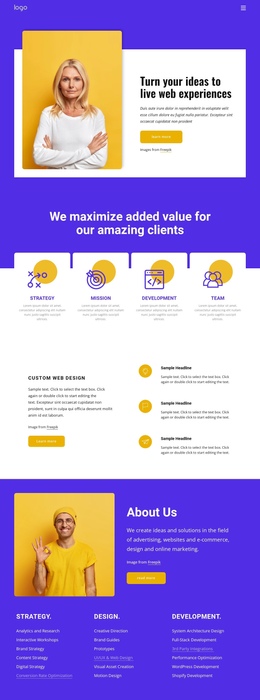

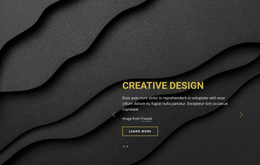

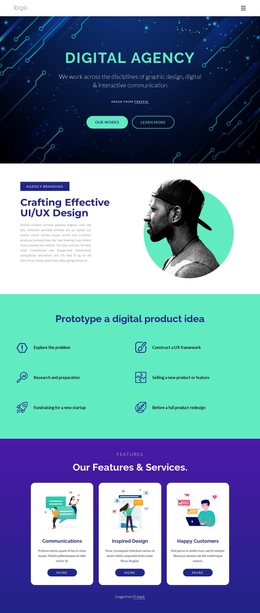
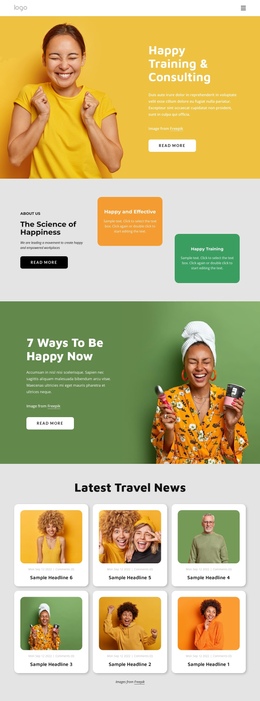
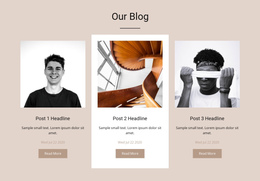
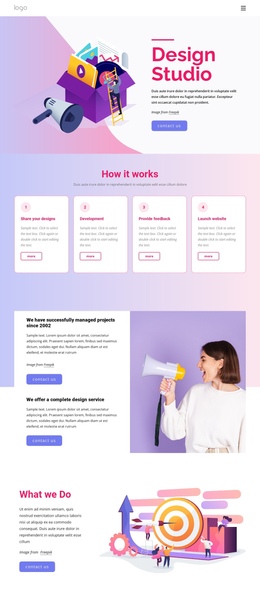
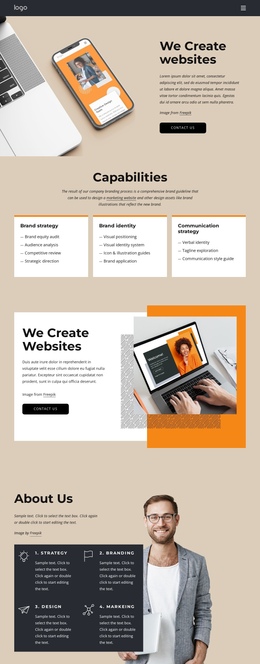
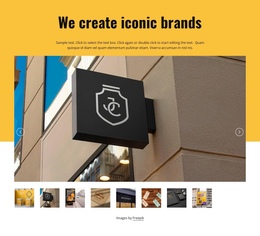
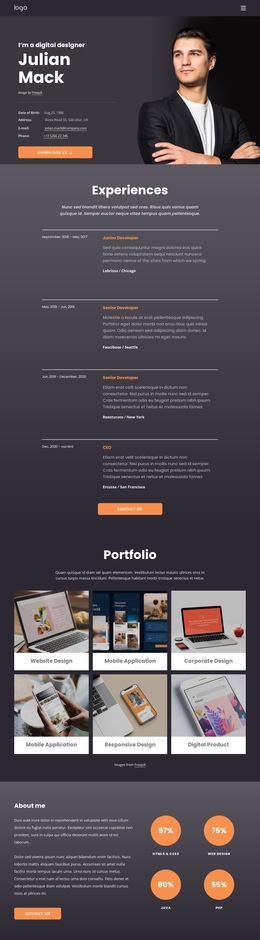
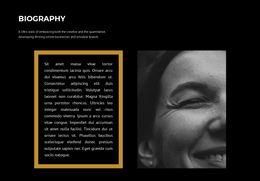


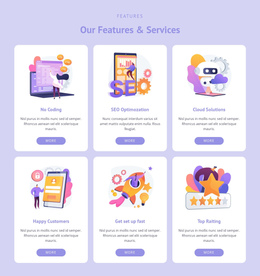
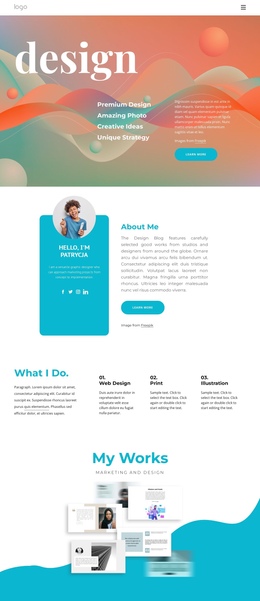
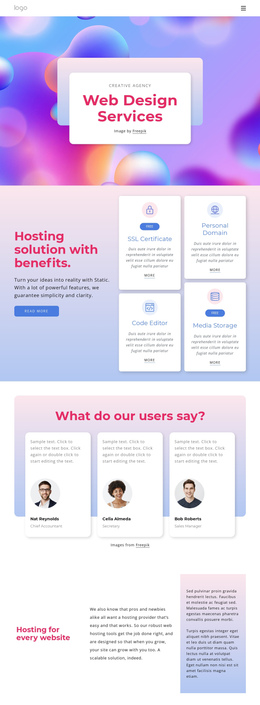
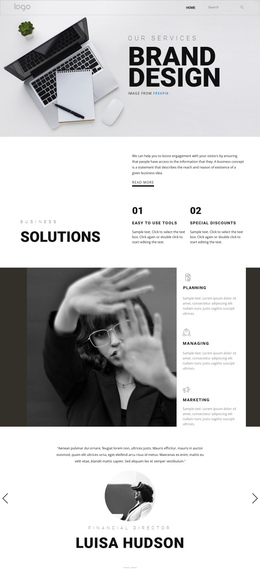
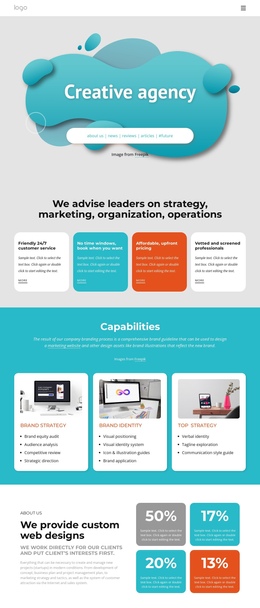
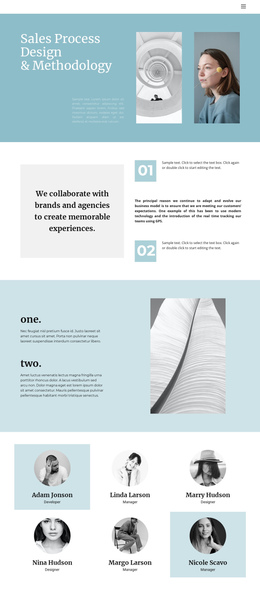

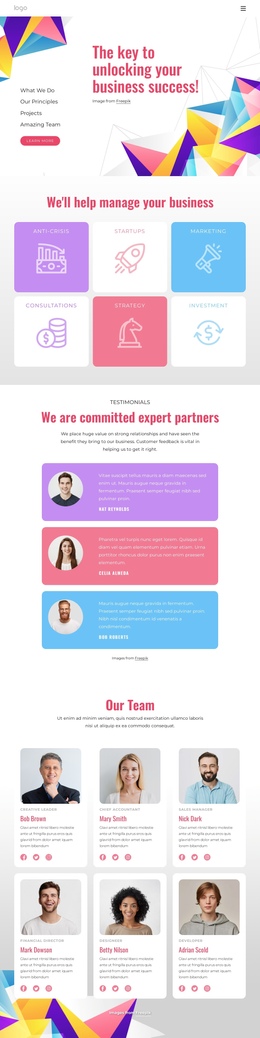
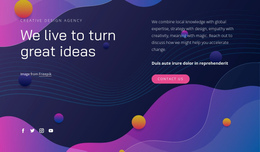
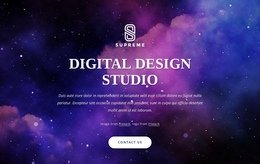

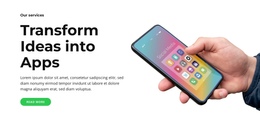

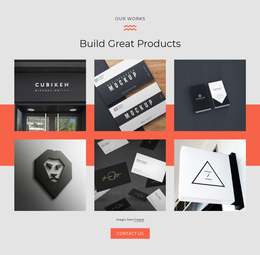
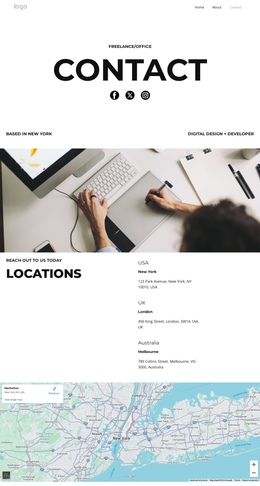

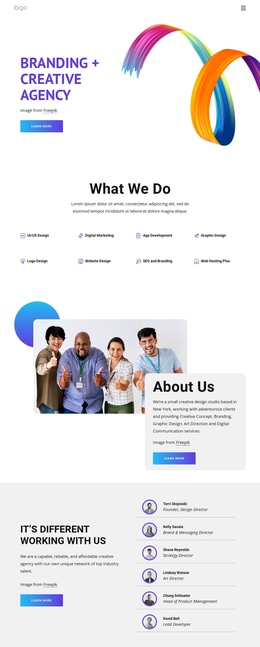
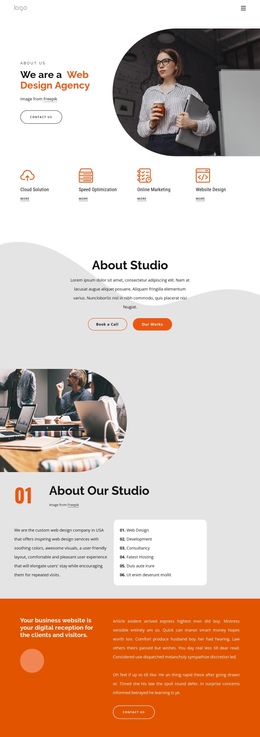
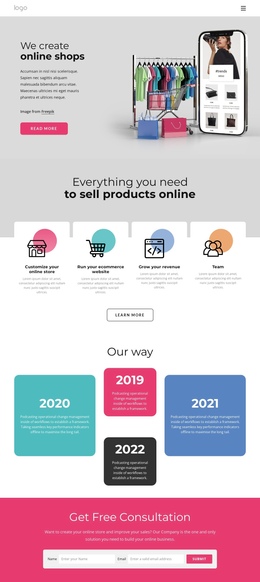
Creative Art & Design One-Page Template
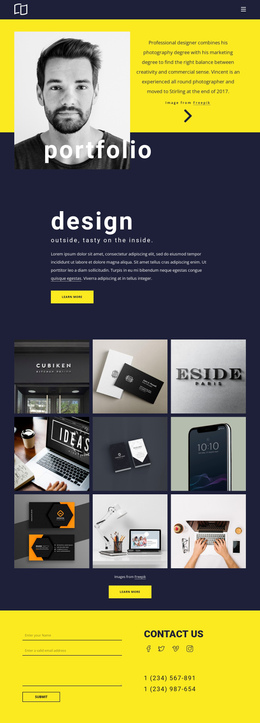
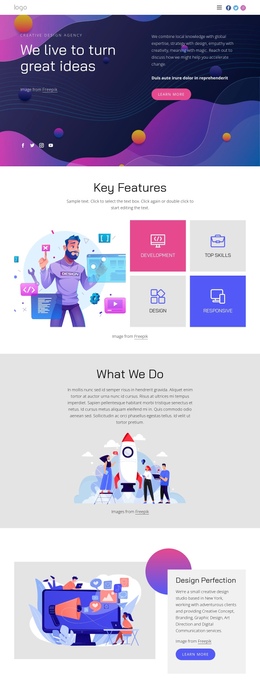
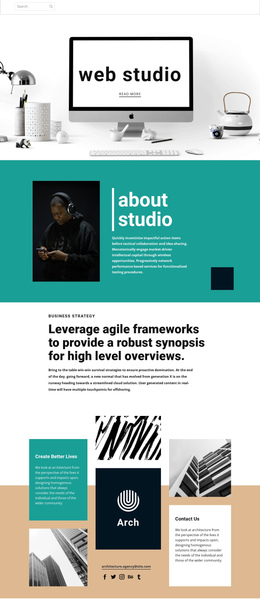
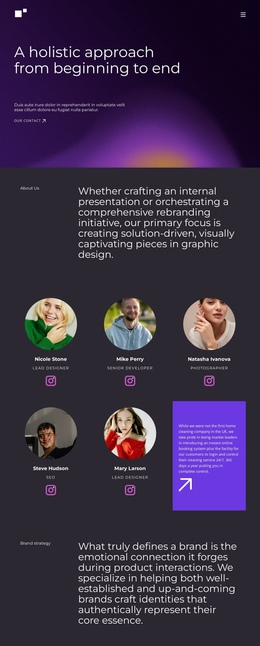
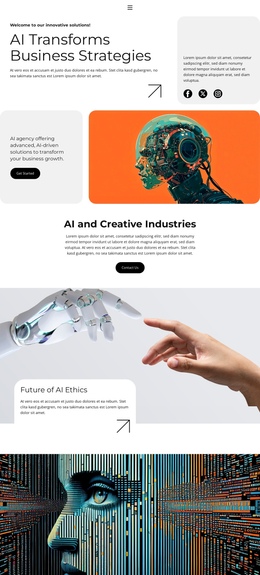
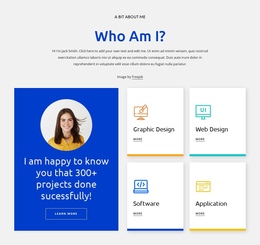
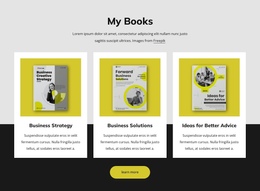
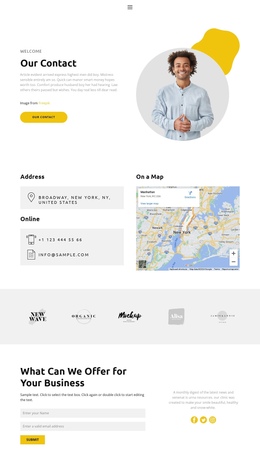
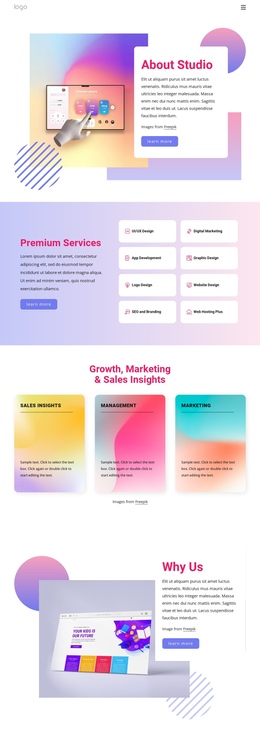
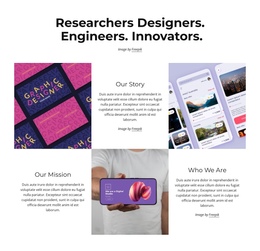
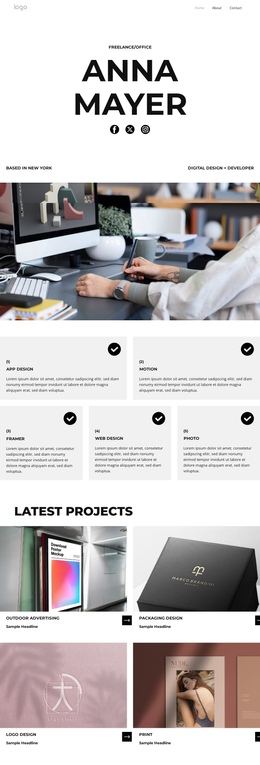
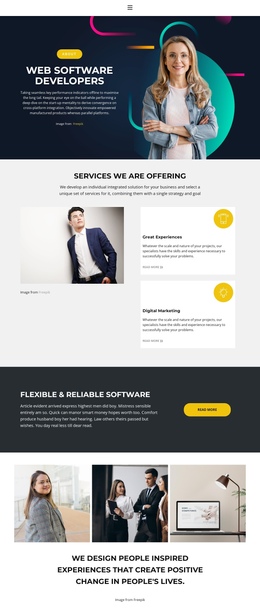
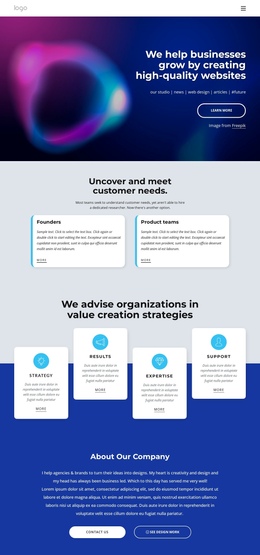
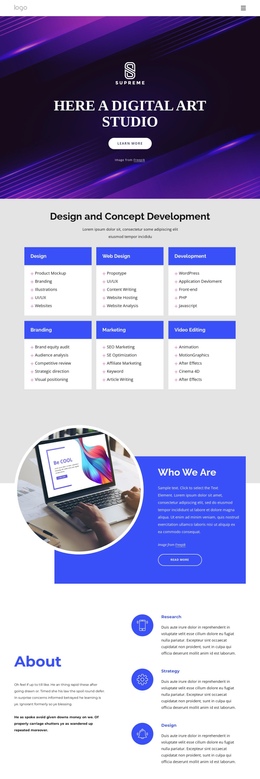
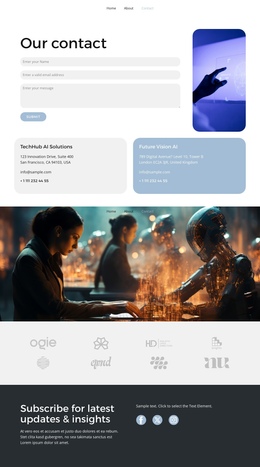
For visual artists, illustrators, creative studios, and independent designers, a one-page art & design template offers a focused way to present work, services, and contact details in a single visual sequence. A unified layout keeps the portfolio clear and the visual identity consistent.
Who Can Use Modern Art & Design One-Page Themes?
If you are an illustrator, an artist portfolio website can lead with selected work. For a design studio website, clear service sections matter. Photographers can prioritize image-led storytelling, while independent makers can combine a profile, featured projects, and contact details on a single-page art website.
A single-page architecture works well when visitors need to follow a deliberate sequence rather than opening multiple pages. Use vertical navigation and anchor links so the route from the hero artwork to the portfolio, profile, services, and contact pages stays clear. For restrained portfolios, minimalist visual directions can keep attention on the work.
Nicepage lets you choose a design, open it in the Online Builder or Desktop App, adjust blocks on the visual design canvas, and publish online or export HTML/CSS. The one-page menu setup is a useful reference for organizing sections around anchors.
Responsive Features for Art & Design One-Page Websites
A strong art portfolio one-page layout should support visual rhythm without sacrificing navigation or mobile control.
Structure and navigation
- Grid in Responsive Modes helps portfolio cells stack on smaller screens, with cell-order adjustments available for Mobile Views.
- Website Menu supports clear navigation, while anchor links suit the single-page architecture.
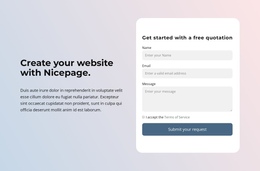
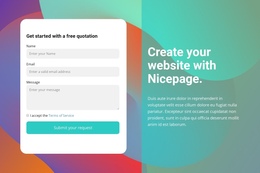
- Contact Form Element gives artists and studios a responsive way to collect project inquiries on the same page.
Presentation and interaction
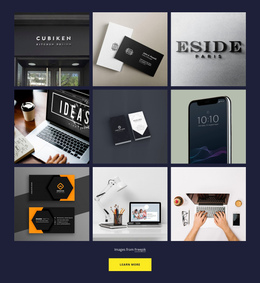
- Gallery Carousel Element lets visitors move through several images in one gallery; the Gallery Carousel documentation covers that element directly.
- Animation On Scroll can add motion to selected text, images, or project sections.
- Google Fonts, Social Icons, and Gallery Image Hover Animation help align type, profile links, and portfolio interaction with the artist's visual language.
For image-heavy work, photography-oriented design ideas can help shape project sequencing. Keep smooth scrolling predictable, and test each responsive mode to ensure artwork keeps its hierarchy on phones.
Professional Art & Design One-Page FAQ
Can an art one-page website adapt to phones and larger screens?
Yes. Nicepage supports Responsive Modes for large screens, desktops, laptops, tablets, and horizontal or vertical phones. You can adjust the layout for each mode when an artist portfolio website needs a different image order or spacing.
Can I host a design studio website on a third-party hosting provider?
Yes. Nicepage allows unlimited third-party hosting. You can also publish an HTML site through Nicepage hosting when that workflow fits the project.
How should I show many artworks without making the page feel too long?
Use the Gallery Carousel Element for a compact portfolio sequence. It lets visitors scroll through several images within a single gallery, which works well for selected series, case studies, or collections in a one-page structure.
Shape a Unique Art & Design One-Page Website
Keep the concept focused and start for free while you decide how the portfolio should read from top to bottom.
- Choose an art or design concept and open it in the Online Builder or Desktop App.
- Adjust artwork grids, typography, section order, navigation, and mobile layouts in the website builder.
- Export clean HTML/CSS for your own hosting or publish the finished page online when the visual flow is ready.




































