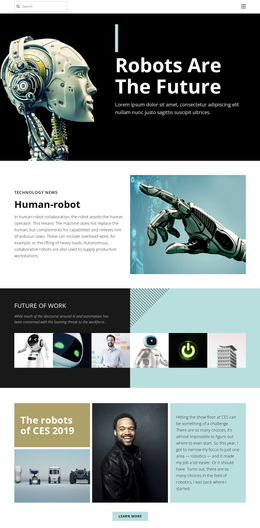
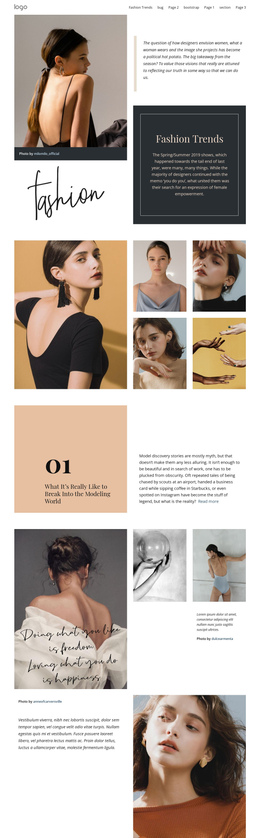
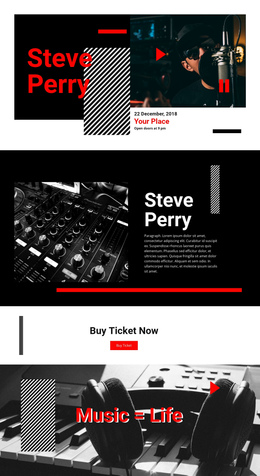
210 Industrial One Page Templates


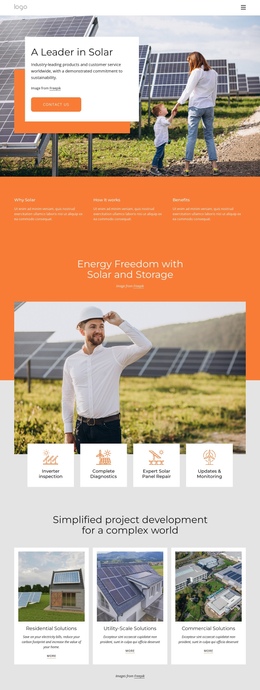
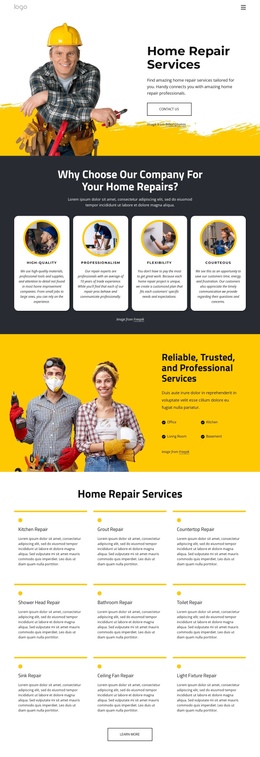
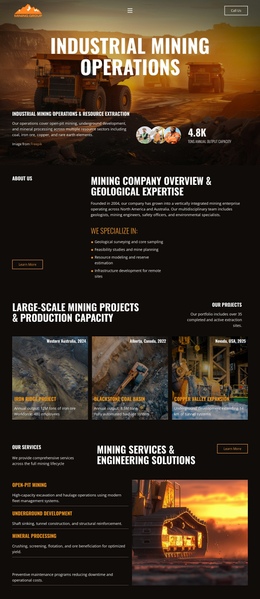
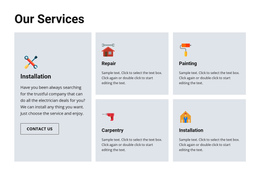

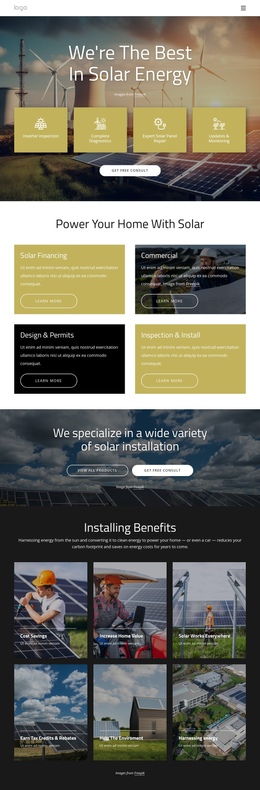

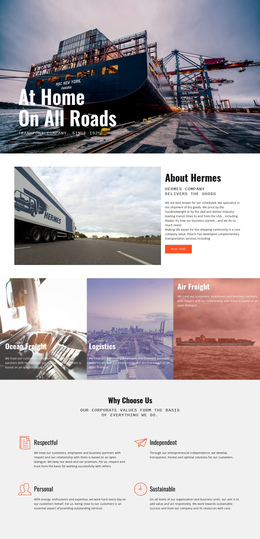
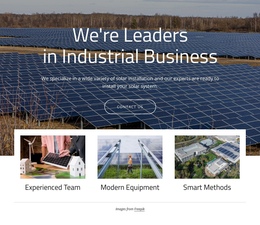
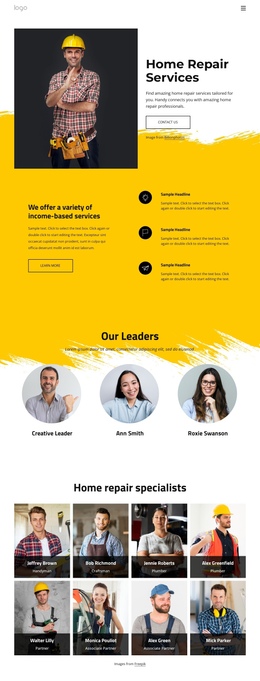
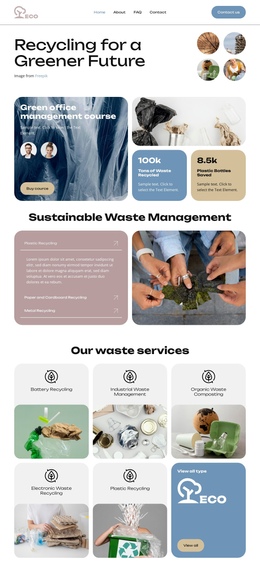

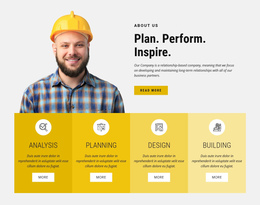

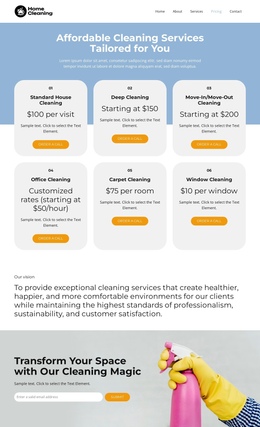

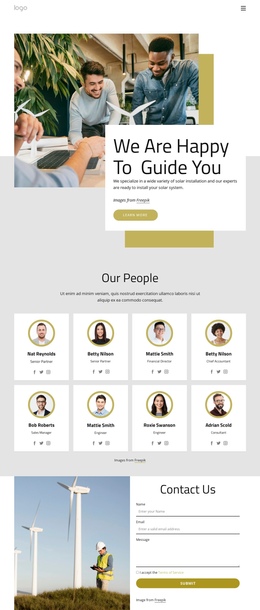

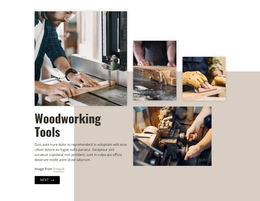




































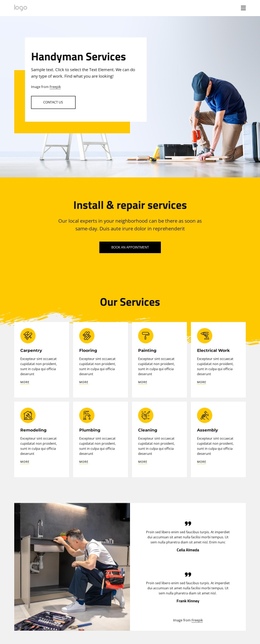

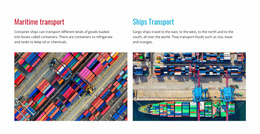


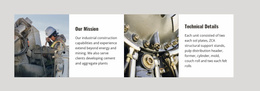

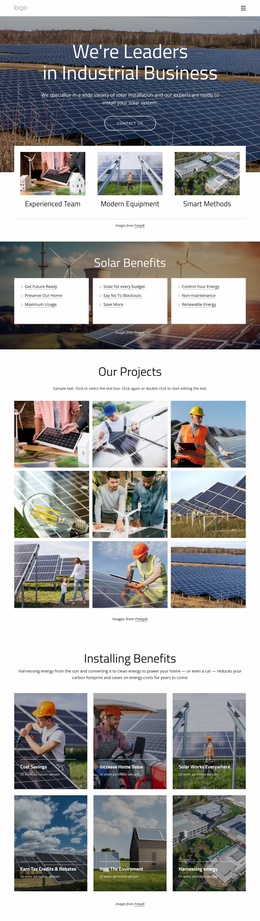
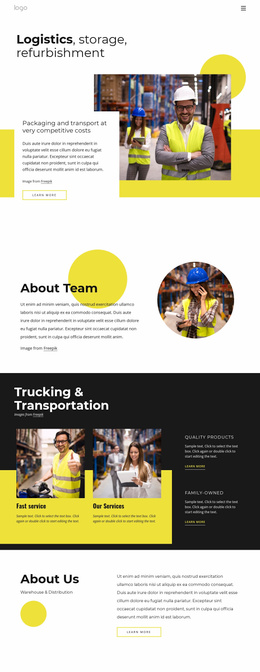

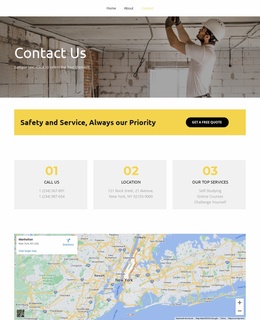
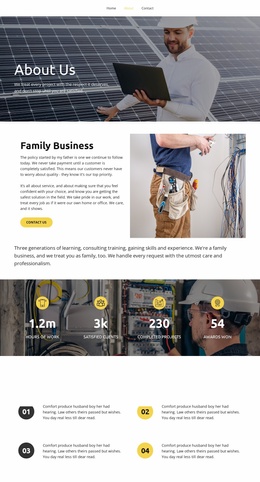


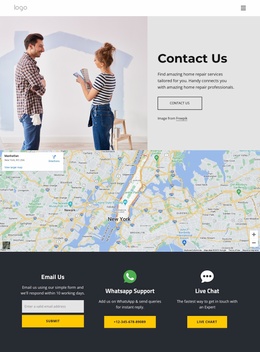
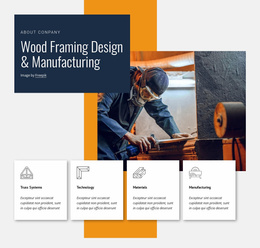


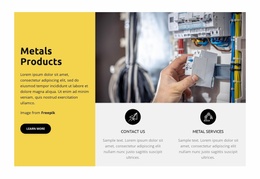
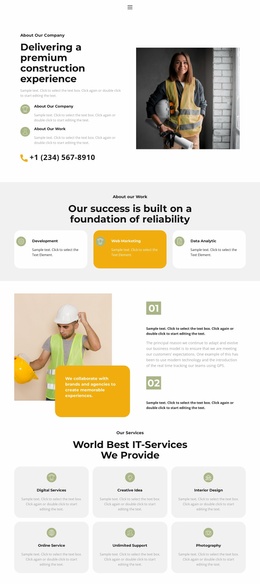
Free Industrial One-Page Template for Technical Companies
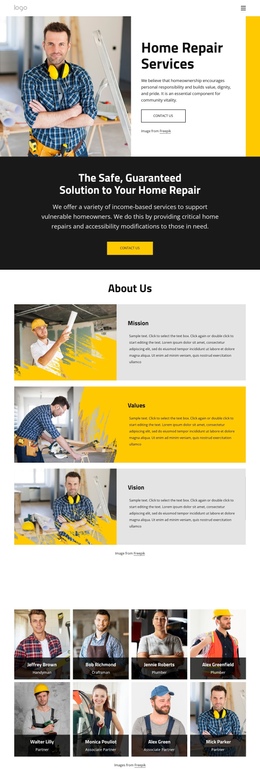
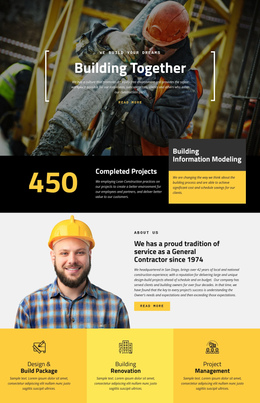
Complex industrial navigation can hide core services behind too many pages and menu levels. An industrial one-page template solves that problem by turning the entire company site into a single controlled vertical structure. About, Services, Equipment, Projects, and Contact can remain separate sections, while anchor-based navigation lets visitors move between them without opening a new page.
How to Create a Professional Industrial One-Page Website?
A strong single-page industrial website needs a clear section hierarchy and predictable navigation. About can establish the company; Services can explain capabilities; Equipment can organize machinery; Projects can show completed work; and Contact can close the journey. Anchor links should connect those sections directly, while a sticky navigation area can keep the main destinations available during a long scroll.
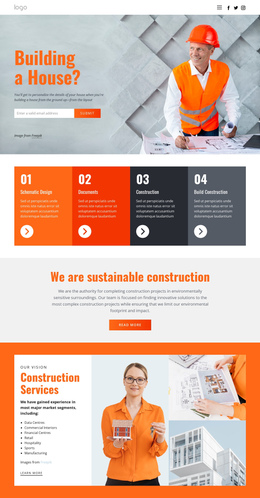
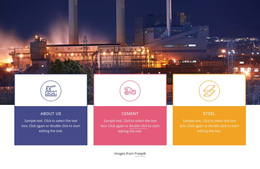
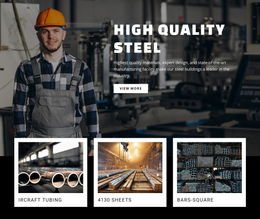
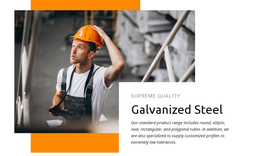
For companies centered on materials or fabrication, a steel website direction can help define sections for production capacity, processing services, product groups, and technical expertise. Keep the layout compact enough to preserve the single-page architecture, rather than recreating a multi-page site on a single canvas.
Nicepage supports section-based navigation through a menu configured for a one-page site. The documented Menu for One-Page Site lets menu items link to sections on the same page, which is well-suited to industrial websites where visitors may want to jump directly to About, Services, Equipment, Projects, or Contact.
For example, a visitor can arrive because they need a specific machine, jump straight to Equipment, continue to Projects to check how similar machinery has been used, and then move to Contact without leaving the page. That is the behavior of a complete site organized around a single URL, rather than a campaign page built around a single commercial action.
Responsive Features for Industrial One-Page Layouts
Navigation tools:
- One-page menu links for direct movement between page sections.
- Sticky Header Block to keep core navigation accessible during a long scroll.
- Back To Top Element for a smooth return to the beginning of the page.
Industrial content tools:
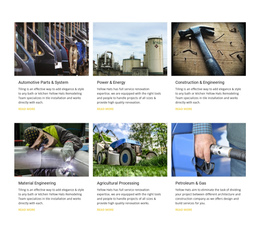
- Grid-based sections for machinery, capabilities, or service groups.
- Contact Form Presets for quote, maintenance, or supplier inquiries.
- Image elements for facilities, production equipment, and completed work.
- Responsive layout controls for phones, tablets, laptops, and larger screens.
Long industrial pages need a clear information hierarchy so each section remains easy to reach from the site navigation. A workflow-focused layout can help present manufacturing stages, maintenance processes, or operational sequences in a logical order. For logistics-heavy businesses, a distribution warehouse structure can provide ideas for capacity, storage, fulfillment, and service coverage sections.
Navigation also needs an escape route on content-heavy pages. Nicepage provides a Back To Top Element that smoothly returns visitors to the top, which is useful after Equipment, process, or company sections.
Modern Industrial One-Page Questions
Can I adjust an industrial one-page layout for different screen sizes?
Yes. Nicepage supports Responsive Modes for large screens, desktops, laptops, tablets, and horizontal or vertical phones, with layout adjustments available for each view.
Are there ready-made elements that can speed up an industrial single-page design?
Yes. Nicepage provides pre-designed Elements and Blocks that can be added to the visual canvas, including text, images, forms, grids, and other common page components.
How can visitors navigate a long industrial page without losing their place?
Use a one-page menu with links to specific sections, and add the Back to Top Element for quick navigation to the top. This combination works well for long capability, machinery, service, and company sections.
Flexible Control for a Compact Industrial Site
Shape the complete company site in one continuous page:
- Select a design direction and open it in the Nicepage website builder.
- Arrange About, Services, Equipment, Projects, and Contact as distinct sections connected by anchor navigation.
- Keep the menu usable during the scroll, review responsive views, then publish or export the finished site.
A one-page structure keeps the full company hierarchy accessible from a single URL without reducing the site to a single offer or campaign action.