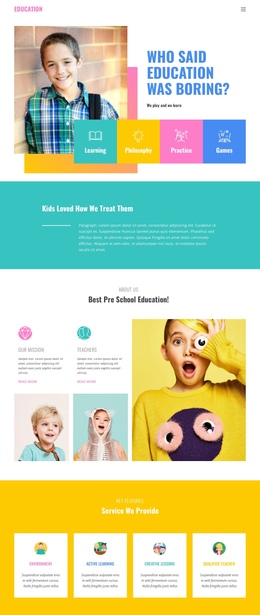
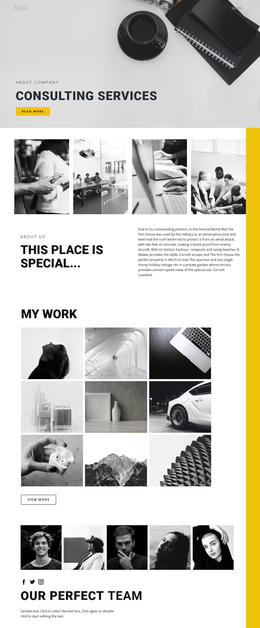
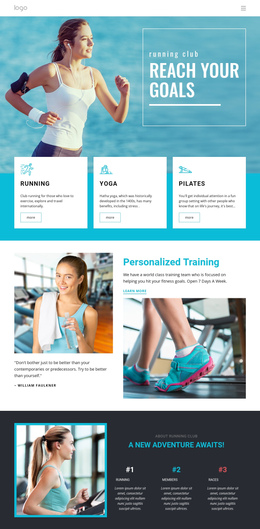
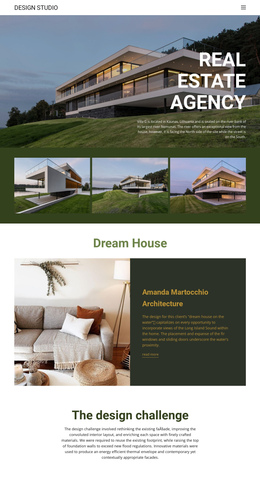
570 Wide One Page Templates










































































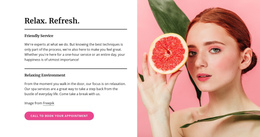

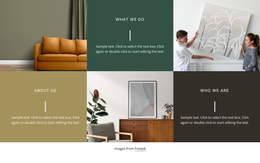


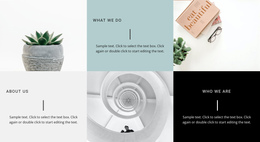



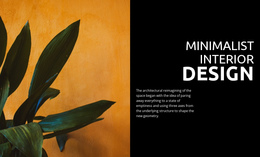












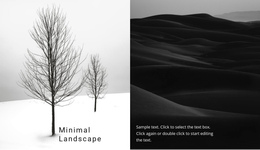


Clean Wide One Page Template for Better Scroll Pacing
A one-page website is read in a fixed order, so a Wide block has a very specific job: it can change the pace of the scroll before the visitor enters the next stage. Wide One Page Templates are most useful when several compact sections have accumulated, and the page needs a clear reset without sending the visitor to another URL.
Think in sequences rather than isolated blocks:
- hero → features → Wide → services;
- intro → benefits → pricing → Wide → testimonials;
- portfolio → case details → Wide → contact;
- product story → proof → Wide → final CTA. Section placement is often more important here than the exact visual treatment.
Use Wide After Dense Content
When a hero is followed by features, stats, cards, or several text-heavy sections, the page can begin to feel compressed. A Wide block can interrupt that density before another information-rich stage begins.
For example, a sequence such as hero → features → Wide → services gives the user a visual pause before entering the service content. In a longer landing page, a Wide section after pricing or proof can prepare the transition into testimonials or a closing offer.
This is especially useful when the same page contains many conversion stages but must still feel like one continuous experience.
Place a Wide Section Before a Major CTA
A Wide block can also work immediately before the final action. In that position, it can summarize the mood, reinforce the campaign message, or present a strong visual before the CTA section asks the visitor to act.
The sequence might be:
benefits → proof → Wide statement → CTA
or:
portfolio → featured project → Wide image → contact form
This gives the final action a clearer lead-in than placing another dense content block directly above it.
Avoid Repeating the Same Reset Too Often
One-page layouts depend on rhythm. If every second section becomes oversized, the Wide treatment stops functioning as a reset and becomes the default pattern.
Use it at moments where the scroll actually changes topic, intensity, or purpose. A page with one or two well-placed Wide sections often reads more clearly than a page that repeats the same broad treatment throughout.
Adapt the Block Without Disrupting the Sequence
Content can be adjusted through the Nicepage block editing interface, while individual elements can be added, moved, resized, aligned, and arranged with the Nicepage element controls.
For a one-page project, those edits should support the before-and-after relationship. If the Wide block follows a dense feature list, keep it comparatively simple. If it introduces a service section, its copy can act as a bridge into that next topic. If it precedes the CTA, avoid adding a competing action that weakens the final step.
Wide One Page Template FAQ
Where should a Wide section appear on a one-page website?
Good positions include after dense feature or pricing sections, before a major topic change, before testimonials, or immediately before the final CTA.
Can a Wide block help after several compact sections?
Yes. It can reset the page after card-heavy, text-heavy, or data-heavy content before the next stage of the scroll begins.
Should a one-page site use many Wide sections?
Usually not. If the treatment appears too often, it stops creating a meaningful change of pace. Use it where the scroll genuinely needs a reset.
Plan Wide Around the One-Page Sequence
Choose the Wide block by where it sits in the scroll, not only by how it looks. Test the page as a sequence from hero to CTA and place the section where visitors need a break, a topic change, or a stronger lead-in to the next conversion stage.