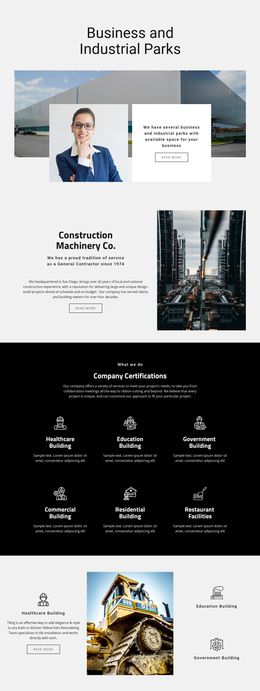
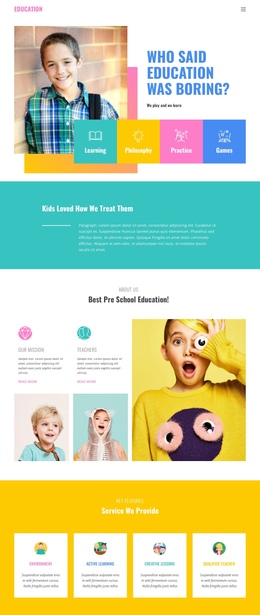
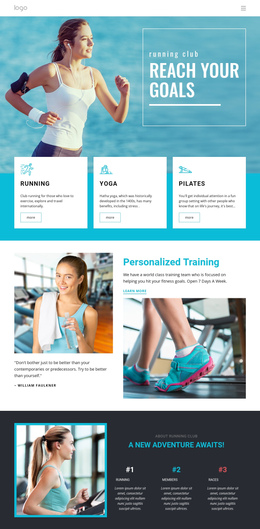
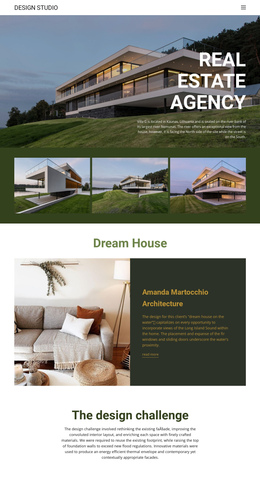
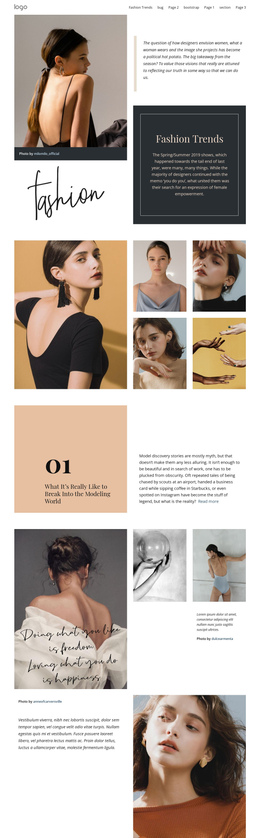
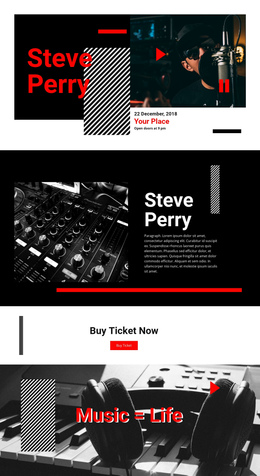
140 Sale One Page Templates
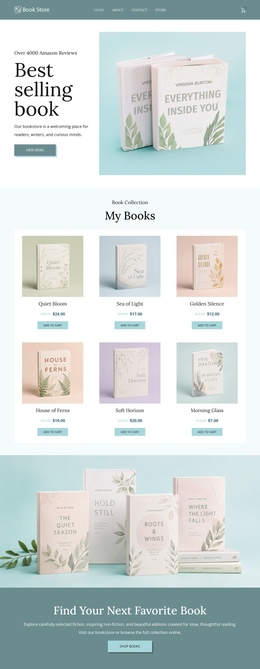
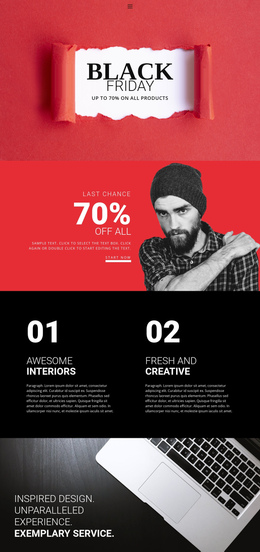












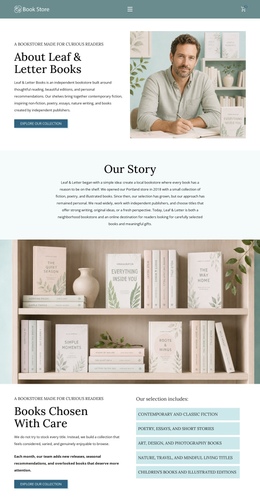




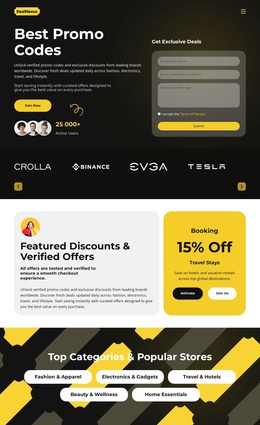





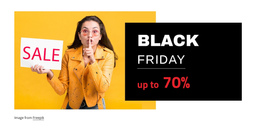
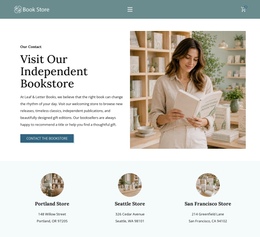



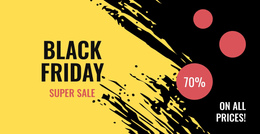







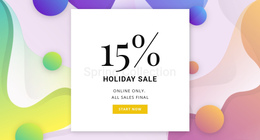




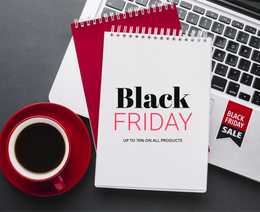


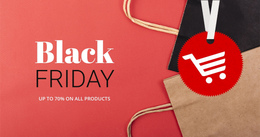









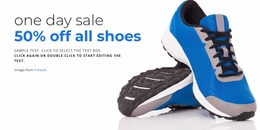
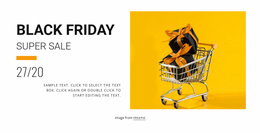
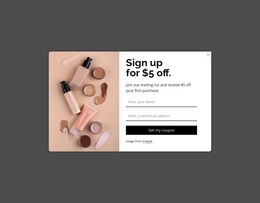
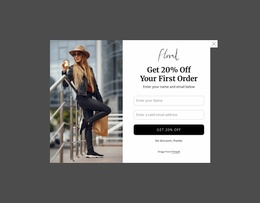






















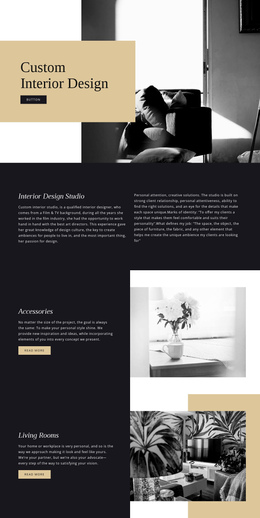
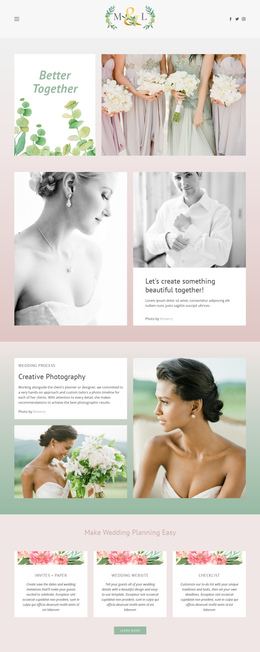
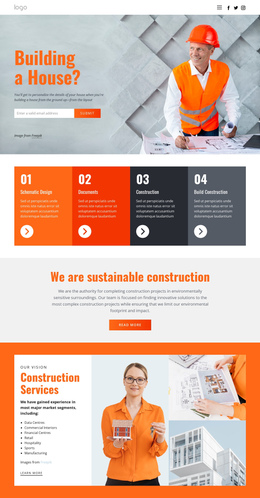
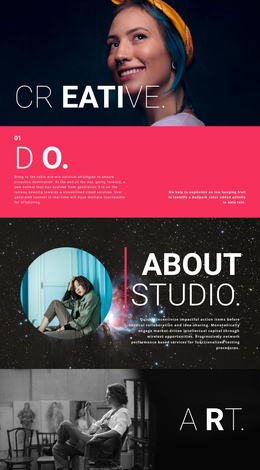
Simple Sale One-Page Template for Organized Retail Offers
Map the offer path, keep every sale section easy to reach, and give shoppers a clear route through the campaign. A single-page sale template places the hero offer, featured deals, product groups, terms, and contact details on a single URL. This structure supports a fast launch while the retail story stays easy to control.
Who Needs an Advanced One-Page Sale Website?
Retailers can group seasonal offers and product categories on a single URL; coupon publishers can separate codes, terms, and featured deals; campaign teams can connect brand context to promotion blocks; smaller stores can add contact details without a separate page tree. Each case benefits from clear section destinations and predictable vertical navigation.
Unlike a sale landing page built around a single dominant conversion action, this format can support several meaningful destinations within the same single-page architecture. Use promo website concepts to vary campaign visuals while the section order stays practical.
Nicepage includes a dedicated Menu For One-Page Site workflow. Connect menu items to relevant blocks so visitors can jump to Offers, Categories, Terms, or Contact, rather than relying solely on a full-page scroll. Keep labels short and align them with the page's actual order.
Mobile-friendly Features for a Sale Scroll Journey
Use the visual page editor to shape a continuous retail route, then refine navigation and section order as the campaign changes:
- Website Menu provides the navigation structure in the Header or Footer.
- Header Block can remain sticky on scroll and hold a menu, logo, CTA, or contact information.
- Hyperlink Element can direct visitors to a specified Block, which supports anchor links between important sale sections.
- Move Blocks lets you change section positions in the Page Navigator or with editor controls.
- Back To Top Element gives visitors a smooth return to the opening area after a long product or terms section.
- Edit Mobile Views lets you adjust the same one-page route separately for desktops, laptops, tablets, and phones.
The Back To Top control is especially useful when a long campaign contains several offer groups or detailed terms. For visual pacing, trend-focused layouts can provide references, but the navigation order should remain easier to understand than the decorative effects.
Professional One-Page Sale Questions
Can I connect my own domain to a one-page sale site in Nicepage Online?
Yes. Nicepage Online lets you connect a custom domain name to a Nicepage website.
Will scroll effects hurt SEO on a sale one-page website?
Not when media is lazy-loaded, code stays clean, and the core text remains HTML. Nicepage supports this workflow, so effects can be used selectively without replacing essential page content.
How can shoppers return to the main offer after a long sale section?
Use the Back To Top Element. It adds a control that smoothly returns visitors to the top of a long page, which is useful after product groups, detailed terms, or several promotional blocks.
No-code Route to a One-Page Sale Site
Ready to organize a complete sale experience in a one-page website builder without splitting it across unnecessary pages?
- Choose a design direction in the Online Builder or Desktop App and start for free.
- Adjust the hero, offers, product groups, section links, mobile views, and campaign order; box-style ideas can help separate dense content groups.
- Publish online or use the supported export workflow once the vertical route reads clearly from the first offer to the final contact block.