Original holiday travel One Page Template


Edit Template Offline
2. Create new page and search for id 16634
Edit Template Online
Create Awesome Websites


Free Nicepage Builder
Keywords
From “Your Journey Starts Here...” to “At Your Service”
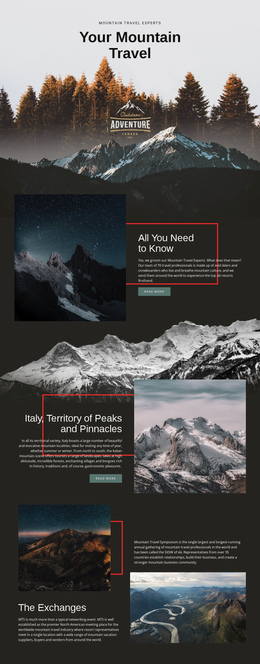
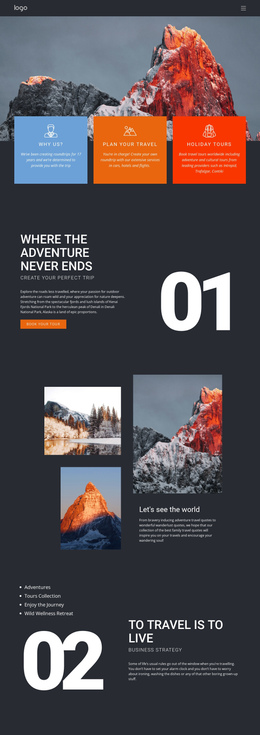
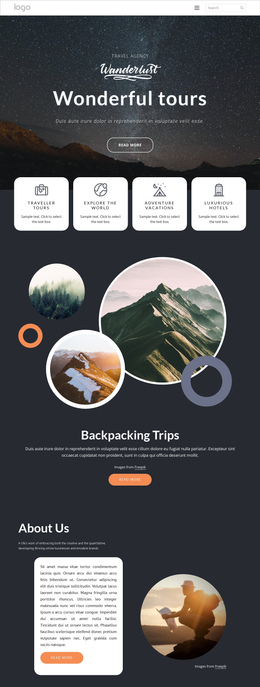
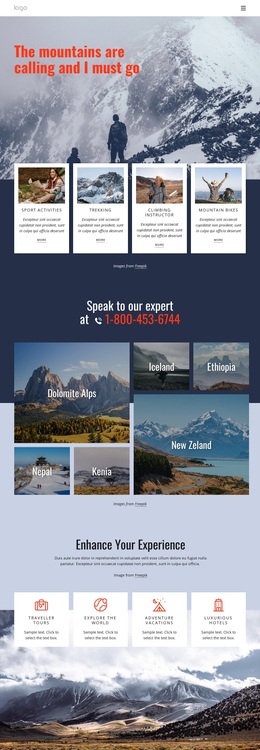
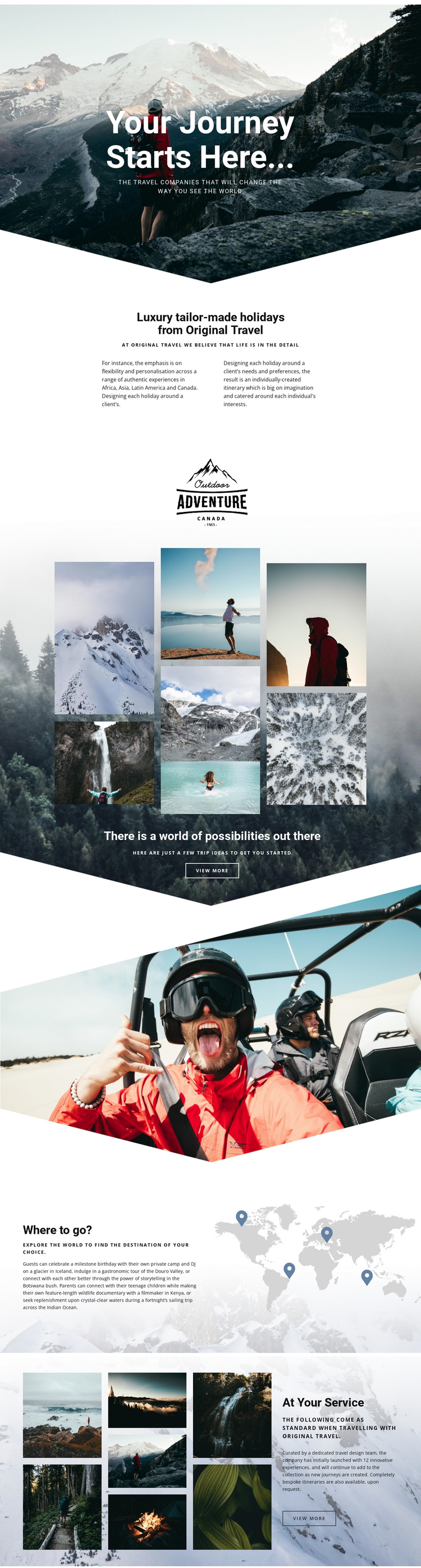
The design already reads as a continuous content journey because each major section answers a different travel question. The mountain hero establishes the initial mood and introduces the idea of beginning a journey. The About Us area follows with the practical context: Original Travel offers luxury tailor-made holidays and individually created itineraries. This change from atmosphere to explanation gives the first part of the page a useful information sequence.
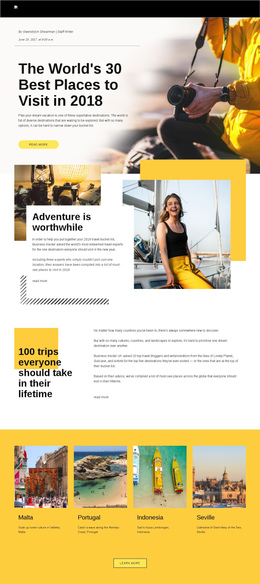
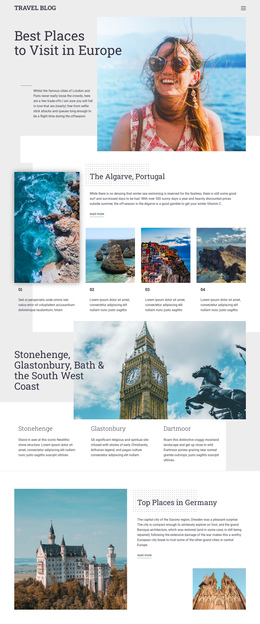
The gallery then becomes a distinct destination within the same document. Its collage and “There is a world of possibilities out there” heading invite visitors to consider trip ideas, while the “View more” action marks an exploration point. A wide adventure photograph separates that visual inspiration from “Where to go?”, where the world map and location references organize the next stage around geography. Visitors can move from broad possibilities to named places such as Iceland, Douro Valley, Botswana, Kenya, and the Indian Ocean without leaving the page.
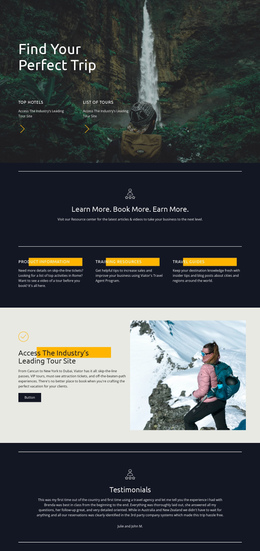
The final “At Your Service” section provides a natural closing destination. It explains the dedicated travel design team, innovative experiences, and bespoke itineraries after the visitor has encountered the destinations. That sequence supports one-page navigation because it contains several meaningful topics—introduction, inspiration, destinations, and service—while maintaining one connected experience. The page is therefore more than a long image sequence; it has identifiable content stops that can be explored in order.
Customize with Nicepage
Open this ready-made template in the One Page Template Builder and customize it visually in the Nicepage editor. Replace demo content, edit page sections, and adapt the design to your project without rebuilding the template from scratch.
Build a Navigable One-Page Website
Connect the Menu to Page Sections
Organize the website as a sequence of sections on a single page and use the Menu For One-Page Site to connect menu items with individual page Blocks. Visitors can jump directly to sections such as About, Services, Testimonials, or Contact without opening separate pages.
Keep the Website on One URL
A one-page template can combine several parts of a small website within one continuous page. Arrange the Header, introduction, services, portfolio, company information, reviews, contact details, and other relevant sections in the order that fits the project while keeping them accessible through the same page navigation.
Make Long Pages Easier to Navigate
For longer one-page websites, keep navigation labels short and connected to meaningful sections so visitors can move through the page without relying only on scrolling. You can also use the Back To Top element to provide a quick way back to the beginning after longer sections.
This workflow makes the template suitable for compact websites that need several distinct content sections while keeping the complete visitor experience on one URL.