Dream Travel Agency One Page Template


Edit Template Offline
2. Create new page and search for id 12450
Edit Template Online
Create Awesome Websites


Free Nicepage Builder
Keywords
The section sequence creates several destinations within one travel page
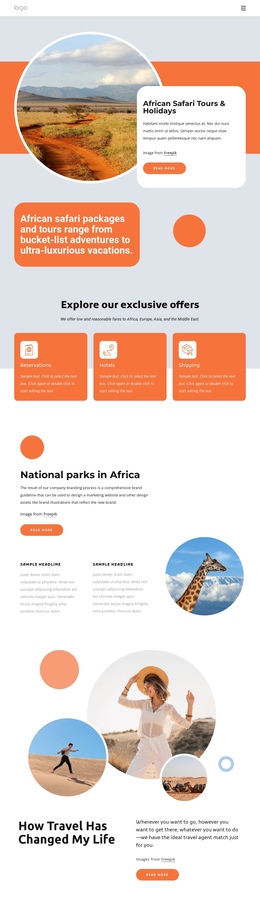
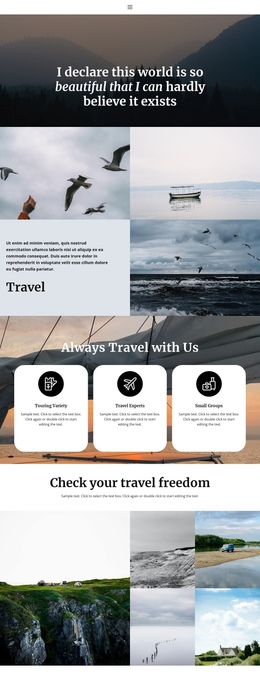
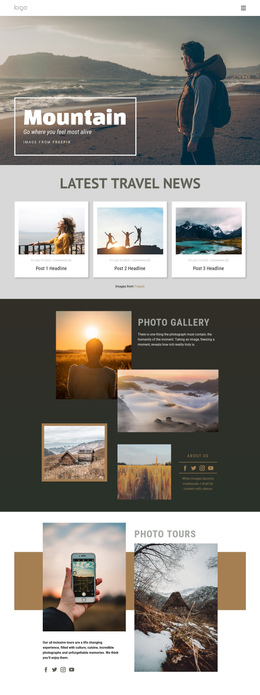
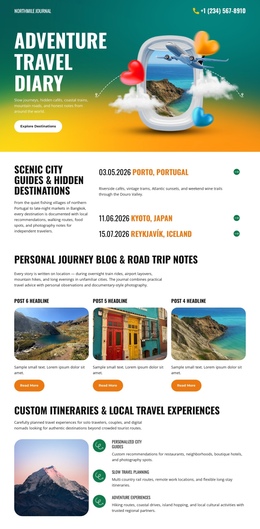
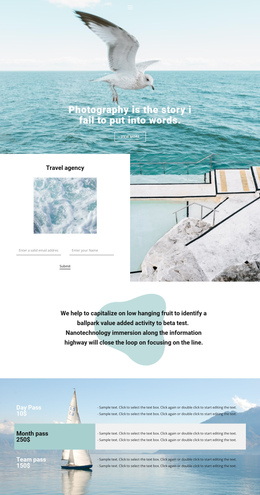
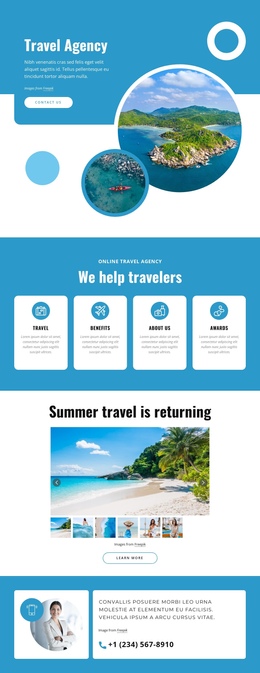
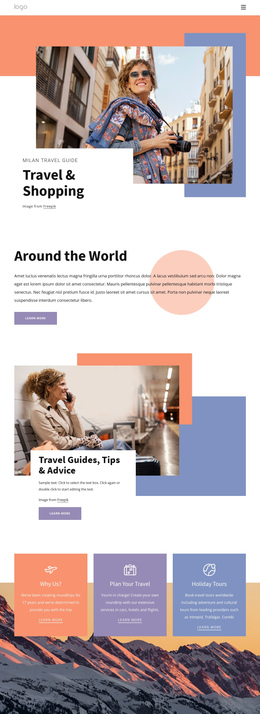
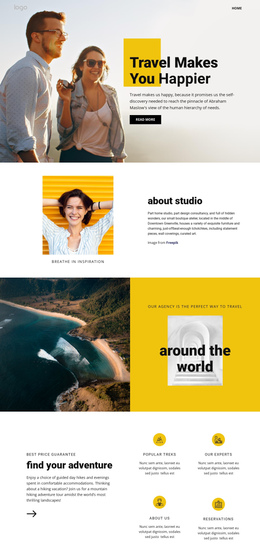
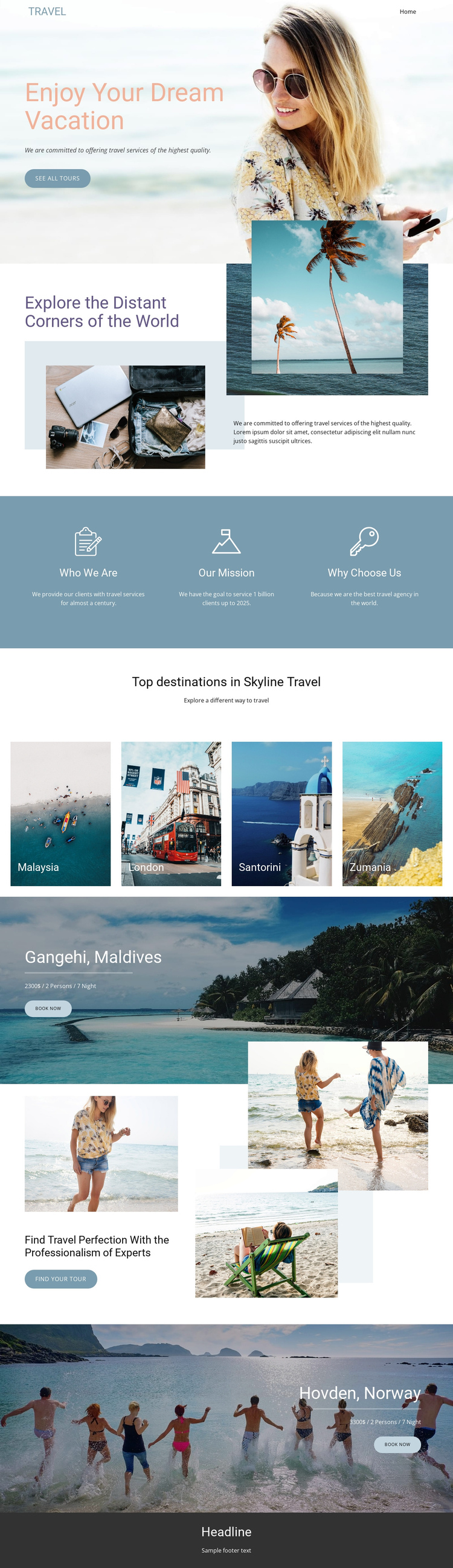
The page works as a continuous information journey because each major block introduces a different stage of travel discovery. The beach-backed opening presents the vacation theme and See all tours action. The following layered-image section expands the idea of exploring distant corners, while the three aligned feature blocks provide separate information stops for Who We Are, Our Mission, and Why Choose Us. Visitors can therefore move from introduction to agency context without leaving the page.
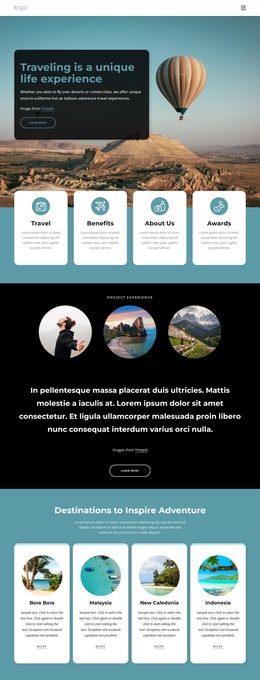
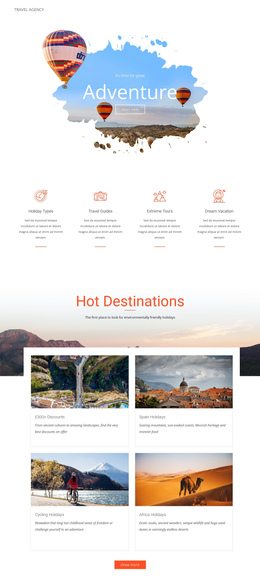
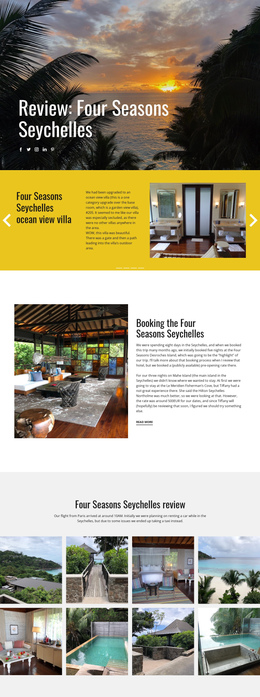
The four destination tiles create another meaningful stage, grouping Malaysia, London, Santorini, and Zumania into one discovery area. The later Gangehi, Maldives package block gives one destination a deeper promotional treatment, and the expertise section provides a visual and textual bridge toward a Find your tour action. Hovden, Norway then receives a second package block with its own scenic image, package detail line, and Book now button before the footer closes the page.
This sequence supports one-page navigation because the content naturally divides into introduction, exploration, agency information, destinations, featured packages, expertise, and closing information. The existing navigation and mobile-navigation components can help expose those major destinations, but the analysis does not verify anchor links. The central interpretation is therefore the meaningful order of the real sections, not an unsupported claim about a specific menu configuration.
Customize with Nicepage
Open this ready-made template in the One Page Template Builder and customize it visually in the Nicepage editor. Replace demo content, edit page sections, and adapt the design to your project without rebuilding the template from scratch.
Build a Navigable One-Page Website
Connect the Menu to Page Sections
Organize the website as a sequence of sections on a single page and use the Menu For One-Page Site to connect menu items with individual page Blocks. Visitors can jump directly to sections such as About, Services, Testimonials, or Contact without opening separate pages.
Keep the Website on One URL
A one-page template can combine several parts of a small website within one continuous page. Arrange the Header, introduction, services, portfolio, company information, reviews, contact details, and other relevant sections in the order that fits the project while keeping them accessible through the same page navigation.
Make Long Pages Easier to Navigate
For longer one-page websites, keep navigation labels short and connected to meaningful sections so visitors can move through the page without relying only on scrolling. You can also use the Back To Top element to provide a quick way back to the beginning after longer sections.
This workflow makes the template suitable for compact websites that need several distinct content sections while keeping the complete visitor experience on one URL.