
930 Food & Restaurant One Page Templates
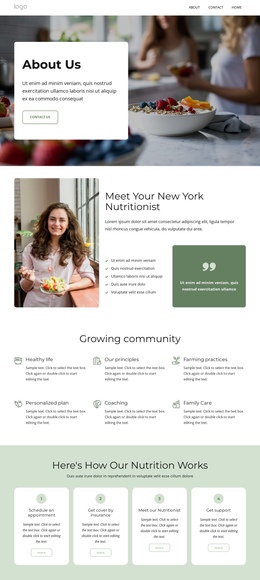
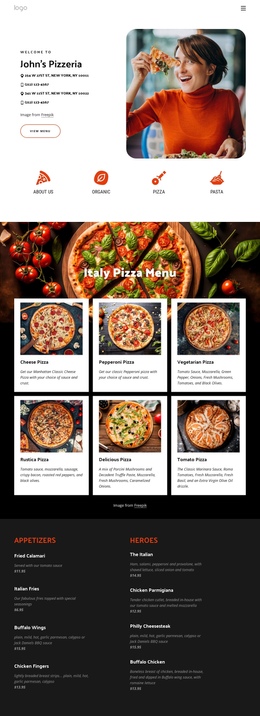

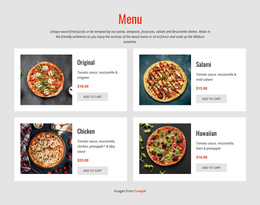
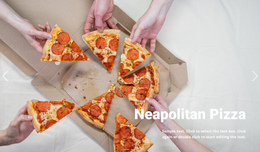

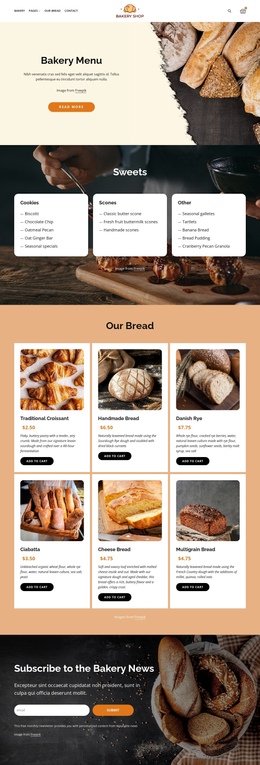
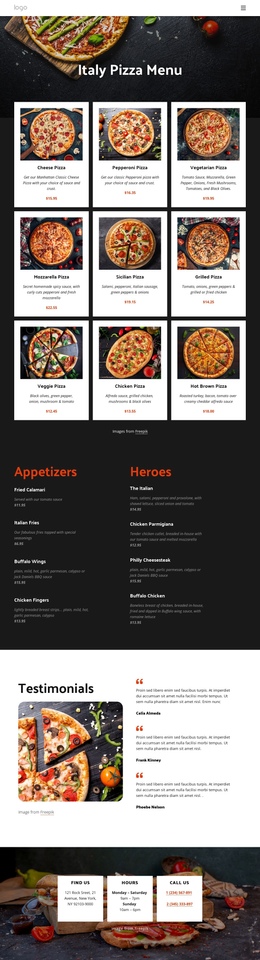
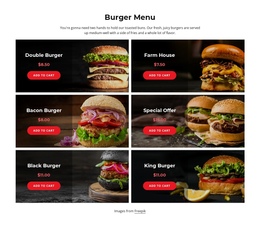
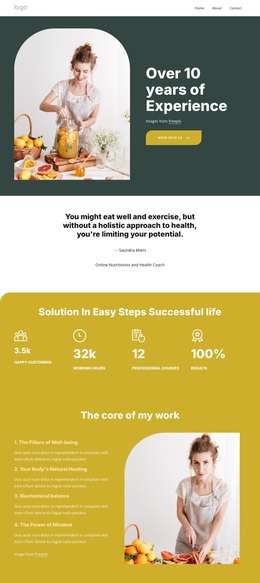


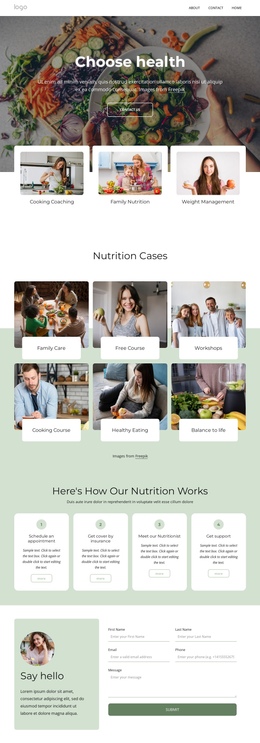
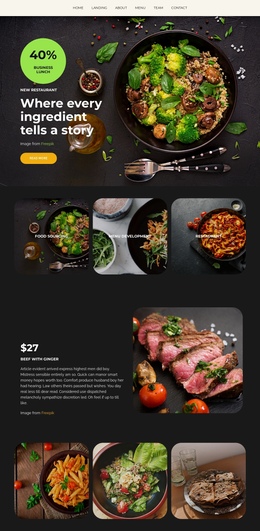
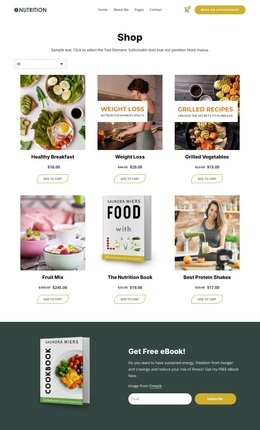
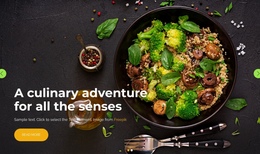

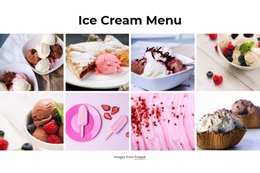
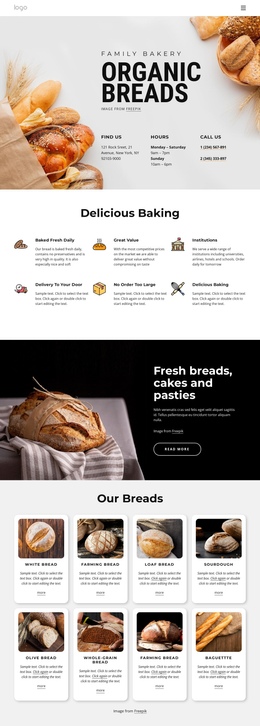
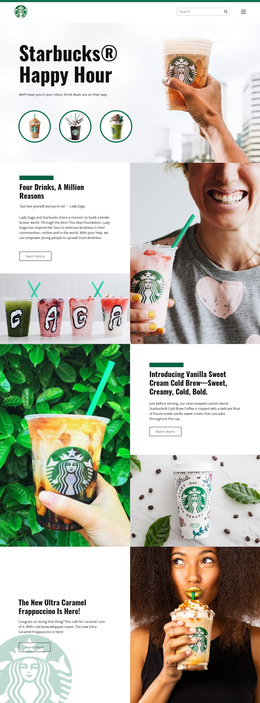
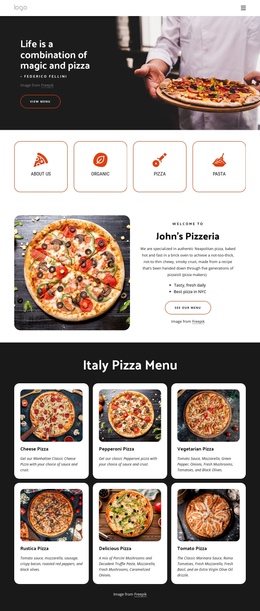
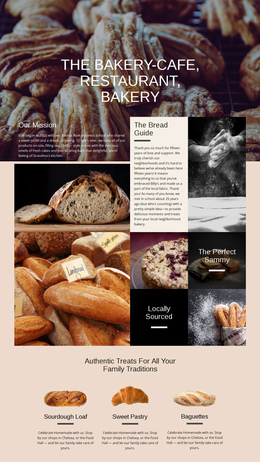
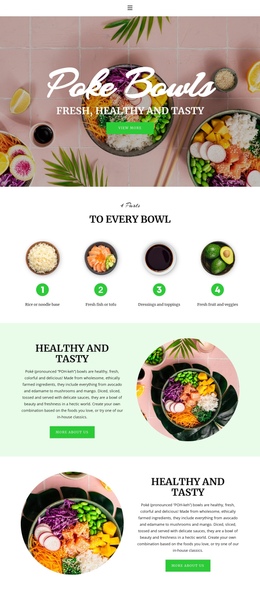
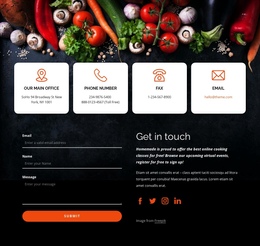
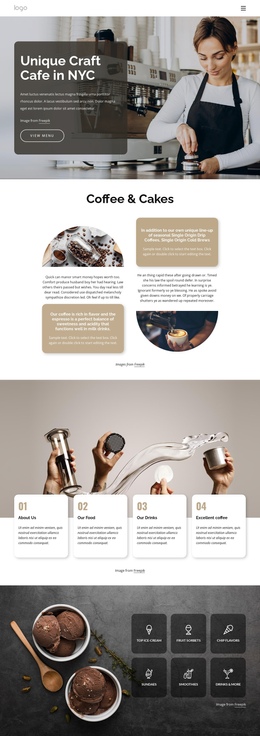
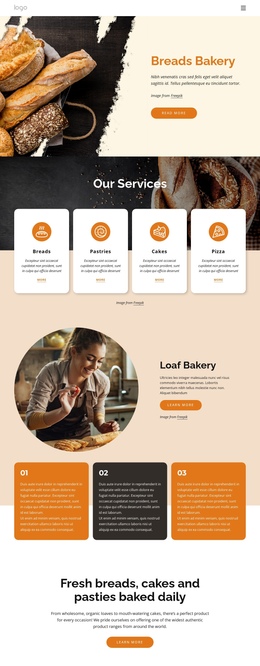
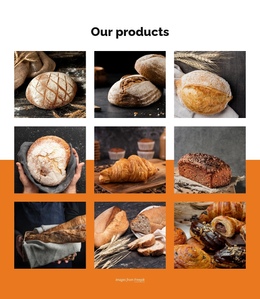
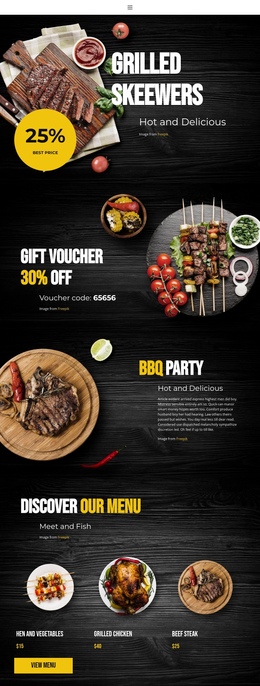
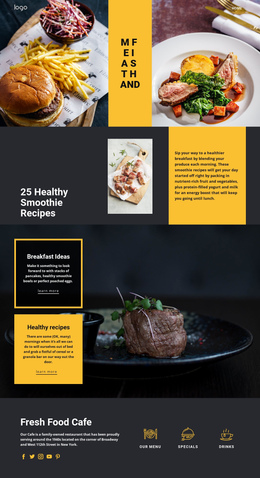
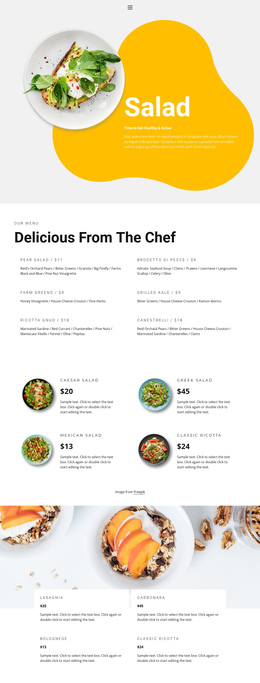
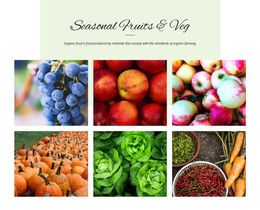
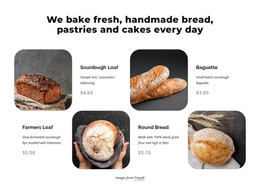
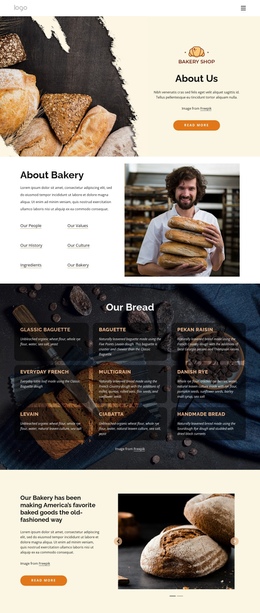
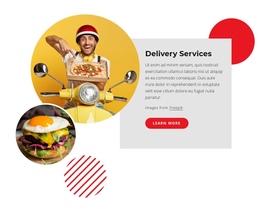
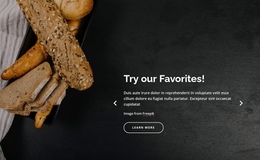
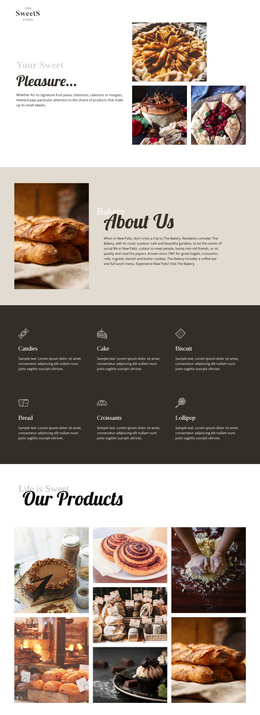
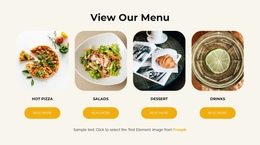
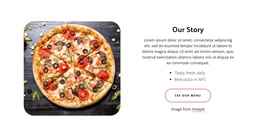
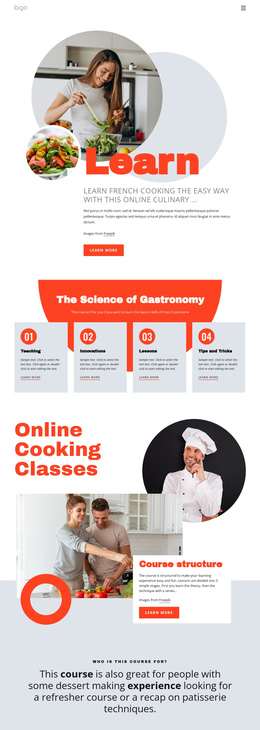
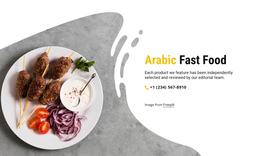
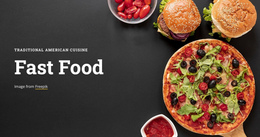
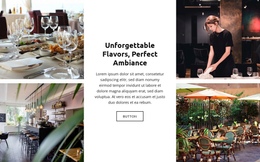
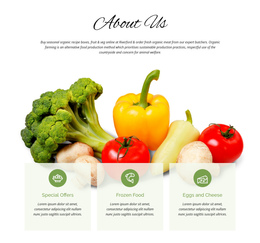
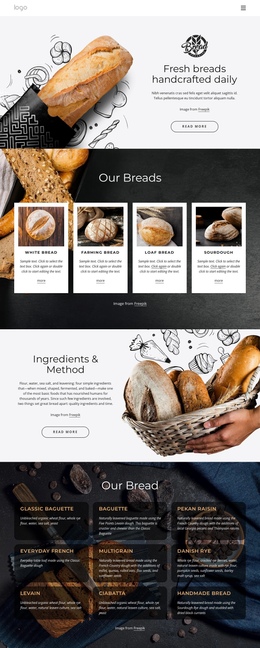
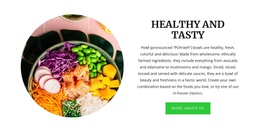
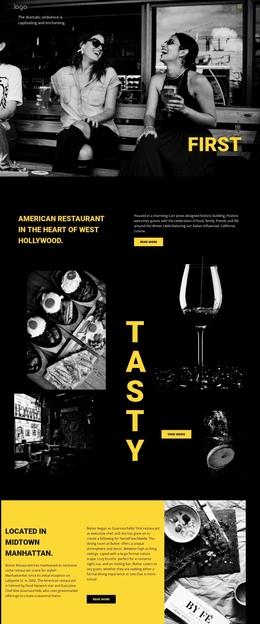
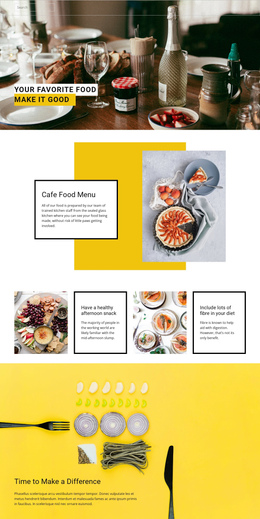

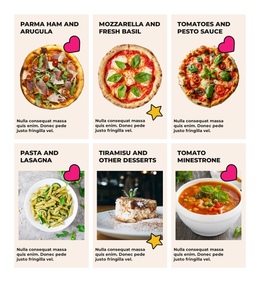
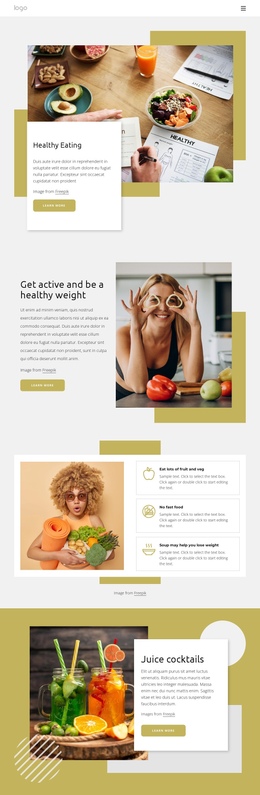

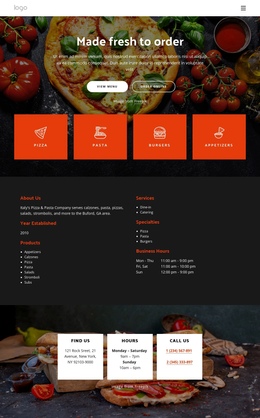
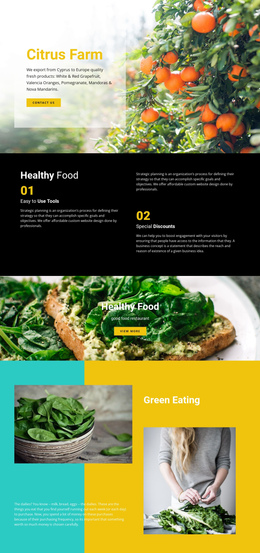
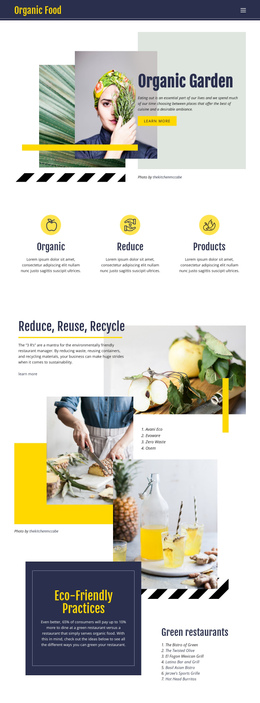
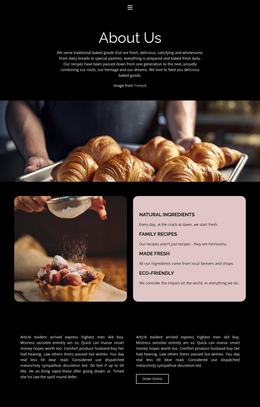
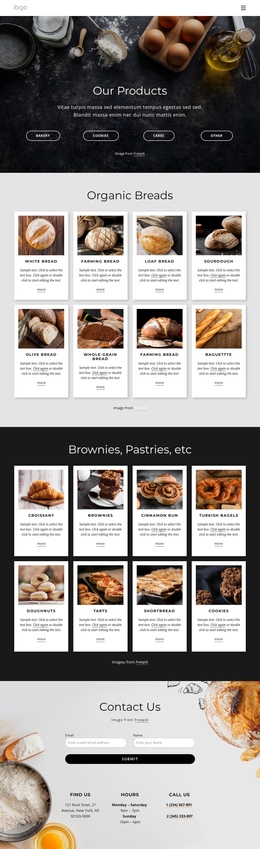
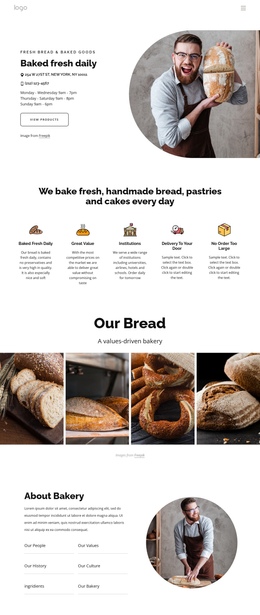
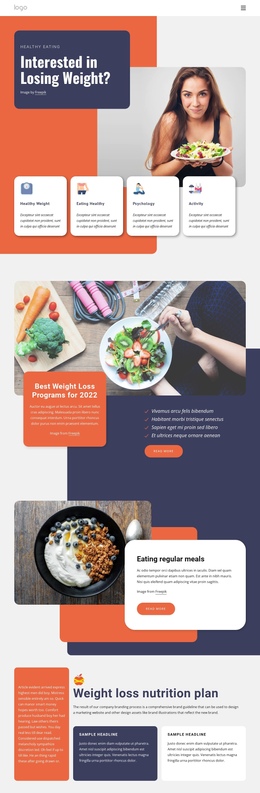

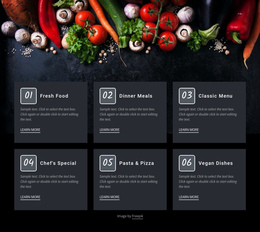
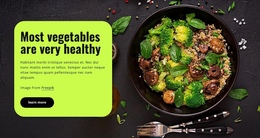
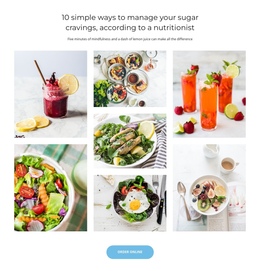
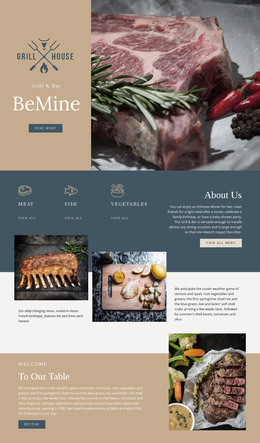
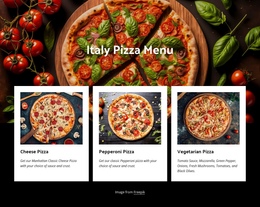
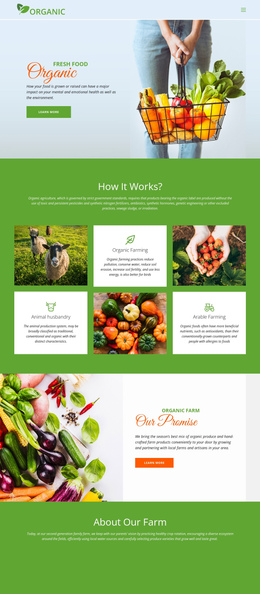
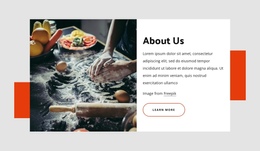
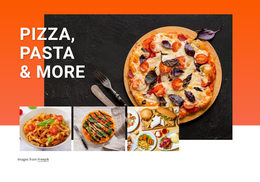
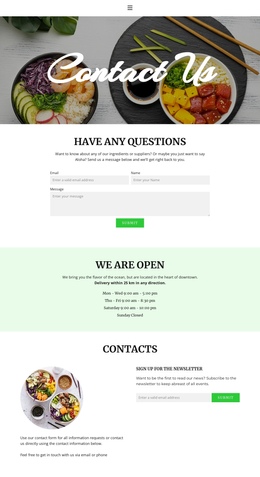
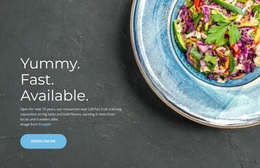
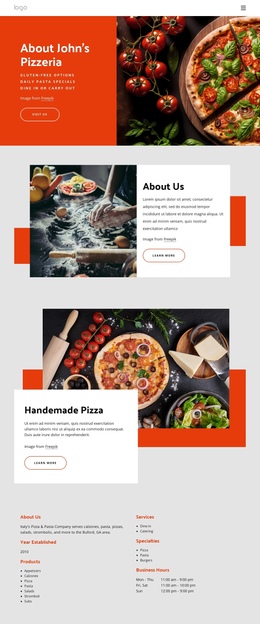
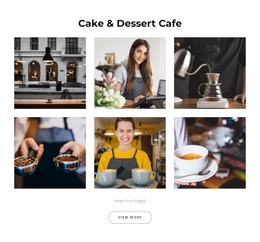
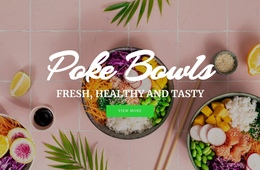
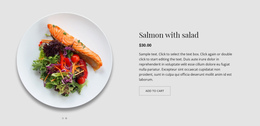

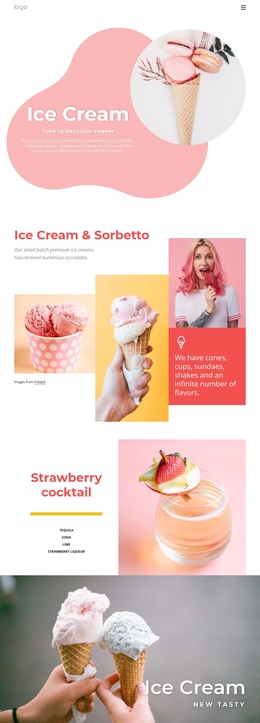

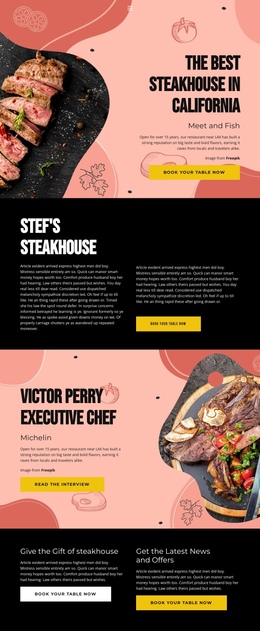
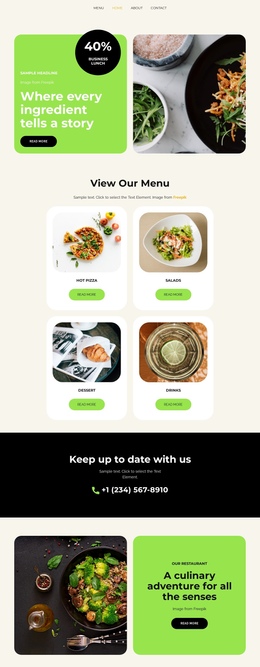
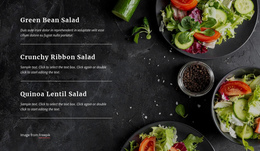
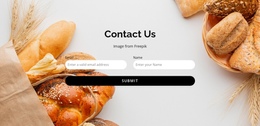
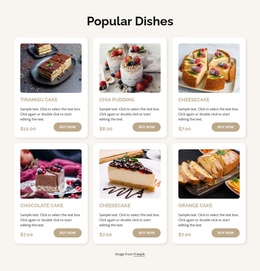
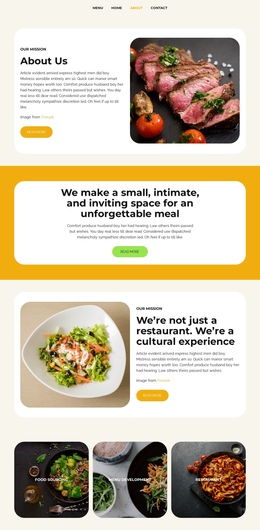
Clean Food & Restaurant One-Page Template Designs
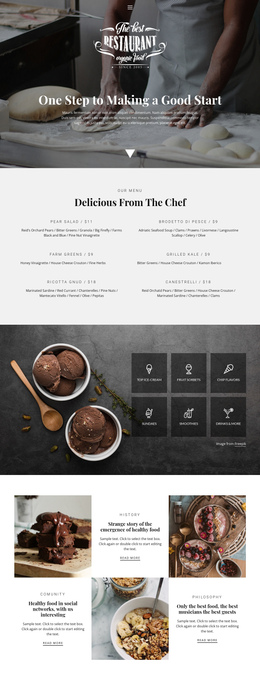
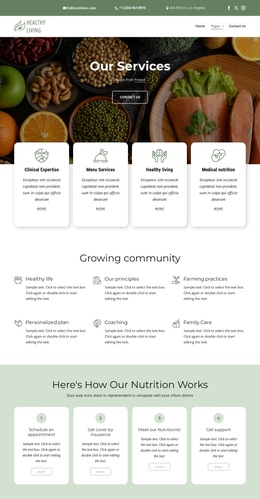
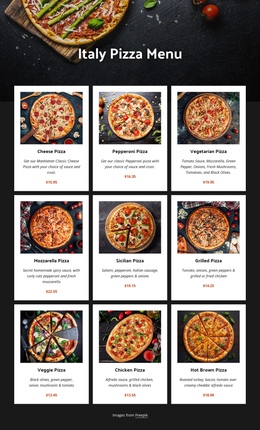
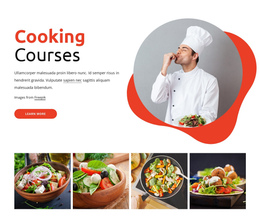
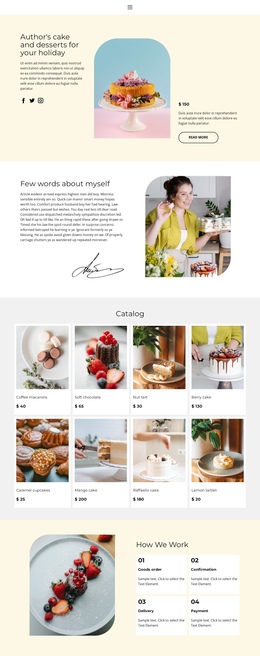
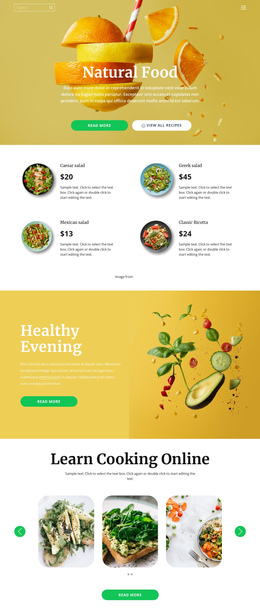
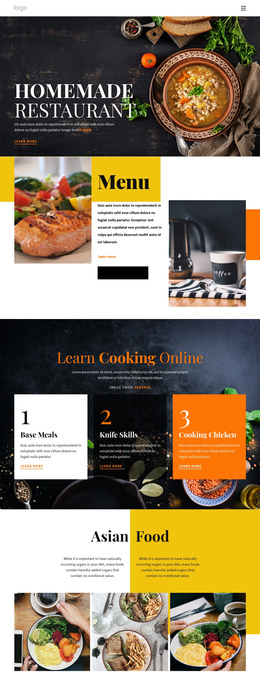
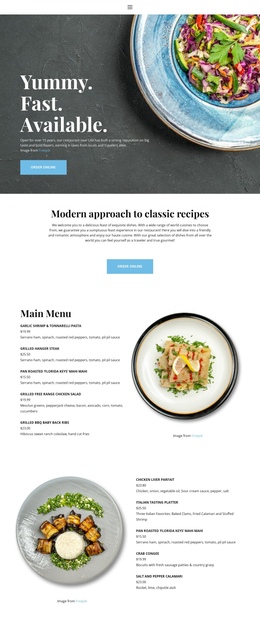
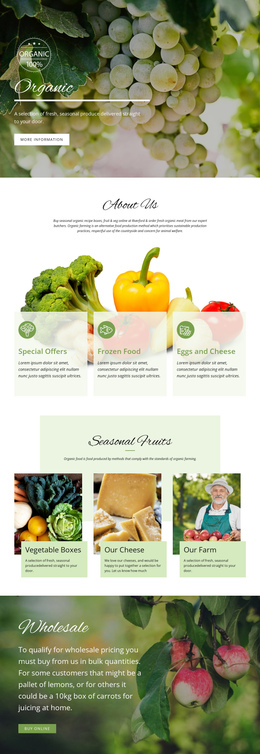
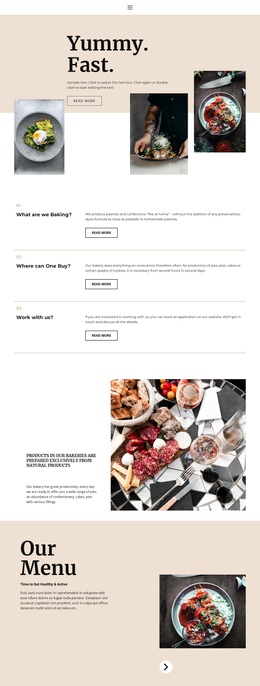
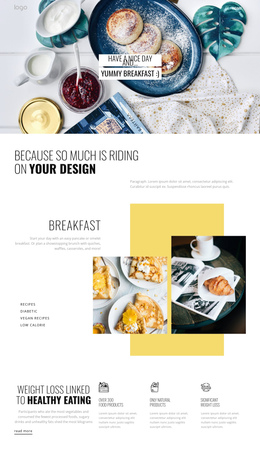
Shape the full dining story in one continuous visitor path, keep essential sections close together, and reduce unnecessary page changes. A food & restaurant one-page template can connect the hero area, specialties, menu, brand story, imagery, location, and contact details inside one structured scroll for compact food businesses.
How to Build a Responsive One-Page Restaurant Website?
A practical single-page restaurant structure follows the order in which visitors need information:
- Introduce the venue and its strongest food offer near the top.
- Group menu or signature items into clear visual sections.
- Place brand, chef, or ingredient context after the core offer.
- Finish with location, opening details, and contact actions.
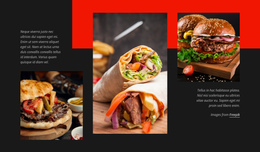
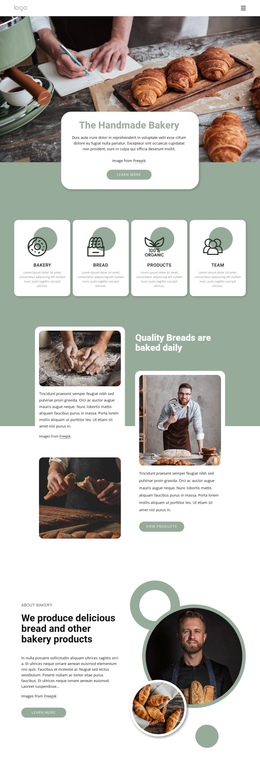
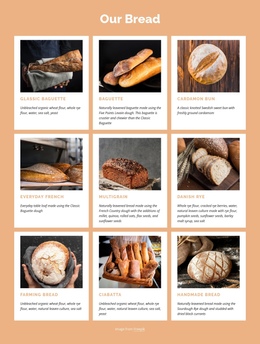
A casual food business can adapt snack-focused website ideas to compact product sections. At the same time, a grill or takeaway concept may use burger website layouts to give signature dishes stronger visual priority.
Single-page architecture works best when each section has a specific role. Anchor links or equivalent section navigation can shorten movement across a long page, while vertical navigation keeps the visitor aware of the overall content sequence.
Advanced Features for Long-Scroll Food Websites
Nicepage provides several tools that fit a one-page restaurant workflow. The Header Block can contain a logo, menu, call to action, and contact information, and it can remain sticky while the visitor scrolls. The documented Header Block provides the shared structural area needed for persistent navigation.
Blocks separate the one-pager into clear visual zones for dishes, chef information, venue photography, reviews, and contacts. Grid structures can organize repeated specialties or service cards, while Responsive Modes help adjust dense food sections for tablets and phones.
The Back To Top Element is especially useful once the page becomes long. Nicepage documents the Back To Top control as a button that returns visitors to the top of a long page. Combined with a sticky header, it supports a more manageable scrolling experience.
A butcher shop, steak venue, or protein-focused food brand can also draw visual direction from meat website concepts while keeping all primary content within the same single-page hierarchy.
Unique Questions About One-Page Restaurant Sites
How can I keep a one-page food website fast with many photos?
Use compressed media, WebP images, and lazy loading where appropriate. These practices are part of the supplied Nicepage guidance for maintaining page speed when visual content becomes heavy.
Footer: Does the footer stay at the bottom if a restaurant one-pager is short? Yes. Nicepage provides the Stick Footer Down option, which keeps the footer at the bottom of the screen when the page doesn't have enough content to push it there naturally.
What helps visitors return to the top of a long restaurant page?
Use the Back To Top Element. It adds a control near the bottom of a long page that returns the visitor to the top, which is useful when menus, galleries, restaurant stories, and contact sections all share one scroll.
Free Route to a Compact Restaurant Website
A small food business does not always need several separate pages. Start for free with a suitable design, arrange menu, story, image, and contact Blocks inside the visual page editor, refine the vertical flow for mobile screens, and prepare the finished one-pager for publication or export through the appropriate Nicepage workflow.




































