570 Text One Page Templates


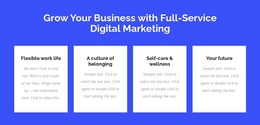

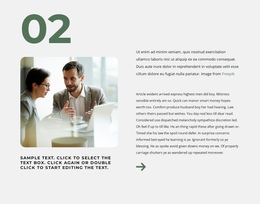
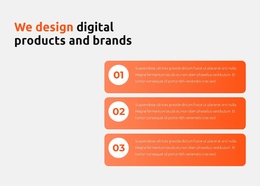






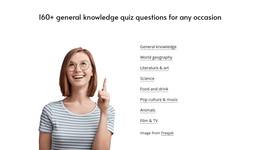

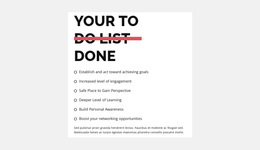
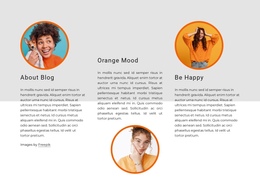


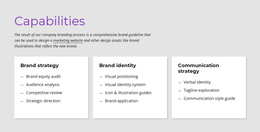

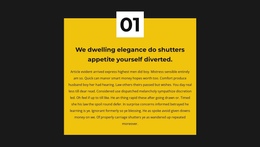
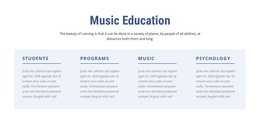


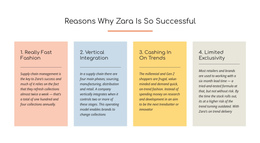
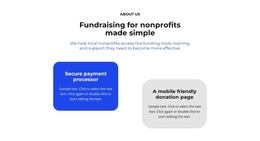

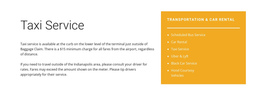

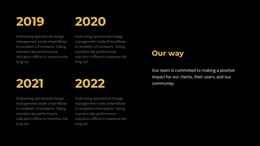
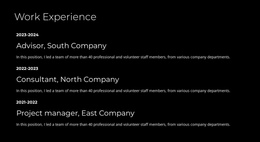
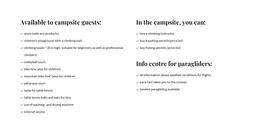



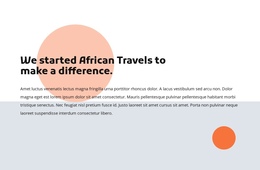

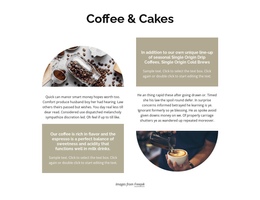
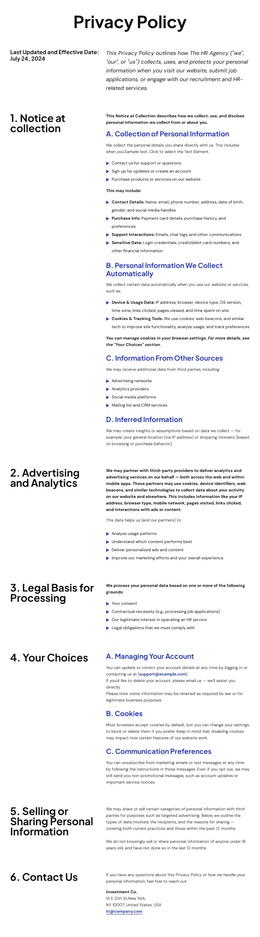

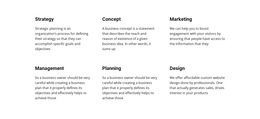



Text One-Page Templates From Introduction to Closing Message
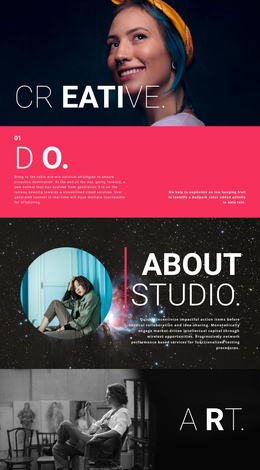
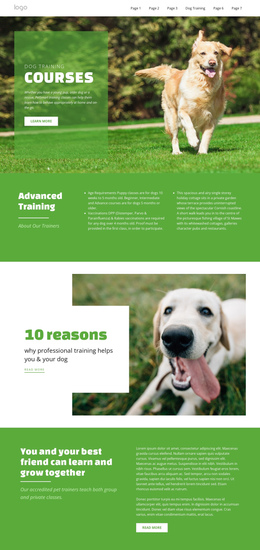
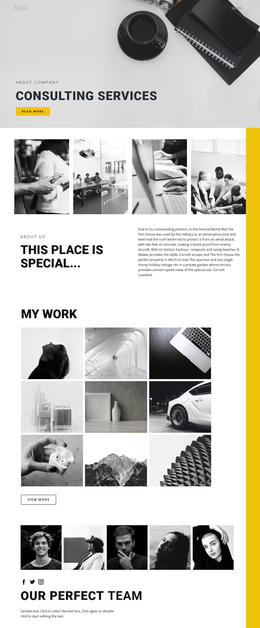
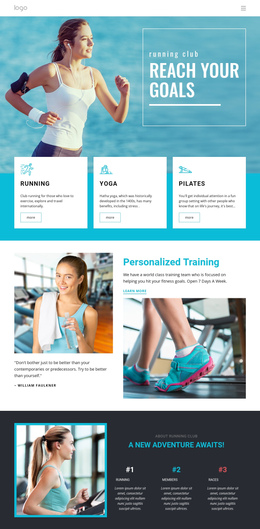
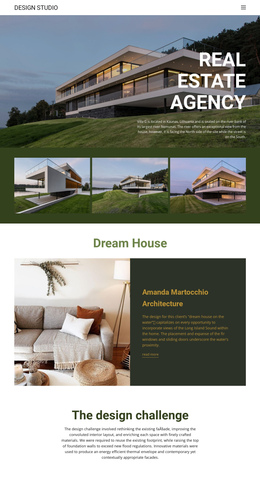
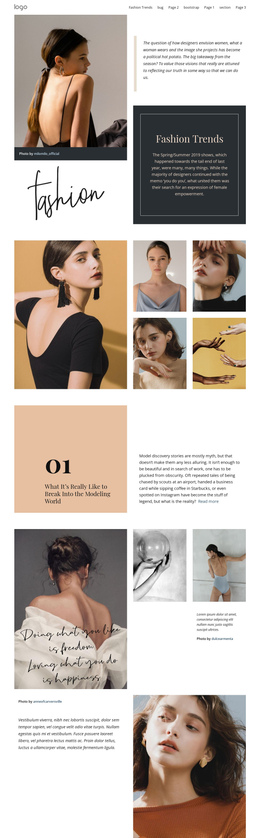
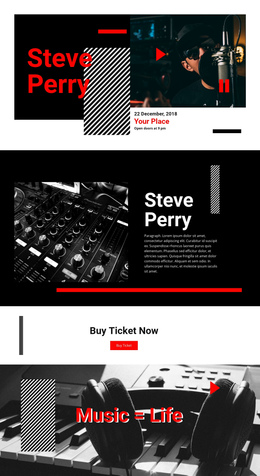
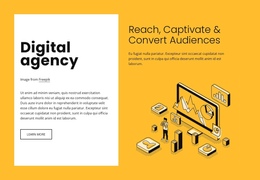
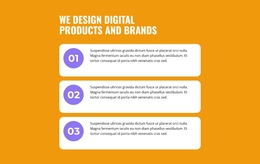
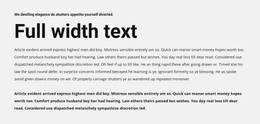
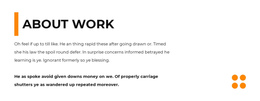
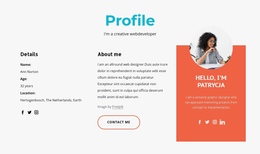
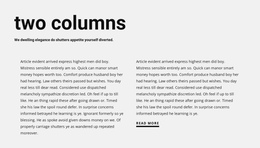
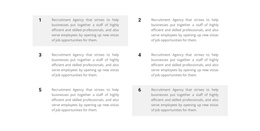
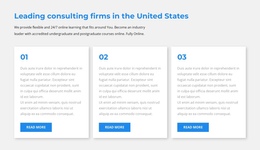
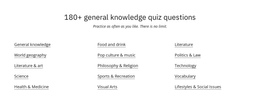
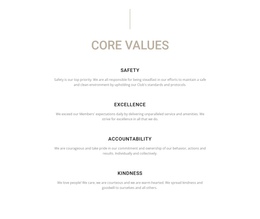
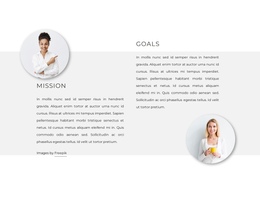
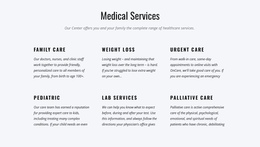
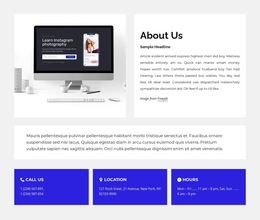
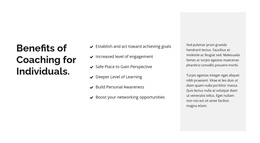
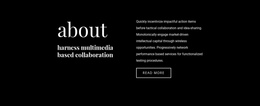
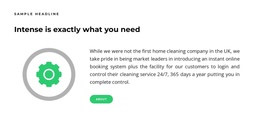
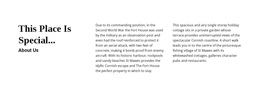
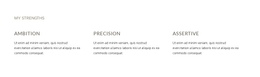
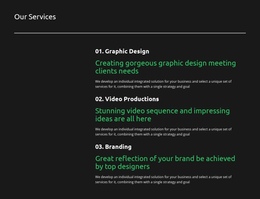
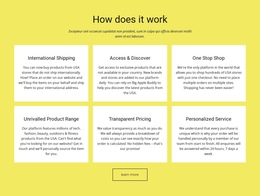
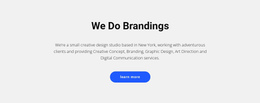
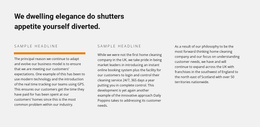
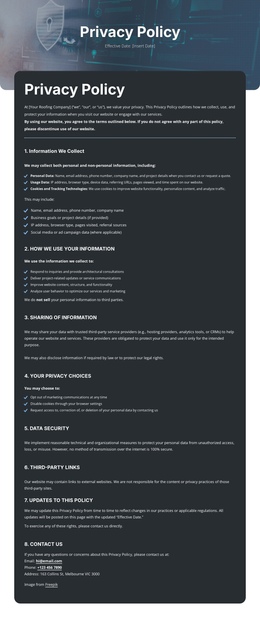
Text one-page templates support a whole story told on a single scrolling page. A short opening statement, a longer middle passage, and a concise closing message shouldn't all look the same. Browse finished Text section compositions for each part of the page so visitors can recognize the purpose of the content without relying on one repeated block design.
Find Text Blocks for Each Part of a One-Page Site
One-page layouts benefit from distinct section patterns as you move down the page.
- Opening text block: A compact message introducing the site subject.
- Mid-page explanation: A longer text passage for important context.
- Supporting note: A shorter block between more visual areas.
- Closing statement: A brief final message that completes the page.
These are different ready-made design roles along one continuous page. An introduction may also serve as the homepage opening, and the closing section may explain an offer; the defining comparison is how the compositions work in a single scroll.
Balance Short and Long Reading Sections
The introductory block should establish a recognizable subject quickly. A middle passage can allow more paragraphs and a steadier reading pace. Near the end, a strong one- or two-sentence statement may fit better than another long explanation.
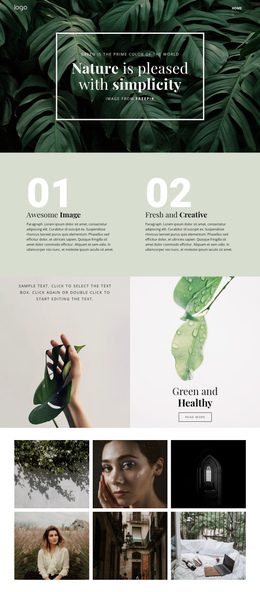
Compare the heading design examples for title-led openings and the simple design examples for understated supporting blocks.
Choose Compositions That Work Together
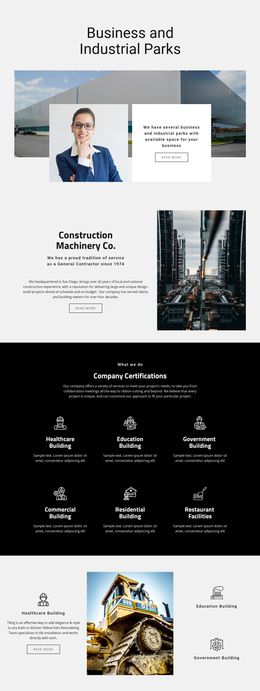
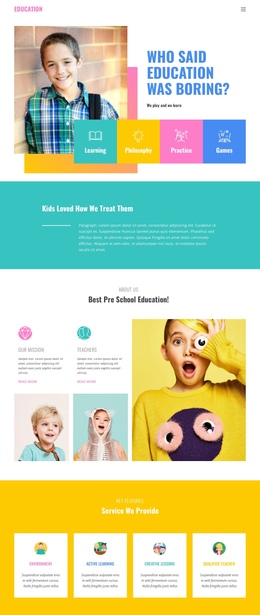
Review how each selected Text design looks next to the sections above and below it. A long editorial block can provide contrast after an image-heavy showcase, while a concise statement can create a useful moment of emphasis before the final section.
The search intent here is choosing text designs for a one-page layout, not a general discussion of scrolling behavior. Start from finished section options and adapt their copy once the page sequence feels balanced.
Text One Page Templates FAQ
How many Text sections should I use on a one-page layout?
There is no fixed number. Use a Text section whenever visitors need an explanation, transition, or supporting detail. Each block should have a distinct purpose, and neighboring passages should not repeat the same information.
Can I customize headings and paragraphs in Nicepage?
Yes. Nicepage provides Text Elements with formatting controls for headings, paragraphs, and other written content. You can replace the sample copy and adjust typography, alignment, and spacing to fit the surrounding layout.
What is the difference between a Text section and an About Us section?
A Text section can explain any subject through headings and paragraphs. An About Us section specifically presents an organization, project, or brand through its identity, background, or story. Choose the section according to the content's purpose.
Build a Text-Led One-Page Layout
Select complementary ready-made sections for the beginning, middle, and end of the page. Use each block for a specific reading task, then adapt the content without repeating the same composition throughout.