370 Contacts One Page Templates






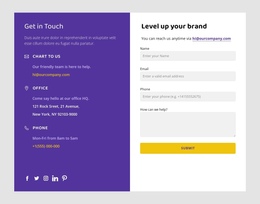

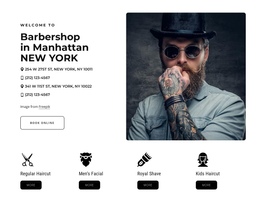

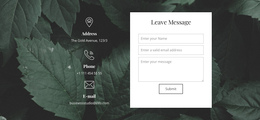
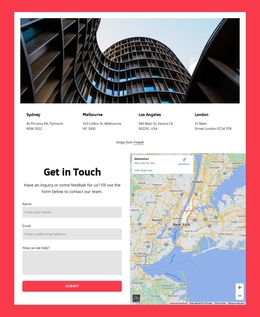
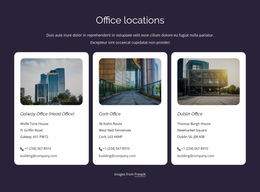
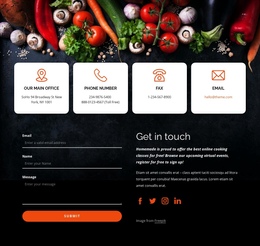



















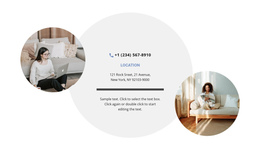
Ready-Made Contacts One-Page Template Designs for Scrollable Sites
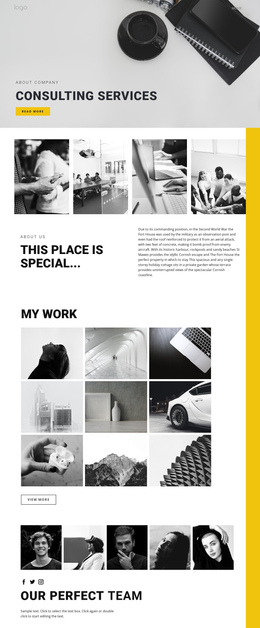
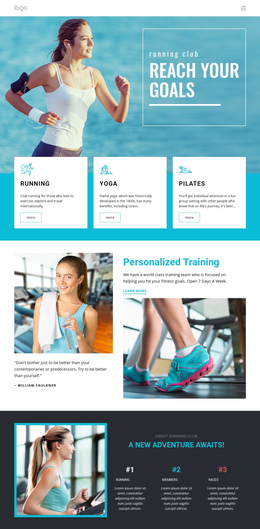
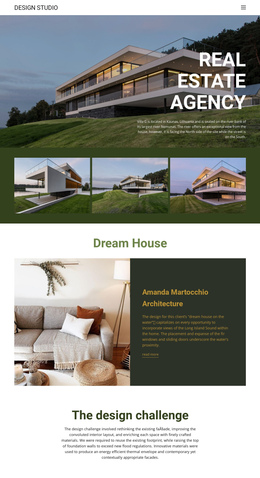
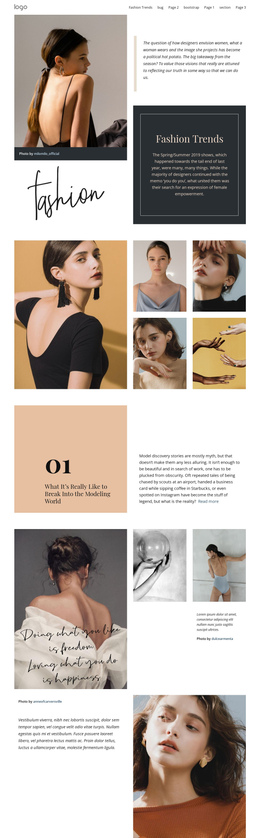
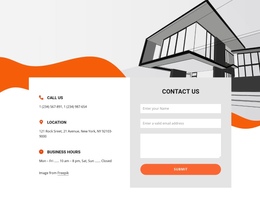
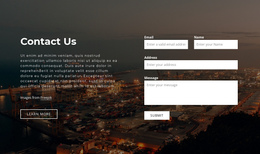
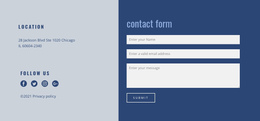
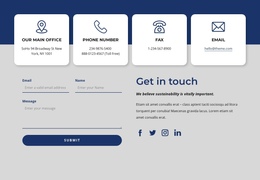
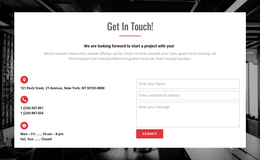
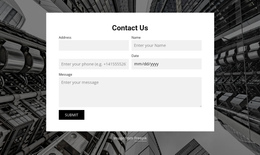
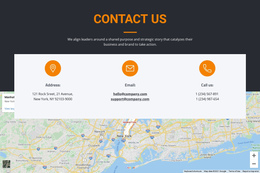
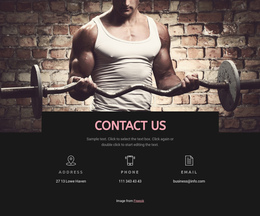
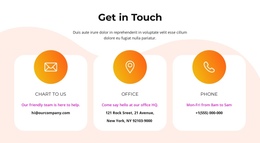
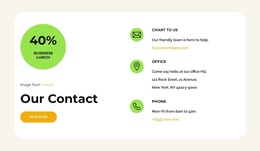
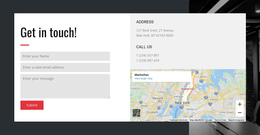
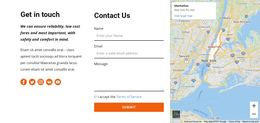
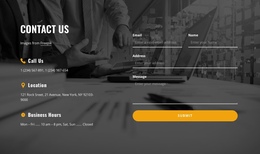
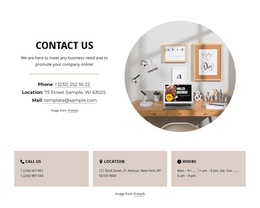
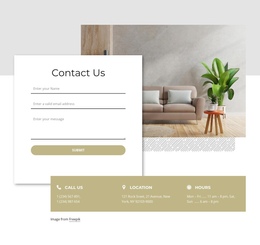
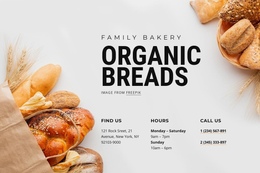
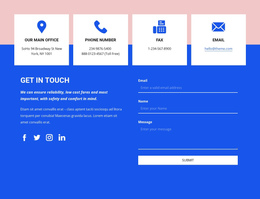
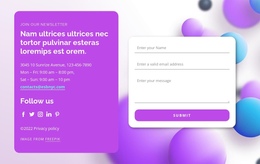
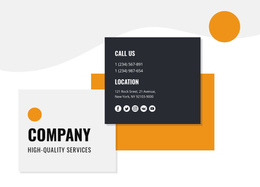
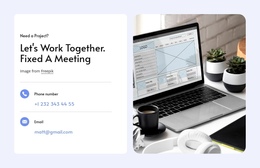
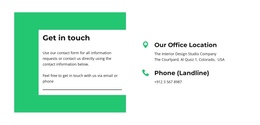
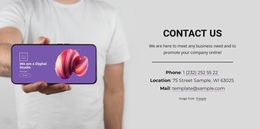
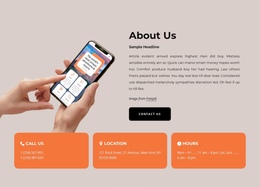
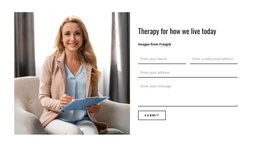
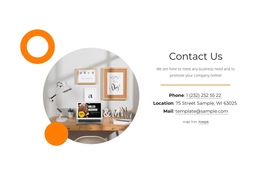
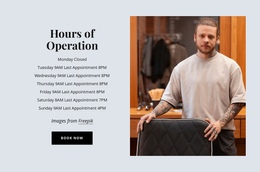
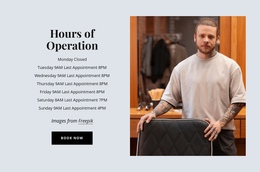
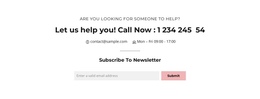
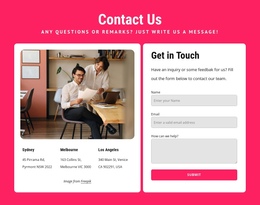
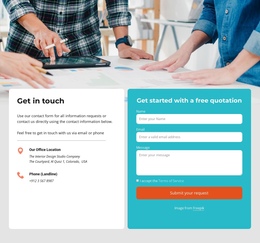
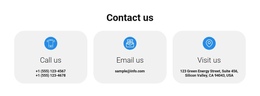
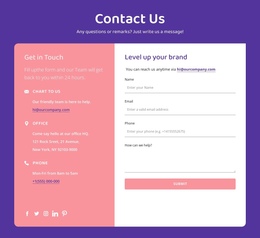
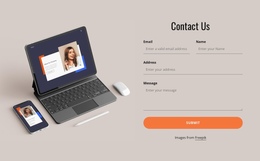
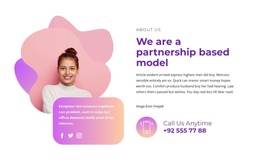
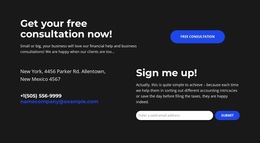
Contacts One-Page Template designs offer ready-made contact sections for a continuous, scrollable site. Look for a section that creates a recognizable contact destination without interrupting the visual flow from services, testimonials, or an offer. Choose by its position, scale, and relationship to the surrounding one-page design, not by a fixed position at the end of the scroll.
The defining one-page consideration is that the Contacts section shares one continuous scrolling composition with the other sections.
Choose a Contacts Section for Your One-Page Layout
Start by looking at the prepared Contacts section in relation to the sections before and after it. A block placed after services may need to follow the same typography and spacing; one near the final call to action may need a more noticeable heading. Neither position creates a unique template.
Compare the transition into the contact area: a clear heading, suitable background contrast, and familiar spacing can make the destination recognizable without breaking the continuous page design.
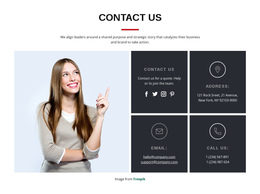
Choose a block that gives phone, email, or location information the necessary prominence while preserving the page's overall visual rhythm.
Compare Contact Destinations Within the Scroll
Compare ready-made Contacts blocks as destinations within the same scrolling page. A suitable design should be easy to recognize when visitors reach it from a menu or continue downward from an earlier section.
Look for a distinct section heading, consistent styling with neighboring blocks, and enough space for the intended contact channels. The amount of contact information still matters, but the section should feel integrated with the larger composition.
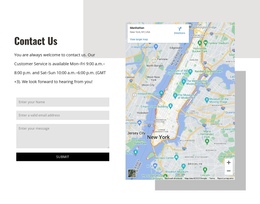
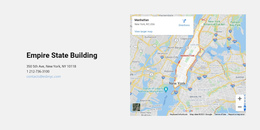
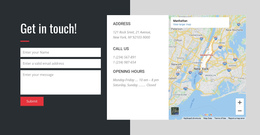
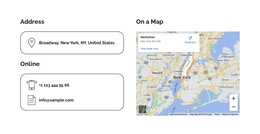
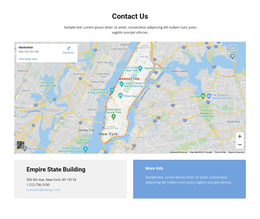
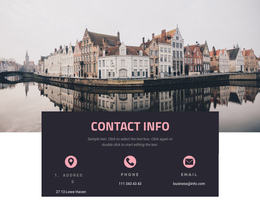
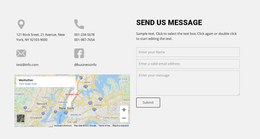
For a venue or other location-focused site, a map can be useful; for an online service, the layout may work better when direct phone or email details stand out. These are content-driven choices, not mandatory One Page design types.
Nicepage's Google Maps Element is available when a selected design needs location content.
If the location is the main reason visitors reach the section, location-focused designs offer a useful related direction. When a telephone number deserves greater prominence, a call-oriented section can provide a more focused communication pattern.
Make the Chosen Contacts Design Easy to Reach
A one-page menu can include a Contacts item that jumps to the selected contact block. Compare whether the ready-made section has a recognizable heading and enough visual separation for visitors to understand that they have reached the contact destination.
The Menu For One-Page Site reference covers optional navigation behavior; the main decision remains which prepared Contacts section fits the scroll.
The prepared design should feel like a clear destination when a visitor follows the link.
The section may also be reviewed in a narrower page view to judge its visual scale.
Consider Contact-Only and Combined Designs
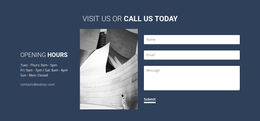
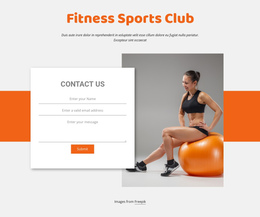
A single-page site may use direct contact details alone or combine them with an inquiry form. If both types of prepared composition are available, choose according to the amount of page space and the visitor action the site needs.
The two options aren't mutually exclusive, and a combined design isn't inherently unsuitable for a one-page layout.
Contacts One Page Template FAQ
How do I choose a Contacts design for a one-page website?
Choose a ready-made section that fits the visual rhythm of the page and makes the intended contact channels easy to identify. Its scale should reflect the contact content and neighboring sections, not an arbitrary preference for a particular layout format.
Can visitors jump directly to a Contacts section?
Yes. Nicepage supports Block Anchors for navigation between sections on a single page. A menu item can link directly to the Contacts block, letting visitors find phone numbers, addresses, and location details without scrolling through the entire page.
Can the Contacts section appear before the end of the page?
Yes. The selected design may appear after services, alongside location content, or near the footer. Its visual fit matters more than a prescribed position.
Can a one-page Contacts design include a form?
Yes, if the catalog offers a suitable combined composition. A one-page site can use direct contact details and a form in the same broader section.
Add a Contact Destination to Your One-Page Design
Compare ready-made Contacts blocks by their visual relationship to neighboring one-page sections, clarity as a contact destination, and capacity for real contact details. Choose a design that belongs in the continuous composition; an anchor link may help visitors reach it.
Nicepage lets you adapt the selected block after choosing it. The finished section should give visitors a clear place to find and use contact information while remaining part of the same continuous page.