
280 Pets & Animals One Page Templates
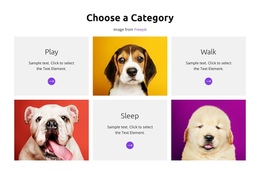


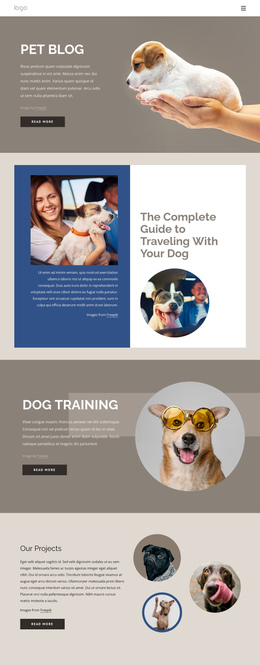
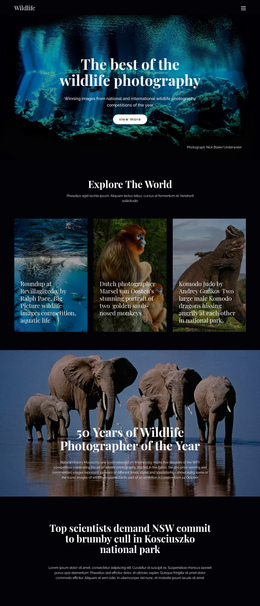
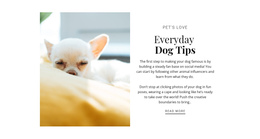
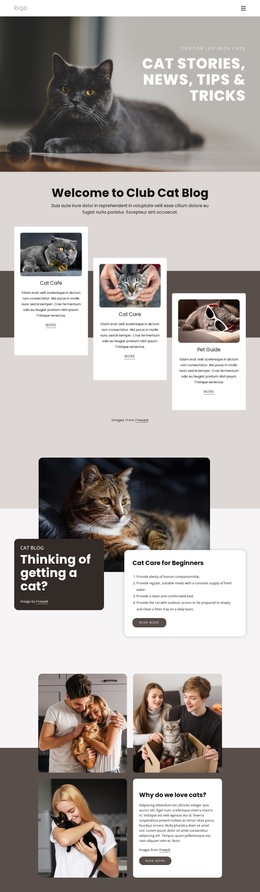
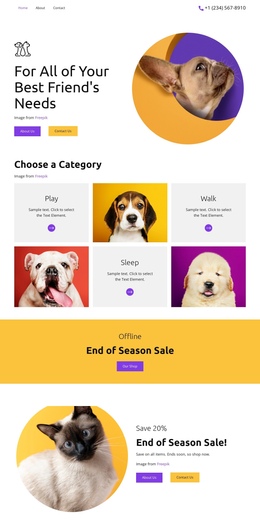
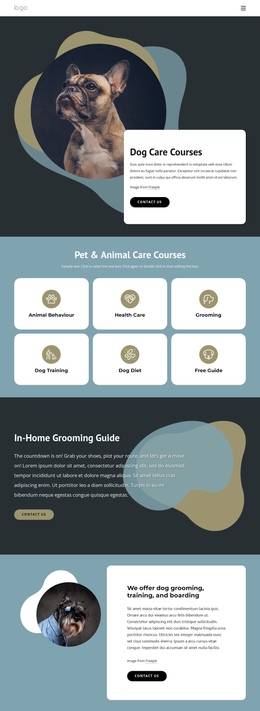


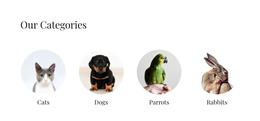
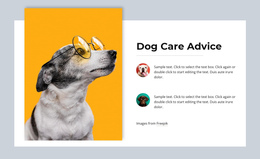
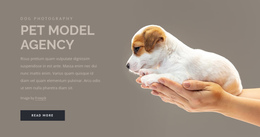
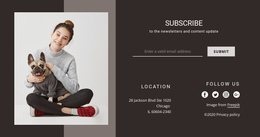
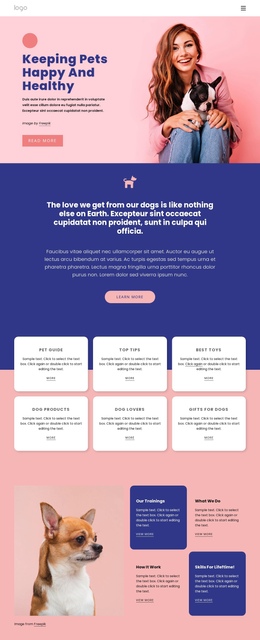
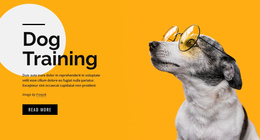
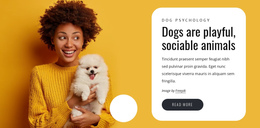
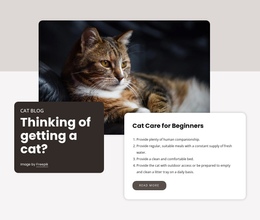
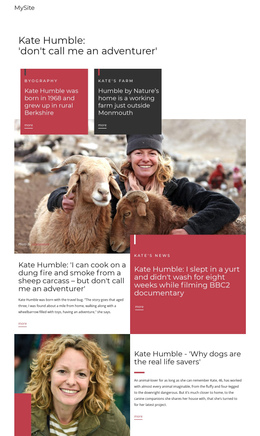
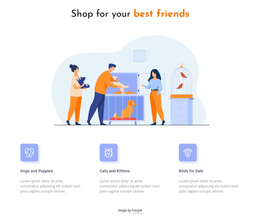
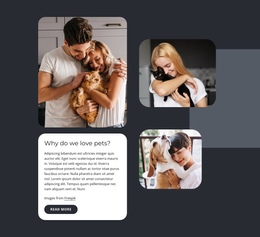
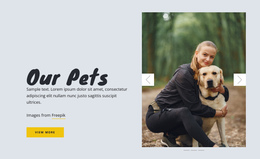





Pets & Animals One-Page Templates for Multi-Section Sites on One URL
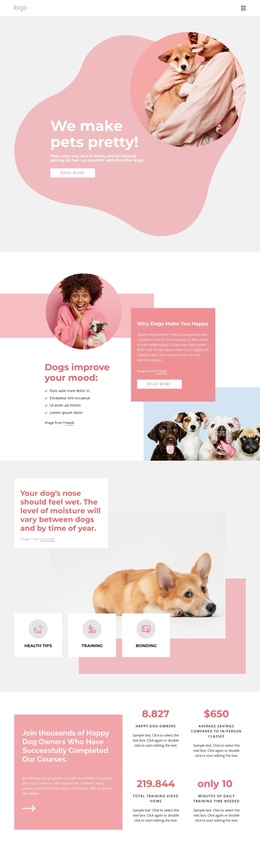
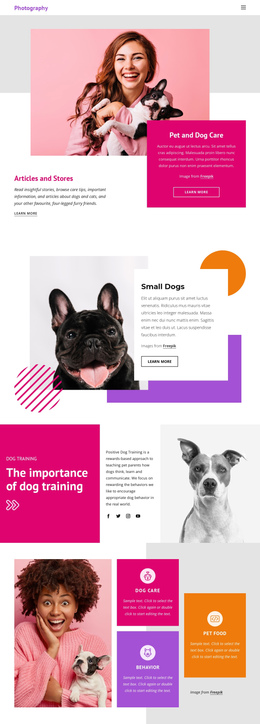
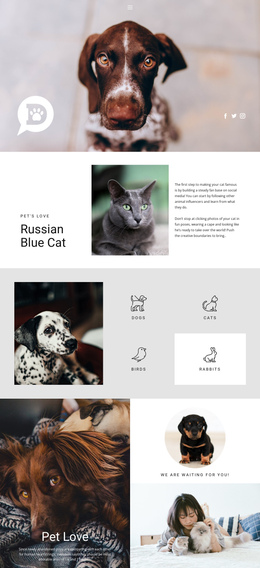
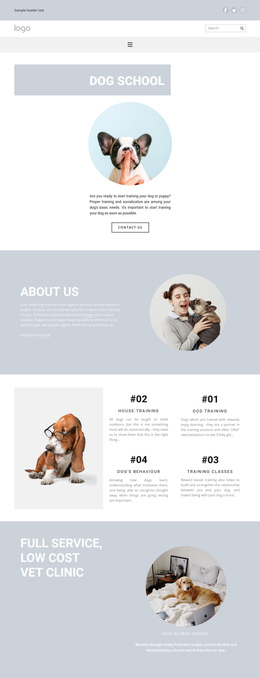
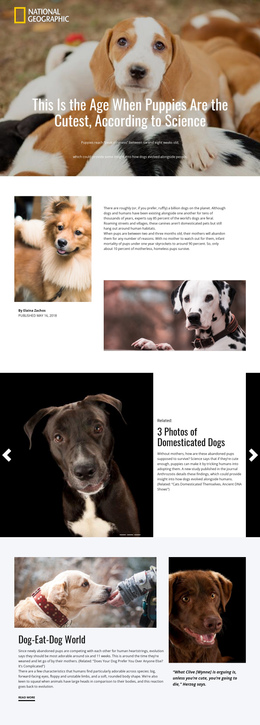
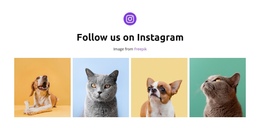
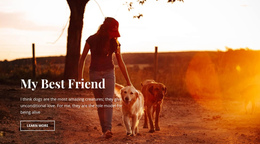
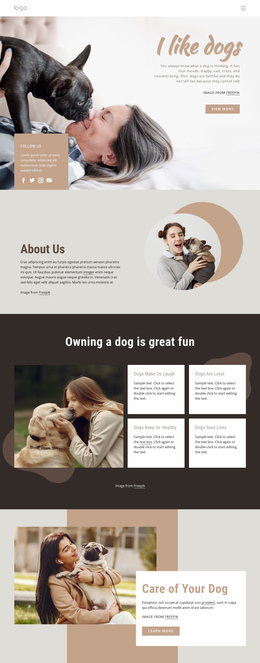
Pets & animals one-page templates combine several parts of a small website into a single continuous document. Instead of reducing everything to a single campaign action, a one-page site can include a Hero, About section, Animals or Services, Gallery, Reviews, FAQ, and Contact area, all linked from the same URL.
That makes the format different from a Landing Page. A landing page is built around one campaign goal and one primary response. A one-page site can support several natural actions, such as viewing services, reading about the organization, opening an animal profile, checking contact details, or sending an inquiry.
Anchor Navigation Connects the Sections
A one-page structure works best when the sequence is understandable, and visitors can jump to the section they need. Nicepage documents a dedicated one-page menu setup for section-based navigation.
For an endangered species design direction, the page might flow through Hero → About the program → Species → Conservation work → Gallery → Ways to help → Contact. Those sections serve different informational purposes, even though they share a single URL.
The Website Menu can support section-based movement, while the Hyperlink Element can point directly to a lower block. Nicepage's Hyperlink Element supports links to a Page, Block, file, phone, email, popup, or post.
Keep the Long Page Easy to Navigate
Use the Header for the logo, section links, and essential contact details. Reorder blocks when the story is stronger in a different sequence, and review the page in mobile views because a comfortable desktop flow can become too long or repetitive on a phone.
A parrot-focused visual direction could use sections for About, Care Services, Bird Profiles, Gallery, Testimonials, FAQ, and Contact. Not every section needs a button. Some sections exist to explain, reassure, or help visitors navigate before they choose the next route.
Buttons can still support actions such as making a call, opening an inquiry form, or viewing a booking section, but they should not turn every block into a conversion step.
One-Page Template Questions for Animal Projects
When should I choose a one-page template instead of a landing page?
Choose a one-page template when several independent site sections need to share a single URL. Choose a landing page when the page is primarily organized around a single campaign goal and a single main response.
Can a one-page animal site have several calls to action?
Yes. It can include natural secondary actions such as calling, opening a service section, viewing animals, reading support information, or sending an inquiry. The format is defined by its multi-section single-URL structure, not by a single conversion target.
Can a hero link jump directly to a lower section?
Yes. A hyperlink can target a Block so that a hero action can point to Services, Animals, Gallery, Contact, or another section farther down the same page.
How can I keep a photo-rich, one-page animal site manageable on mobile devices?
Prioritize the section order, compress media, use suitable image formats and lazy loading where appropriate, and check whether long galleries or repeated content should be shortened for smaller screens.
Judge the Page by Its Section Flow
A good one-page animal site feels like a compact website, not a stretched landing page. Check the order of sections, anchor labels, mobile length, and whether visitors can move between information areas without losing context.




































