Table One Page Templates
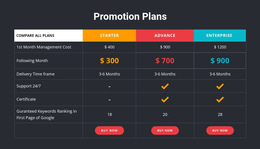
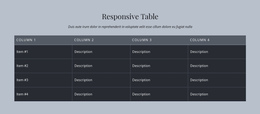
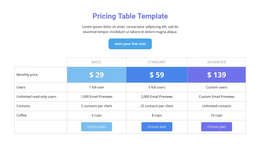
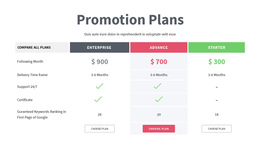
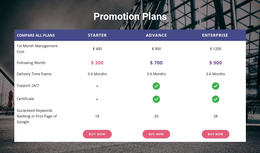
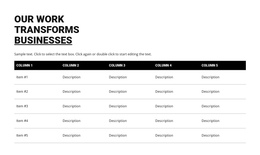
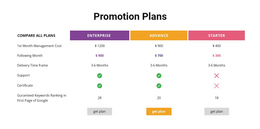
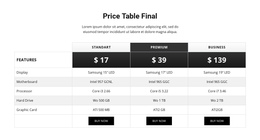
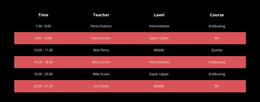

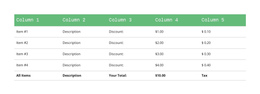
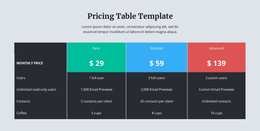
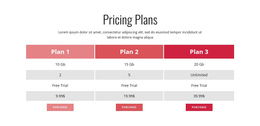
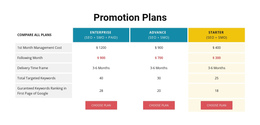
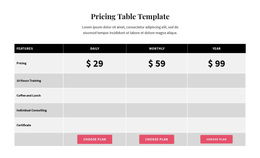
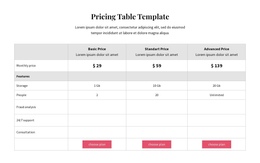
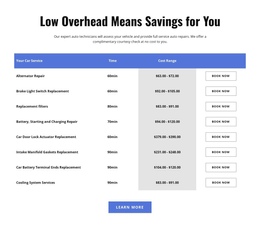
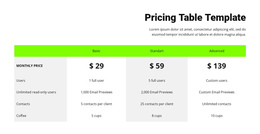
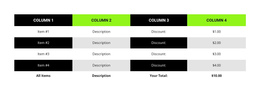
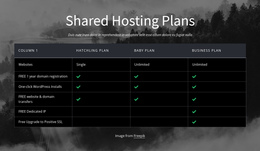

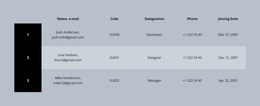
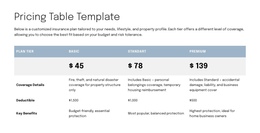

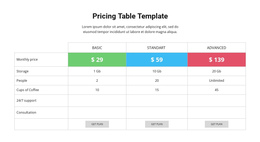
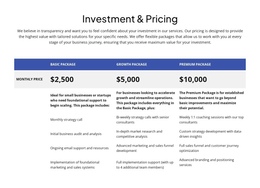
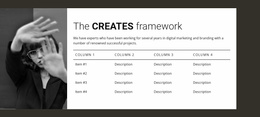
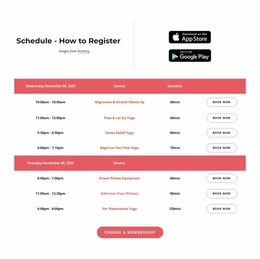
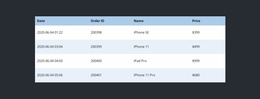
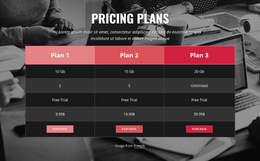
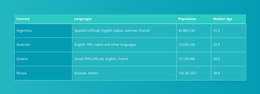
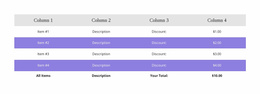
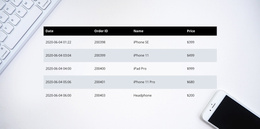
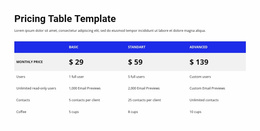
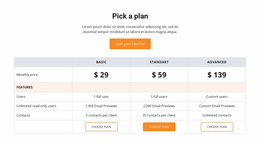
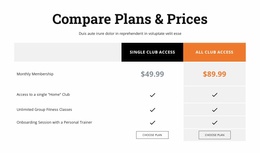

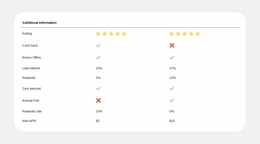
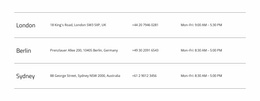
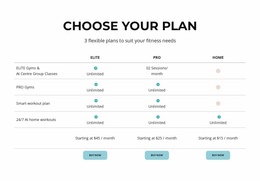
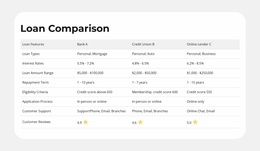
Simple Table One-Page Template Designs for Comparison Within a Continuous Page Flow
Table One-Page Template designs provide a ready-made table section that belongs within a complete single-page website. The table may show schedules, specifications, or differences between options, but its width, colors, and spacing need to sit comfortably among the other sections on that same page.
The important choice is a compact, visually consistent block that adds substance without dominating the one-page composition. Some designs suit a short reference area; others need a wider comparison panel. Both can work when their visual weight suits the surrounding sections.
Place a Table Within a Single-Page Structure
A One-Page Template keeps the site's content on a single page, often with navigation links to its main sections. A ready-made Table block can serve as one of those sections, letting visitors check schedules, specifications, or options without opening a separate reference page.
Consider where the table belongs within the page's overall sequence:
- Near a relevant overview when a short set of facts needs context.
- Within a dedicated information section when several values require comparison.
- Before a contact or inquiry area when readers may need those details first.
Choose the table for the information the page needs, while maintaining a natural progression between sections.
Keep the Table Visually Consistent With the Template
Nicepage's Table Element allows the selected block's dimensions, headings, and cell formatting to be adapted visually. Look at the table beside the page's images, headings, and calls to action before deciding how much contrast it needs.
In a one-page design, vertical space is particularly noticeable. Moderately sized rows and concise headings help preserve a balanced composition. Alternating backgrounds can improve scanning in a more information-heavy style, while fine separators may suit a restrained one.
Consistency across sections is more valuable than making the table the most elaborate element on the page.
Preserve Continuous Reading and Section Navigation
A one-page design has limited room for lengthy reference material. A Table section should be easy to locate through the page's section navigation, with a concise heading that explains its content. Keep its height proportionate to nearby sections and avoid adding records that belong in a separate, detailed document.
Wide tables can retain horizontal scrolling in Nicepage responsive modes. The aim is an informative section that works within the continuous one-page experience, not an additional destination users must navigate away to see.
Keep the One-Page Table Focused
Select a ready-made Table for facts that genuinely need side-by-side comparison. A short list of key values is often enough; a more detailed table is appropriate when those attributes are central to the site's purpose.
Independent visuals and paid plan offers may call for other block types. Let the amount of meaningful information determine the Table's size.
Table One Page Template FAQ
Can I add a Table block to an existing one-page website in Nicepage?
Yes. Nicepage provides ready-made Table block designs and a Table Element that can be added to a page. You can adapt the selected section's rows, columns, and cell content to fit the surrounding one-page layout.
How much information should a one-page table contain?
Include the facts visitors need for a useful comparison at that point in the page. A compact selection of specifications, values, or schedule details usually works better than an extensive reference table that interrupts the reading flow.
Can I create a Table section without HTML coding knowledge?
Yes. The Nicepage Table Element provides visual controls for adding and editing rows, columns, and cells. You can adjust dimensions and formatting directly in the Nicepage editor without manually writing HTML table markup.
Can a one-page table remain readable on mobile screens?
Nicepage supports horizontal scrolling when a table extends beyond the available screen width in responsive modes. For a one-page layout, it is also helpful to limit unnecessary columns and keep headings concise so visitors can understand the information on smaller screens.
Add a Focused Table Section to Your One-Page Project
Begin by identifying the facts visitors need to compare within the page sequence. Choose a suitable Table block, open it in the Nicepage editor, and adjust the headings, rows, cell values, and formatting.
Place the section where it connects naturally with adjacent content. A well-organized table adds factual clarity without breaking the continuous reading experience that defines a one-page layout.