
Academy CSS Templates
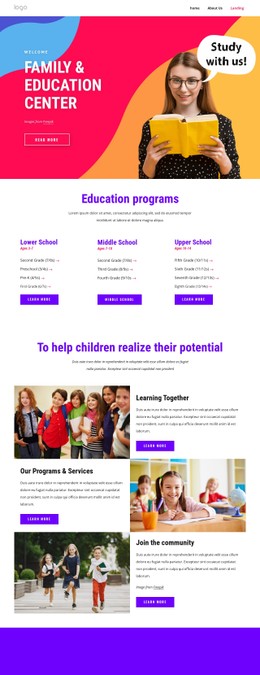
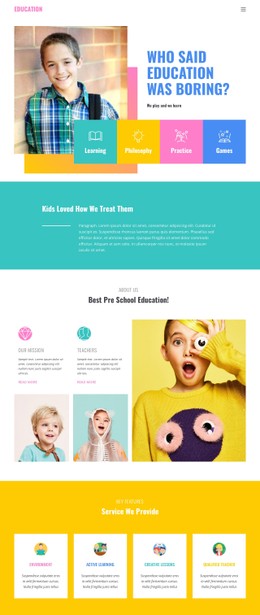
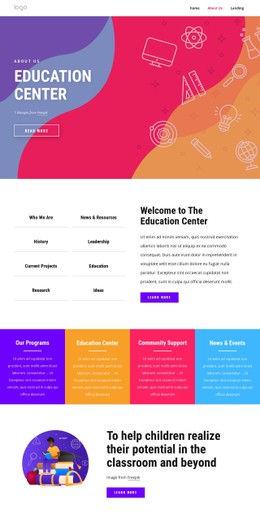
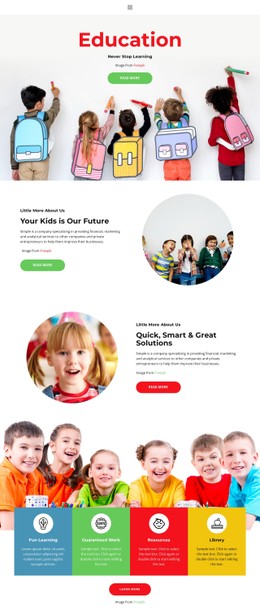
Visual consistency becomes harder when an academy presents many programs, teachers, schedules, and enrollment details. CSS-focused templates provide responsive styling rules that keep these content types distinct while preserving a coherent academic interface.















More CSS Templates from Education Category
-

-
-
-
-
-
-
-
-
-
-
-
-
-
-
-
-
-
-
-
-
Build Website with no CodingDownload
-
-
-
-
-






































Other Education CSS Templates
Flexible Academy CSS Templates for Consistent Course Styling
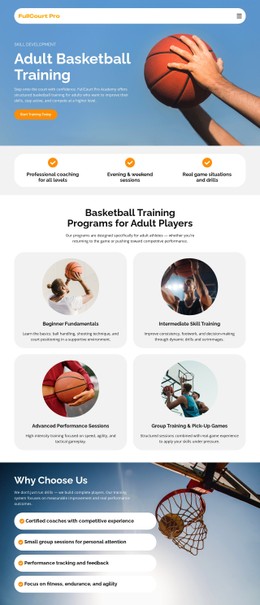
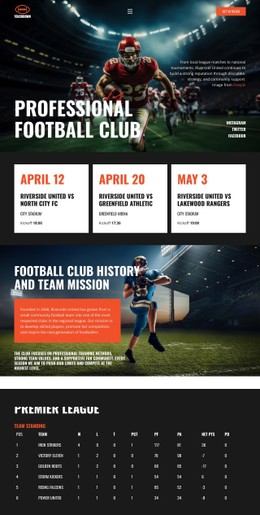
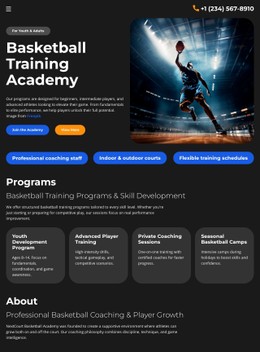
An academy CSS template comes with the presentation layer already built. The structure of a course listing stays as it is, while colors, type scale, and spacing decide how it reads, and responsive rules decide what happens to it at smaller widths. A sports academy moving to a red-and-black identity edits the values within that system, and every card, badge, and button follows.
Repeated Elements Under One Visual System
Education content repeats more than most, and each recurring element carries its own set of style rules:
- course cards, where spacing, border treatment and title scale keep long course names from breaking the grid;
- level badges and tuition values, which need enough contrast to be found without shouting over the description;
- class schedules, where row spacing and alignment decide whether a timetable reads at a glance;
- enrollment buttons, whose normal, hover, and active states have to stay clearly apart.
Typography does most of the sorting inside a card. Course title, duration,n and level are all text, and so are the fee and the action underneath them; only size, weight,t and contrast tell a reader which is which. Once those steps are set, a new intensive or weekend group joins the catalog already looking like the rest.
Adapt Class Layouts Across Screen Sizes
A catalog grid may reduce from several columns to fewer as the viewport narrows, and everything around it moves too. Spacing, alignment, and padding carry that change, and the type scale can drop a step where a heading would otherwise wrap awkwardly.
Many of those values can be set separately for the Responsive Modes Nicepage provides, from large screens down to vertical phones.
Schedules are the usual test case. Rows that align neatly across a wide screen have to stack without breaking the link between a date and its group. Contrast counts for more once the rows are read on a phone in daylight.
Custom CSS for Local Exceptions
Visual controls cover most of what an academy site needs, and Custom CSS handles the presentation rules they do not expose, at the level of a single element, one page, or the whole site. The practical case is narrow: either an intensive course that should stand out from the rest of the catalog, or a single timetable that needs its own row treatment while every other block keeps the shared rules.
What separates a strong academy CSS template from a pretty one is how much of its system survives your own content. Drop in your longest course name, a schedule with awkward gaps, and a badge nobody planned for, then see whether the styling holds.