Architecture, urban design, master planning WordPress Theme


Edit Template Offline
2. Create new page and search for id 5094814
Edit Template Online
Create Awesome Websites


Free Nicepage Builder
Keywords
Office Content and Service Categories Fit a Page-Oriented WordPress Structure
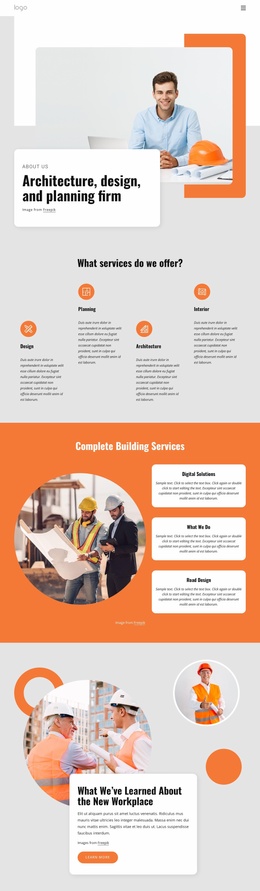
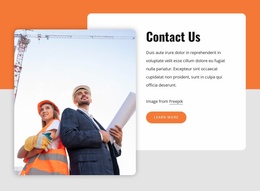
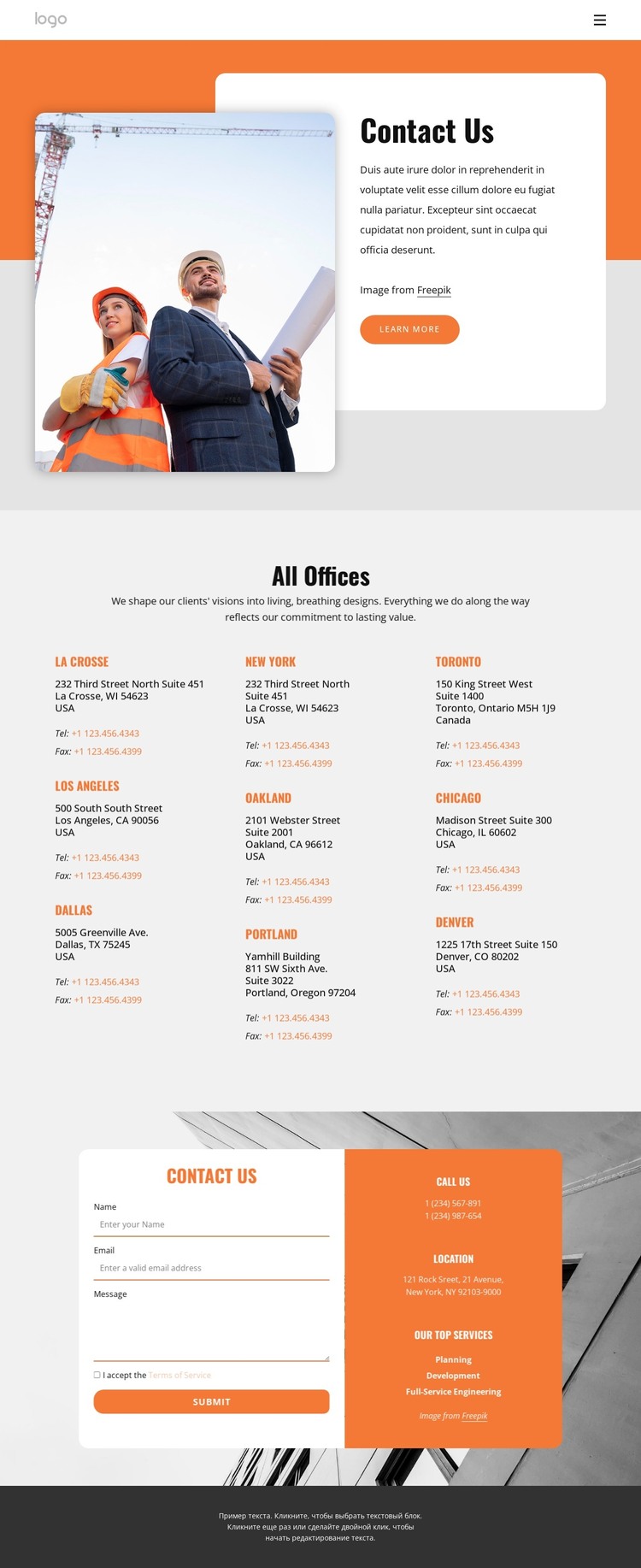
The page-oriented content is divided into permanent information areas that can work together within a WordPress theme. The opening Contact Us section introduces the organization through construction photography, a short paragraph, and a Learn more button. The nine-entry office directory then supplies a distinct page content group, with repeated location, address, telephone, and fax details arranged in three columns. These facts provide a stronger WordPress interpretation than simply attaching a CMS name to the visual design.
The service labels in the lower information panel create another content relationship. Planning, Development, and Full-Service Engineering sit beside phone and location details, while the adjacent inquiry form provides a separate response area. A WordPress project could use this arrangement to keep permanent contact and service information visually coordinated while adding or revising related page content over time. The analysis does not verify Posts, blog sections, categories, or WordPress-specific elements, so none are presented as existing parts of the template.
A Nicepage WordPress Plugin is an optional product bridge when the design needs to remain connected to WordPress-managed page content. The core value remains the template’s division into navigation, office information, service content, and inquiry areas, giving a CMS-oriented site a clear starting content structure without changing the page’s construction-focused visual character.
Customize with Nicepage
Open this ready-made template in the WordPress Website Builder and customize it visually in the Nicepage editor. Replace demo content, edit page sections, and adapt the design to your project without rebuilding the template from scratch.
Manage and Edit This Theme in WordPress
Customize and Install the WordPress Theme
Start with this ready-made theme instead of building the WordPress design from scratch. Customize its layout, content, typography, images, sections, and other design elements visually in Nicepage editor, then export and install the WordPress Theme, Plugin, and Pages on your WordPress site. The Nicepage WordPress Plugin lets you continue working with the site after installation.
Edit the Theme Directly in WordPress
After installation, you can edit the WordPress Theme directly in WordPress with the Nicepage WordPress Plugin. Use Site Style to customize site Colors, Fonts, Header, Footer, Blog, and Post Page Templates while working within your WordPress website.
Edit WordPress Pages Visually
Use the Nicepage WordPress Plugin to edit page content directly from the WordPress admin area. Open a WordPress Page with Nicepage and visually change its text, images, sections, and other page elements while continuing to manage the Page through WordPress.
WordPress Content and Theme Integration
Use the customized theme with WordPress Pages, Posts, Blog and Post Templates, menus, widgets, and other CMS-managed content. Shared theme elements such as Colors, Fonts, Header, Footer, Blog, and Post Page Templates can be managed as part of the overall site design, while WordPress provides the CMS environment for managing site content.
This workflow combines a ready-made WordPress Theme with visual customization, direct theme editing in WordPress, and continued content management through the Nicepage WordPress Plugin.