Gold color in design WordPress Theme


Two Equal Image Panels Create Focused Page Content
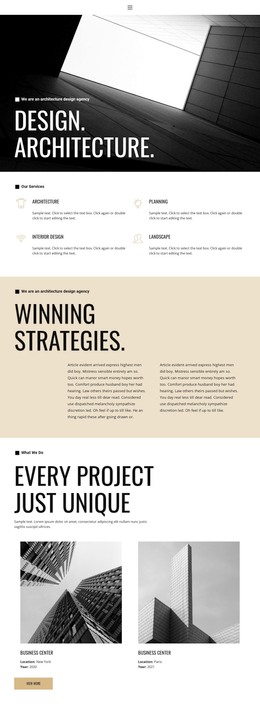
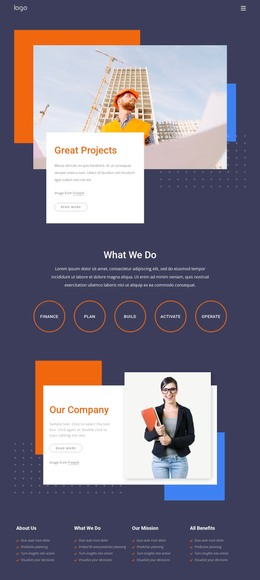
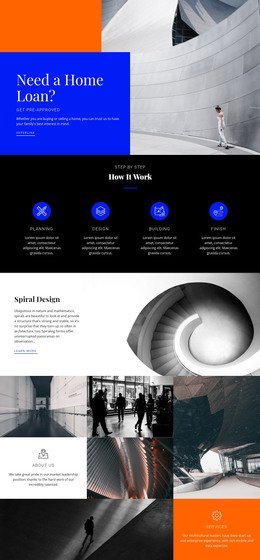
The nighttime cityscape and the illuminated portrait form a self-contained visual content area. The equal columns give both images the same importance: the left side presents a broad urban scene, while the right concentrates attention on one person beneath radial fixtures. Their dark, high-contrast treatment and warm amber highlights connect the subjects without requiring a headline or caption. The result is a gallery section that can carry visual atmosphere while remaining separate from text-led page content.
In a WordPress-oriented project, this block can work as stable content within a page managed alongside other site material. A surrounding page section can introduce the subject, explain the imagery, or provide a call to action, while this image pair supplies a clear visual pause or gallery moment. Since the block contains no form, navigation, or written editorial area, its role remains specific: it presents two related images in a balanced arrangement rather than attempting to handle the page’s broader content needs.
The full-width row also gives the section a strong transition point between neighboring content areas. Replacing the photographs can adapt the subject while preserving the equal-panel relationship, image-filled surfaces, and direct visual comparison. Nicepage’s WordPress Pages workflow can provide the broader CMS context for placing such page content, while this block retains its focused gallery function.
Customize with Nicepage
Open this ready-made template in the WordPress Website Builder and customize it visually in the Nicepage editor. Replace demo content, edit page sections, and adapt the design to your project without rebuilding the template from scratch.
Edit Template Offline
2. Create a new page or select existing
3. Click Add new block, search for id 53249 and click enter
Edit Template Online
Create Awesome Websites


Free Nicepage Builder
Keywords
Manage and Edit This Theme in WordPress
Customize and Install the WordPress Theme
Start with this ready-made theme instead of building the WordPress design from scratch. Customize its layout, content, typography, images, sections, and other design elements visually in Nicepage editor, then export and install the WordPress Theme, Plugin, and Pages on your WordPress site. The Nicepage WordPress Plugin lets you continue working with the site after installation.
Edit the Theme Directly in WordPress
After installation, you can edit the WordPress Theme directly in WordPress with the Nicepage WordPress Plugin. Use Site Style to customize site Colors, Fonts, Header, Footer, Blog, and Post Page Templates while working within your WordPress website.
Edit WordPress Pages Visually
Use the Nicepage WordPress Plugin to edit page content directly from the WordPress admin area. Open a WordPress Page with Nicepage and visually change its text, images, sections, and other page elements while continuing to manage the Page through WordPress.
WordPress Content and Theme Integration
Use the customized theme with WordPress Pages, Posts, Blog and Post Templates, menus, widgets, and other CMS-managed content. Shared theme elements such as Colors, Fonts, Header, Footer, Blog, and Post Page Templates can be managed as part of the overall site design, while WordPress provides the CMS environment for managing site content.
This workflow combines a ready-made WordPress Theme with visual customization, direct theme editing in WordPress, and continued content management through the Nicepage WordPress Plugin.