
Profile CSS Templates
Profile CSS templates make it easier to tailor biography and portfolio styling by adjusting portrait crops, card density, type hierarchy, dividers, and spacing while maintaining a coherent visual design.
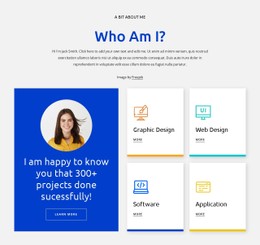
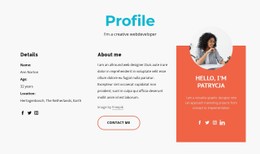
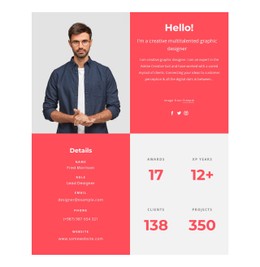
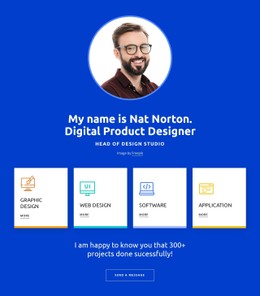













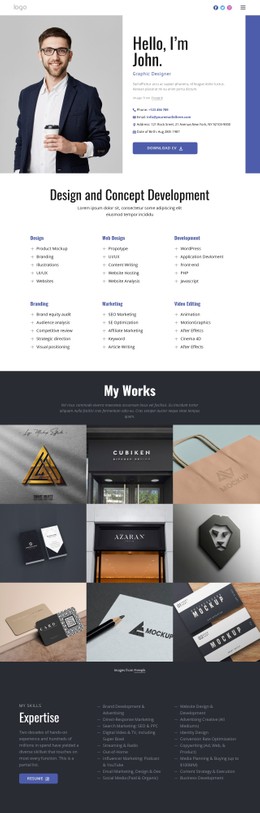
More Website & HTML Templates for Profile
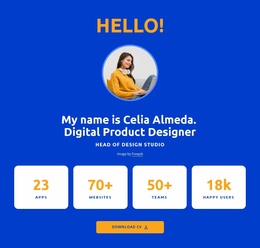

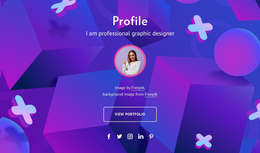
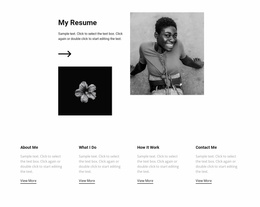










Responsive Profile CSS Templates
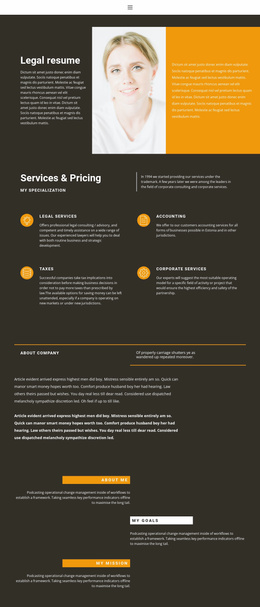
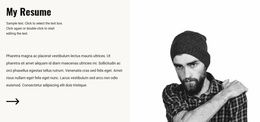
Profile styling shapes a visitor's first impression before they read the biography. A sharp editorial layout with oversized type feels very different from a quiet resume with thin dividers and tightly organized dates. Profile CSS templates let you start with these visual choices already expressed in typography, color, spacing, and component treatments, then adapt them to your personal presentation.
Compare CSS Styles for Profile Pages
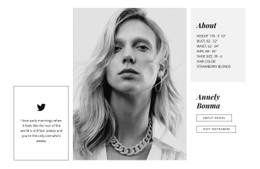
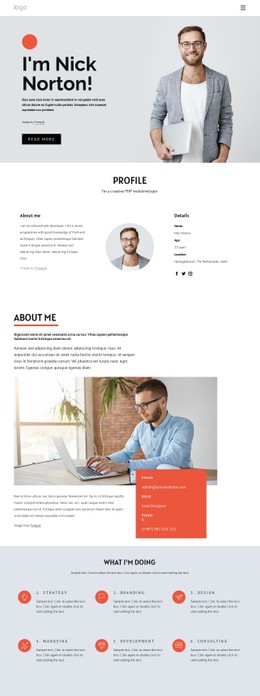
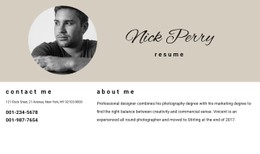
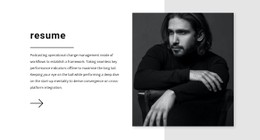
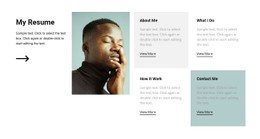
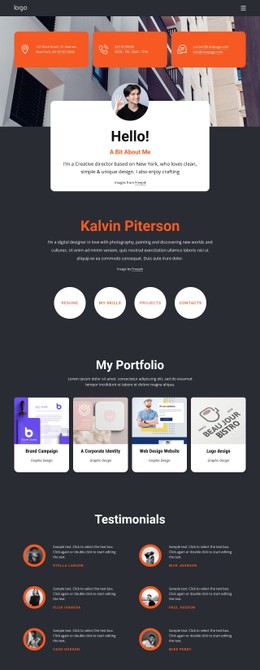
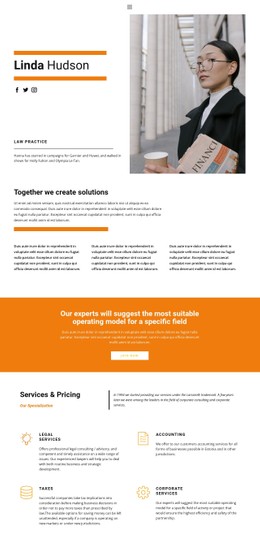
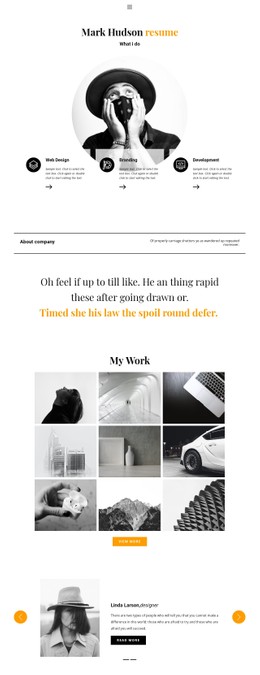
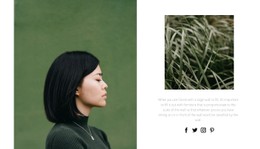
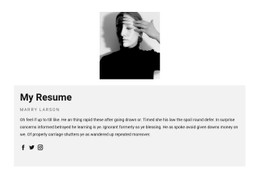
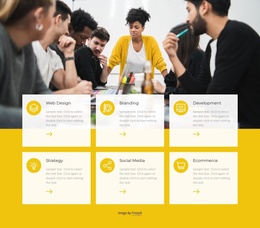
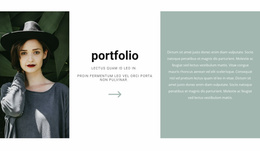
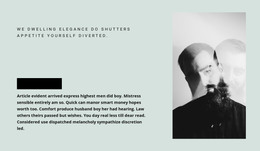
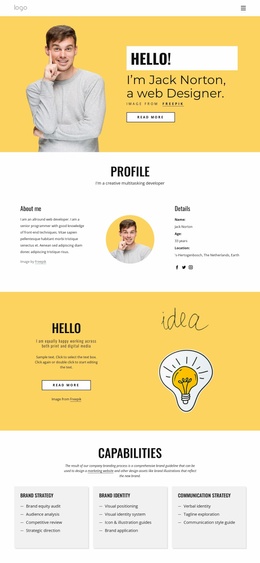
Different ready-made designs give professional details a different visual rhythm. A narrow portrait crop and generous margins can make a minimalist biography feel editorial. Dense card grids keep qualifications and projects compact, while stronger heading contrast and tighter section spacing can make a creative profile feel more energetic.
When browsing, compare what the styling actually does:
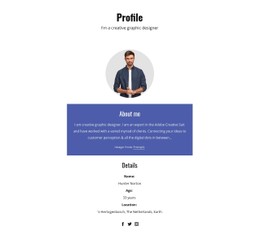
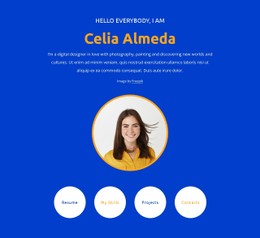
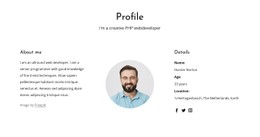
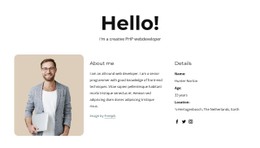
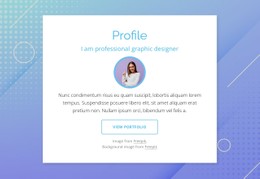
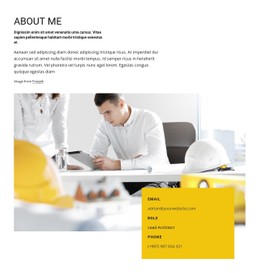
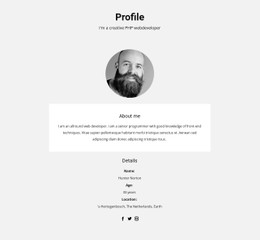
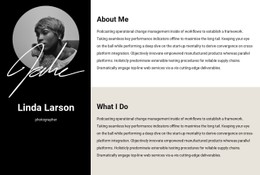
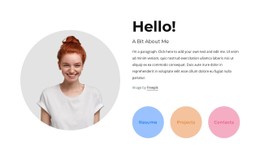
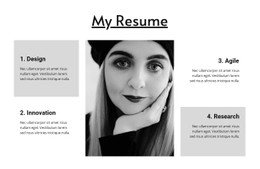
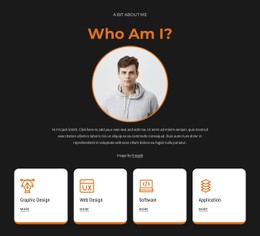
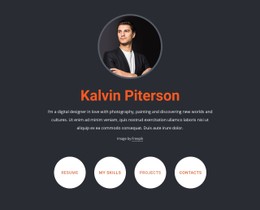
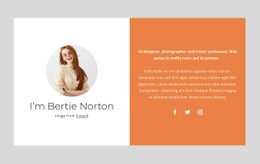
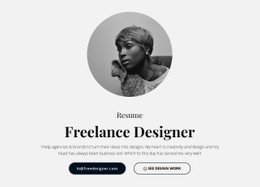
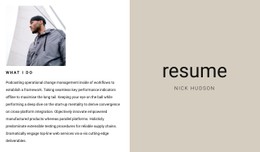
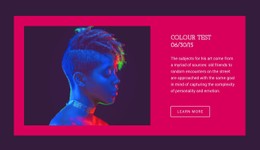
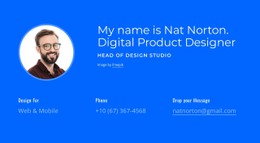
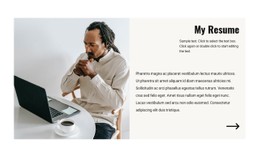
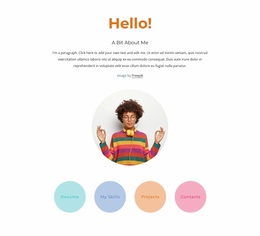
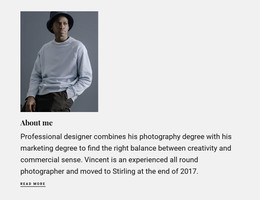
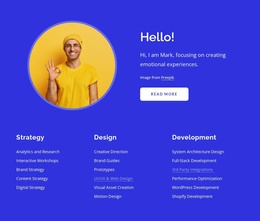
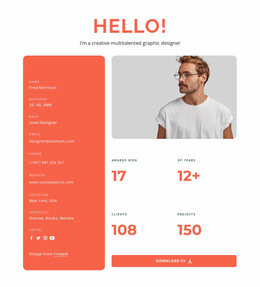
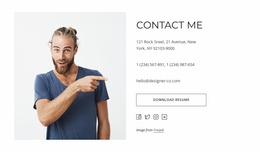
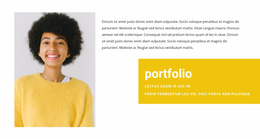
- Portrait cards: A circular headshot with a thin border creates a different impression from a large rectangular image beside a name and title.
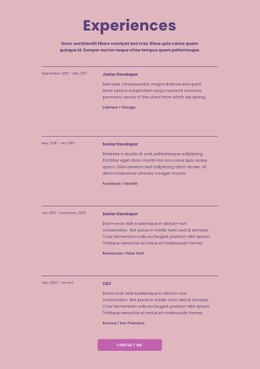
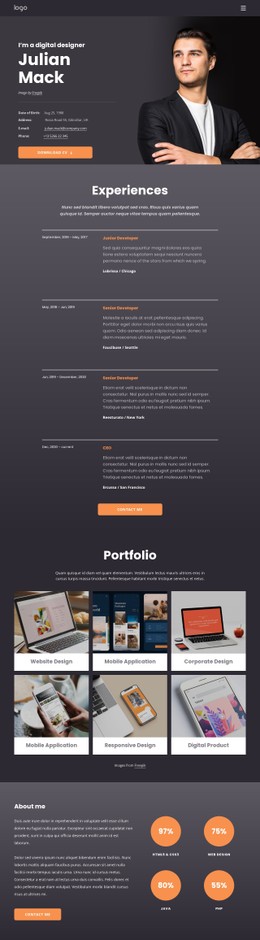
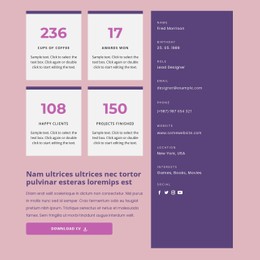
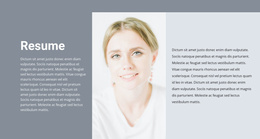
- Experience timelines: Vertical rules and dated entries can make a long career easier to scan; simpler stacked blocks suit shorter histories.
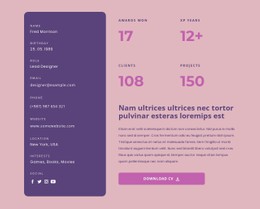
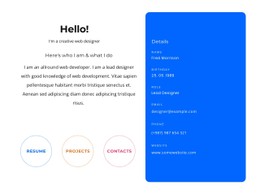
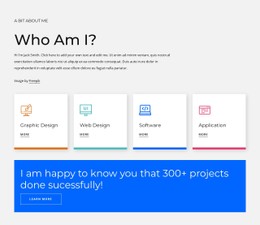
- Skill labels: Compact badges work for a developer's technical stack, while a more restrained credentials section may fit a regulated profession.
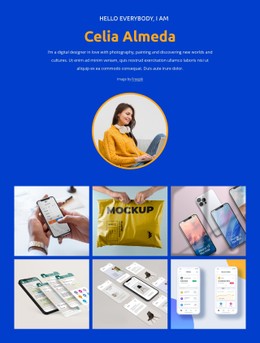
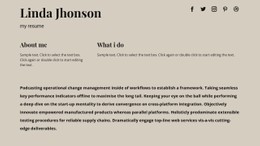
- Typography and spacing: Large display titles suit a concise introduction; smaller headings and tighter spacing leave room for detailed experience.
Choose the presentation whose visual density matches your material. A sparse design with five oversized cards may look awkward if you have only two achievements to show.
Customize the Design Without Losing Its Character
CSS controls the appearance of these elements, but a good template already provides a consistent starting treatment. In Nicepage, routine adjustments to fonts, colors, spacing, and component appearance can be made in the visual editor. For details the visual controls do not cover, Custom CSS lets you add targeted styling to particular profile elements.
Custom rules may help with a distinctive portrait frame, a highlighted certification badge, or a specialized timeline. CSS Grid and Flexbox may underpin a template's arrangement; for selection, focus on whether portrait width, text measure, and card gaps produce the balance you want.
Review Responsive CSS Behavior
Open the chosen design at desktop, tablet, and phone widths before investing time in detailed customization. A long professional title should wrap without colliding with the portrait. Skill badges need enough room to wrap to a new line, and experience dates should stay tied to the correct roles.
For a software engineer, a crisp layout with compact skill chips and dated project cards might be the strongest fit. Someone presenting speaking engagements could instead choose a dramatic portrait and larger type. Start from the CSS design that already feels appropriate, then make selective changes that strengthen its original composition.