
Posts CSS Templates
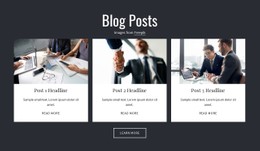
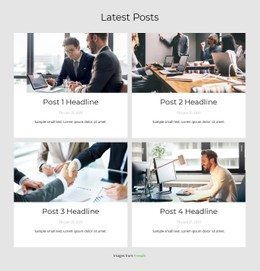
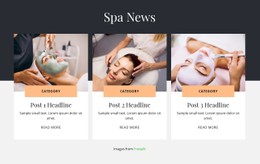
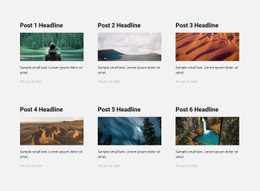
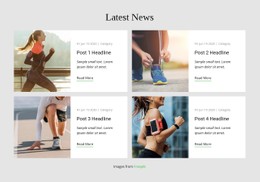

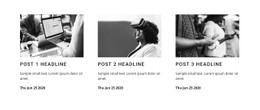
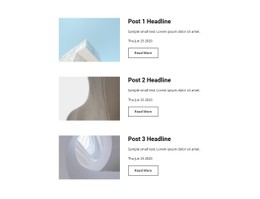





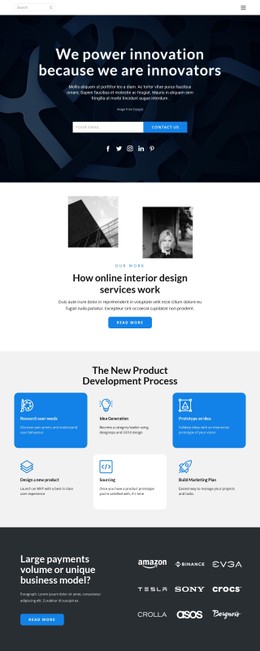

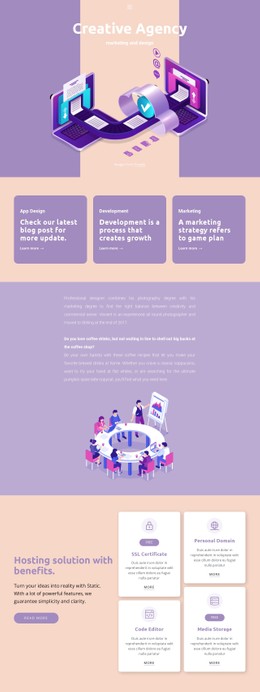
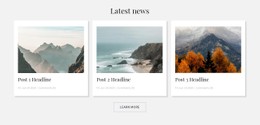
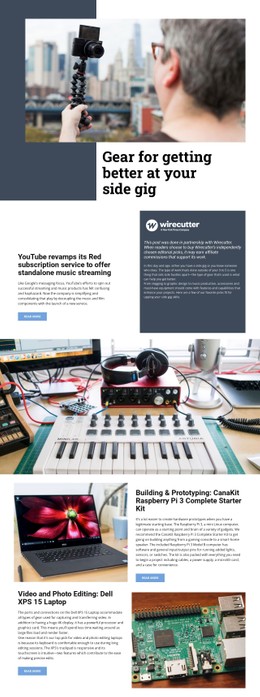
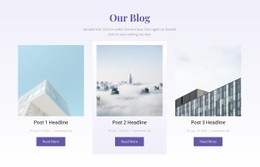
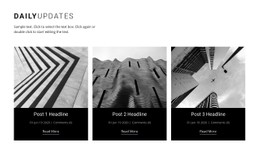
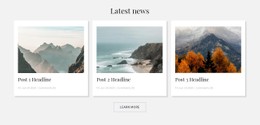
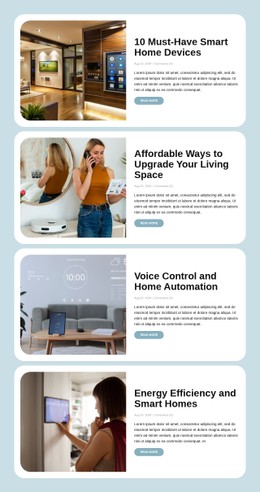
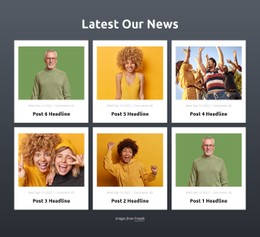

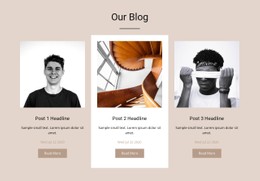
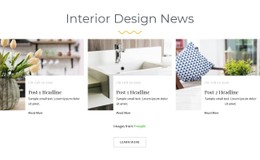

More Website & HTML Templates for Posts
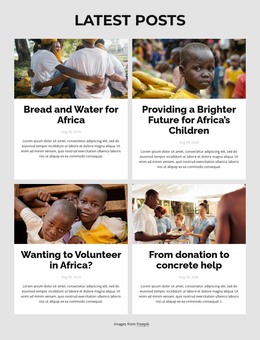
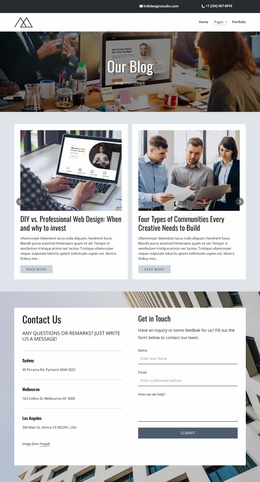
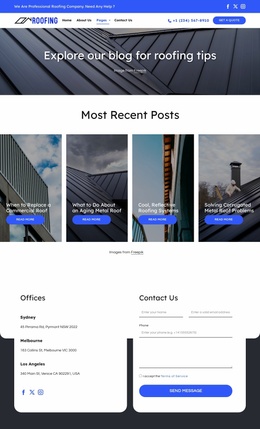

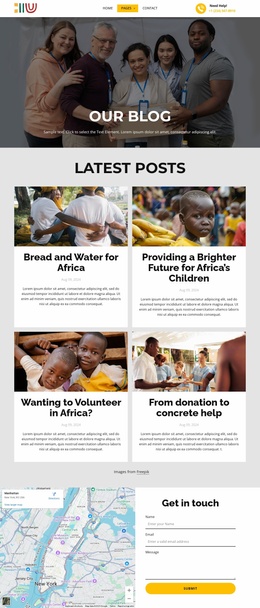
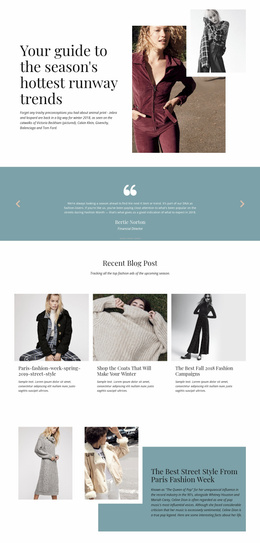
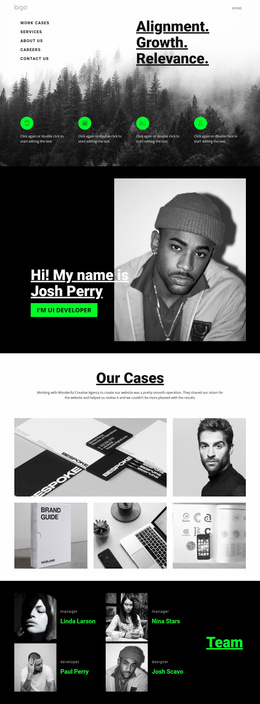
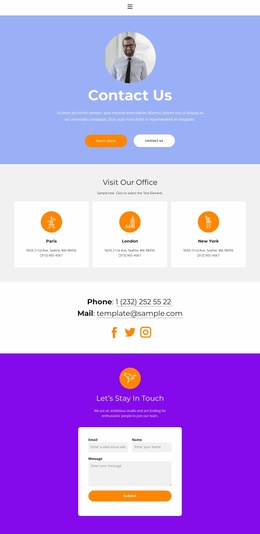
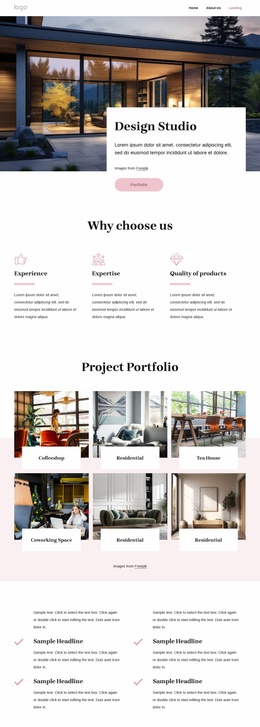

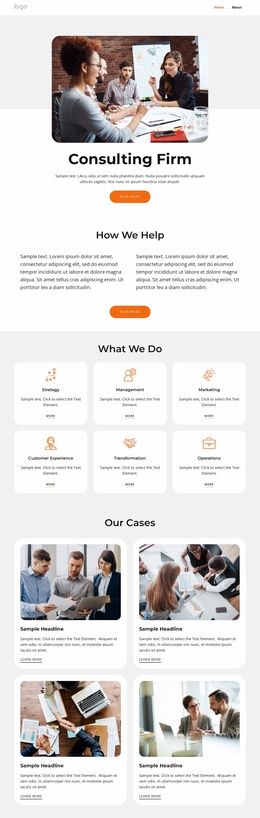

More CSS Templates from Blog Posts Category
Other Blog Posts CSS Templates
Customizable Posts CSS Templates
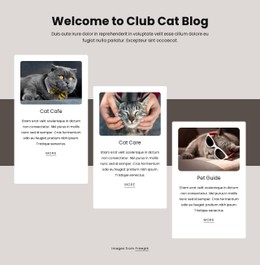
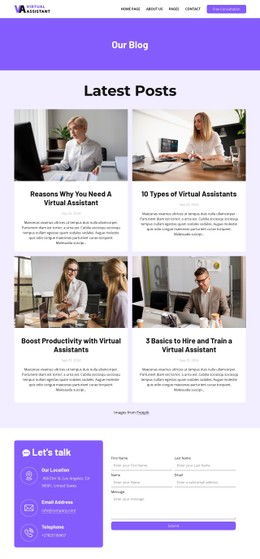
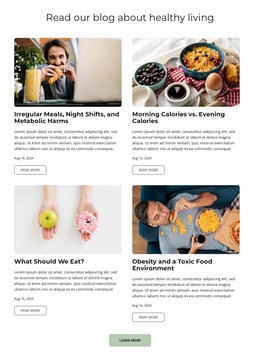
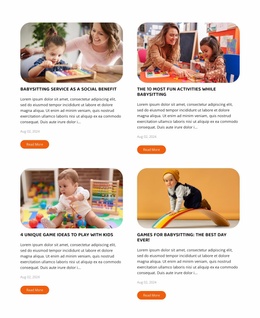
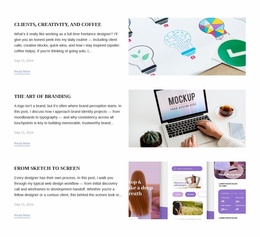
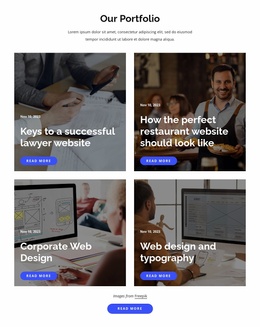
Would you like to simplify blogging, news pages, or article cards? The Posts CSS templates will help bloggers, marketers, educational establishments, agencies, and business owners to create the visual concept of their content pages. It includes font styles, space between elements, colors, grid styles, image dimensions, and cards' design. This is important since people usually scan the page first before deciding to read a whole article. So, the correct blog posts CSS template should allow readers to find the title, the date of publication, the author's name, the category, and the call-to-action easily.
W3Techs states that CSS is used on around 98.5% of all websites, which proves its importance in modern webpage design. Such a website may be used to publish category grids and featured articles by a news site. The company blog may include expert posts, case studies, and updates. Educational institutions can share lessons, notifications, and event reviews. Flexbox classes will help to adjust the style of multiple posts easily. Responsive classes will keep cards organized on mobiles, tablets, and desktops. Nicepage allows users to edit blocks, images, fonts, and colors.
Creative Post Layouts for Clear Content
An ideal CSS template for a blog post should ensure that visitors are able to scan titles, dates, summaries, and images without having to slow down. Many times, visitors visit a blog in search of something specific, meaning that they have to be able to find the articles that will help them.
Typography, standard-size cards, and category visibility play a huge role in making this happen. This information is important for personal blogs, magazines, company blogs, travel blogs, and product updates.
- Title Hierarchy
- Balanced Spacing
- Category Tags
- Post Metadata
- Page Navigation
- Mobile Cards
Furthermore, the style of the blog posts should be consistent, whether there is little or a lot of information.
Simple Style Controls for Different Publishers
Also worth mentioning are the pagination and post navigation. Visitors have to be able to navigate through previous posts, go back to the category, or proceed to another post without hitting any dead ends. At the same time, the cards on mobile devices must have enough room for readable text and comfortable links, but not be so big that they will require excessive scrolling.
All these considerations allow the editors to include all the information they wish regarding the travels, new products, interviews, tips and tricks or any other news about the business without making the page cluttered.
Choose Posts CSS Design Today
Investigate posts CSS templates and study their archive styles. Choose a posts CSS template, change the dummy posts, choose the fonts and colors, and post a coherent collection that will look the same on the very first card and the last article.