

Login Form Website Templates
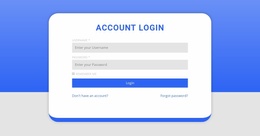
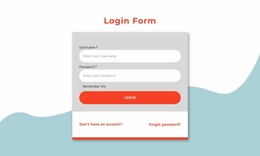
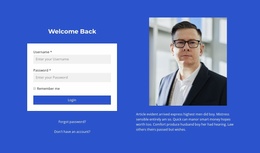
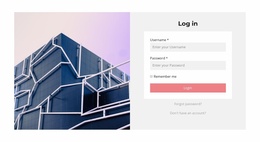
For membership clubs and course portals, account access extends beyond a single sign-in form. Login form website templates connect registration, recovery, help, and member destinations through a coherent page structure that visitors can navigate.












































Other Contact Form Website Templates
Customizable Login Form Website Templates
Visitors reach the login form from public pages, such as a course catalog or a membership offer, and then enter a private account area after signing in. Login form website templates let that form blend into an existing site, keeping the shared navigation, a familiar brand look, and links to related pages. People then recognize where they are and can guess where the form will take them.
Choosing a Login Layout for Your Website
What fits depends on the role the form plays on your site:
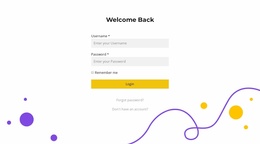
- A standalone login page suits a client portal, where customers leave the public site for a personal account with their orders and invoices.
- A compact login block fits a club website on its members page, leading into a private section that your sign-in system protects.
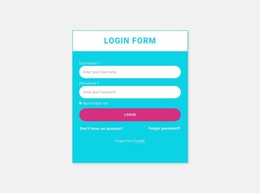
- A membership website has two linked routes, Sign In for current members and Register for newcomers, and the login form should point clearly to the second.
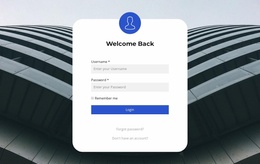
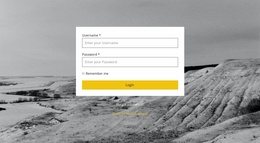
Whatever the role, the login screen should look like part of your website. For example, a login on an image background works for a brand whose homepage centers on large photos, since the same imagery can fill the background.
Where Account Links Belong
Nicepage's Menu Element can keep a Sign In item in the main navigation, within easy reach wherever visitors are browsing. Use one label for it across the site. A "Log In" link that opens a page titled "Sign In" makes people wonder whether they took a wrong turn. A successful sign-in then leads to a dashboard or member area. Your application or CMS sets that destination, since the template has no say. Password recovery needs its own route: from the login page to a reset page, and then to support if the email never arrives.
Keeping Visitors on Familiar Ground
Before committing, compare the design with your homepage and account pages. Keep the header, logo, and typography unchanged so nothing hints at a different website. On mobile, the collapsed menu should show the same Sign In item, and the login page should still link to recovery and registration.
WP site owners can use Nicepage's Login Page Template tutorial to customize the login layout and pair it with the required Theme My Login plugin. Nicepage shapes the page, while WordPress and the plugin handle the sign-in process, including registration and password resets. Elsewhere, the published form needs a working account system behind it. The right template matches your public pages, keeps the reset route easy to find, and leads cleanly into the account area once you connect that system.