
Login Website Templates
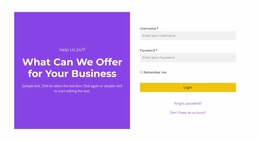
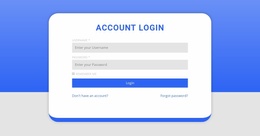
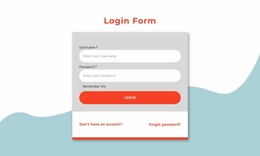
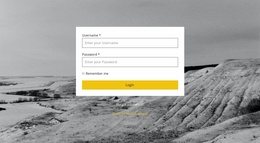
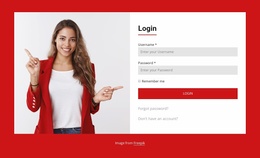
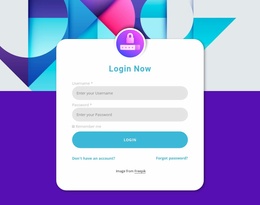
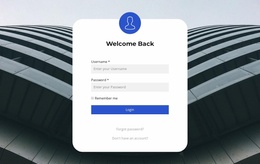
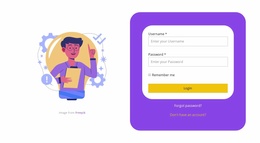
Build a coordinated website around account access rather than treating login as an isolated screen. Login website templates support a project structure that links public pages with registration, sign-in, support, and future member-only destinations.
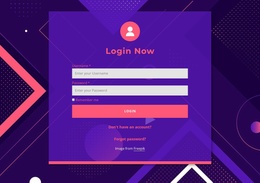
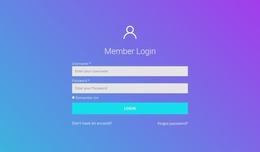
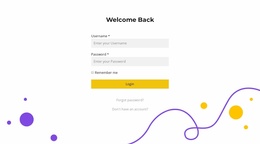
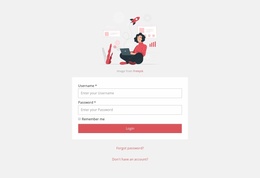

More Website Templates from Contact Form Category

Other Contact Form Website Templates
Login Website Templates for Multi-Page Account Websites
A website with user accounts needs a coherent journey across multiple screens. Login website templates can provide a visual and structural basis for a project that may include a public homepage, registration information, a sign-in page, and an account area. These are possible destinations in a finished project, not pages or functions guaranteed to be included in every template. Check which layouts the selected design actually provides.
Connected Pages for a Complete Login Website
Consider the route a new visitor might follow: arrive on the public homepage, read about the service, open a registration page, and later return through a login screen. Once authenticated, the user may reach a personal dashboard. This sequence helps teams decide which pages need to be designed and how they should relate to one another.
A template can establish consistent page layouts and links between destinations, but a protected dashboard requires more than a visual page. Registration processing, session checks, and access rules must be implemented by the connected application or membership platform.
Shared Navigation Across Account Pages
Public pages may show links to pricing, help, and registration, while account-related pages can offer a more focused route back to sign-in or support. A consistent header makes the overall site recognizable, but the available actions should reflect whether a visitor is signed in.
An educational membership website offers another clear example: public pages can describe courses and enrollment, while a separate learner area may hold saved lessons and progress after sign-in. A chosen template may cover only some of these page types, so you must add or adapt the remaining screens. The template helps organize the journey; it does not decide who can view protected information.
Nicepage supports multi-page site creation through its Site Basics functionality, where website owners can create and manage project websites and pages from the Dashboard.
Public Pages and Registered-User Areas
Public-facing pages explain the offering and help visitors decide whether to create an account. Registered-user areas serve a different purpose: they may display profile settings, saved information, or service activity after a successful login. Separating these roles early prevents a site map from treating every destination as interchangeable.
The design can also anticipate account-specific states without pretending they already work. A dashboard link might be shown only after authentication, while an unauthenticated visitor is directed to sign in. Such behavior depends on the site's application logic, not the page template alone.
A full website template is the better starting point when the project needs coordinated public and account-related pages. If the only task is to insert a sign-in form into an otherwise finished site, a standalone login layout is usually a more focused choice.