
Coming Soon Website Templates
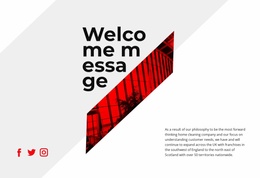
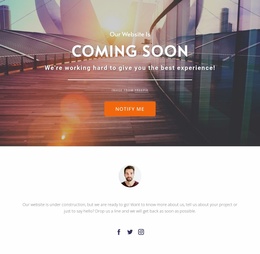
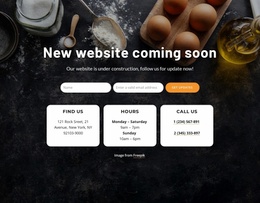
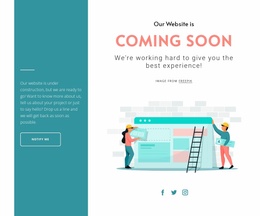
A new business website may need a public launch notice while its service descriptions, contact pages, and navigation are still in preparation. Coming soon website templates help organize the full project around a temporary homepage and its future website sections.







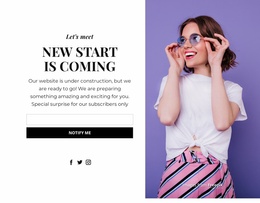

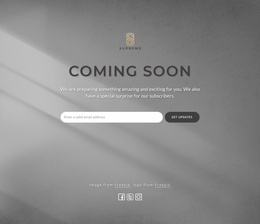
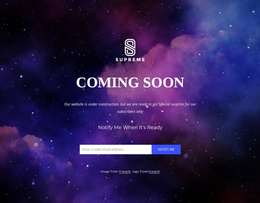
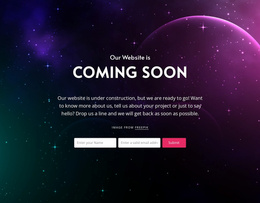




















More Website Templates from Contact Form Category

Other Contact Form Website Templates
Ready-To-Use Coming Soon Website Templates
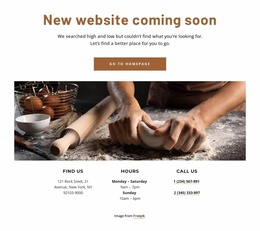
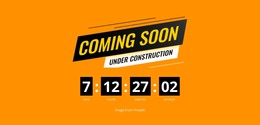
Coming soon website templates provide a ready-made temporary site page that visitors can see before the full website launches. A business can publish its name, an opening message, and a way to get in touch without presenting unfinished content. The announcement works as the public face of the domain for now; preparing additional pages within the same website project is optional.
Prepare a Public Coming Soon Website
A coming soon website template can serve as the public homepage at the main domain while the rest of the website is being prepared. For example, a property management company may display its name, an opening announcement, and an inquiry address. The temporary page can live in the same website project as a future homepage and supporting pages, but those additional pages do not need to be ready or public yet.
For a temporary public website, focus on how the chosen template fits the publishing workflow:
- Homepage role: The announcement can be assigned to the main website address.
- Public information: Include an approved launch message and contact option where needed.
- Domain and links: Check that the published URL works and visible links reach public destinations.
- Mobile availability: Confirm visitors can read the message and use contact links on phones.
- Future replacement: Keep the announcement easy to update or swap for the completed homepage.
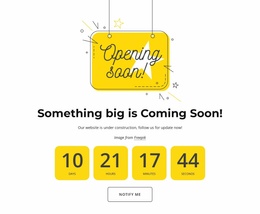
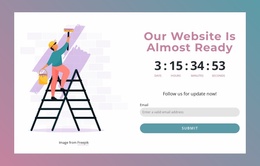
The template does not need to include a full multi-page site, a timer, or a built-in form. What matters here is how reliably the temporary page serves as the public website until launch.
Publish and Replace the Temporary Website Page
Publish the announcement at the intended website address and check what a first-time visitor sees. Any visible contact link should work, and links to unfinished content should stay off the temporary page.
Before and after publication, review these points:
- Public address: Confirm the temporary page loads at the intended domain or homepage URL.
- Visible links: Test the contact destination and remove links to unfinished sections.
- Mobile display: Check the announcement on a narrow screen after publishing.
- Launch transition: Replace the temporary homepage, enable intended navigation, and make approved pages public when the site opens.
Nicepage lets you create and manage website pages within a project. The Site Basics features help you manage pages within the same website project while the temporary announcement remains public. You can prepare the future homepage separately, but the coming soon design does not need a multi-page structure to be published.
When launch day arrives, publish the finished homepage at the main address, review navigation links, and confirm that any prepared pages intended for visitors are now accessible. Recheck the domain after the switch so people no longer land on the temporary announcement. This gives the coming soon website a clear role in the site lifecycle without requiring a multi-page template from the start.