
Real Estate Agent HTML Templates
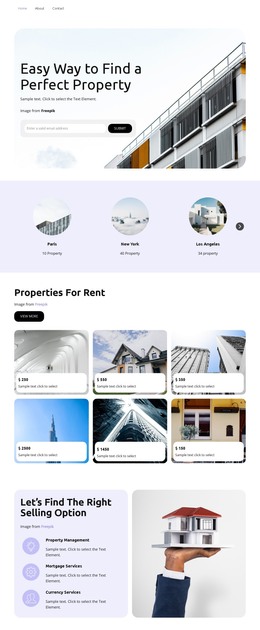
Property buyers, sellers, and investors often arrive with different questions. A structured HTML template can separate listings, neighborhood information, agent credentials, seller services, and contact options without fragmenting the overall presentation.





























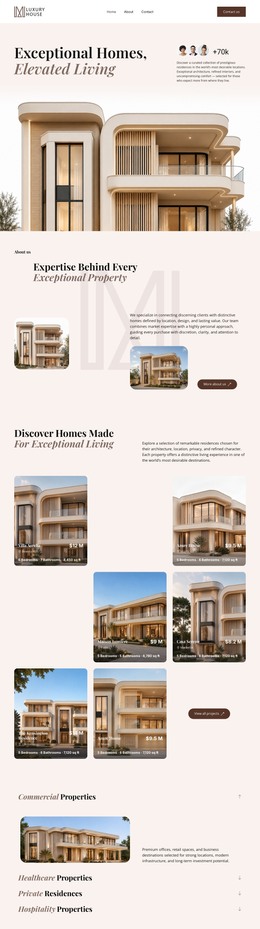



















































Other Real Estate HTML Templates
Multipurpose Real Estate Agent HTML Templates
Real estate agent HTML templates provide independent realtors with editable pages that already cover a property site, from the homepage to the inquiry form. You swap in your own homes, prices, and photos, then publish the files on hosting you choose. The harder part starts when listings change, and the files need updating.
What a Full Set Contains
Catalog templates range from a single homepage to a multi-page set, and a full set for an agent often includes the following:
- A homepage, a listing grid, and an agent profile as separate pages.
- A property detail page meant to be duplicated for each listing.
- A contact page with an inquiry form, sometimes joined by a search results layout.
- Shared images and scripts that every page relies on.
You do not have to edit the HTML source to customize a template. In Nicepage, photos, prices, and descriptions change visually, and exported files stay open to direct editing when a developer steps in. Hand edits in exported files do not sync back to the project, and a later export can overwrite them.
Editing Listings After Closing Day
In a hand-maintained HTML set, each home lives in two places: its card on the grid and its detail page. Adding a listing means copying both and pointing the new card at the new page. A price drop has to be entered in both places, and so does each status change from active to pending to sold. Links texted to buyers point at the detail page, so deleting it after closing leads to an error screen. Marking the home as sold keeps those links working.
A few checks show whether a set is easy to live with:
- Whether the status label sits in one obvious spot on the card and detail page.
- How a card copes with your longest address, such as a condo with a unit number.
- Whether the inquiry form can carry the property reference.
Nicepage Contact Form capabilities let you add fields for the property, preferred contact details, or a message. On an exported site, submissions go through the supported delivery options.
Choosing Between Similar Demos
Two demos with the same glossy hero photo can hide very different amounts of work. Exported files repeat the header, menu, and footer on every page. A new rentals page then means editing each file by hand or updating the shared header in Nicepage and exporting again. One solid detail page built for duplication saves more time than several decorative homepage variants. The better set fits your typical listing, survives real addresses, and stays easy to update when a home sells.