
Pest HTML Templates
An ant trail near a cupboard calls for different follow-up questions than insects around a garden shed. With pest HTML templates, service teams can present observable signs, location-specific intake fields, and clear inspection guidance.

More HTML Templates from Real Estate Category




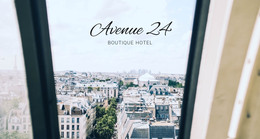
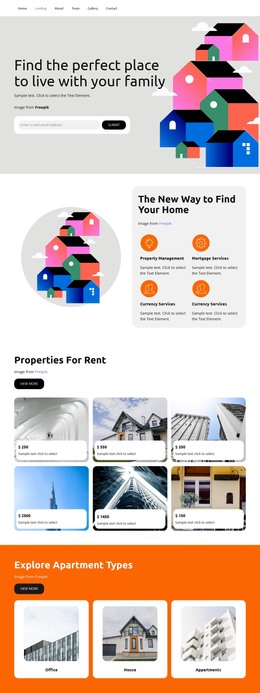

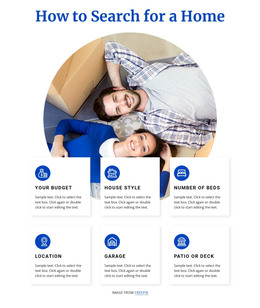

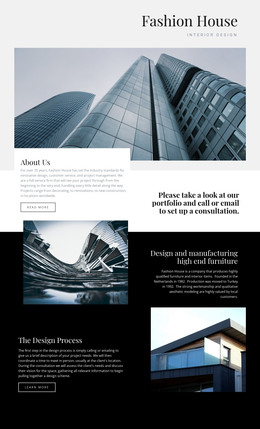

















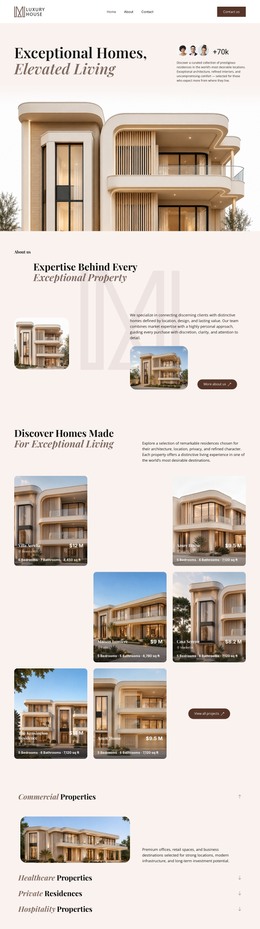
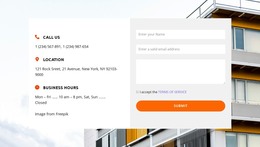

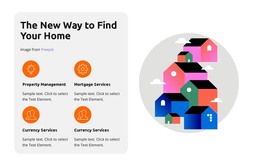
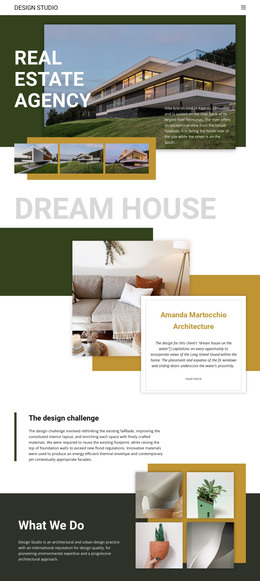



Other Real Estate HTML Templates
Mobile-Friendly Pest HTML Templates with Insect and Nature Imagery
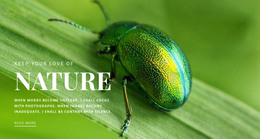
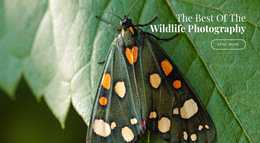
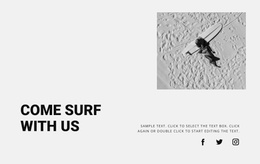
The pest collection on Nicepage leans on nature and insect photography far more than on extermination services. Green Beetle and African Butterflies fit the theme most closely. World Photography and Come Travel With Us draw more on photo and travel subjects. Each pest HTML template gives you a ready composition with a photo, a headline, and a button.
Comparing Layouts Before You Commit
Green Beetle is filed under Nature and Text On Image, so the headline is laid over the photograph. That suits an insect photography portfolio or a bold first screen for an exterminator's site, provided the text stays readable. Macro shots of beetles are full of fine texture, and that makes overlaid lettering hard to read on a phone.
Side by side, a few details tell the previews apart:
- Notice how much of the frame the photo fills, since a close beetle shot and a wide butterfly scene set very different moods.
- Look for a calm area where your own headline can go without competing with leaves or wings.
- Check whether the button stands out or fades into the foliage on a small screen.
Adapting African Butterflies in the Editor
African Butterflies shows what one composition can carry. A nature photograph spans the full width, the text sits on the right, and a Read More button closes the message. It makes a striking introduction, but a list of services or a guide to common species will need its own sections.
In the visual editor, you replace the photo with your own insect shot, rewrite the headline, and adjust colors. The phone view then shows whether your subject and the button stay visible.
If the page needs an inquiry form, Nicepage's Contact Form Conditions let editors show or hide form fields based on an earlier selection. Plan it as a separate step, since a photo composition like this one does not include a form.
What a Single Section Lacks
A ready composition covers one part of a page and may not include site navigation, a catalog of services, or a booking system. An insect on the screen doesn't make a design a pest control site. A company adapting Green Beetle would still add its services, coverage area, and contact details. The same designs work just as well for an educational page about local insects.
The most practical pick among these pest HTML templates is the design whose photo suits your subject and whose text area can hold what you plan to say. From there, most of the work is replacing sample content.