
Residence HTML Templates
Prospective buyers need room dimensions, floor plans, amenities, and location details in a predictable order. Residence HTML templates let agents and developers give each property a structured presentation that stays readable on smaller screens.

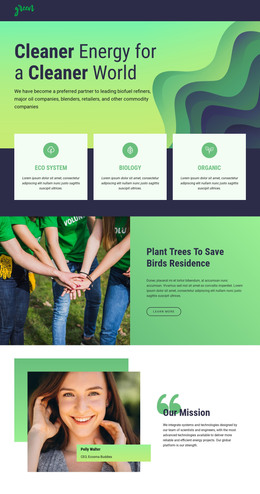
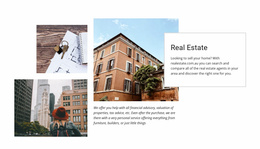
More HTML Templates from Real Estate Category
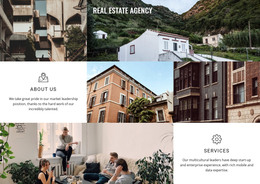













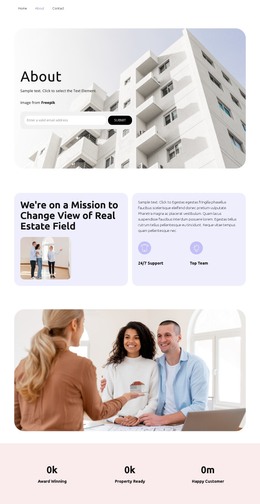
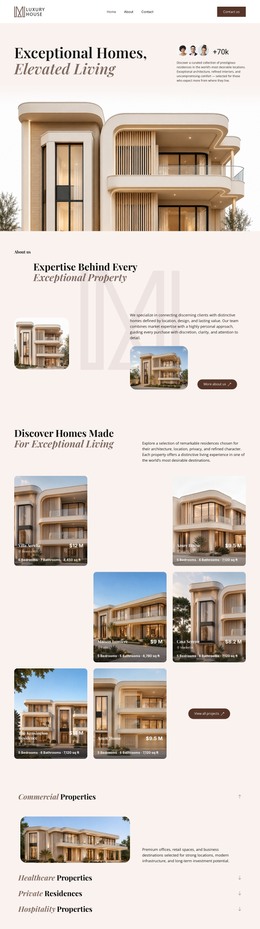

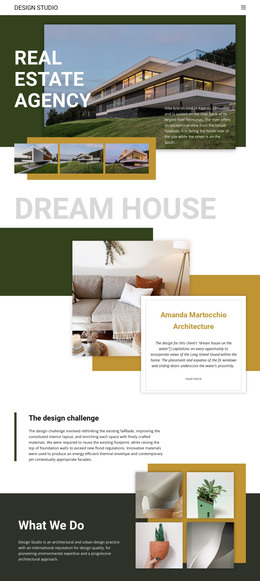
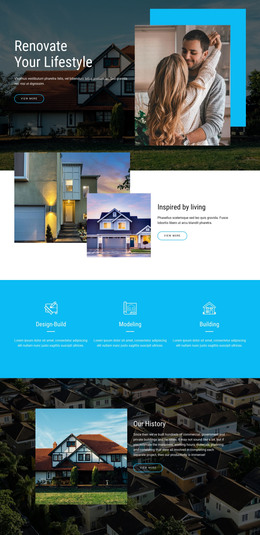

Other Real Estate HTML Templates
Multifunctional Residence HTML Templates
Residence HTML templates provide finished page layouts for a house, apartment building, or larger residential project. Most designs here come from the real estate category, and their code usually has places for a property title, key specs, and a gallery. A villa with plenty of interior shots calls for a long gallery and a short list of facts. A building with studios and family apartments needs the same facts repeated for every unit type. A layout built for one case rarely fits the other without rework.
What a Prebuilt Layout Already Holds
Each demo has a fixed order of sections in the HTML that your data has to fit. These parts are worth a close look:
- An overview near the top with room for the residence name, its type, and a short description.
- A specification group that keeps floor area, bedrooms, and parking under one heading.
- Floor plans with captions right beside them, making it clear which unit each drawing shows.
- Separate spots for private features and shared amenities, so one apartment's terrace is not read as a perk for everyone.
The inquiry area is usually a simple contact form, and your team still handles availability. With several units on a page, keep a larger apartment's extra rooms under their own heading, separate from the studio next door.
Floor Plans on Narrow Screens
When columns stack on a narrow screen, the content follows the HTML order. If a page puts all floor plans in one column and their captions in another, a phone can show every drawing before any caption. Layouts that keep each plan and its caption in one section avoid this—scrolling through the demo on a phone shows which kind you have.
Reusable Blocks for Multiple Units
The Nicepage guide to using Blocks shows how this element can be added or moved, and how its design can be swapped while it stays in place. A ready block can replace the overview, the gallery, or the contact area if it suits the template. For several unit types, a Grid Repeater gives every apartment the same slots, filled with its own text and photos. An element added to one item appears in all of them, though. A terrace line meant for the penthouse will show up under every studio, so an unusual unit may need its own section.
Match the layout to the facts you have. A standalone villa doesn't need a section on shared facilities, and a building with many units needs more than one overview.