Guided backpacking trips HTML Template


Edit Template Offline
2. Create new page and search for id 19196
Edit Template Online
Create Awesome Websites


Free Nicepage Builder
Keywords
Mountain Adventure and Travel Categories Complete the Static Page
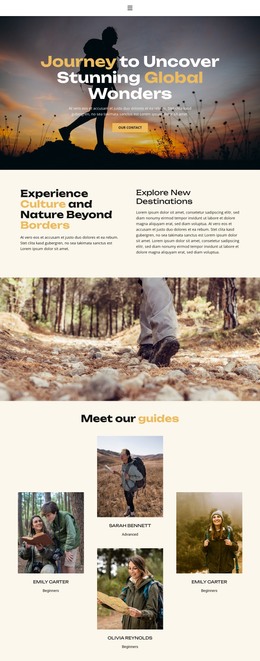
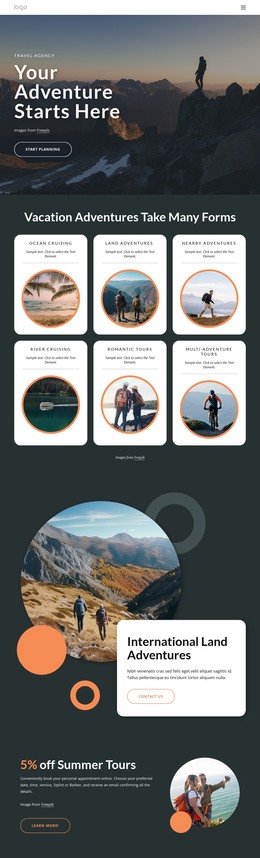
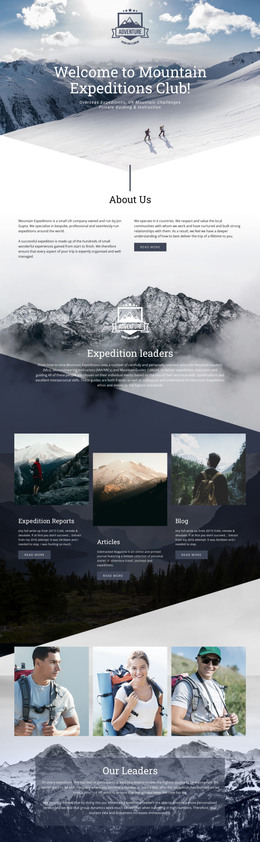
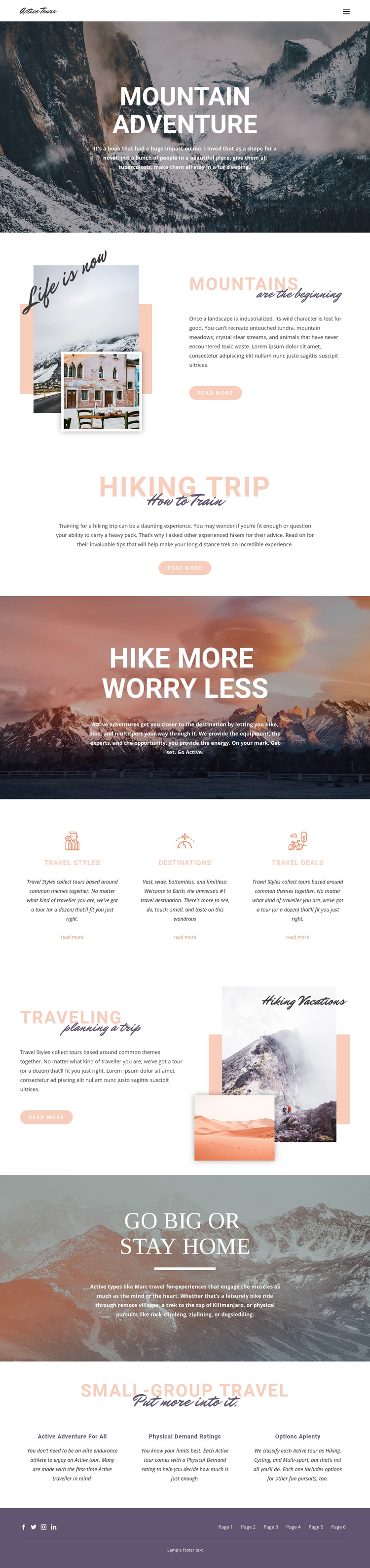
The page already brings its main travel story together in one coherent arrangement. The Mountain Adventure hero establishes the subject with a full-width mountain photograph, centered white typography, and introductory text. From there, the Mountains, Hiking Trip, and Traveling sections add distinct content about scenery, active preparation, and trip planning. Their image-text compositions prevent the page from feeling like a collection of disconnected promotional panels, while the read-more links provide clear points for extending the presented topics.
The three-column area for Travel Styles, Destinations, and Travel Deals gives the static implementation practical content coverage. Each category has its own heading, description, and link, so the page can communicate several ways of exploring the travel offering without requiring a database-driven listing. The later Small-group travel section adds Active adventure for all, Physical Demand ratings, and Options aplenty as supporting information about the range of experiences.
Full-width scenic banners, including Hike More Worry Less and Go Big or Stay Home, maintain the outdoor theme between text-led sections. The six-link footer navigation repeats the page’s route structure, and Facebook, Twitter, Instagram, and LinkedIn icons provide a defined closing area. Together, these verified sections make the design a self-contained static HTML page rather than only a visual concept awaiting its core content arrangement.
Customize with Nicepage
Open this ready-made template in the HTML Builder and customize it visually in the Nicepage editor. Replace demo content, edit page sections, and adapt the design to your project without rebuilding the template from scratch.
Export and Use This Template as an HTML Website
Create a Portable HTML Website
When the template is ready, use the HTML Export option to create a static website with the files required for deployment. The exported website can be used independently of the Nicepage editor and deployed on your preferred hosting.
Nicepage also provides SEO settings and optimization features, including Page Titles and Descriptions, Canonical settings, headings, image Alt Text, and other page-level properties that help prepare the website for search engines.
Deploy Without a CMS
Upload the finished website to the hosting environment that fits your project. Because the exported site does not require WordPress, Joomla, or another CMS to deliver its pages, it can be placed on your own server, uploaded to a hosting provider, or deployed through an existing web infrastructure.
Hand Off the Website Files
The generated website files can also be provided to a client, developer, or hosting team. They remain available outside the Nicepage editor for deployment, technical review, or project-specific development when additional work is required.
This workflow makes the template a practical foundation for a portable static website that can be exported from the Nicepage editor and deployed independently.

More from Travel & Hotels HTML Templates
-
Free Website Builder SoftwareDownload