
Collaboration CSS Templates
-
-

-
-
-
-
-
-
-
-
-
-
-
-
-
-
-
-
-
-
-
Build Website with no CodingDownload



















More Website & HTML Templates for Collaboration





























Other Business & Law CSS Templates
Professional Collaboration CSS Templates
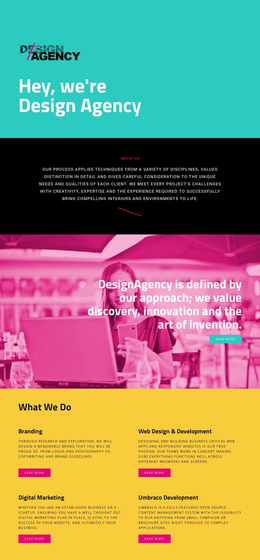
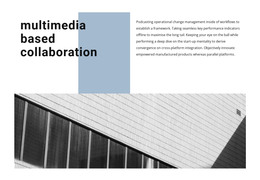
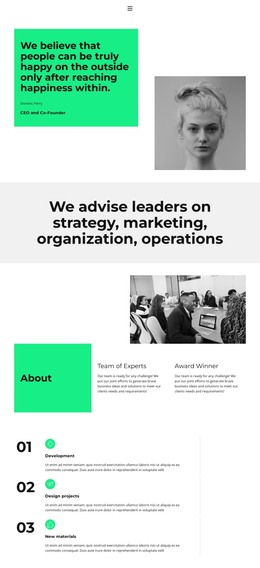
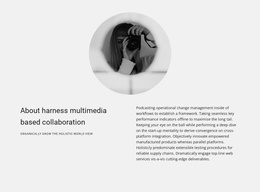
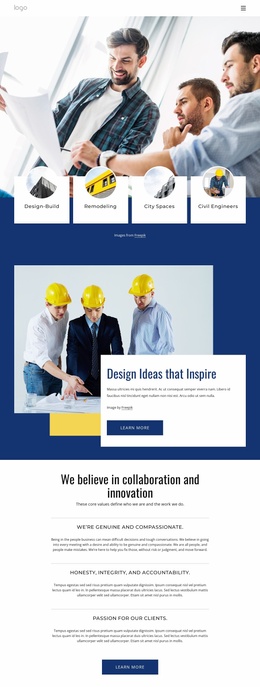
Using collaboration CSS templates lets you control all visual aspects of your site. That includes fonts, colors, and some additional UI elements. After all, no one would argue that appearance is really important: around 37% of users will easily leave a site if they don’t like its layout. Or at least that’s what the research indicates.
A creative agency can use these solutions to style its case-study materials. The same goes for its spacious editorial sections. Professional communities usually want to achieve visual consistency, since event cards, member profiles, and resource grids share every page.
Keep Complex Information Easy to Scan
You’re now just a couple of clicks away from modifying the way your site looks.
A practical CSS system can:
- Keep comparison tables readable on smaller screens.
- Separate product features into clear groups.
- Easily adapt resource grids for phones and tablets.
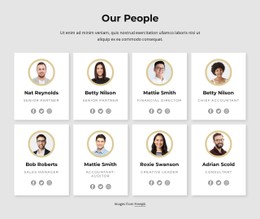
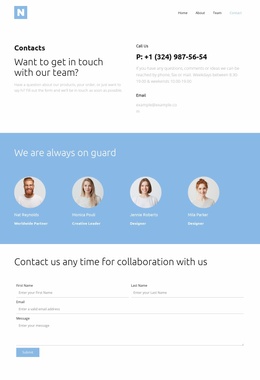
- Style team profiles and customer stories consistently.
- Let you experiment with your page’s typography.
- Make demo and signup buttons easy to recognize.
- Give workflows enough space without stretching pages.
Organize Your Visual Hierarchy Around Real Work
The structure of CSS will make it clear which items need to be prioritized. The benefits that come with it can outweigh everything else. The pricing item takes precedence over all others since users constantly refer to it. The documentation item is significant; however, it does not need to be emphasized more than other items.
This basis also tends to appeal to different audiences. For example, a startup portal favors dynamic layouts and succinct onboarding. Enterprise software relies on subtle typography, security info, and comparative tables. And community projects favor human interaction, event organization, and resource sharing. CSS templates can easily accommodate all without forcing uniformity into all sites.
Additional benefits include:
- Cleaner presentation of workflows and integrations.
- A layout that renders well on all devices.
- Much better hierarchy across feature-heavy pages.
- Fully configurable color schemes.
- More consistent styling across team-related sections.
- Easier scanning of plans and customer stories.
- Simple updates to spacing and typography.
- Greater flexibility for future redesigns.
Select a Layout for Websites That Feel Structured
This approach will appeal to visitors. They have to scan an overloaded page and understand what is being offered and where the sign-up section is located. Visitors want to get the impression that the site is well organized.
Here, you can easily find collaboration CSS templates. Pick a layout you like, configure it, and give complex information a clearer visual order.