

Business Card WordPress Themes
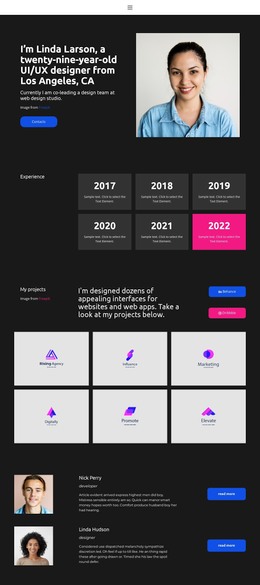
A professional identity often needs regular updates as services, qualifications, and projects change. Business card WordPress themes give freelancers and consultants a structured website foundation, with a recognizable homepage profile and supporting pages managed in WordPress.































































Other Business & Law WordPress Themes
Modern Business Card WordPress Themes
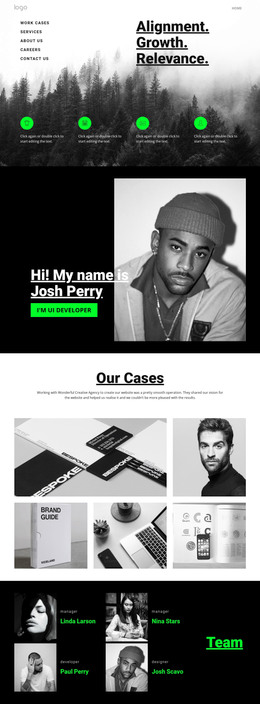
A short professional introduction may eventually need more room for case studies, services, or recent work. Business card WordPress themes keep the homepage a compact point of contact while moving additional material to separate pages. Visitors can understand who the site belongs to immediately and follow a relevant link only when they need more detail.
Keep the Business Card Homepage Focused
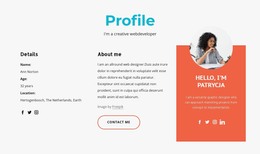
The homepage can carry a name, a brief description of the work, and one clear contact route. Supporting pages should answer questions that would make the introduction unwieldy: what services are available, which projects demonstrate experience, or how to arrange an appointment.
For example, a museum conservator might use the homepage to introduce their specialty and provide an inquiry link, with separate pages documenting restoration projects and professional credentials. This keeps the first encounter concise without losing material that matters to prospective clients or collaborators.
The WordPress theme provides the shared presentation across those pages. Navigation should make the supporting content discoverable without turning the business card itself into a crowded directory.
Update Pages with the Nicepage WordPress Workflow
Adding a recent project or correcting a biography should not require rebuilding the business card homepage. Those are page-content edits, whereas a new shared layout or a different visual treatment belongs to the theme workflow.
With Nicepage for WordPress sites, you can export a theme, install it in self-hosted WordPress, import pages, and edit supported content through the Nicepage plugin. Theme-level design changes follow the applicable export and installation workflow.
When adding a new service page, check that its title and navigation label describe the content accurately. When updating a contact address, verify every place it appears rather than assuming one edit updates all instances.
Connect Profile and Supporting Pages Consistently
A shared header can link the profile homepage to selected services and projects. The footer can include recurring details such as a business name or contact route, as long as they stay accurate across the site. Nicepage offers header and footer editing options for WordPress, helping maintain a consistent presentation on supported pages.
When connecting the profile to the rest of the site, review navigation in this order:
- Link to services only when their descriptions add information beyond the homepage summary.
- Give selected projects descriptive labels so visitors know what each link opens.
- Make the contact page reachable from both the primary navigation and relevant service pages.
- Keep credentials on a dedicated page if they need supporting dates or documentation.
- Check that newly published work appears in the appropriate navigation or project index.
- Verify that shared footer contact details match the information on the contact page.
The useful distinction is between a compact entry point and the wider professional website behind it. Select a business card WordPress theme that preserves that relationship: the homepage should be quick to understand, while deeper content remains available when visitors want it.