Reinvert what your business could be WordPress Theme



Edit Template Offline
2. Create new page and search for id 5326870
Edit Template Online
Create Awesome Websites


Free Nicepage Builder
Keywords
Capability Summaries and Repeatable Service Content Fit WordPress Pages
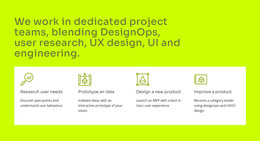
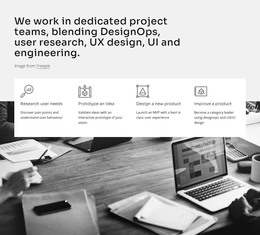
The four capability cards provide a concise page-oriented summary of the consulting offer. Research user needs, Business Strategy, Automation, and Marketing are separated into repeated visual units, making them suitable reference points for permanent explanatory content without claiming that WordPress cards or pages already exist. The twelve practice-area labels add a second layer of content depth, covering subjects such as Business Operations, Company Transformation, Concept Design, Experience Maps, Digital Solutions, Consulting, and Technology Solutions.
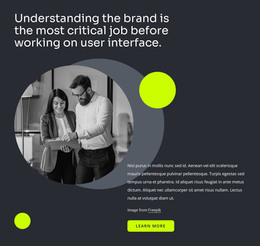
That combination supports a useful distinction between overview material and more detailed service information. The Diversity, Equity, and Inclusion section and the 360° value statement can frame the organization's broader position, while the practice-area region gives visitors a way to understand the scope of work. The consulting-client and adjacent-business sections add narrative context through image-and-text compositions rather than repeating the card pattern.
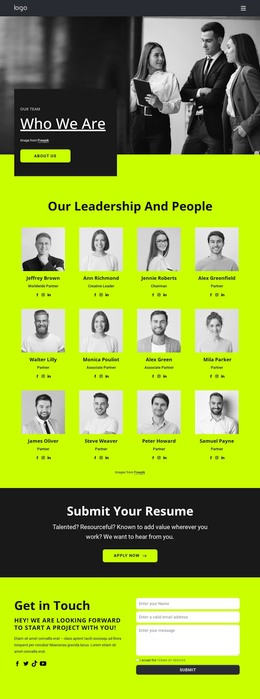
The lower page areas provide content that can remain connected to those permanent sections. Two testimonial cards offer a dedicated place for supporting statements, and the “Get in Touch” area combines project-inquiry copy, Facebook and Twitter links, and a contact form. In a WordPress-oriented project, these page areas can share one visual theme while future editorial or site content is added around them. The important distinction is the relationship between the design's content regions and the CMS environment, not an assumption that sample names or placeholder text represent verified client records.
Customize with Nicepage
Open this ready-made template in the WordPress Website Builder and customize it visually in the Nicepage editor. Replace demo content, edit page sections, and adapt the design to your project without rebuilding the template from scratch.
Manage and Edit This Theme in WordPress
Customize and Install the WordPress Theme
Start with this ready-made theme instead of building the WordPress design from scratch. Customize its layout, content, typography, images, sections, and other design elements visually in Nicepage editor, then export and install the WordPress Theme, Plugin, and Pages on your WordPress site. The Nicepage WordPress Plugin lets you continue working with the site after installation.
Edit the Theme Directly in WordPress
After installation, you can edit the WordPress Theme directly in WordPress with the Nicepage WordPress Plugin. Use Site Style to customize site Colors, Fonts, Header, Footer, Blog, and Post Page Templates while working within your WordPress website.
Edit WordPress Pages Visually
Use the Nicepage WordPress Plugin to edit page content directly from the WordPress admin area. Open a WordPress Page with Nicepage and visually change its text, images, sections, and other page elements while continuing to manage the Page through WordPress.
WordPress Content and Theme Integration
Use the customized theme with WordPress Pages, Posts, Blog and Post Templates, menus, widgets, and other CMS-managed content. Shared theme elements such as Colors, Fonts, Header, Footer, Blog, and Post Page Templates can be managed as part of the overall site design, while WordPress provides the CMS environment for managing site content.
This workflow combines a ready-made WordPress Theme with visual customization, direct theme editing in WordPress, and continued content management through the Nicepage WordPress Plugin.