Business cards WordPress Theme


Edit Template Offline
2. Create new page and search for id 6169220
Edit Template Online
Create Awesome Websites


Free Nicepage Builder
Keywords
Project Content and Portfolio Navigation Give WordPress a Clear Content Map
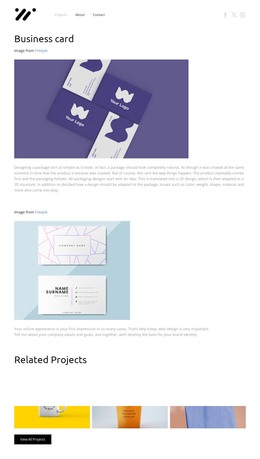
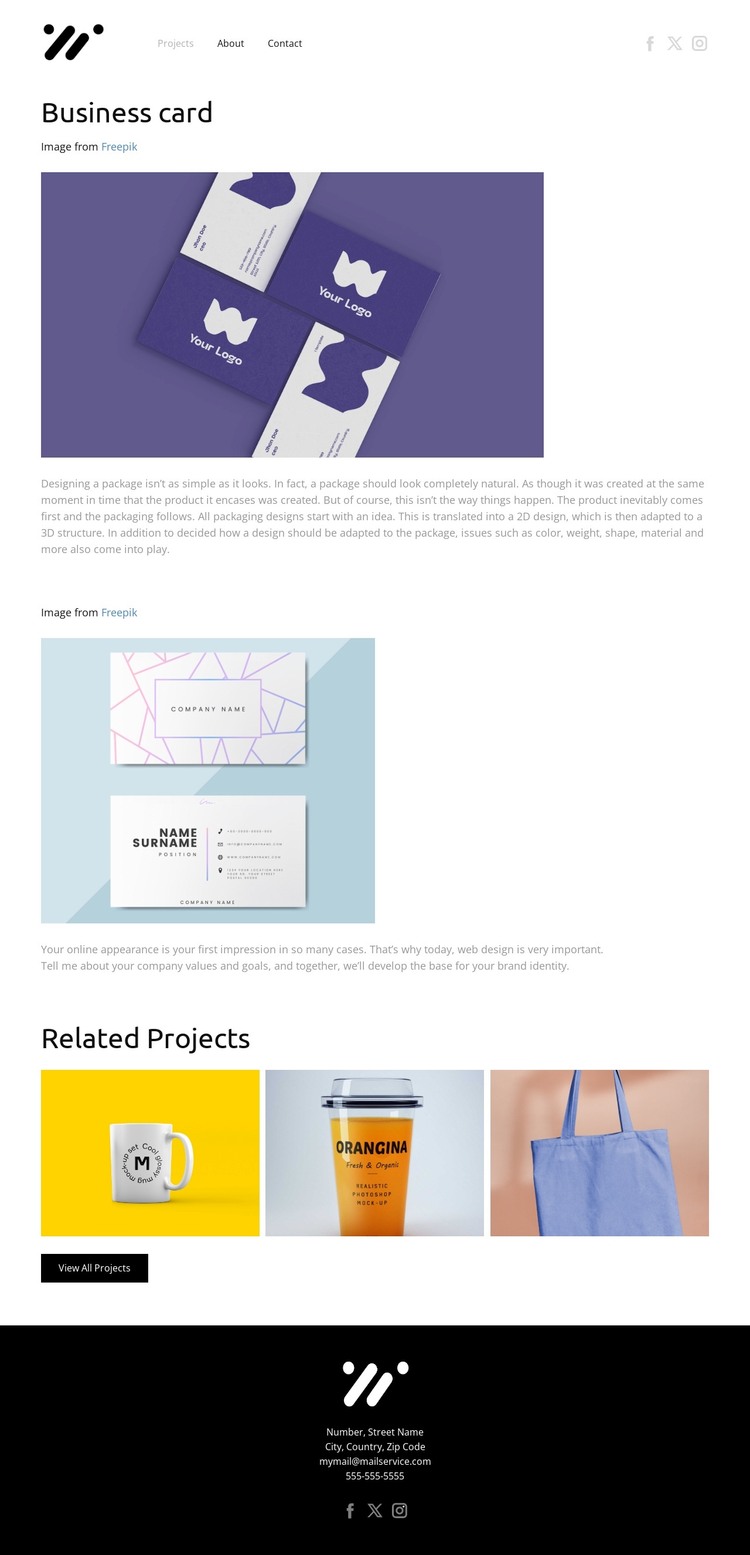
The named Business card project provides the strongest page-oriented content area in this design. A centered heading and credit line identify the work, while the large project image and explanatory copy give visitors a focused presentation before the page moves to supporting material. This makes the central section suitable for permanent portfolio content that can be maintained as part of a broader design site, without claiming that specific WordPress posts or categories already exist in the template.
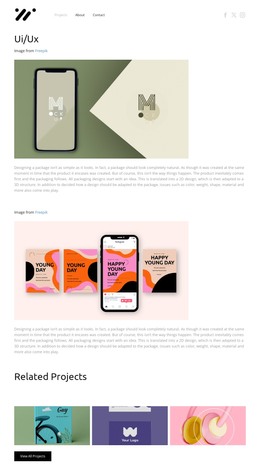
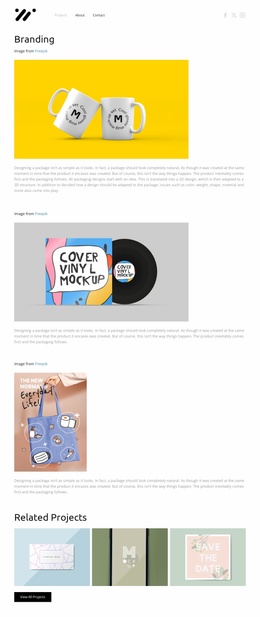
The second image-and-description section adds another content zone around the same project. Its repeated relationship between visual work and short explanation could accommodate additional project context while remaining distinct from the Related Projects area. That later gallery groups three project images beneath a dedicated heading and places the View All Projects action after them. The grouping is especially useful for a portfolio structure because it separates the current project from a wider collection of work rather than mixing every image into one undifferentiated page.
Navigation, branding, and social links frame these content areas at the top, while the black footer gathers contact details and another set of social links at the end. In a WordPress Theme interpretation, the design therefore offers a clear relationship between project-focused page content, related visual items, and shared site regions. The Nicepage WordPress Plugin can support editing such content in WordPress, but the template-specific value comes first from its existing portfolio organization.
Customize with Nicepage
Open this ready-made template in the WordPress Website Builder and customize it visually in the Nicepage editor. Replace demo content, edit page sections, and adapt the design to your project without rebuilding the template from scratch.
Manage and Edit This Theme in WordPress
Customize and Install the WordPress Theme
Start with this ready-made theme instead of building the WordPress design from scratch. Customize its layout, content, typography, images, sections, and other design elements visually in Nicepage editor, then export and install the WordPress Theme, Plugin, and Pages on your WordPress site. The Nicepage WordPress Plugin lets you continue working with the site after installation.
Edit the Theme Directly in WordPress
After installation, you can edit the WordPress Theme directly in WordPress with the Nicepage WordPress Plugin. Use Site Style to customize site Colors, Fonts, Header, Footer, Blog, and Post Page Templates while working within your WordPress website.
Edit WordPress Pages Visually
Use the Nicepage WordPress Plugin to edit page content directly from the WordPress admin area. Open a WordPress Page with Nicepage and visually change its text, images, sections, and other page elements while continuing to manage the Page through WordPress.
WordPress Content and Theme Integration
Use the customized theme with WordPress Pages, Posts, Blog and Post Templates, menus, widgets, and other CMS-managed content. Shared theme elements such as Colors, Fonts, Header, Footer, Blog, and Post Page Templates can be managed as part of the overall site design, while WordPress provides the CMS environment for managing site content.
This workflow combines a ready-made WordPress Theme with visual customization, direct theme editing in WordPress, and continued content management through the Nicepage WordPress Plugin.