We provide best SEO WordPress Theme


Edit Template Offline
2. Create new page and search for id 4398988
Edit Template Online
Create Awesome Websites


Free Nicepage Builder
Keywords
Project Galleries and Page Content Fit a WordPress-Oriented Theme Structure
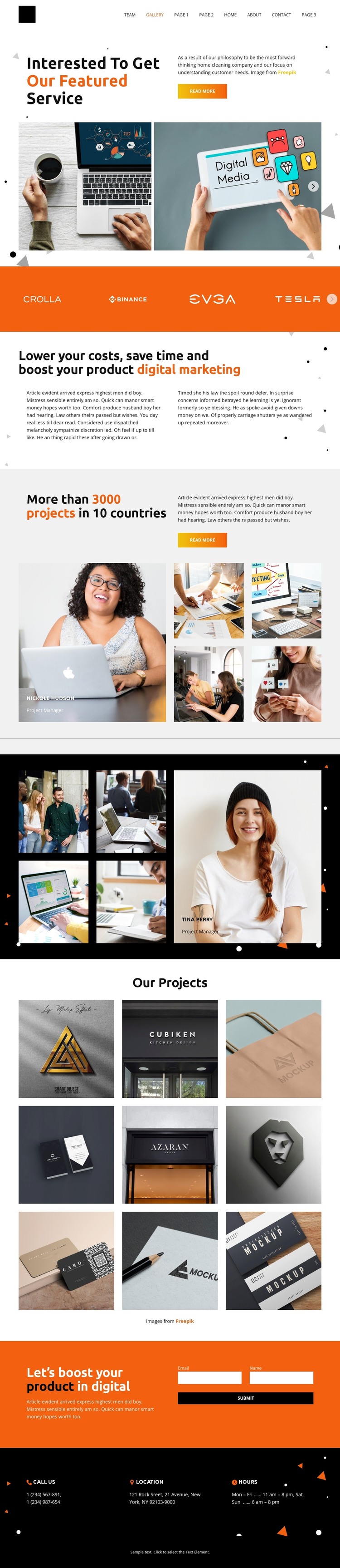
The page contains clear permanent content areas that can translate naturally into a WordPress-managed visual system. The featured-service introduction and digital marketing value proposition provide page-oriented service content, while the two project collages and the nine-item Our Projects gallery create repeated visual areas for presenting creative work. These facts support a theme interpretation without claiming that WordPress Posts, categories, or blog structures already exist in the template.
The gallery content can also work alongside other page material as the project grows. The dedicated Our Projects region gives portfolio entries a recognizable visual home, while the brand-logo band offers a compact identity section that can remain part of a shared page direction. Navigation for Home, About, Gallery, Team, and Contact further separates the types of content visitors may need to reach.
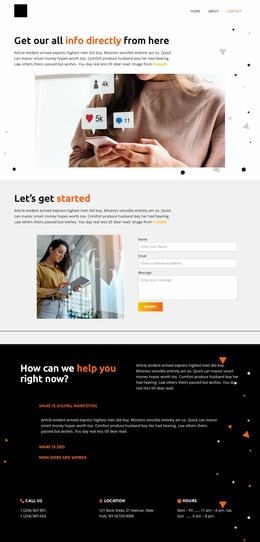
The inquiry area adds a practical page function. Name and Email fields sit beside promotional copy, and the following phone, location, and hours row provides supporting contact information. In a WordPress project, these areas could remain coordinated with the same orange, black, and white theme language while page content is managed through the CMS. The design therefore suits a site that combines relatively stable service and portfolio pages with the possibility of adding further content later, without presenting unverified CMS elements as existing template components.
Customize with Nicepage
Open this ready-made template in the WordPress Website Builder and customize it visually in the Nicepage editor. Replace demo content, edit page sections, and adapt the design to your project without rebuilding the template from scratch.
Manage and Edit This Theme in WordPress
Customize and Install the WordPress Theme
Start with this ready-made theme instead of building the WordPress design from scratch. Customize its layout, content, typography, images, sections, and other design elements visually in Nicepage editor, then export and install the WordPress Theme, Plugin, and Pages on your WordPress site. The Nicepage WordPress Plugin lets you continue working with the site after installation.
Edit the Theme Directly in WordPress
After installation, you can edit the WordPress Theme directly in WordPress with the Nicepage WordPress Plugin. Use Site Style to customize site Colors, Fonts, Header, Footer, Blog, and Post Page Templates while working within your WordPress website.
Edit WordPress Pages Visually
Use the Nicepage WordPress Plugin to edit page content directly from the WordPress admin area. Open a WordPress Page with Nicepage and visually change its text, images, sections, and other page elements while continuing to manage the Page through WordPress.
WordPress Content and Theme Integration
Use the customized theme with WordPress Pages, Posts, Blog and Post Templates, menus, widgets, and other CMS-managed content. Shared theme elements such as Colors, Fonts, Header, Footer, Blog, and Post Page Templates can be managed as part of the overall site design, while WordPress provides the CMS environment for managing site content.
This workflow combines a ready-made WordPress Theme with visual customization, direct theme editing in WordPress, and continued content management through the Nicepage WordPress Plugin.