

Base Website Templates
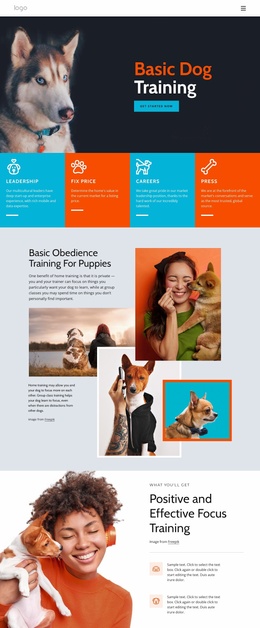
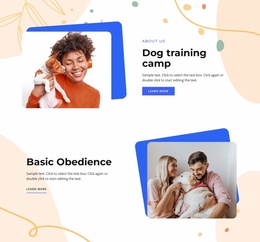
For a small pet obedience school, visitors may need to assess class suitability, trainer experience, and location before making contact. Base website templates give each question its own page while keeping the visitor journey connected.








































Other Text Website Templates
User-Friendly Base Website Templates You Can Shape Around Your Project
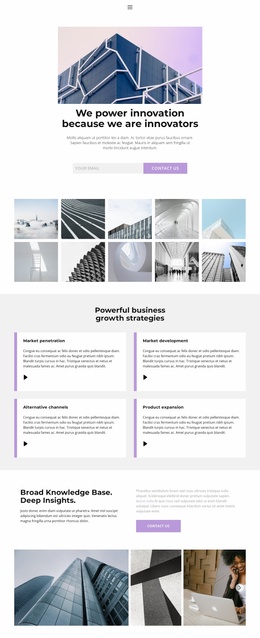
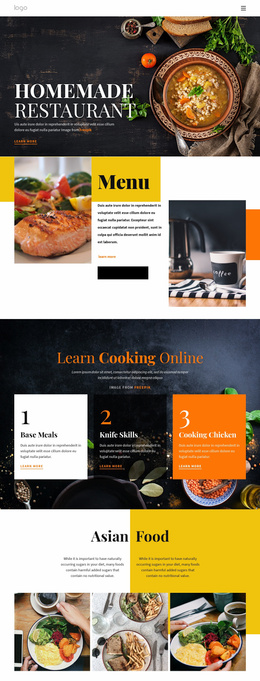
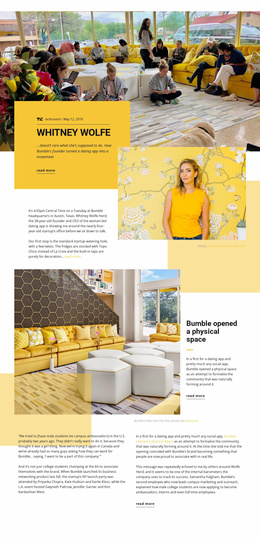
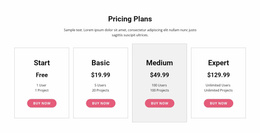
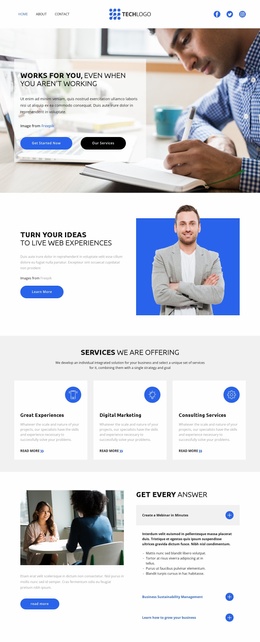
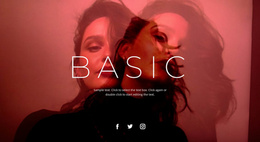
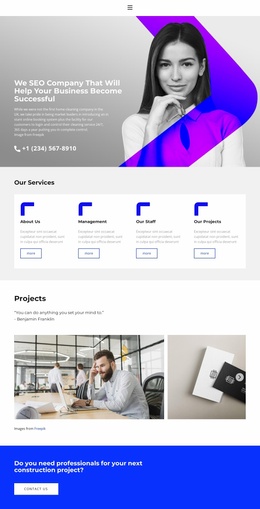
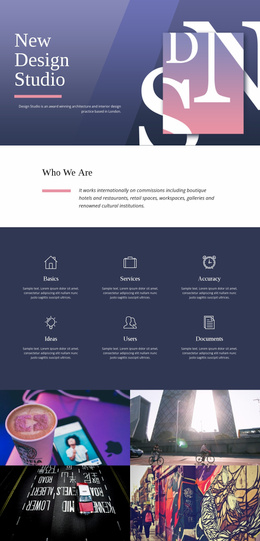
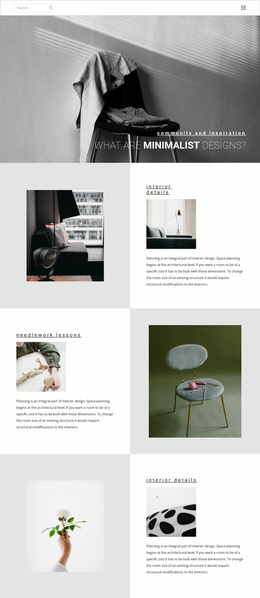
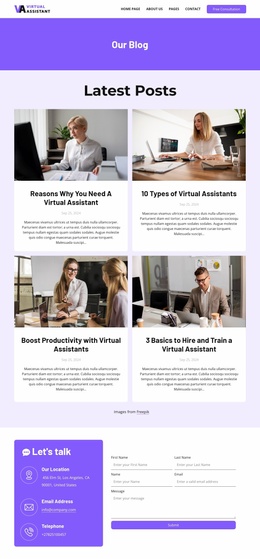
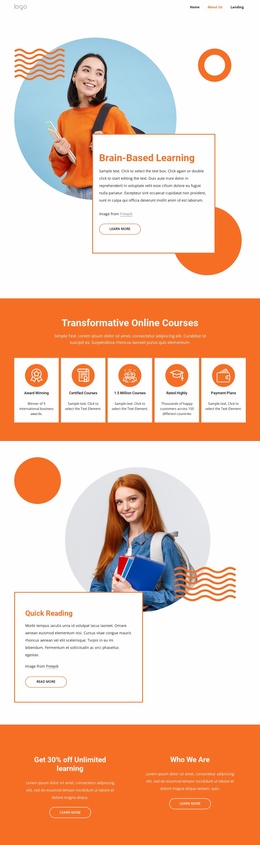
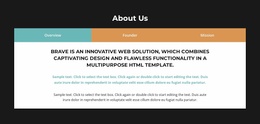
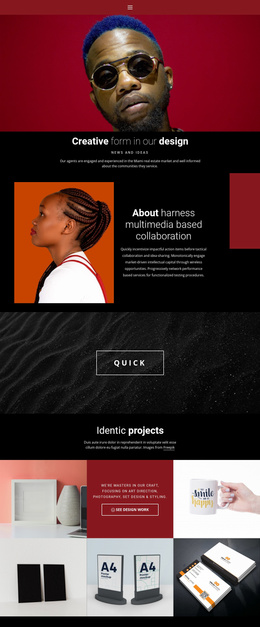
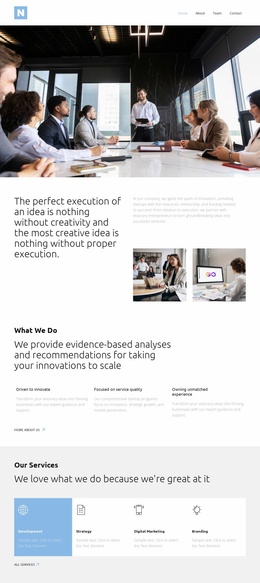
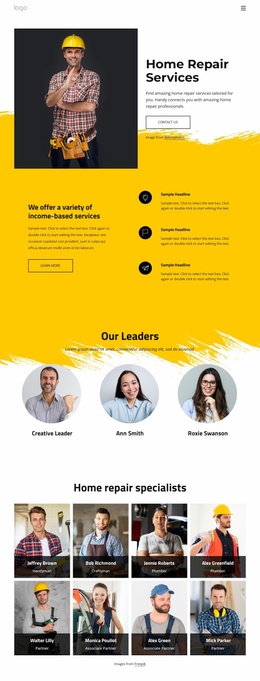
Nicepage base website templates give you a finished design to build from, and the category mixes complete layouts with separate sections. The Pages tab holds full designs such as Find Home Repair Services Today, a single long page with services, team profiles, and a contact area. The Blocks tab offers pieces like Base Unit, a short opening section with a bold heading over a red-tinted photo. You can replace text, images, and colors in the editor, and add or remove sections.
Matching Homepage Composition to Project Goals
A single page is often enough for a business with one main service, and the repair layout works that way. Things change once each service needs its own prices and photos. The three service items can then stay as short teasers, with each Learn more button opening a separate page built from the same sections. To see whether a design can stretch that far, go through it in this order:
- Check whether the first screen's heading and button match your main action.
- Count the content sections that have a real counterpart in your material.
- Note what is missing, since those parts will come from the Blocks tab.
A two-person crew will want to trim the eight specialist cards in the repair demo before that grid looks half empty. A large photo with one strong button suits businesses that want quick calls, while a compact intro followed by services lets visitors compare options first.
Navigation Menus and Inquiry Forms
Nicepage's Menu Element handles the main navigation, so test it as soon as a second page appears. Every item should lead to the right place, and the collapsed phone menu should not cover key content. The Contact Form Element looks finished in a template, but nothing reaches you until you configure submissions. Set it up in a few steps:
- Drop demo fields you do not need and add the ones your inquiries require.
- Choose where submissions go, such as an email address or another supported option.
- Write the message visitors see after sending, including when to expect a reply.
The chat buttons in the repair template need real accounts behind them or should be removed.
Preview Before Publishing
Preview mode is the last chance to catch problems before launch. Click every menu item, follow each button, and send a test message, then repeat the route in the phone view. Nicepage can publish the project to its own hosting, and the same checks apply wherever the site ends up. If a visitor can reach your main action from any page and most sections carry your own content, the template is ready.