We create modernity Website Template


Edit Template Offline
2. Create new page and search for id 23009
Edit Template Online
Create Awesome Websites


Free Nicepage Builder
Keywords
Brand creation, digital capabilities, and portfolio areas establish a site foundation
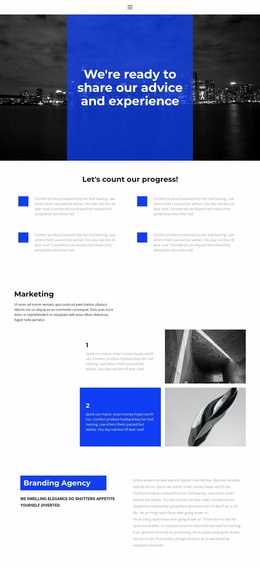
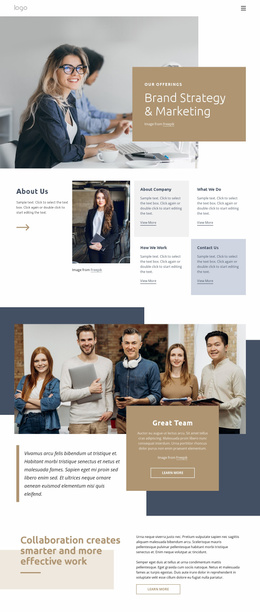
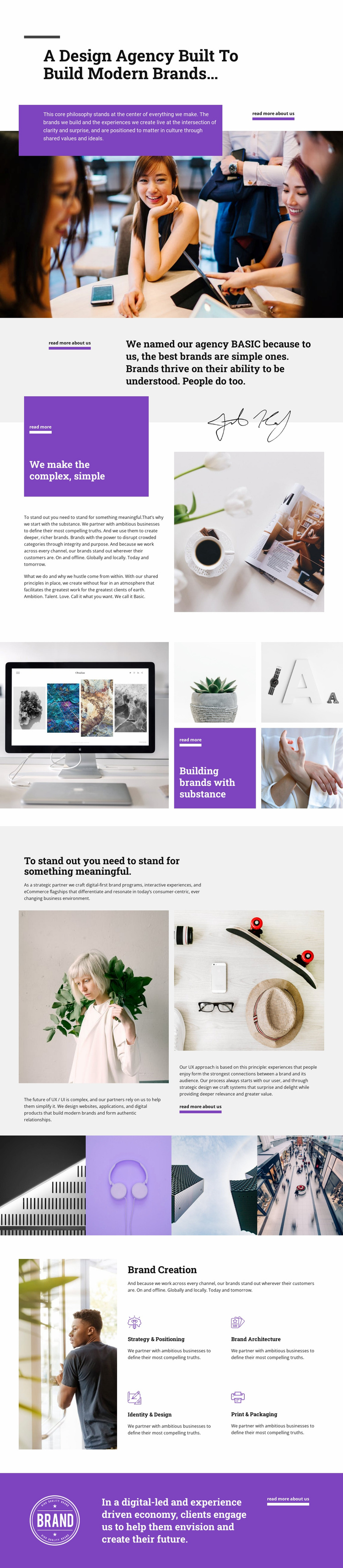
The page already separates several major content areas that a broader agency website could develop further. The opening hero and philosophy sections can introduce the organization and its point of view, while the statement about making complexity simple provides a clear bridge into the agency’s method. This gives the project more than a decorative homepage: it establishes an initial information structure around identity, approach, work, and capabilities.
The two portfolio treatments serve different structural roles. A five-image collage presents brand work as a visual composition, while the later four-image strip creates a distinct transition between digital capabilities and service detail. These image-led areas could support deeper project or case-study content as the site grows, without requiring the main page to carry every explanation at once.
The content also divides naturally into two service families. The digital section refers to UX/UI, websites, applications, digital products, interactive experiences, and eCommerce experiences. The Brand Creation section then gives more specific names to Strategy & Positioning, Brand Architecture, Identity & Design, and Print & Packaging. That contrast creates clear subjects for future service pages or expanded agency information. Repeated read-more links and the closing agency statement provide consistent routes into those additional areas, making the design a credible visual and informational starting point for a wider website project.
Customize with Nicepage
Open this ready-made template in the Website Template Builder and customize it visually in the Nicepage editor. Replace demo content, edit page sections, and adapt the design to your project without rebuilding the template from scratch.
Build a Complete Website From This Template
Customize the Website Visually
Use this ready-made website template as a starting point for your project and adapt its pages visually in Nicepage. Change content, images, typography, navigation, sections, and other design elements while keeping the website together as a single editable project.
Manage Website Pages in One Project
Use the Pages panel to open, add, duplicate, and manage the pages of your website. Work on individual pages while keeping navigation and the overall site structure accessible from the same project, making it easier to develop a complete website instead of managing separate page files.
Expand the Website With Matching Designs
When you need additional pages or sections, use Page Design Sets to find Page and Block Designs created in the same visual style. Design Sets group matching designs together, making it easier to expand the website with new content while maintaining a consistent look across its pages and sections.
Organize Larger Multi-Page Websites
As the website grows, use Page Folders to organize related pages and keep larger multi-page projects easier to navigate in the editor. This is especially useful for websites with separate service pages, company information, contacts, landing pages, and other content areas.
This workflow makes the template a practical foundation for building and expanding a complete website while managing its pages, content, and visual design within one Nicepage project.