Creative form in design Website Template


Edit Template Offline
2. Create new page and search for id 115655
Edit Template Online
Create Awesome Websites


Free Nicepage Builder
Keywords
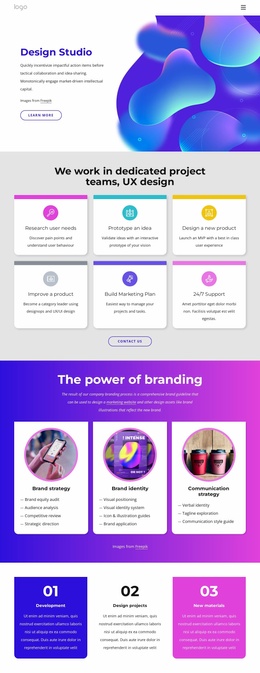
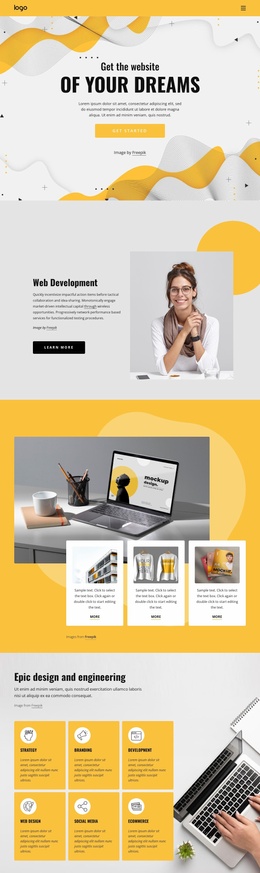
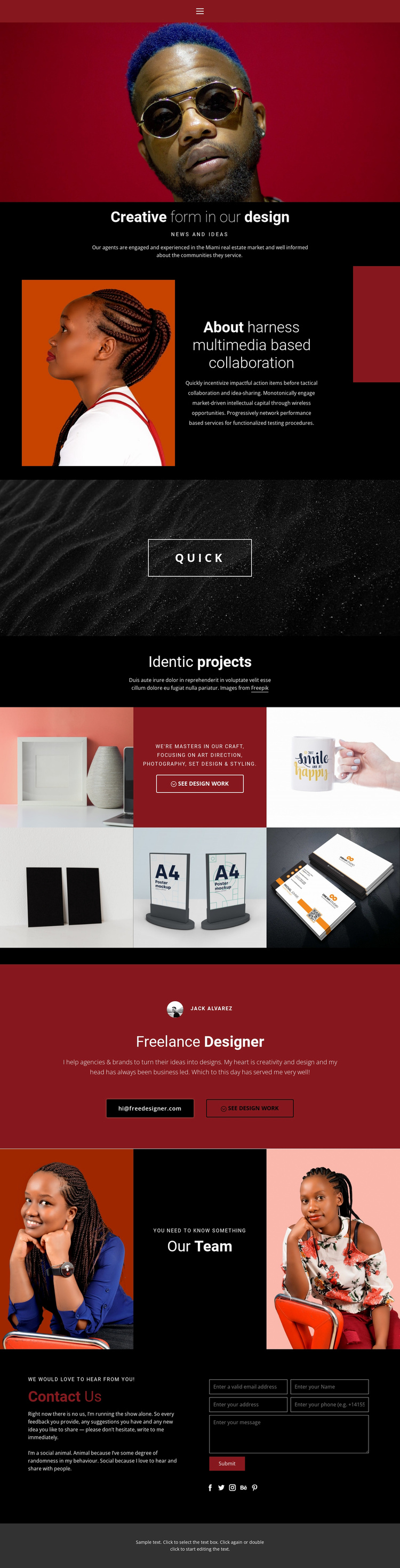
Services, selected work, and inquiry form form a site foundation
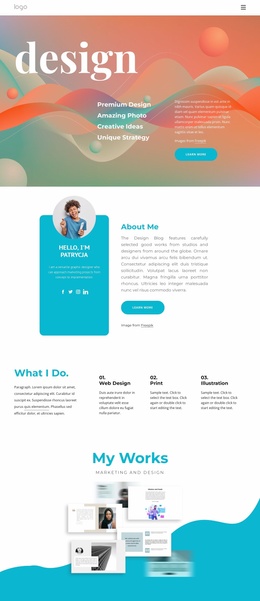
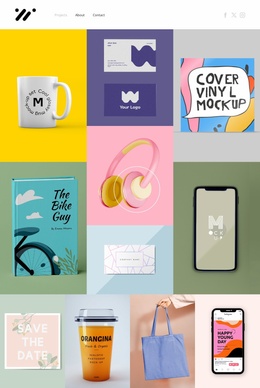
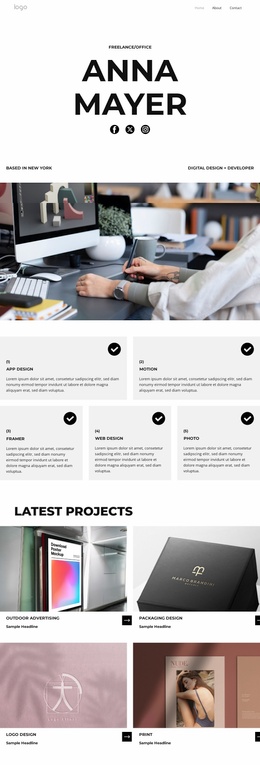
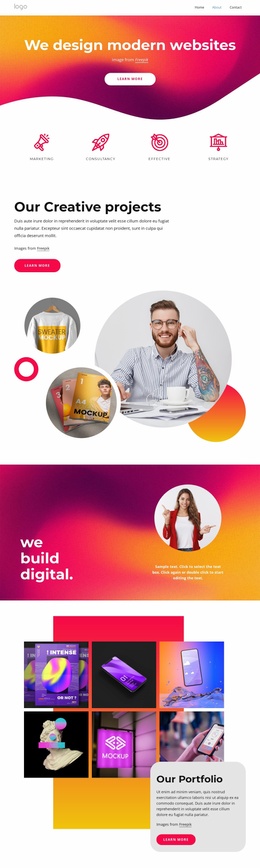
The template already defines several major content areas that a broader creative-services website may need. The about section can introduce the designer’s approach to multimedia collaboration, while the named capabilities—art direction, photography, set design, and styling—give the project a clear service framework. The five-image gallery then provides a separate portfolio area where selected work can carry the visual proof.
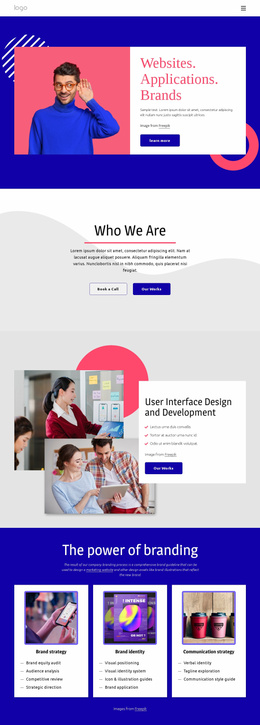
The freelance designer section supports a second layer of site information by combining identity copy with an email action and a link to see design work. The team block adds room for collaborative positioning through two portraits, a central message, and a read-more action. These areas can remain part of the same visual system if the project later needs additional service, project, or people-focused content. This is an expansion foundation, not a claim that multiple additional pages already exist.
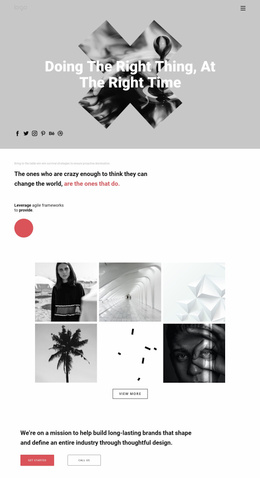
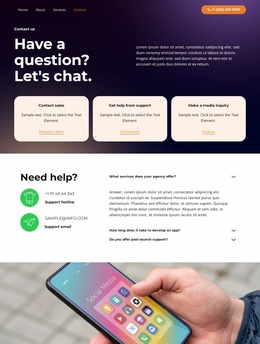
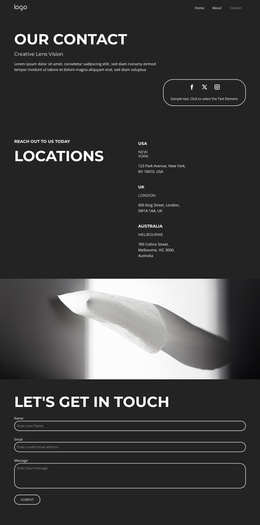
The closing contact section gives the design a practical response area. Its explanatory copy, verified submission form, and social links can anchor a contact page or remain the closing block of the portfolio presentation. Navigation and the dark footer provide shared structural elements around the content. As a website-project starting point, the design is useful because it combines identity, service context, visual work, collaboration, and inquiry in a coherent order rather than offering only an isolated hero or decorative homepage.
Customize with Nicepage
Open this ready-made template in the Website Template Builder and customize it visually in the Nicepage editor. Replace demo content, edit page sections, and adapt the design to your project without rebuilding the template from scratch.
Build a Complete Website From This Template
Customize the Website Visually
Use this ready-made website template as a starting point for your project and adapt its pages visually in Nicepage. Change content, images, typography, navigation, sections, and other design elements while keeping the website together as a single editable project.
Manage Website Pages in One Project
Use the Pages panel to open, add, duplicate, and manage the pages of your website. Work on individual pages while keeping navigation and the overall site structure accessible from the same project, making it easier to develop a complete website instead of managing separate page files.
Expand the Website With Matching Designs
When you need additional pages or sections, use Page Design Sets to find Page and Block Designs created in the same visual style. Design Sets group matching designs together, making it easier to expand the website with new content while maintaining a consistent look across its pages and sections.
Organize Larger Multi-Page Websites
As the website grows, use Page Folders to organize related pages and keep larger multi-page projects easier to navigate in the editor. This is especially useful for websites with separate service pages, company information, contacts, landing pages, and other content areas.
This workflow makes the template a practical foundation for building and expanding a complete website while managing its pages, content, and visual design within one Nicepage project.