Exceptional web art Website Template


Edit Template Offline
2. Create new page and search for id 14344
Edit Template Online
Create Awesome Websites


Free Nicepage Builder
Keywords
The Capability Grid and Portfolio Define a Studio Website Foundation
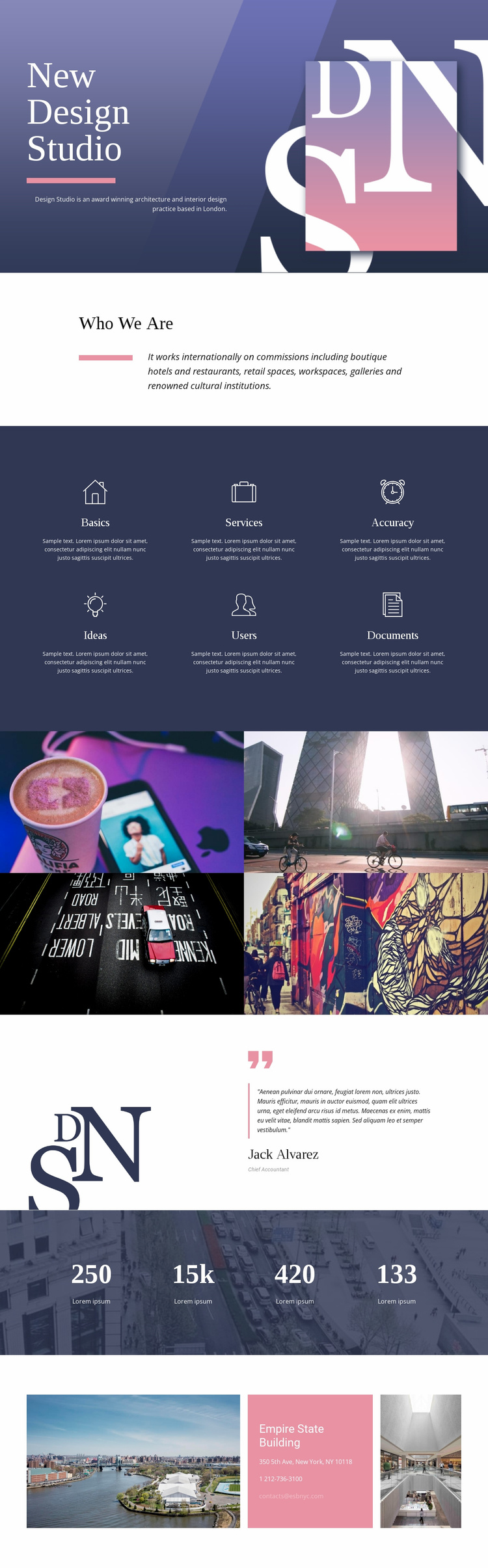
The “Who We Are” introduction and six labeled capability items establish the first content categories for a broader studio website. The opening explains the practice, while Basics, Services, Accuracy, Ideas, Users, and Documents divide its principles and capabilities into a repeated group that could inform supporting service or approach pages. This gives the project more than a purely decorative homepage: it provides recognizable subjects that can be developed into a wider information structure.
The four-image portfolio gallery supplies a separate visual-work area, making the design suitable for a practice that needs to show architecture, interiors, and related project imagery. Its equal panels create a repeatable presentation pattern that could be extended with additional project-focused content while retaining the same visual direction. The testimonial adds a human reference point, and the four counters reserve a distinct area for confirmed studio metrics when real information is available; the sample values themselves remain structural evidence rather than business claims.
At the end, the contact card brings phone and email channels together with location-focused imagery, giving the current page a clear relationship between profile, capabilities, work, reassurance, metrics, and contact. These connected areas can serve as the starting information architecture for a broader website, even though this analysis verifies one page rather than a complete multi-page set. Shared typography, navy and muted pink fields, and editorial spacing can help additional pages remain recognizably related as the project expands.
Customize with Nicepage
Open this ready-made template in the Website Template Builder and customize it visually in the Nicepage editor. Replace demo content, edit page sections, and adapt the design to your project without rebuilding the template from scratch.
Build a Complete Website From This Template
Customize the Website Visually
Use this ready-made website template as a starting point for your project and adapt its pages visually in Nicepage. Change content, images, typography, navigation, sections, and other design elements while keeping the website together as a single editable project.
Manage Website Pages in One Project
Use the Pages panel to open, add, duplicate, and manage the pages of your website. Work on individual pages while keeping navigation and the overall site structure accessible from the same project, making it easier to develop a complete website instead of managing separate page files.
Expand the Website With Matching Designs
When you need additional pages or sections, use Page Design Sets to find Page and Block Designs created in the same visual style. Design Sets group matching designs together, making it easier to expand the website with new content while maintaining a consistent look across its pages and sections.
Organize Larger Multi-Page Websites
As the website grows, use Page Folders to organize related pages and keep larger multi-page projects easier to navigate in the editor. This is especially useful for websites with separate service pages, company information, contacts, landing pages, and other content areas.
This workflow makes the template a practical foundation for building and expanding a complete website while managing its pages, content, and visual design within one Nicepage project.