Brain-based learning Website Template



Edit Template Offline
2. Create new page and search for id 6081434
Edit Template Online
Create Awesome Websites


Free Nicepage Builder
Keywords
Course, Access, and Learner-Story Areas Form a Site Foundation
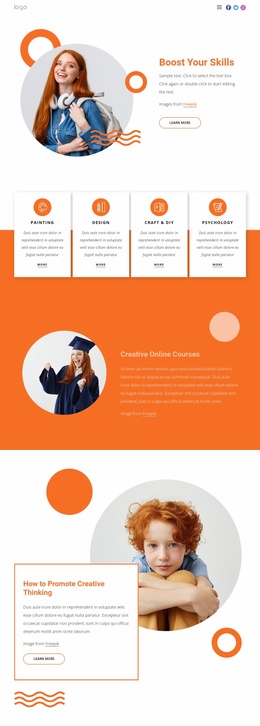
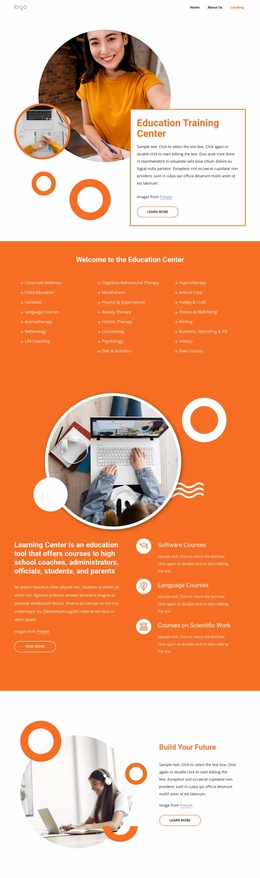
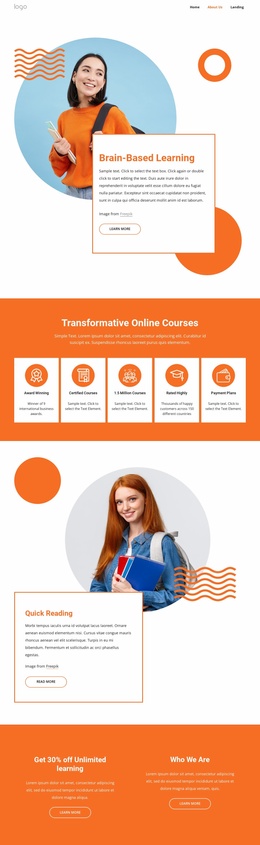
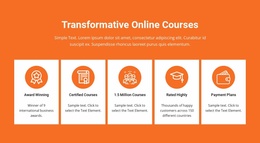
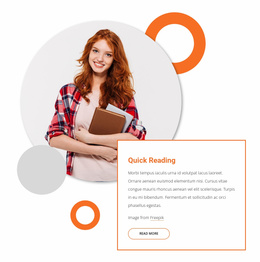
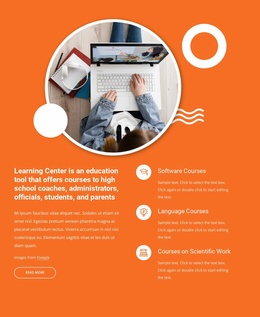
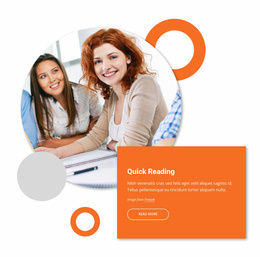
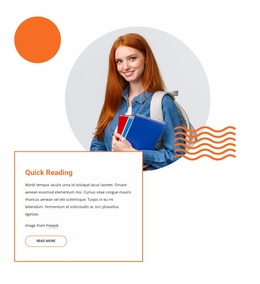
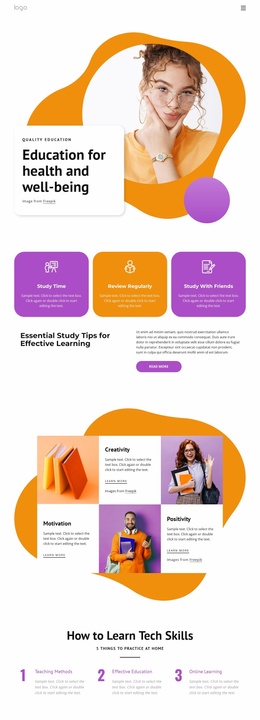
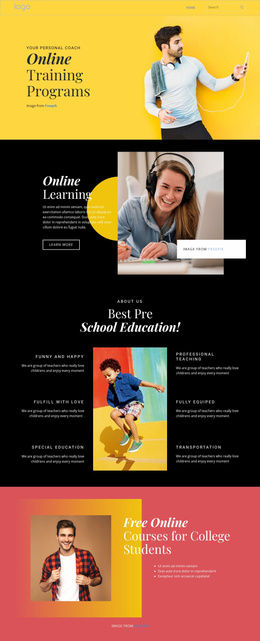
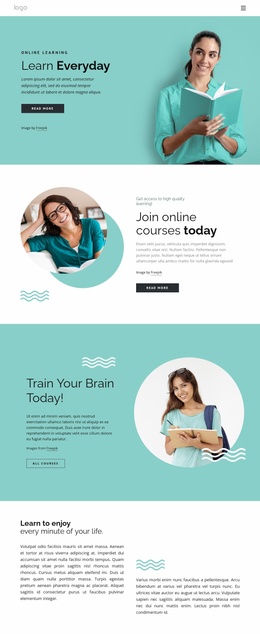
The design already identifies several major content categories that an education website may need. The opening Brain-Based Learning section establishes the central subject, while the five-card course area provides a repeatable structure for presenting educational highlights such as Certified Courses and Payment Plans. Quick Reading adds a related topic with its own split composition, showing how a broader project could separate learning themes instead of placing every message in one block.
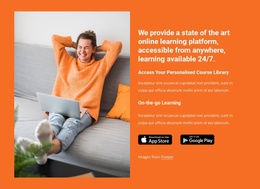
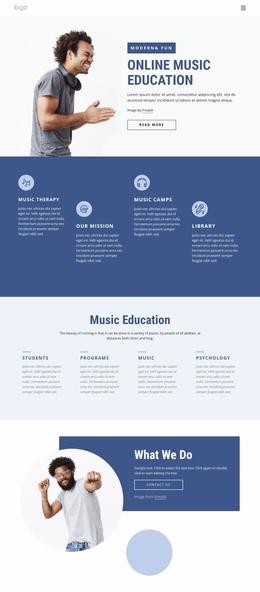
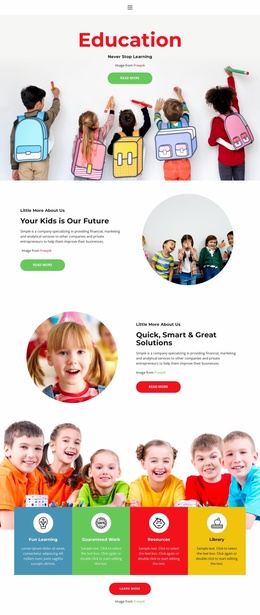
The page also covers access and organizational context. The two promotional columns introduce unlimited learning and Who We Are, while Plan Your Success Now supplies a forward-looking engagement message. The platform section adds personalized course library content, on-the-go learning, a lifestyle image, and app-store badges. These areas can act as a foundation for deciding which future pages or sections should explain courses, access methods, organization details, or learner support.
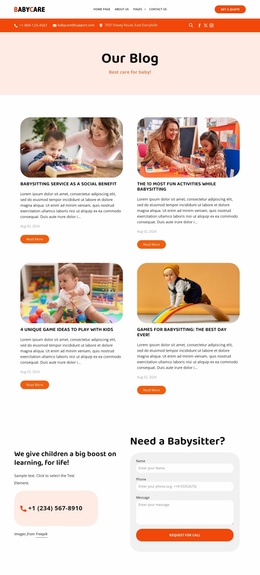
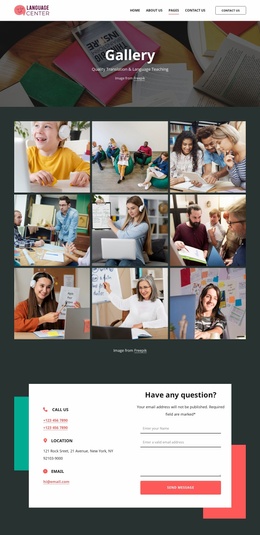
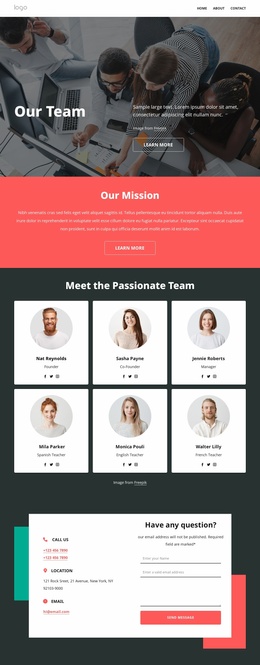
Three repeated testimonial cards provide a recognizable pattern for learner stories, and the Contact Us section adds both an inquiry form and a separate information panel. Navigation, mobile navigation, and social links create shared site elements around the main content.
The template should be understood as a foundation, not as proof that a complete multi-page site already exists. Its strength is the range of clearly defined content areas from which a larger education project could grow. Sample statistics, people, address, discount, and award statements remain structural placeholders until verified.
Customize with Nicepage
Open this ready-made template in the Website Template Builder and customize it visually in the Nicepage editor. Replace demo content, edit page sections, and adapt the design to your project without rebuilding the template from scratch.
Build a Complete Website From This Template
Customize the Website Visually
Use this ready-made website template as a starting point for your project and adapt its pages visually in Nicepage. Change content, images, typography, navigation, sections, and other design elements while keeping the website together as a single editable project.
Manage Website Pages in One Project
Use the Pages panel to open, add, duplicate, and manage the pages of your website. Work on individual pages while keeping navigation and the overall site structure accessible from the same project, making it easier to develop a complete website instead of managing separate page files.
Expand the Website With Matching Designs
When you need additional pages or sections, use Page Design Sets to find Page and Block Designs created in the same visual style. Design Sets group matching designs together, making it easier to expand the website with new content while maintaining a consistent look across its pages and sections.
Organize Larger Multi-Page Websites
As the website grows, use Page Folders to organize related pages and keep larger multi-page projects easier to navigate in the editor. This is especially useful for websites with separate service pages, company information, contacts, landing pages, and other content areas.
This workflow makes the template a practical foundation for building and expanding a complete website while managing its pages, content, and visual design within one Nicepage project.