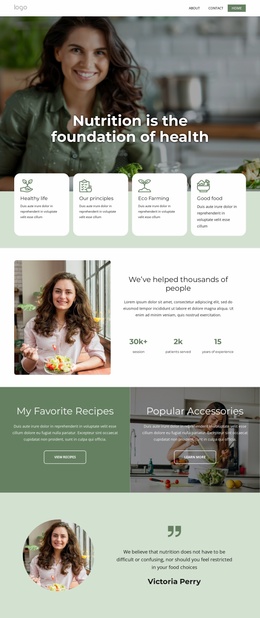
Nutrition services Website Template


Edit Template Offline
2. Create new page and search for id 6435424
Edit Template Online
Create Awesome Websites


Free Nicepage Builder
Keywords
Service Areas and Program Content Establish a Website Foundation
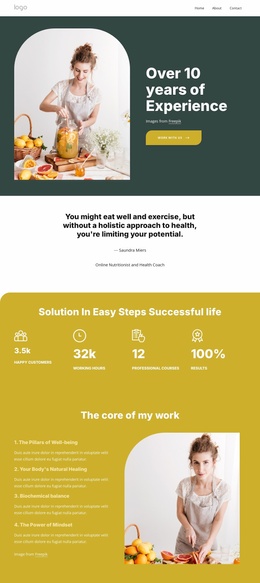
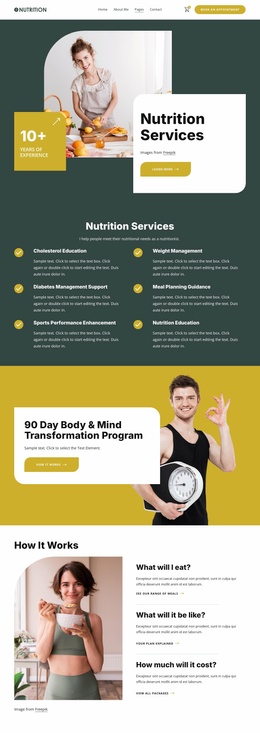
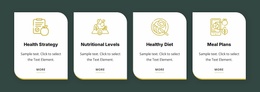
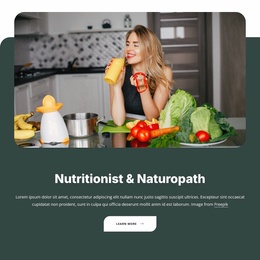
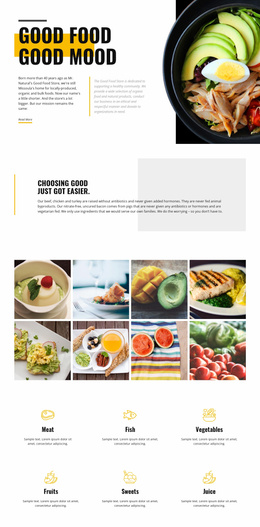
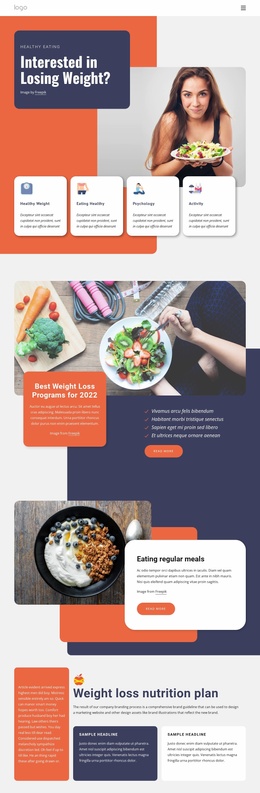
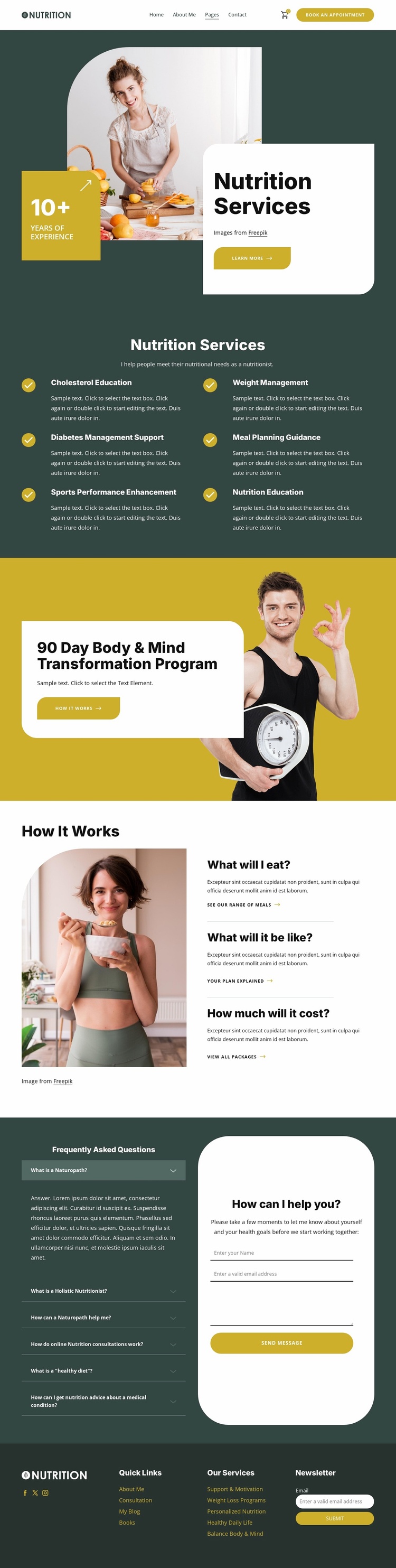
The design already defines several important content areas for a nutrition and wellness project. The opening section introduces the service subject, while the six-item service group separates cholesterol education, weight management, diabetes management support, meal planning guidance, sports performance enhancement, and nutrition education into recognizable categories. Those areas can serve as a starting information architecture for additional service descriptions or related pages as the project grows, without claiming that those pages already exist.
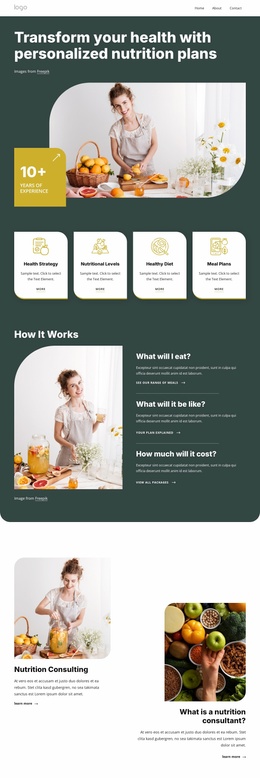
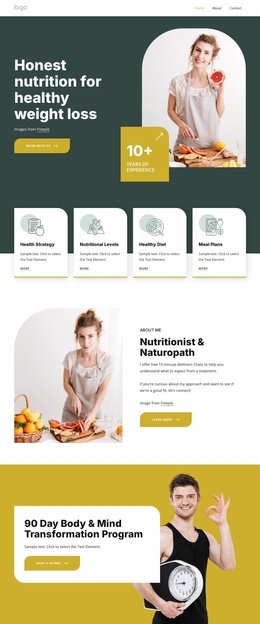
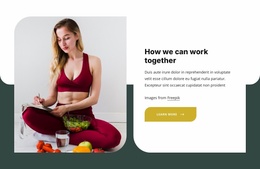
The 90 Day Body & Mind Transformation Program provides another project-level content area. Its large image and overlaid card distinguish a structured program from the general service list, while the How It Works section supplies three practical explanation points concerning food, experience, and cost. Together, these sections suggest a useful relationship between core services, a featured program, and supporting information.
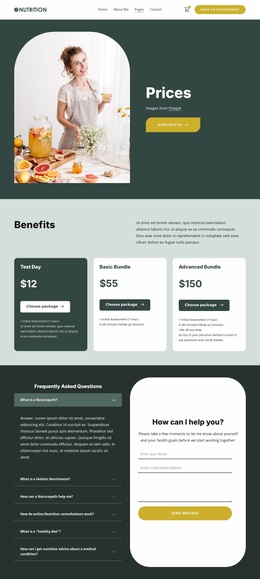
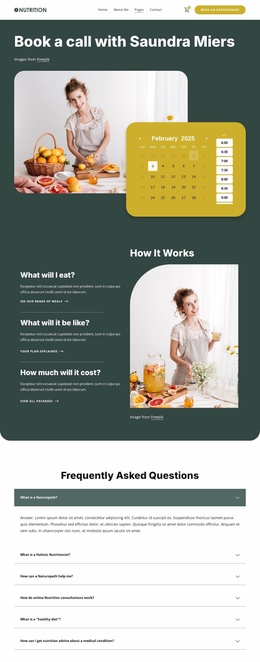
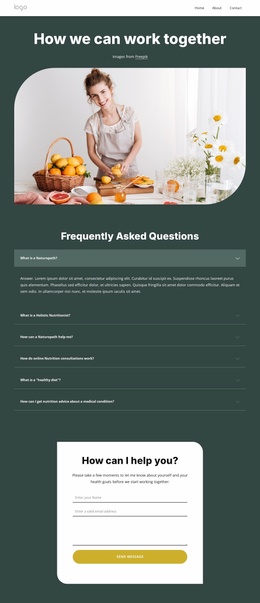
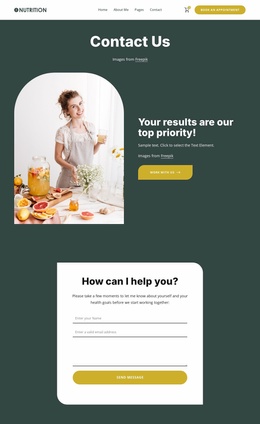
The FAQ accordion and consultation form create a clear contact region, with six questions positioned beside fields for a name, email address, and message. The footer broadens the foundation through Quick Links, service links, Facebook, Twitter, Instagram, and newsletter signup. As a website project basis, the template therefore offers content categories, navigation regions, repeated informational patterns, and response areas that can be extended while preserving its visual direction.
Customize with Nicepage
Open this ready-made template in the Website Template Builder and customize it visually in the Nicepage editor. Replace demo content, edit page sections, and adapt the design to your project without rebuilding the template from scratch.
Build a Complete Website From This Template
Customize the Website Visually
Use this ready-made website template as a starting point for your project and adapt its pages visually in Nicepage. Change content, images, typography, navigation, sections, and other design elements while keeping the website together as a single editable project.
Manage Website Pages in One Project
Use the Pages panel to open, add, duplicate, and manage the pages of your website. Work on individual pages while keeping navigation and the overall site structure accessible from the same project, making it easier to develop a complete website instead of managing separate page files.
Expand the Website With Matching Designs
When you need additional pages or sections, use Page Design Sets to find Page and Block Designs created in the same visual style. Design Sets group matching designs together, making it easier to expand the website with new content while maintaining a consistent look across its pages and sections.
Organize Larger Multi-Page Websites
As the website grows, use Page Folders to organize related pages and keep larger multi-page projects easier to navigate in the editor. This is especially useful for websites with separate service pages, company information, contacts, landing pages, and other content areas.
This workflow makes the template a practical foundation for building and expanding a complete website while managing its pages, content, and visual design within one Nicepage project.

Design Set (30)
-

-
-
-
-
-
-
-
-
-
-
Customize Any TemplateDownload
-
-
-
-
-
-
-
-
-
-