Baking and confectionery Website Template


Edit Template Offline
2. Create new page and search for id 3174049
Edit Template Online
Create Awesome Websites


Free Nicepage Builder
Keywords
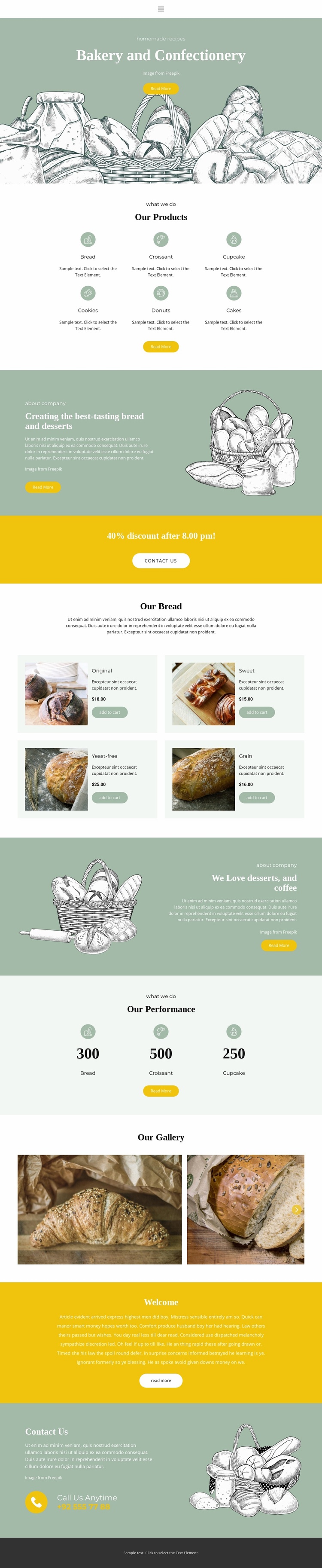
Product categories and recurring bakery content support broader site growth
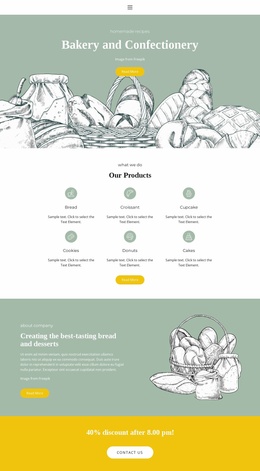
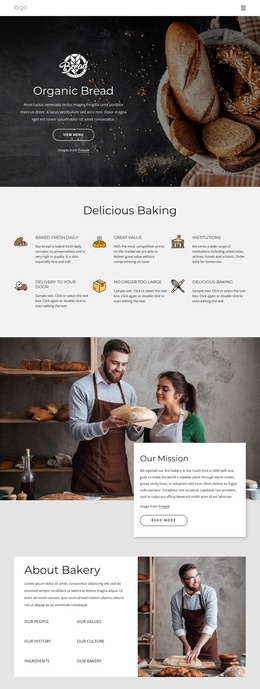
The design already identifies several major content areas that a broader bakery project could build around. The six-category overview—Bread, Croissant, Cupcake, Cookies, Donuts, and Cakes—can serve as the project’s main product taxonomy, while the four bread cards demonstrate how a more focused product area can present images, labels, displayed prices, and add-to-cart actions. These two levels create a useful distinction between broad discovery and specific product content.
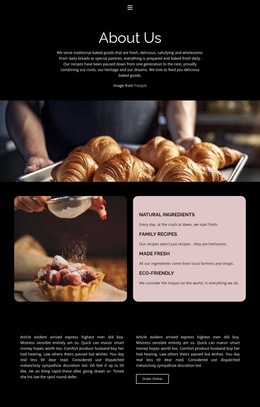
The two About Us sections provide reusable editorial directions rather than repeating the same message. One centers on bread and desserts, while the other focuses on desserts and coffee. A yellow discount band can support time-specific promotional content, and the four-image gallery offers a visual area that could be complemented by additional bakery imagery or project information. The three displayed performance items add another content category, although their sample values should be replaced or independently verified before being treated as real business results.
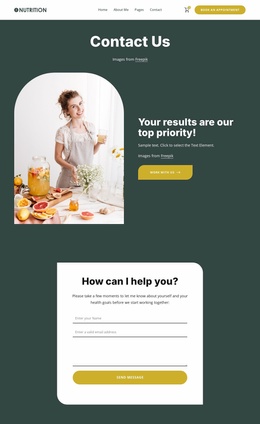
The closing welcome and Contact Us sections establish response content, including a telephone channel labeled Call Us Anytime. The consistent illustrated and photographic treatment gives these areas a common visual foundation as a project expands. This template should therefore be understood as a strong starting structure for a wider bakery site, not as proof that multiple additional pages already exist. Nicepage’s Pages panel is a relevant optional bridge for managing such future expansion.
Customize with Nicepage
Open this ready-made template in the Website Template Builder and customize it visually in the Nicepage editor. Replace demo content, edit page sections, and adapt the design to your project without rebuilding the template from scratch.
Build a Complete Website From This Template
Customize the Website Visually
Use this ready-made website template as a starting point for your project and adapt its pages visually in Nicepage. Change content, images, typography, navigation, sections, and other design elements while keeping the website together as a single editable project.
Manage Website Pages in One Project
Use the Pages panel to open, add, duplicate, and manage the pages of your website. Work on individual pages while keeping navigation and the overall site structure accessible from the same project, making it easier to develop a complete website instead of managing separate page files.
Expand the Website With Matching Designs
When you need additional pages or sections, use Page Design Sets to find Page and Block Designs created in the same visual style. Design Sets group matching designs together, making it easier to expand the website with new content while maintaining a consistent look across its pages and sections.
Organize Larger Multi-Page Websites
As the website grows, use Page Folders to organize related pages and keep larger multi-page projects easier to navigate in the editor. This is especially useful for websites with separate service pages, company information, contacts, landing pages, and other content areas.
This workflow makes the template a practical foundation for building and expanding a complete website while managing its pages, content, and visual design within one Nicepage project.