Nutrition price list Website Template


Edit Template Offline
2. Create new page and search for id 6438006
Edit Template Online
Create Awesome Websites


Free Nicepage Builder
Keywords
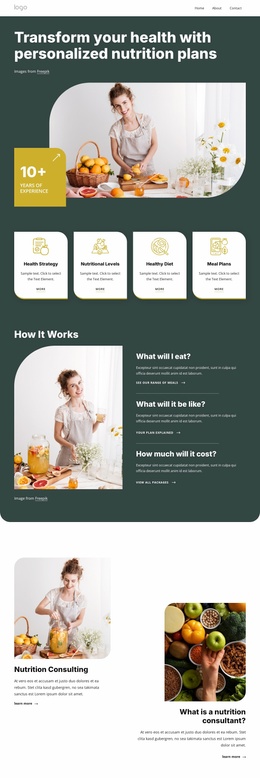
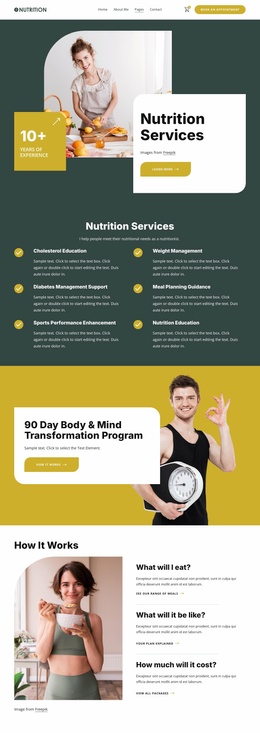
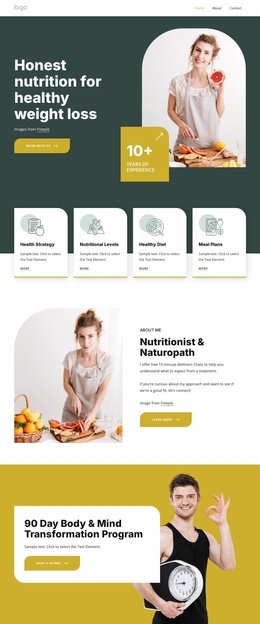
Package Cards and Shared Wellness Sections Establish a Site Foundation
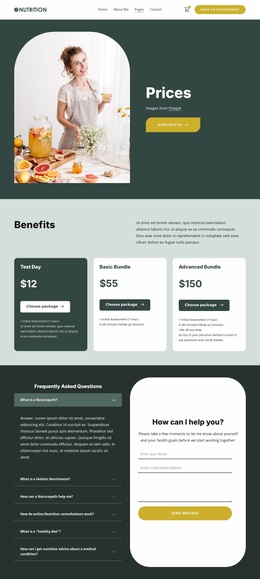
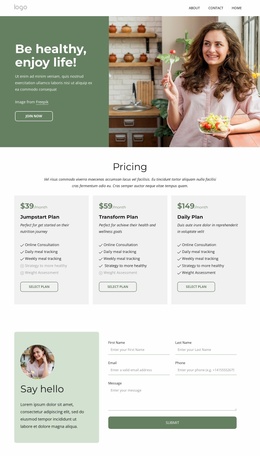
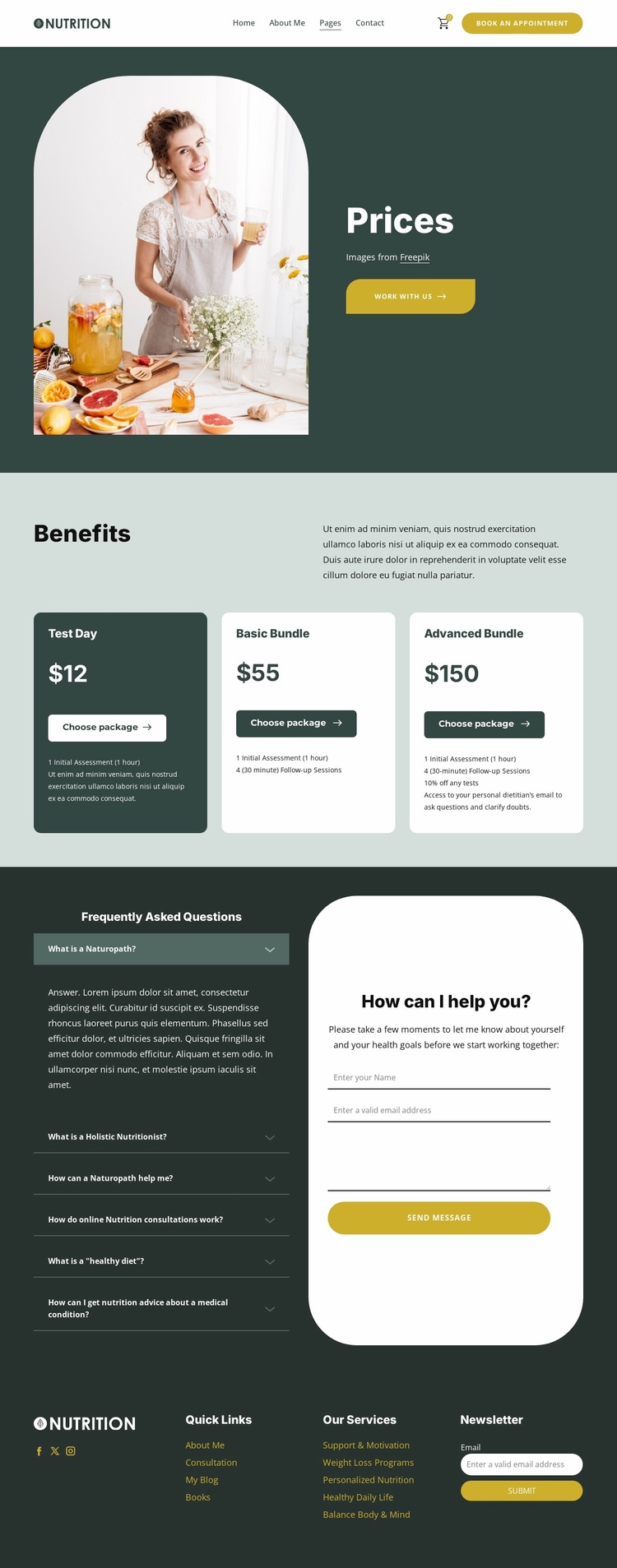
The three package cards give this design a defined service structure that can anchor more than a single pricing message. Test Day, Basic Bundle, and Advanced Bundle appear as separate options with displayed prices of $12, $55, and $150, while the Advanced Bundle includes a 10% discount on tests. Together, these details create a clear foundation for presenting nutrition assessments, follow-up support, and related wellness offerings without requiring the site structure to be rebuilt from an empty page.
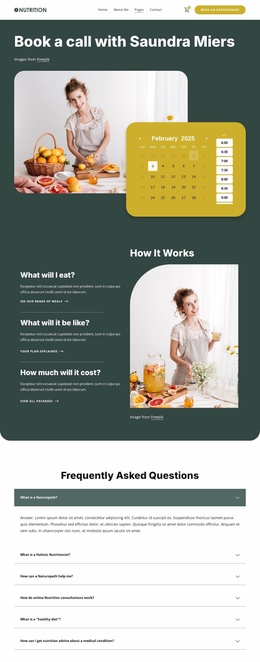
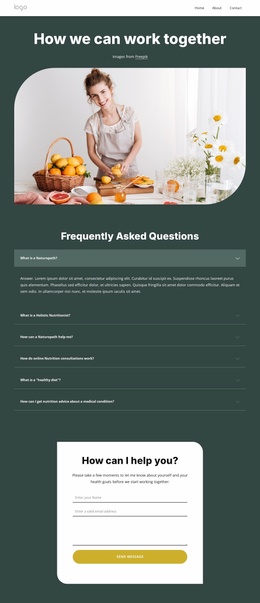
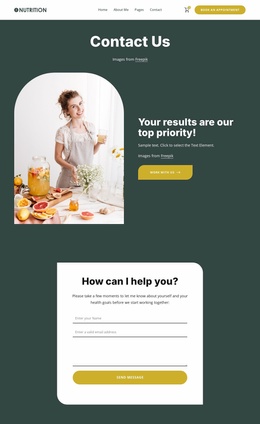
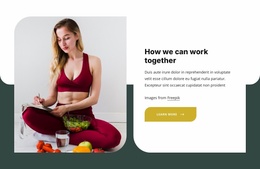
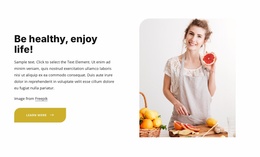
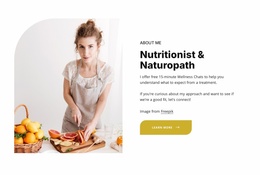
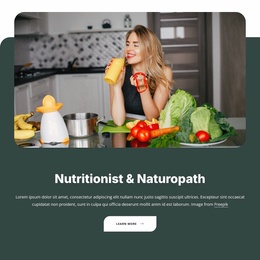
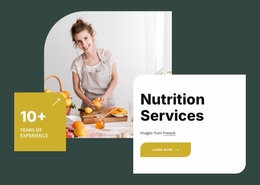
Other sections provide complementary content areas around that central offer. The Prices introduction combines a rounded wellness photograph with a work with us action, giving the project an opening point for explaining its approach. Lower on the page, six FAQ questions cover naturopathy, holistic nutrition, online consultations, healthy diets, and advice related to medical conditions. Beside the accordion, the consultation form requests a name, email address, and message, creating a dedicated contact area for visitors who need more personal guidance.
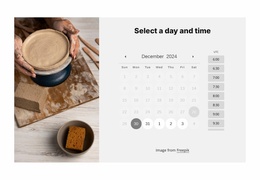
The shared header and four-column footer make the design easier to extend conceptually into a broader website project. Appointment access, cart access, Quick Links, Our Services, Facebook, Twitter, Instagram, and Newsletter content already identify recurring site regions. Additional pages could follow these established content and visual relationships while keeping the nutrition-focused palette, rounded cards, and bold headings recognizable across the project.
Customize with Nicepage
Open this ready-made template in the Website Template Builder and customize it visually in the Nicepage editor. Replace demo content, edit page sections, and adapt the design to your project without rebuilding the template from scratch.
Build a Complete Website From This Template
Customize the Website Visually
Use this ready-made website template as a starting point for your project and adapt its pages visually in Nicepage. Change content, images, typography, navigation, sections, and other design elements while keeping the website together as a single editable project.
Manage Website Pages in One Project
Use the Pages panel to open, add, duplicate, and manage the pages of your website. Work on individual pages while keeping navigation and the overall site structure accessible from the same project, making it easier to develop a complete website instead of managing separate page files.
Expand the Website With Matching Designs
When you need additional pages or sections, use Page Design Sets to find Page and Block Designs created in the same visual style. Design Sets group matching designs together, making it easier to expand the website with new content while maintaining a consistent look across its pages and sections.
Organize Larger Multi-Page Websites
As the website grows, use Page Folders to organize related pages and keep larger multi-page projects easier to navigate in the editor. This is especially useful for websites with separate service pages, company information, contacts, landing pages, and other content areas.
This workflow makes the template a practical foundation for building and expanding a complete website while managing its pages, content, and visual design within one Nicepage project.

Design Set (30)
-

-
-
-
-
-
-
-
-
-
-
Customize Any TemplateDownload
-
-
-
-
-
-
-
-
-
-