Reliable roofing solutions Website Template


Edit Template Offline
2. Create new page and search for id 6435187
Edit Template Online
Create Awesome Websites


Free Nicepage Builder
Keywords
Service Categories and Office Panels Establish a Website Foundation
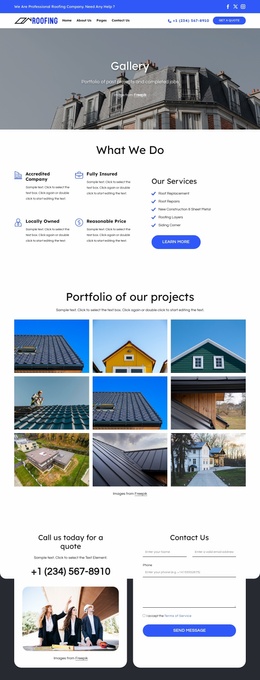
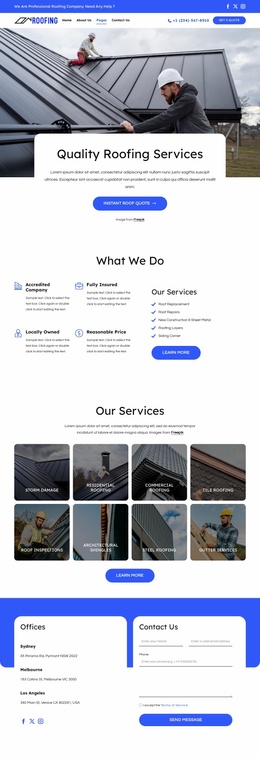
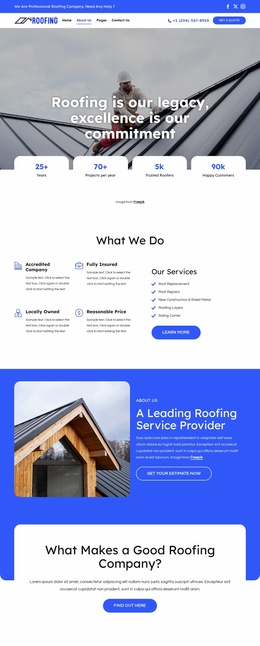
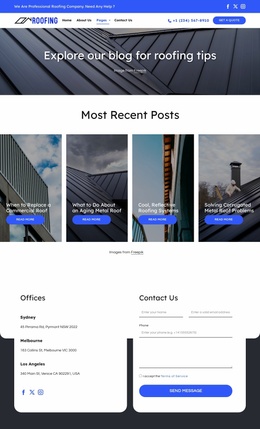
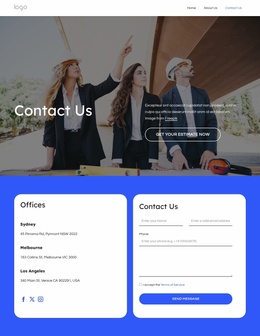
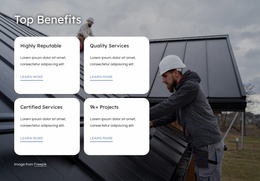
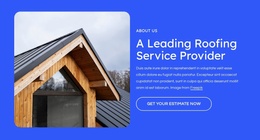
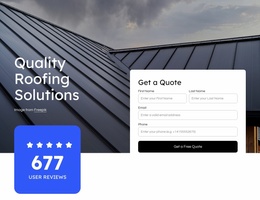
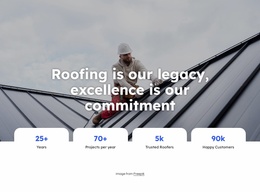
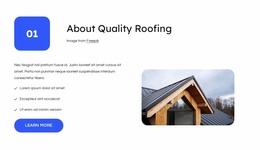
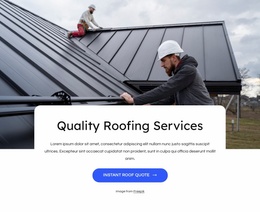
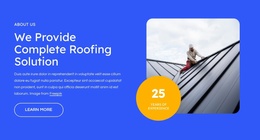
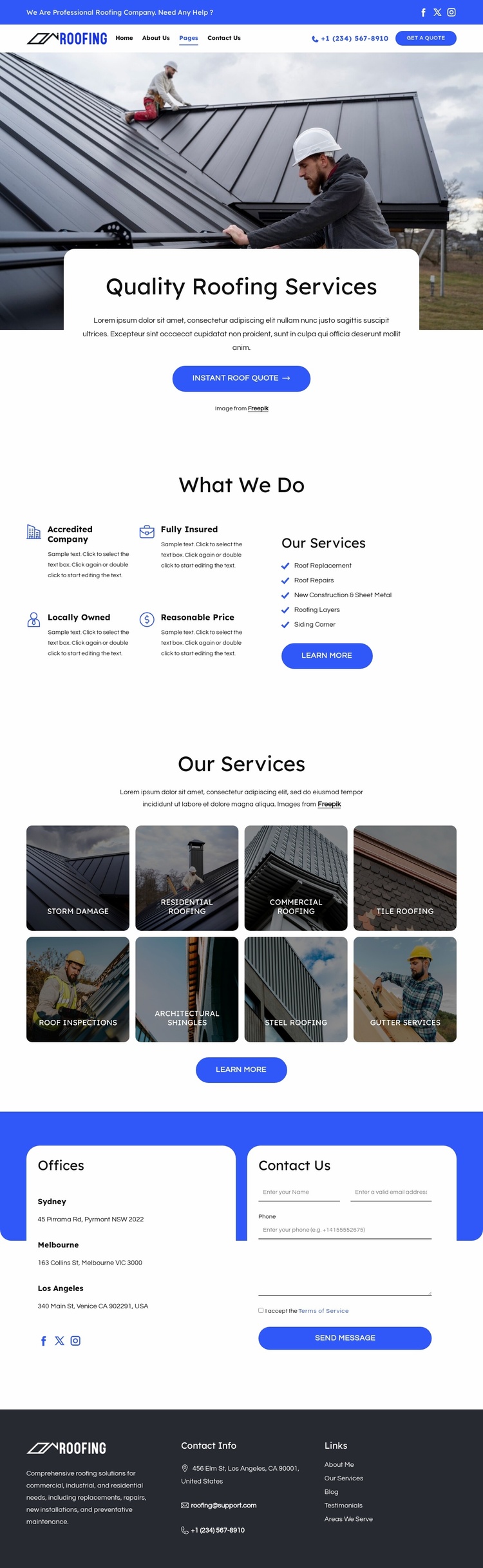
The design already defines several major content areas that a roofing website project can build around. Navigation, social links, phone contact, and a quote button create shared access points at the top, while the hero introduces the business through roofing photography and a direct quote action. The “What We Do” section adds four concise company attributes, giving the project a place for trust-oriented messaging before visitors explore the service categories.
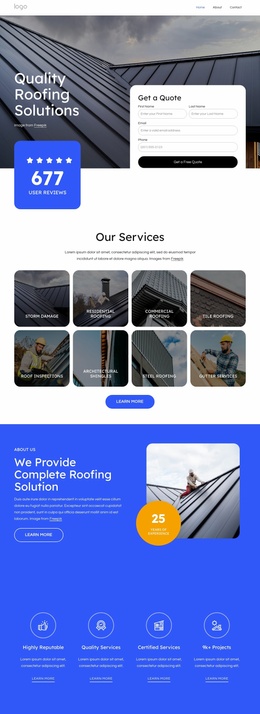
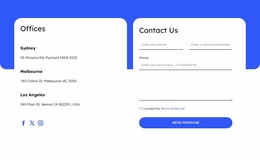
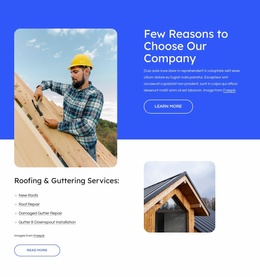
The eight-tile Our Services gallery supplies a useful information structure for expanding content. Storm Damage, Residential Roofing, Commercial Roofing, Tile Roofing, Roof Inspections, Architectural Shingles, Steel Roofing, and Gutter Services are separate subjects that could guide additional explanations or related pages as the project develops, without claiming that those pages already exist in this template. The Offices section adds three location areas for Sydney, Melbourne, and Los Angeles beside a contact form, creating a second organizational axis based on service access and inquiry handling. Contact information, social options, and secondary links in the dark footer round out the shared elements. As a website foundation, the design therefore offers clear places for services, locations, contact, and recurring site information rather than only a styled hero.
Customize with Nicepage
Open this ready-made template in the Website Template Builder and customize it visually in the Nicepage editor. Replace demo content, edit page sections, and adapt the design to your project without rebuilding the template from scratch.
Build a Complete Website From This Template
Customize the Website Visually
Use this ready-made website template as a starting point for your project and adapt its pages visually in Nicepage. Change content, images, typography, navigation, sections, and other design elements while keeping the website together as a single editable project.
Manage Website Pages in One Project
Use the Pages panel to open, add, duplicate, and manage the pages of your website. Work on individual pages while keeping navigation and the overall site structure accessible from the same project, making it easier to develop a complete website instead of managing separate page files.
Expand the Website With Matching Designs
When you need additional pages or sections, use Page Design Sets to find Page and Block Designs created in the same visual style. Design Sets group matching designs together, making it easier to expand the website with new content while maintaining a consistent look across its pages and sections.
Organize Larger Multi-Page Websites
As the website grows, use Page Folders to organize related pages and keep larger multi-page projects easier to navigate in the editor. This is especially useful for websites with separate service pages, company information, contacts, landing pages, and other content areas.
This workflow makes the template a practical foundation for building and expanding a complete website while managing its pages, content, and visual design within one Nicepage project.

Design Set (26)
-

-
-
-
-
-
-
-
-
-
-
Customize Any TemplateDownload
-
-
-
-
-
-