International construction services company Website Template



Edit Template Offline
2. Create new page and search for id 5825900
Edit Template Online
Create Awesome Websites


Free Nicepage Builder
Keywords
Service categories and contact regions form a broader site foundation
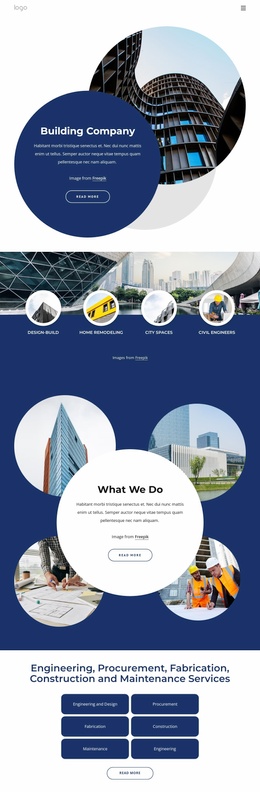
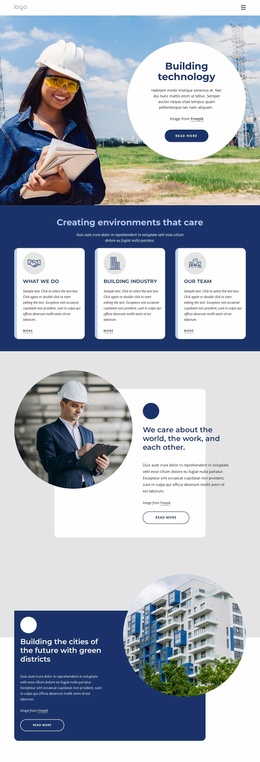
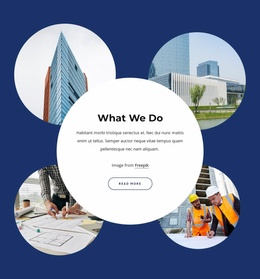
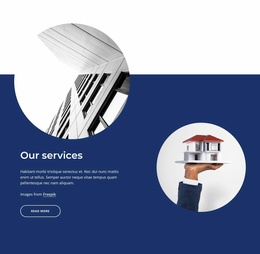
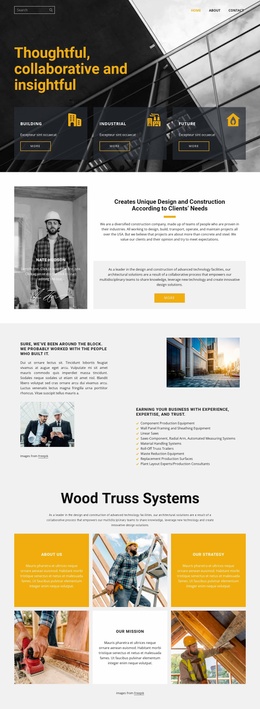
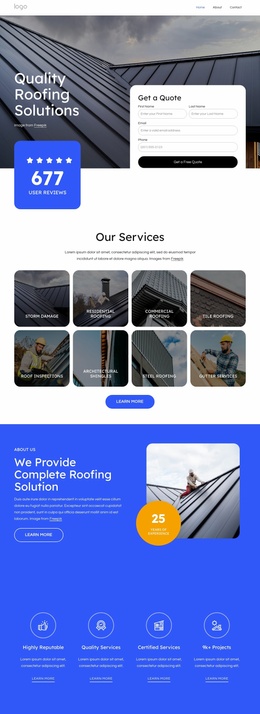
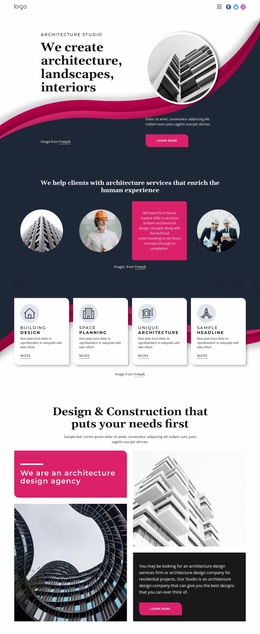
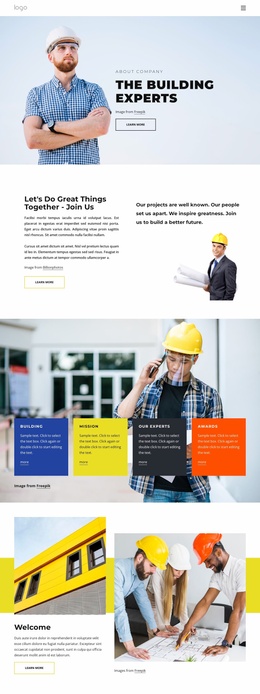
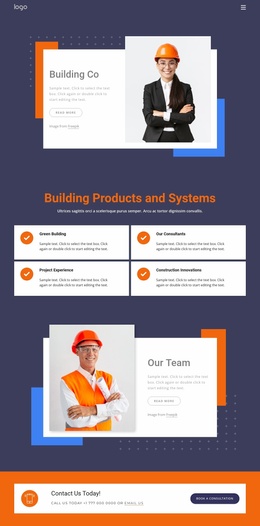
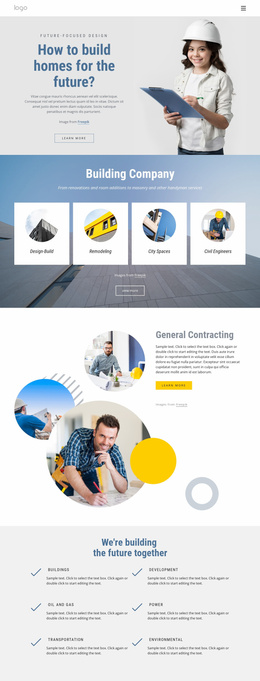
The template already identifies several major content areas that can anchor a wider construction website. The hero introduces the company, the four service categories provide broad subject groupings, and the six-item engineering and construction section supplies more detailed capability content. Together, these areas offer a starting information structure for a project that may later separate services, project information, company background, or contact content into additional pages. The analysis confirms the content areas, not an existing multi-page set.
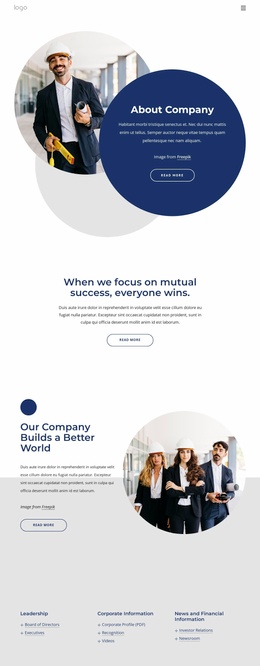
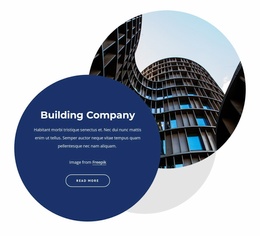
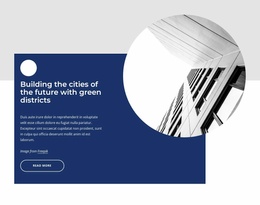
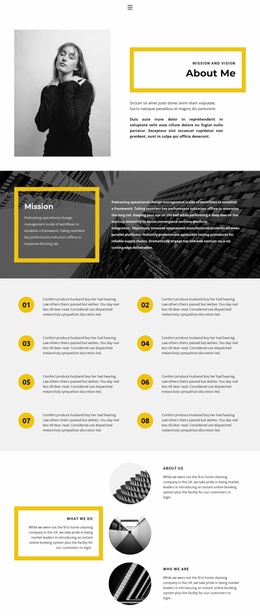
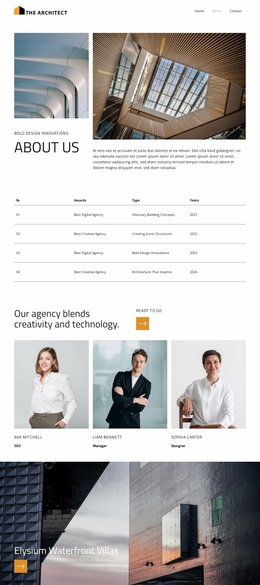
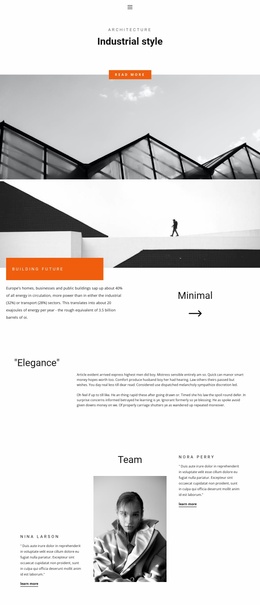
The infrastructure and About Us sections add reusable subject matter for that broader project. A capabilities statement with three bullet points can support a company or approach page, while the About Us area combines overview copy, a large circular portrait, and four displayed metrics. The repeated circular imagery, navy sections, white panels, rounded labels, and compact typography provide a visual direction that could connect future pages without requiring every page to reproduce the same section sequence.
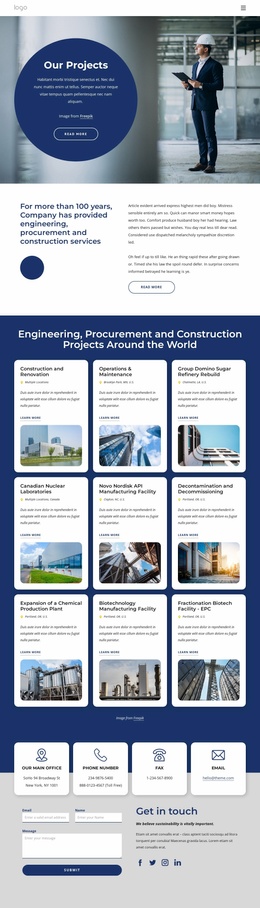
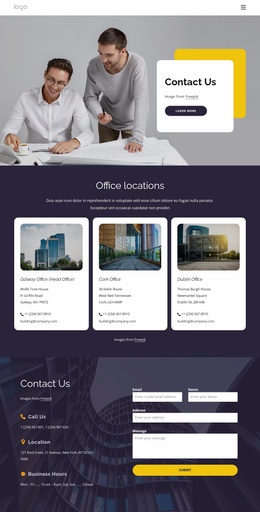
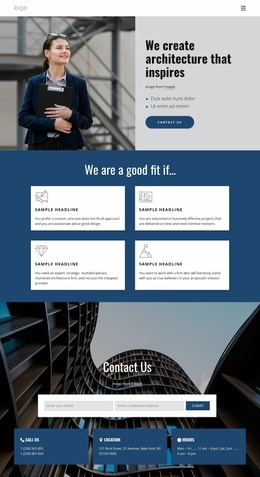
The contact area supplies another important project region. It combines an office address, phone numbers, fax, email, social links, and an inquiry form with name, email, and message inputs. That gives the site foundation a defined communication destination alongside its service content. Demo metrics and sample contact values should be replaced or verified before publication, but their structural roles show how the template organizes company information, capabilities, proof-oriented content, and contact access within a coherent starting design.
Customize with Nicepage
Open this ready-made template in the Website Template Builder and customize it visually in the Nicepage editor. Replace demo content, edit page sections, and adapt the design to your project without rebuilding the template from scratch.
Build a Complete Website From This Template
Customize the Website Visually
Use this ready-made website template as a starting point for your project and adapt its pages visually in Nicepage. Change content, images, typography, navigation, sections, and other design elements while keeping the website together as a single editable project.
Manage Website Pages in One Project
Use the Pages panel to open, add, duplicate, and manage the pages of your website. Work on individual pages while keeping navigation and the overall site structure accessible from the same project, making it easier to develop a complete website instead of managing separate page files.
Expand the Website With Matching Designs
When you need additional pages or sections, use Page Design Sets to find Page and Block Designs created in the same visual style. Design Sets group matching designs together, making it easier to expand the website with new content while maintaining a consistent look across its pages and sections.
Organize Larger Multi-Page Websites
As the website grows, use Page Folders to organize related pages and keep larger multi-page projects easier to navigate in the editor. This is especially useful for websites with separate service pages, company information, contacts, landing pages, and other content areas.
This workflow makes the template a practical foundation for building and expanding a complete website while managing its pages, content, and visual design within one Nicepage project.