
Timetable CSS Templates
More CSS Templates from Calendar & Booking Category
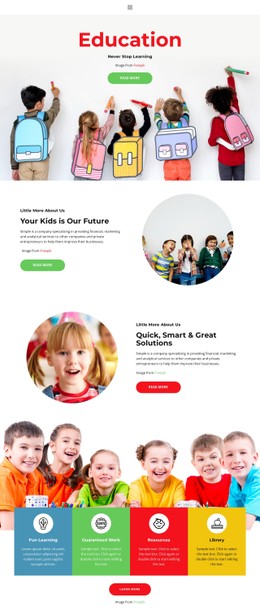
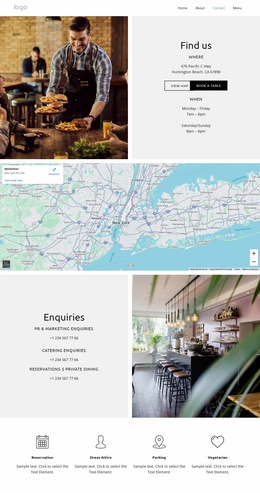
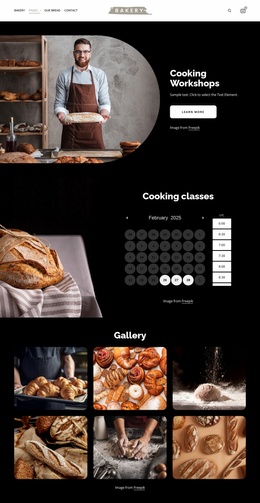
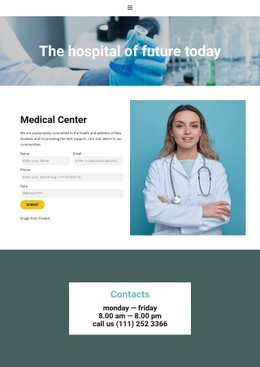
Other Calendar & Booking CSS Templates
Trendy Timetable CSS Templates
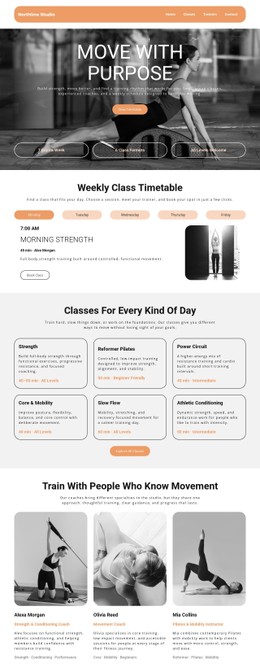
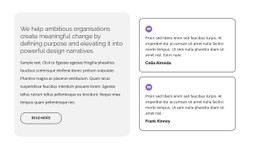
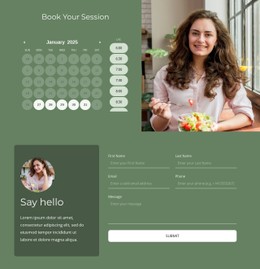
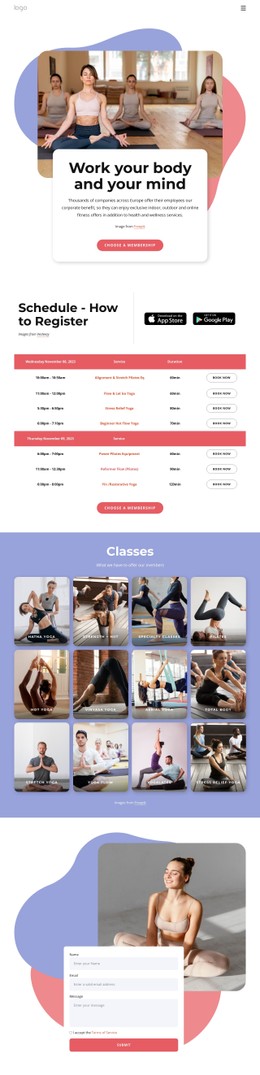
Using templates, clean pages can be created easily without involving a complicated design process. These templates concentrate on page layout, space between elements, color scheme, fonts, hover effect, and responsive timetable table. Timetable CSS layouts are applicable to any school, university, e-learning course, gym, clinic, transport service, and team that needs an easy schedule page. Over 85% of educational timetable websites are used by universities around the globe, demonstrating the importance of digital scheduling systems in current educational processes.
In addition, smart timetable applications send more than 10 billion notifications each year, and nowadays users expect quick updates and convenient access to time-related data. A well-structured CSS ensures that lessons, meetings, appointments, and sessions can be quickly scanned by any visitor.
Moreover, it maintains the readability of the timetable page even when it is opened on a phone, which is usually used during the day to manage their schedule. Timetable styling can include a weekly timetable view, color coding, responsive columns, card design, and navigation.
Contemporary Styling Solutions for Timetable Pages
The visual display plays an extremely significant role in influencing visitor interaction on timetable web pages. Clean design, legible typography, and well-organized sections increase navigation speed and encourage more interaction and engagement with the website. It is proven that visitors stay on well-designed websites with balanced visual hierarchy almost 57% longer than visitors staying on disorganized and messy sites. This factor should be considered when designing timetables since users are likely to perform quick searches using their mobile phones amid other activities in their everyday lives.
Timetable CSS templates support:
- Flexible Typography
- Adjustable Colors
- Responsive Grids
- Organized Spacing
- Editable Sections
Each CSS timetable design allows for easier scheduling and retains visual consistency and professionalism within the site design. Companies can tailor parts for use within schools, conferences, meetings, webinars, physical activities, or services without changing the overall design of the page.
Clean CSS Structure Improves User Experience
Website visitors tend to abandon websites due to the presence of crowded and disorganized designs that are hard to read. With a well-designed CSS layout, consistent timetable pages can be generated easily to make it easier for users to browse the site regardless of whether they are on desktops or mobiles. According to studies, websites with proper visual hierarchy have reduced navigation confusion in users by over 40%. This is essential when it comes to timetable websites where users want access to schedules, appointments, events, or classes quickly.
Timetable CSS design with organized sections makes it easy to read content since it is arranged in a readable way. It ensures that the visitor is comfortable browsing the pages for the necessary information. Mobile-first design has been important since most users visit timetable websites from their mobiles at different times of the day.
Customize Your Timetable Website Faster
An effective visual structure can contribute to the increased professionalism and navigability of your timetable site. Look for timetable templates for Nicepage, customize schedule elements, and design your own timetable web page for improved interactivity on all devices.