Qualified psychologist help Website Template



Edit Template Offline
2. Create new page and search for id 1428794
Edit Template Online
Create Awesome Websites


Free Nicepage Builder
Keywords
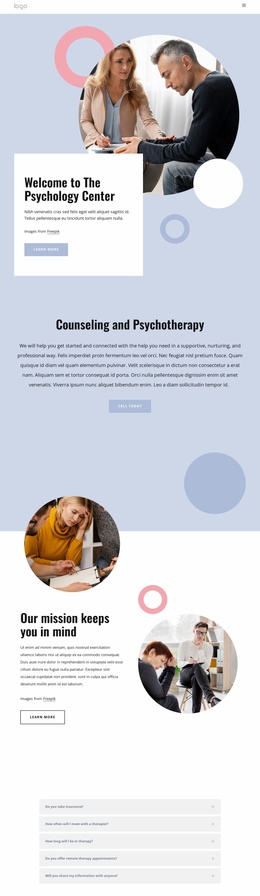
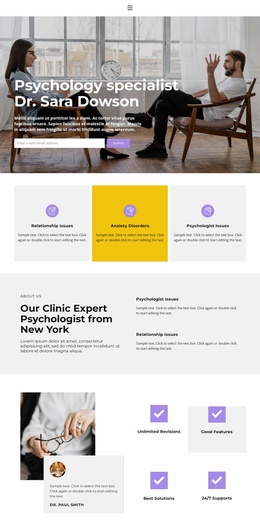
Clinic Services, Profile Content, and Contact Areas Form a Project Foundation
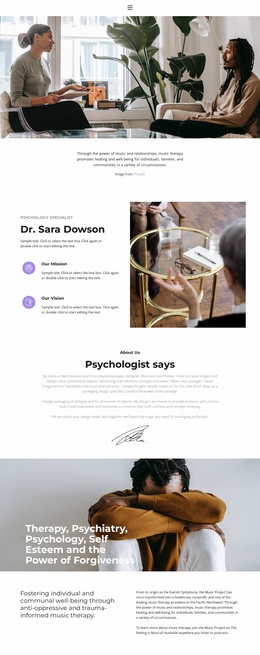
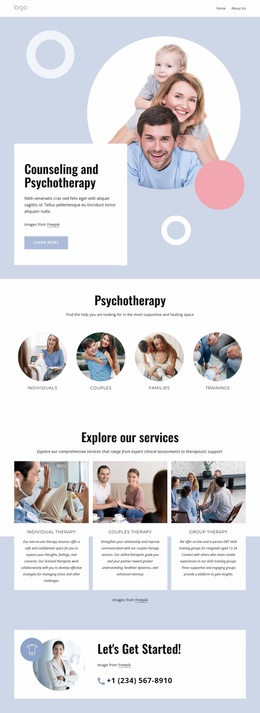
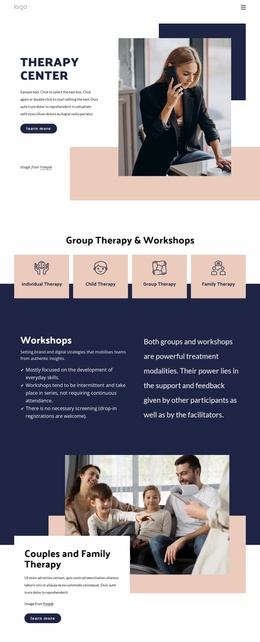
The design already defines several major content categories that a broader psychology website could build around. The opening specialist introduction establishes the clinic's subject and visual tone, while the three service cards separate Relationship Issues, Anxiety Disorders, and Psychologist Issues into recognizable areas. The About Us section, profile content for Dr. Sara Dowson, and paired mission and vision cards provide a foundation for explaining the clinic beyond its initial service summary.
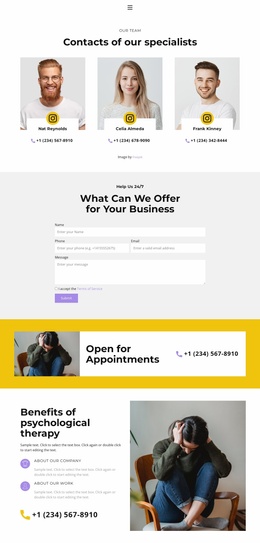
Additional sections support different future content needs. The appointment banner marks a practical response area, the accordion provides a compact place for supporting information, and the three pricing plans create a comparison structure that could be retained or replaced according to the actual offering. The therapy-benefits section adds explanatory content beside a wellness photograph, and the final contact block combines clinic details with a quote request form. Home, About, and Contact navigation links reinforce those broad categories, while the dark footer supplies a shared closing element. This is therefore a useful website-project foundation rather than proof of an existing multi-page set: additional verified pages would still need to be created for subjects such as detailed services, staff, resources, or booking. The strongest starting value lies in its established content architecture and coordinated visual treatment.
Customize with Nicepage
Open this ready-made template in the Website Template Builder and customize it visually in the Nicepage editor. Replace demo content, edit page sections, and adapt the design to your project without rebuilding the template from scratch.
Build a Complete Website From This Template
Customize the Website Visually
Use this ready-made website template as a starting point for your project and adapt its pages visually in Nicepage. Change content, images, typography, navigation, sections, and other design elements while keeping the website together as a single editable project.
Manage Website Pages in One Project
Use the Pages panel to open, add, duplicate, and manage the pages of your website. Work on individual pages while keeping navigation and the overall site structure accessible from the same project, making it easier to develop a complete website instead of managing separate page files.
Expand the Website With Matching Designs
When you need additional pages or sections, use Page Design Sets to find Page and Block Designs created in the same visual style. Design Sets group matching designs together, making it easier to expand the website with new content while maintaining a consistent look across its pages and sections.
Organize Larger Multi-Page Websites
As the website grows, use Page Folders to organize related pages and keep larger multi-page projects easier to navigate in the editor. This is especially useful for websites with separate service pages, company information, contacts, landing pages, and other content areas.
This workflow makes the template a practical foundation for building and expanding a complete website while managing its pages, content, and visual design within one Nicepage project.