
Spring Website Designs
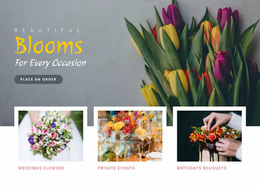
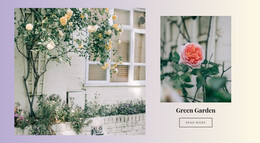
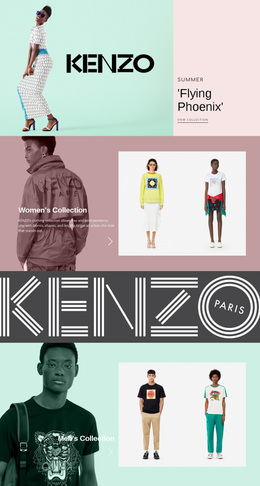
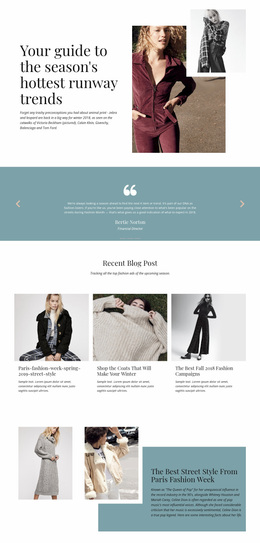
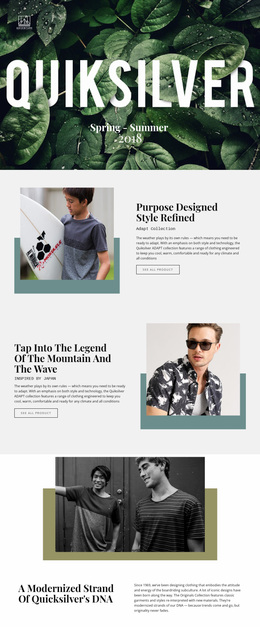
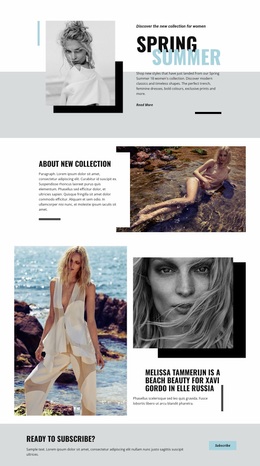
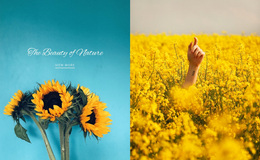
Unlike a seasonal sales catalog, a spring design direction should capture a café terrace's daylight or a skincare label's botanical textures. Color contrast, editorial photography, and typography give these experiences their distinct look without distracting from practical details.






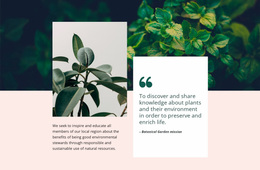
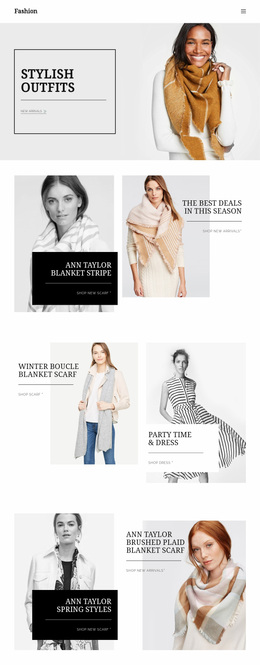
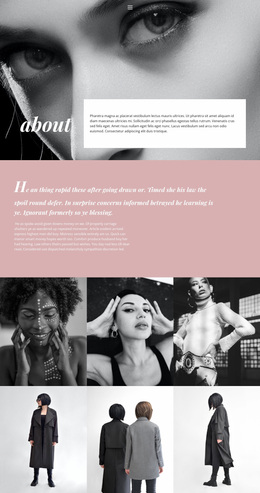
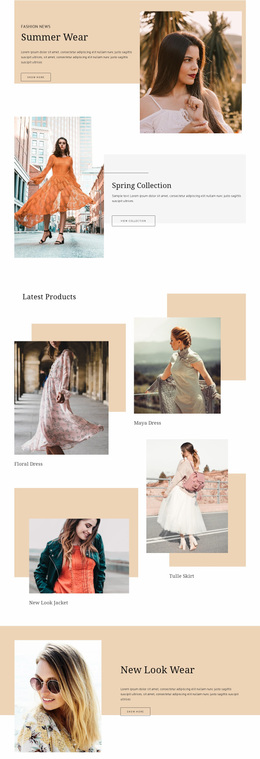



More Website & HTML Templates for Spring






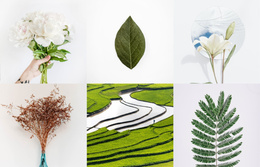
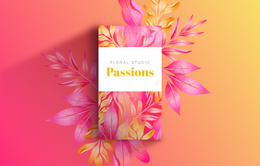
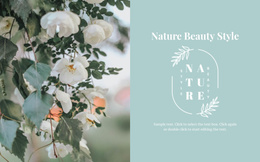


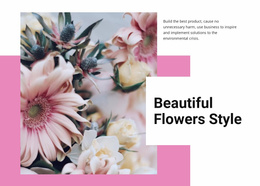

More Website Designs from Nature Category



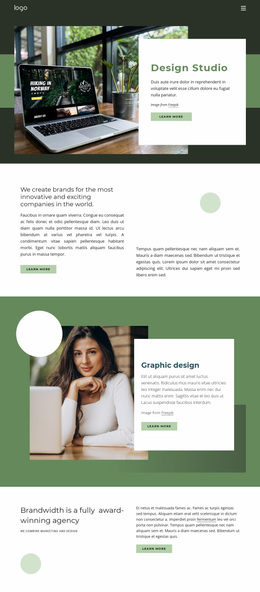
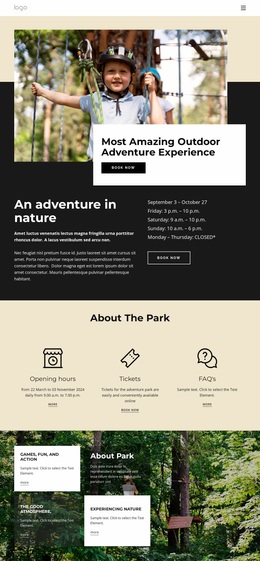
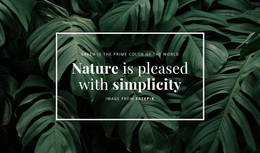
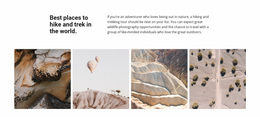
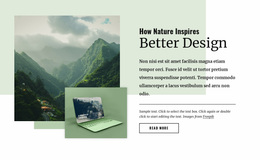
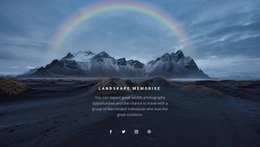
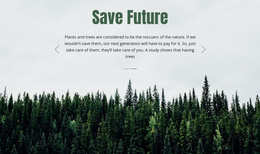

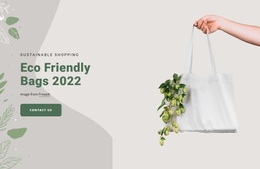
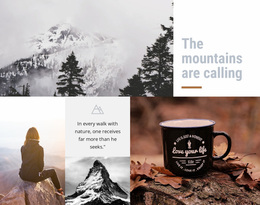
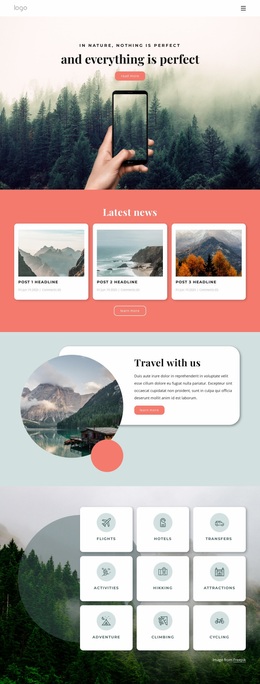
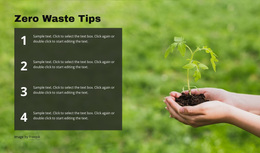

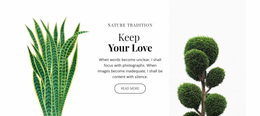
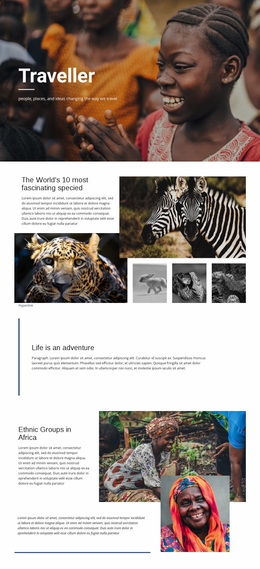
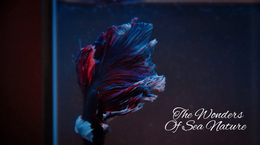
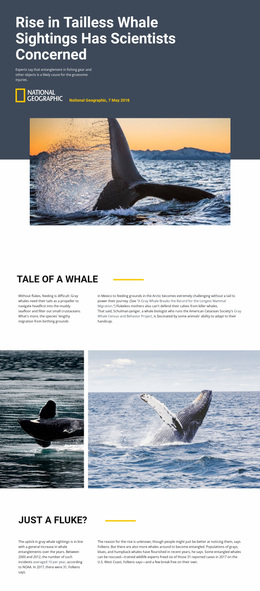
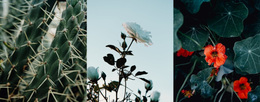



Other Nature Website Designs
Simple Spring Website Design
Boutique skincare labels and terrace cafés need a seasonal look without a complete identity change. Soft floral colors can suggest renewal, but pale text over bright photography may hide the products and offers visitors came to see. Spring website design works when color, typography, and imagery convey a new-season mood and keep essential details easy to read.
Choose a Palette That Feels Like Spring
Sage green, butter yellow, and warm ivory suggest early daylight, though saturated greens feel just as seasonal. The real decision is where each color goes:
- A soft neutral such as ivory covers the backgrounds.
- Sage green handles dividers and tags.
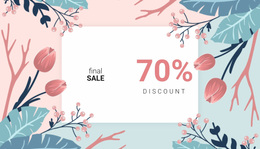
- One brighter accent, coral or peach, marks buttons and sale labels.
A skincare studio keeps that accent muted beside cream packaging, while a café leaves the brightest color to its food photos. Over a light blossom photo, a neutral panel or darker headline keeps the text readable. Nicepage Theme Colors keep the palette consistent across the website when the seasonal accent changes.
Create Visual Rhythm Beyond Floral Decorations
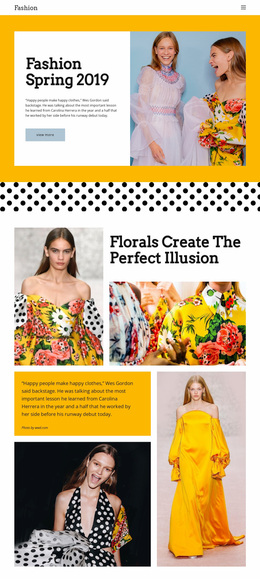
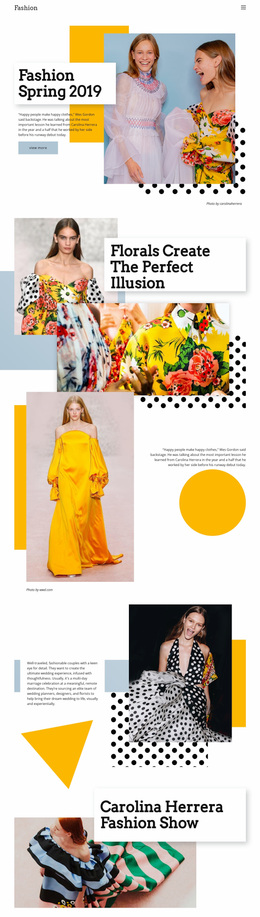
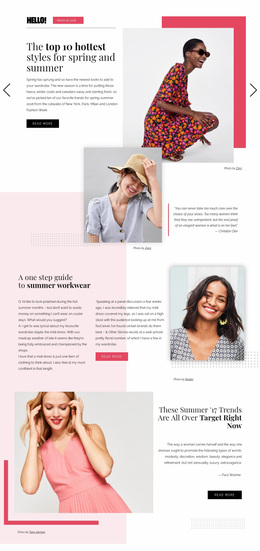
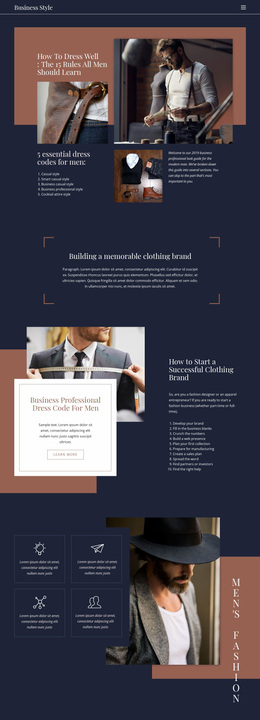
Rhythm comes from alternation; for example, a wide image, then a short text block and a row of evenly sized cards. Photos should show what visitors will get, and for a terrace café, shaded tables say more than stock cherry blossoms. Three opening screens show the range:
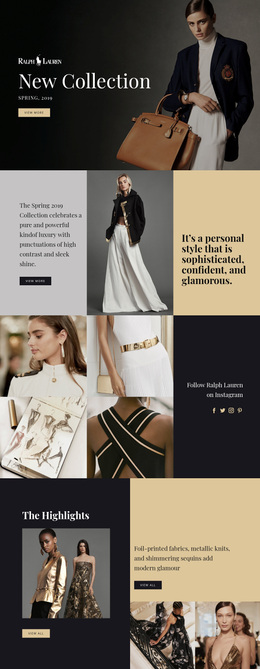
- A botanical skincare launch sets a large product photo beside a compact headline, with space around the button.
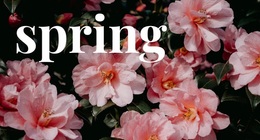
- A perfume label lets a large serif headline lead on a quiet background, with one small sprig near the corner.
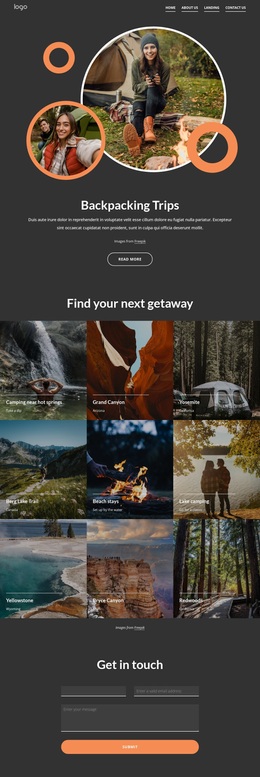
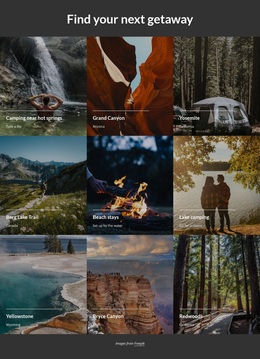
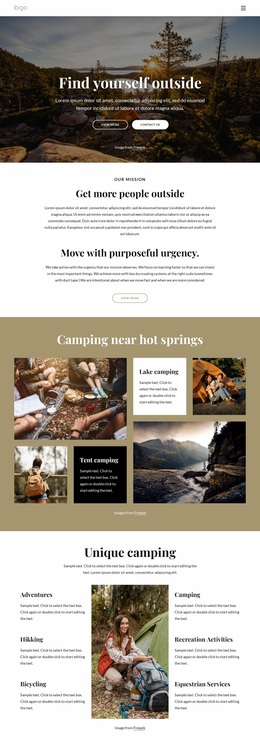
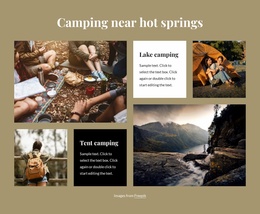
- An outdoor gear shop opens with a wide seasonal photo and goes straight to a grid of new products.
Each time, the eye moves from the seasonal message to the product, then to the button. Font Schemes and Typography Styles in Nicepage Theme Fonts keep headings consistent across pages when campaign photos change. On a phone, check that the cropped photo still shows the product.
Build One Recognizable Style
A floral background, decorative frames, and italic headings on one screen can feel like noise. One main motif with neutral surroundings works better. Rounded frames and thin botanical line art suit a wellness retreat with a slow, soft mood, and a bright 3D sticker would break that set at once. A sustainable clothing collection looks sharper with tight editorial crops and a strict sans-serif.
Hide the decorative flowers on the homepage for a moment. If the headline, offer, and button are still easy to find, the hierarchy holds. When color, composition, and imagery align with a single seasonal idea, people still recognize the brand once summer arrives.