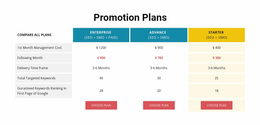
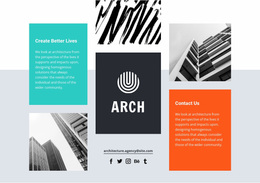
330 Layered Images Website Designs
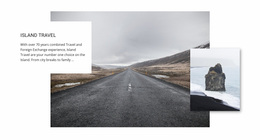








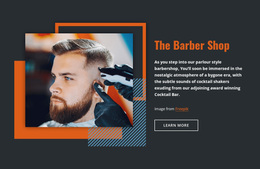











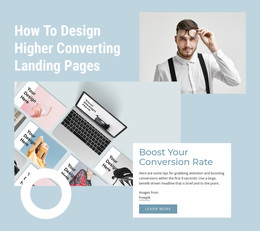
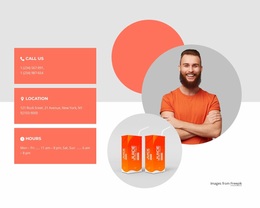
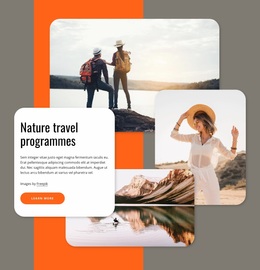
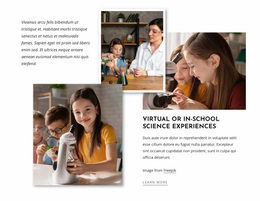






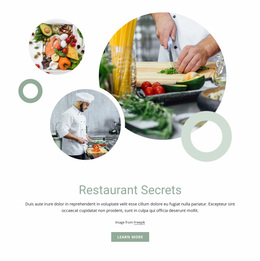


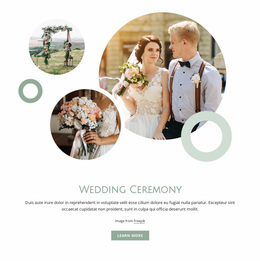
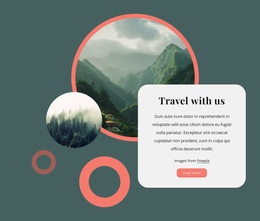
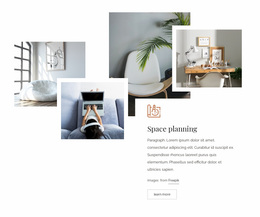


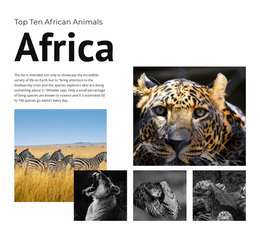
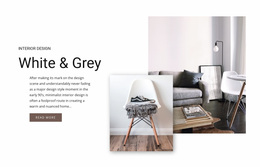
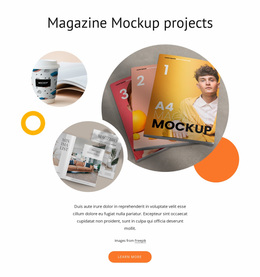
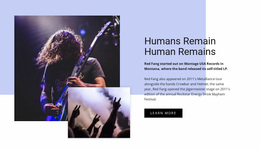



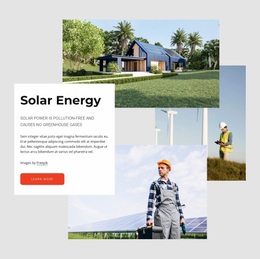


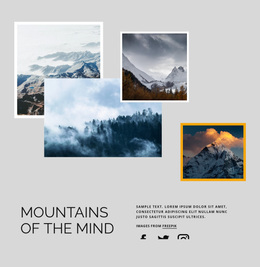


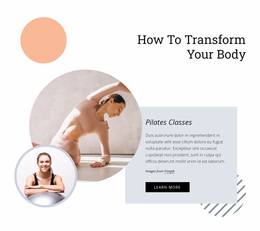
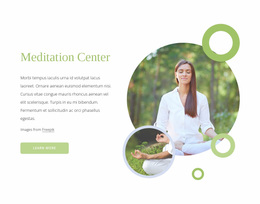

















Modern Layered Images Website Design for a Consistent Visual Language
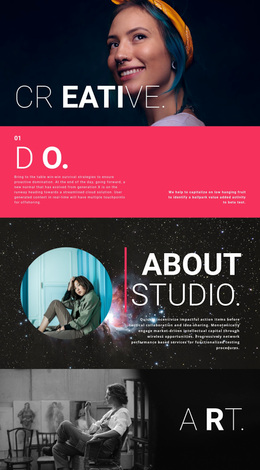
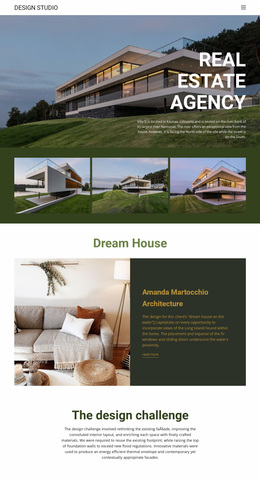
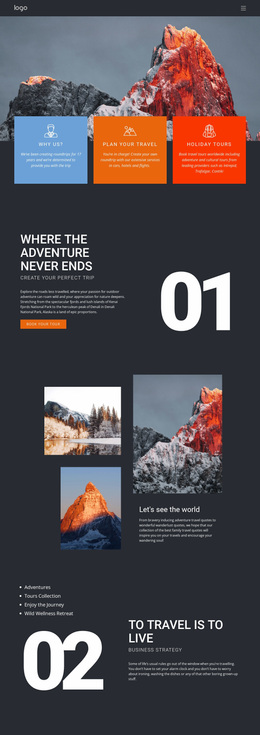
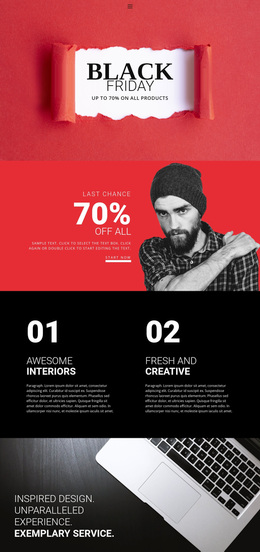
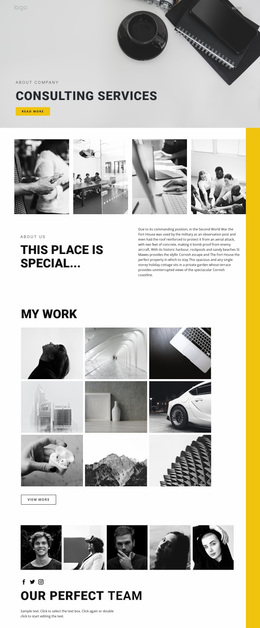
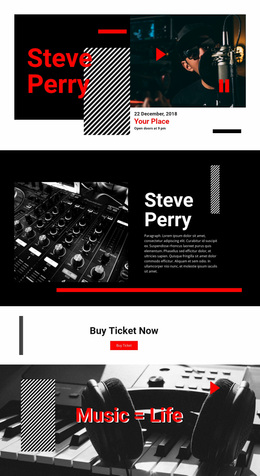
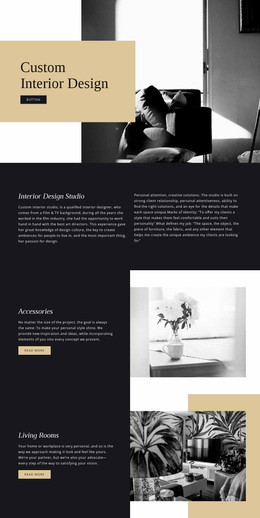
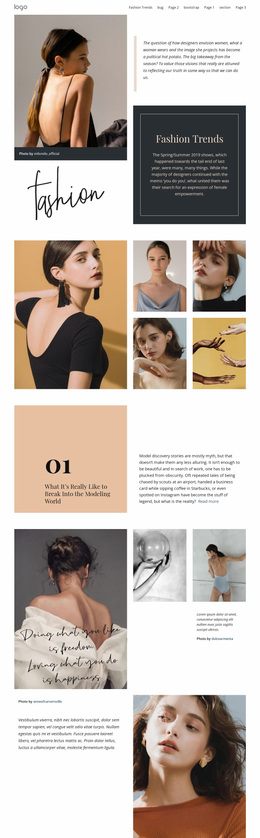
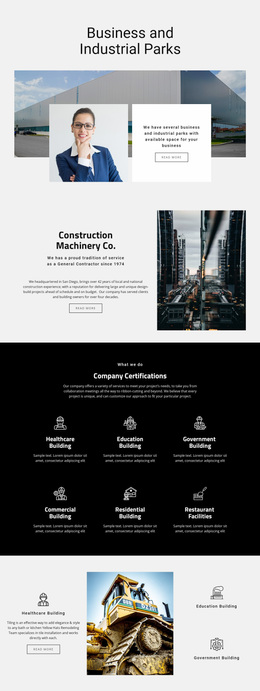
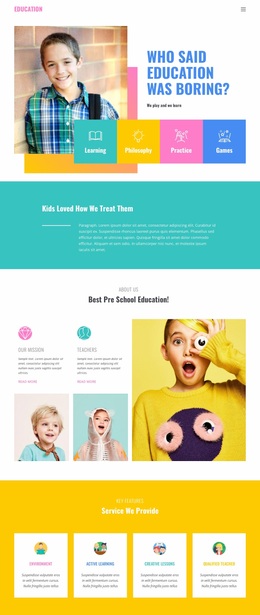
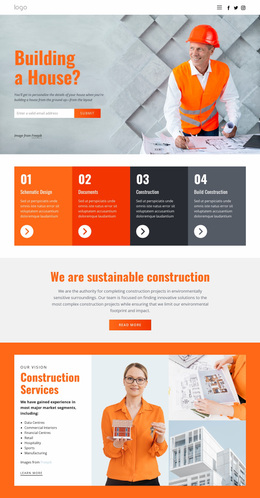
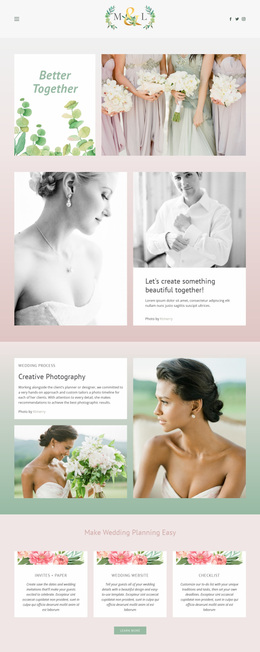
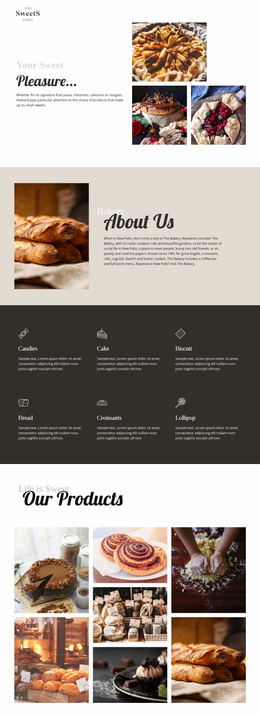
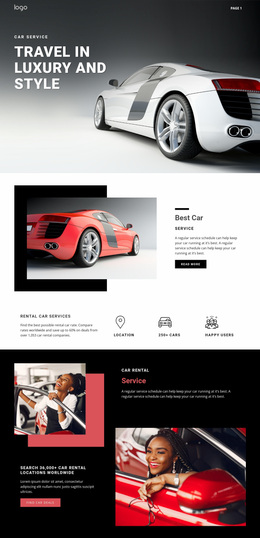
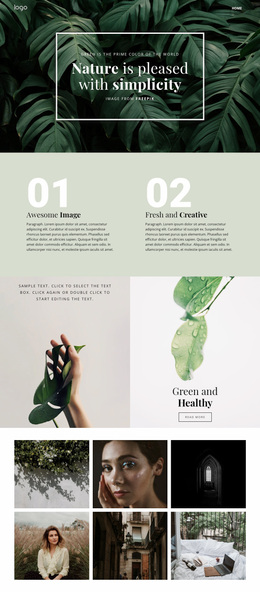
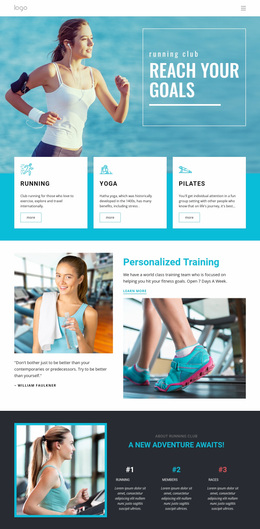
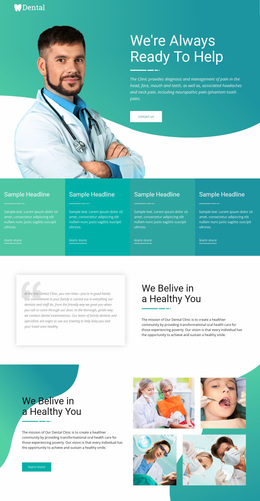
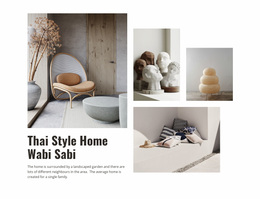
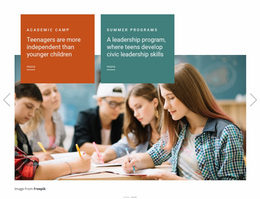
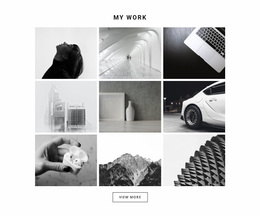
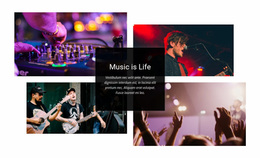
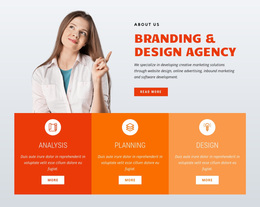
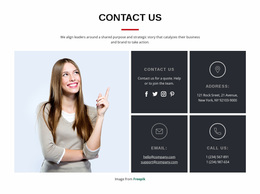
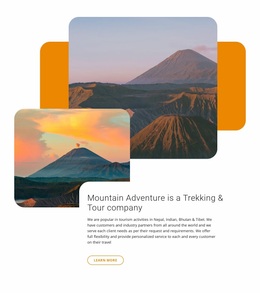
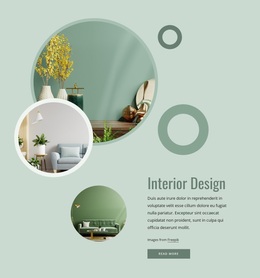
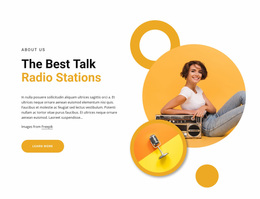
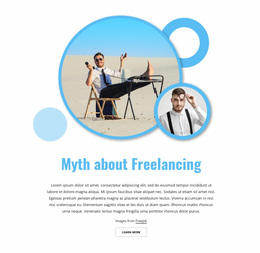
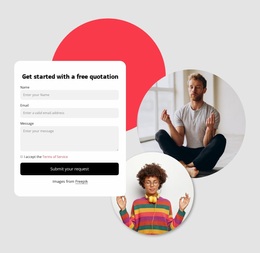
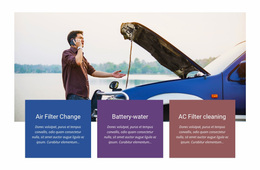
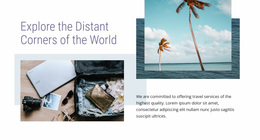
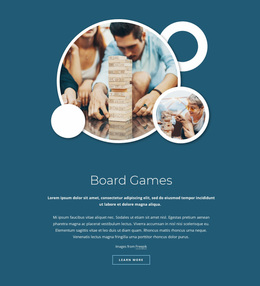
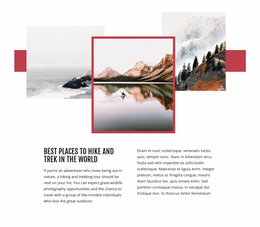
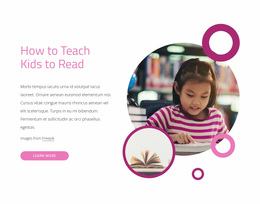
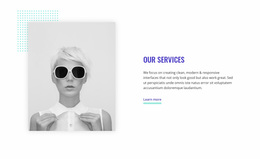
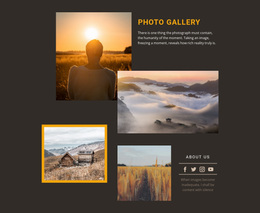
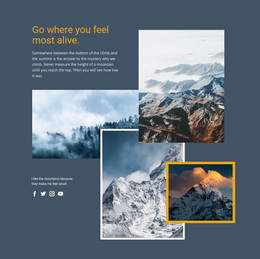
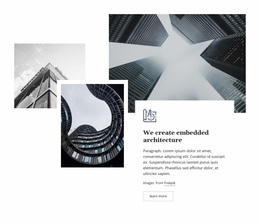
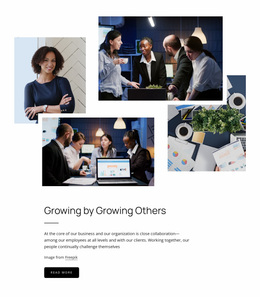
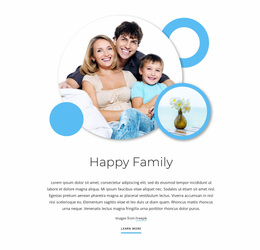
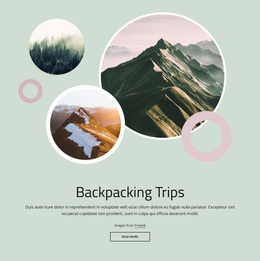
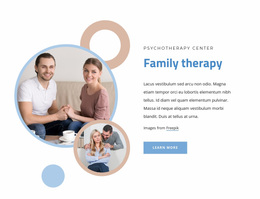
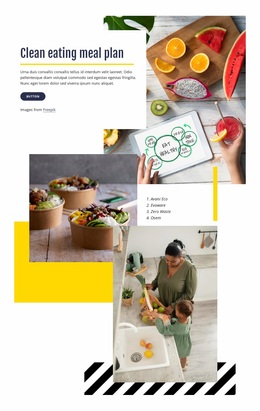
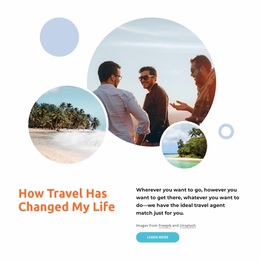
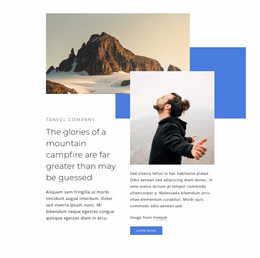
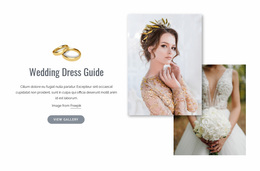
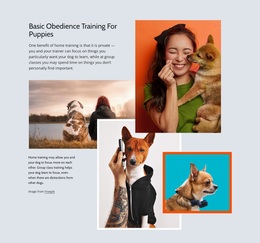
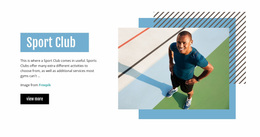
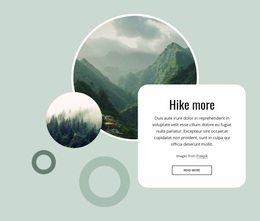
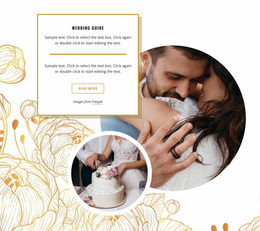
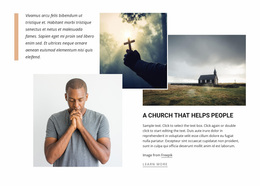
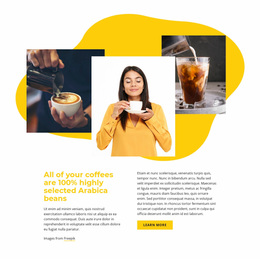
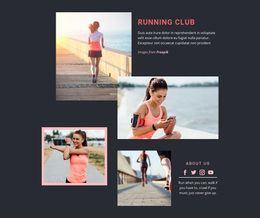
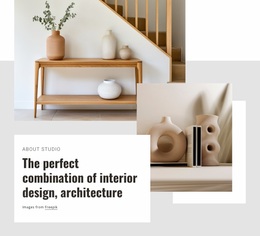
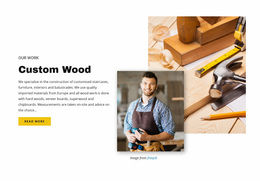
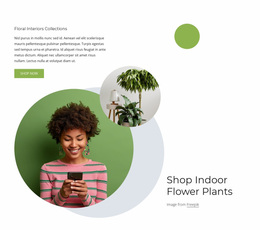
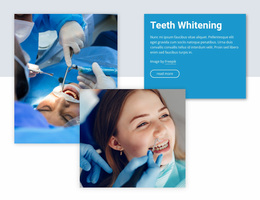
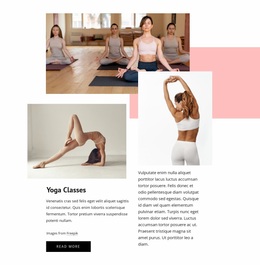
Layered Images Website Design explores how overlapping image sections can support a recognizable website style. Different treatments of crops, corners, borders, overlap rhythm, spacing, colors, and typography can make the same layered pattern feel minimal, editorial, soft, bold, or premium while still fitting the wider site.
Explore Consistent Layered Image Treatments
When browsing design directions, compare how the same Layered Images idea is visually treated across a website.
Useful details include:
- Crop logic — for example, consistent portrait crops, landscape ratios, or close-up details.
- Overlap rhythm — similar spacing and depth between foreground and supporting images.
- Corner treatment — repeated square, rounded, or mixed corner behavior.
- Border treatment — consistent use or absence of outlines around images.
- Image scale relationships — a predictable balance between the dominant and secondary visuals.
Reuse a Visual Motif Without Repeating the Same Layout
A website can use different Layered Images arrangements while keeping a recognizable style. One section may use a large anchor image with smaller supporting visuals, while another uses a tighter composition.
What can keep them visually connected:
- similar crop behavior;
- comparable overlap depth;
- recurring corner styles;
- familiar spacing around the image group;
- a consistent relationship between imagery and text.
Connect Layered Images With Theme Colors and Typography
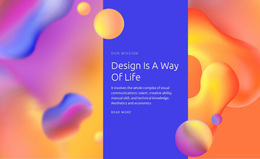
Nicepage Theme Colors can apply a global Color Scheme across project pages. This helps backgrounds, accents, and supporting areas around Layered Images follow the same palette used elsewhere on the site.
Typography should follow the same principle. Headings, captions, and short supporting copy around layered compositions should use the established type system rather than introducing a separate style for one block.
Compare Crop Styles and Overlap Rhythm
Crop style changes the character of a layered composition. Sharp landscape crops can feel structured, portrait crops can create stronger vertical movement, and close-up details can make the section more editorial.
When comparing design treatments, look at:
- image proportions and crop style;
- how much of a supporting image remains visible;
- overlap distance between images;
- whitespace around the composition;
- how text aligns with the dominant visual.
Customize the Selected Visual Treatment
Nicepage's Image Element provides the visual content used inside these compositions. The Image Element documentation covers working with image content in the Nicepage editor.
When replacing images, keep crop choices, image scale, overlap, and surrounding styling aligned with the visual treatment you want to preserve across the site.
Compare Layered Images Website Design Styles
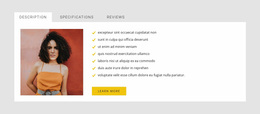
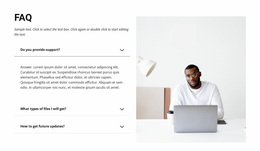
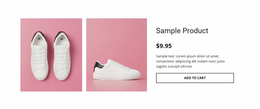
A layered pattern can support different visual treatments without changing its basic structure. One design may use sharp rectangular crops, tight overlaps, and minimal spacing, while another combines rounded images, wider offsets, softer borders, and more negative space.
Compare these treatments by how well they fit the colors, typography, spacing, and overall mood already used across the website. The focus is on the look and styling of the layered pattern, not on choosing the basic image count or composition again.
Layered Images Website Design FAQ
How can Layered Images support a consistent website identity?
Keep crop style, overlap depth, image scale, spacing, colors, typography, borders, and corner treatment visually related so separate Layered Images sections still feel part of the same website.
Do all Layered Images sections need to use the same layout?
No. The composition can vary. Similar crop treatment, overlap rhythm, corner styling, colors, and spacing are often enough to make different sections feel connected.
Can Theme Colors help unify Layered Images sections?
Yes. Nicepage Theme Colors can keep backgrounds and supporting accents aligned with the global Color Scheme used across the project.
Should typography around Layered Images follow the rest of the website?
Yes. Headings, captions, and supporting copy should use the established typography system so the image block remains part of the wider design language.
What visual details are most important to keep consistent?
Crop proportions, overlap rhythm, image scale relationships, corner or border treatment, surrounding spacing, and the relationship between imagery and text are especially useful recurring rules.
Build a Recognizable Layered Images Style
Choose a visual treatment that fits the website, then keep key details such as crop style, overlap rhythm, spacing, colors, typography, borders, and corner treatment consistent across different sections. Imagery and exact composition can change, but the overall Layered Images style should remain recognizable.