1380 Grid Website Designs




























































Grid Website Design Ideas With Editorial and Modular Layouts
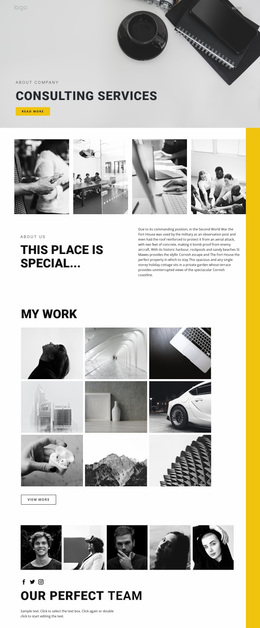
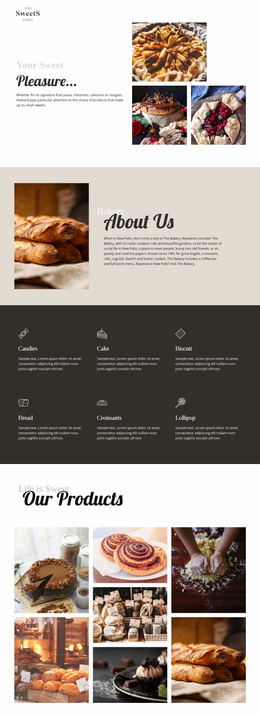
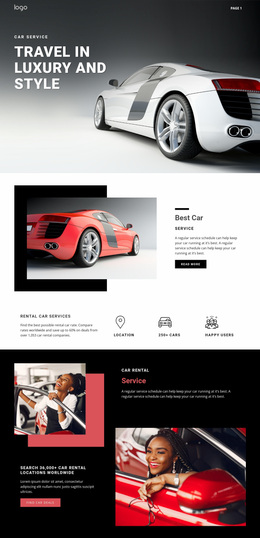
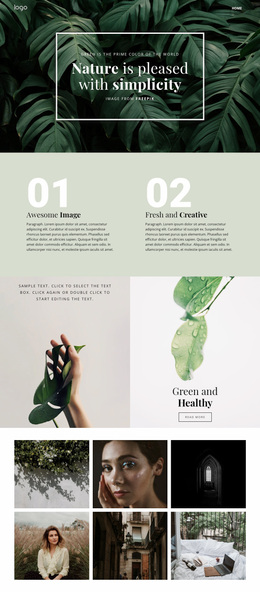
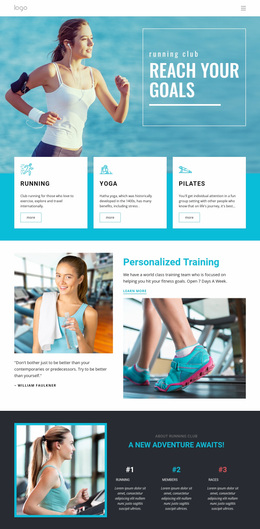
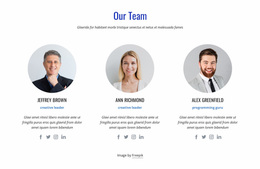
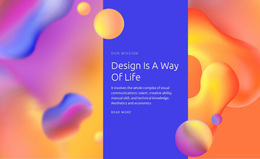
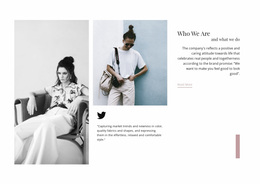
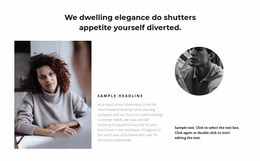
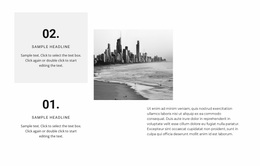
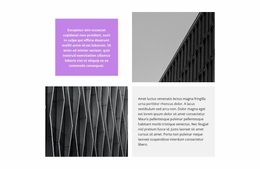
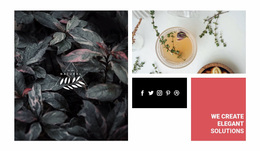
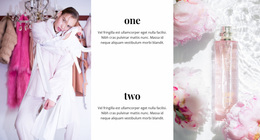
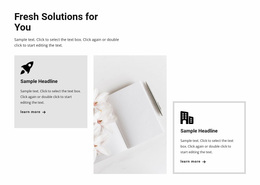
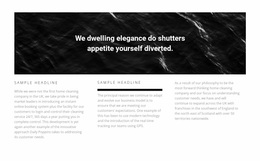
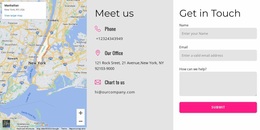
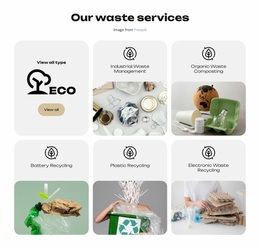
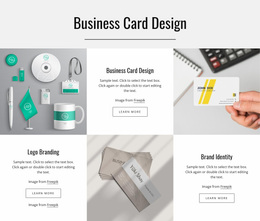
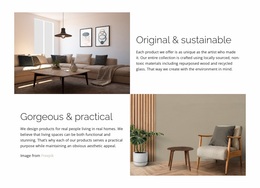
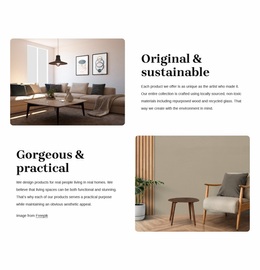
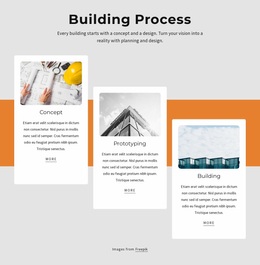
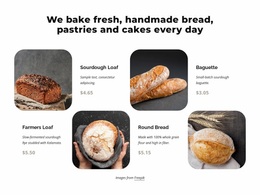
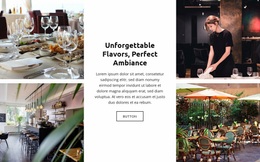
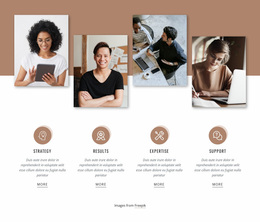
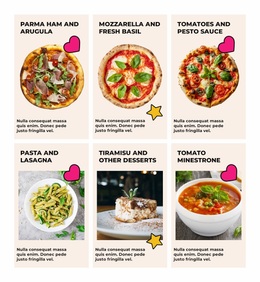
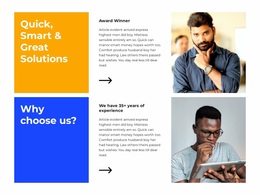
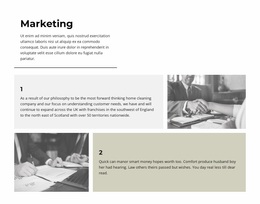
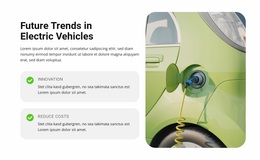
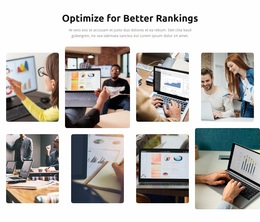
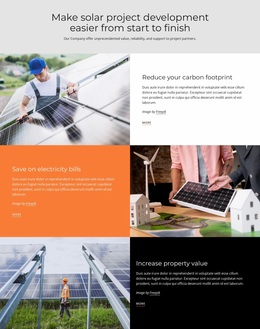
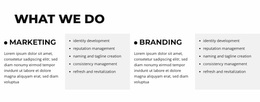
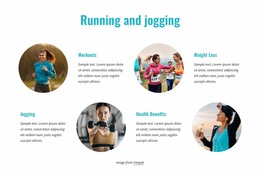
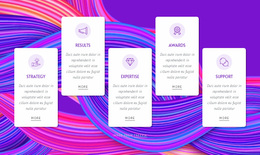
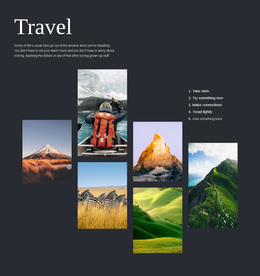
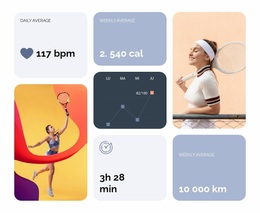
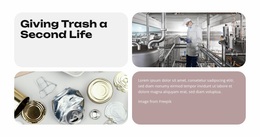
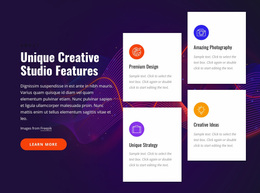
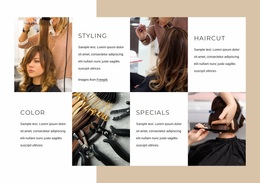
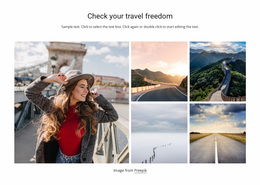
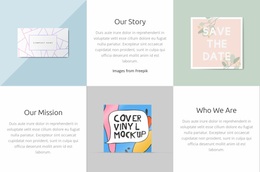
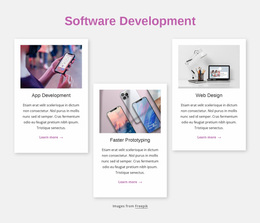
Explore Grid Website Design examples, and you will find more than neat columns. Editorial sites use strong story hierarchy, portfolios mix large and small images, and modular business sites repeat familiar content widths across pages. The best examples vary their Grid compositions while keeping alignment, gutters, and page boundaries recognizable.
Compare Different Grid Website Design Styles
Several visual directions are worth exploring:
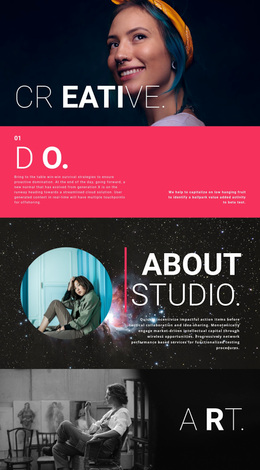
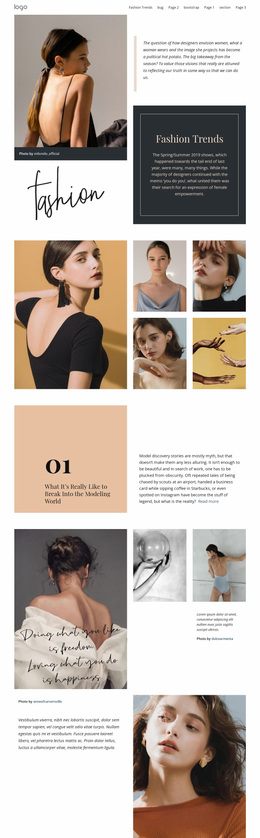
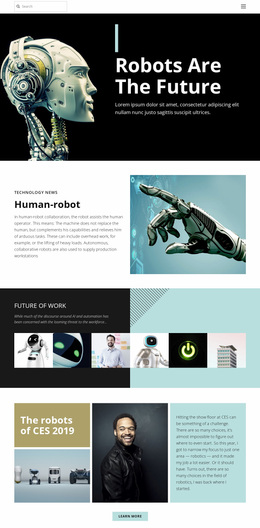
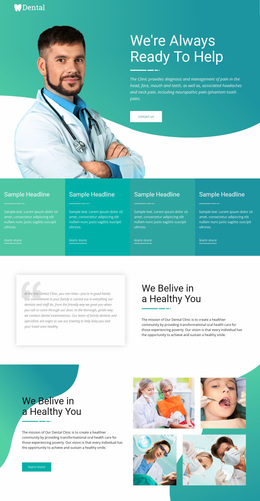
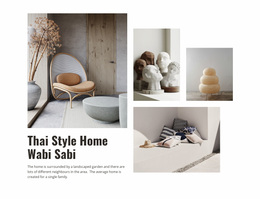
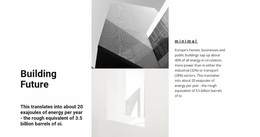
- Editorial: Featured stories lead into smaller article previews, often with visible changes in card size.
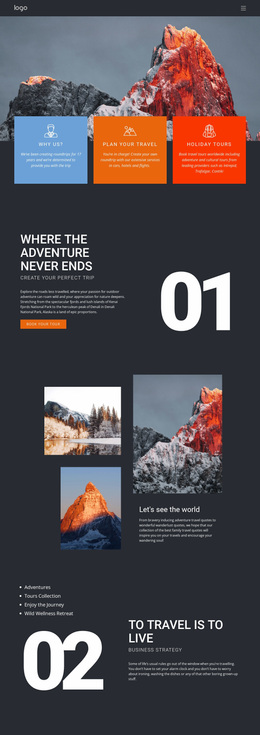
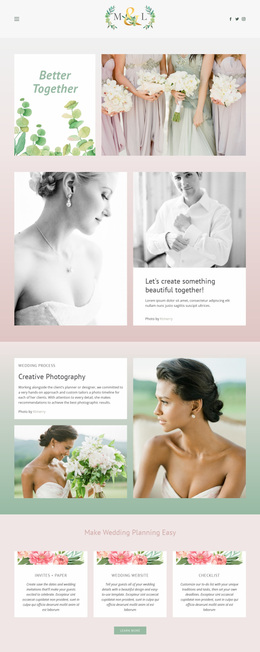
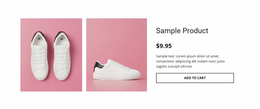
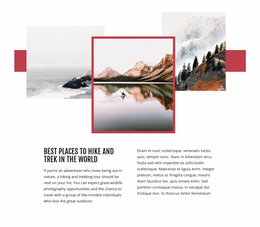
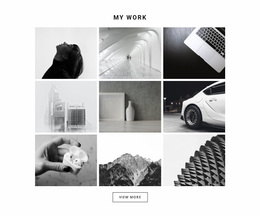
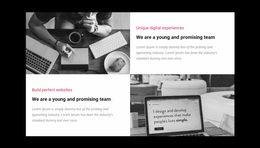
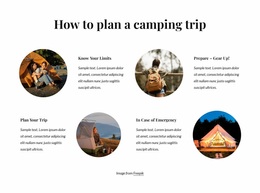
- Portfolio: Large project photography alternates with smaller thumbnails or short descriptions.
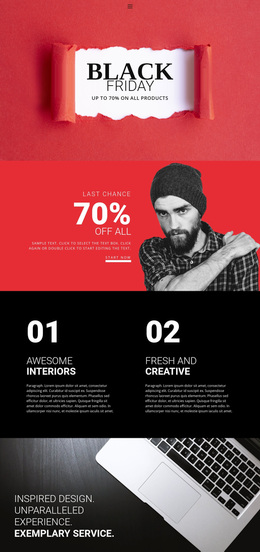
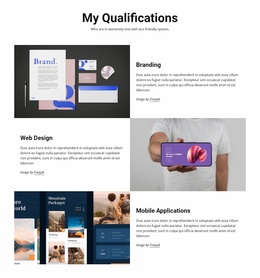
- Magazine: Dense, repeatable article grids support browsing through a larger collection.
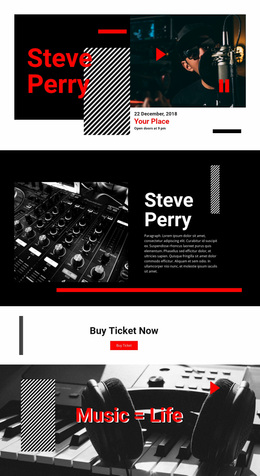
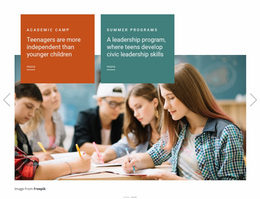
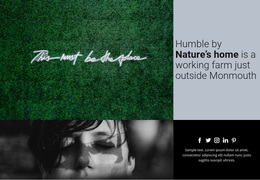
- Asymmetric: Unequal column widths create a deliberate focal point for one project or message.
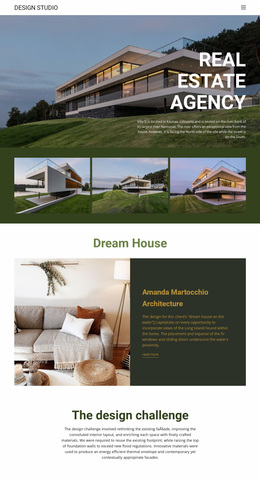
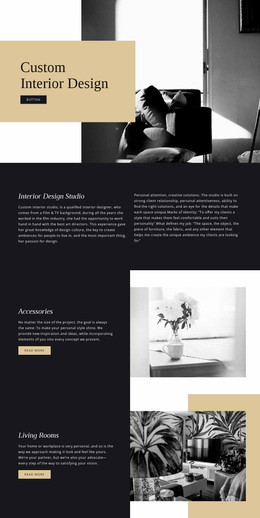
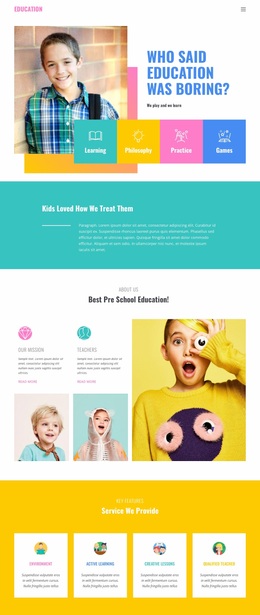
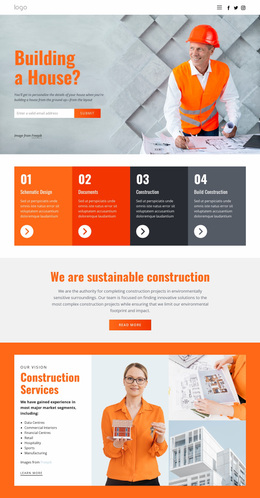
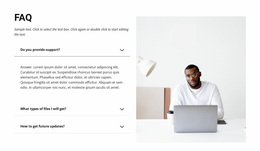
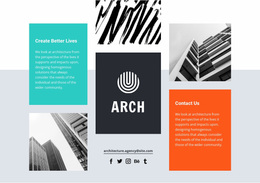
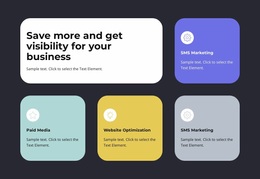
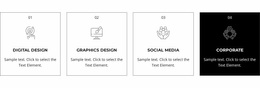
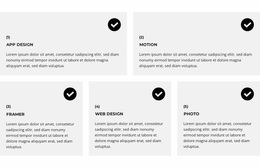
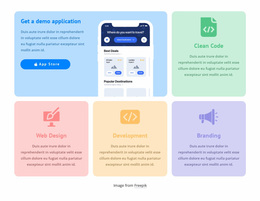
- Modular: Repeated container widths and Grid units connect different sections into a cohesive site.
Each style offers a different answer to the same question: how should the site's content be grouped and prioritized? Choose the direction that suits the content, not just the most dramatic screenshot.
Keep Columns and Gutters Consistent Across Pages
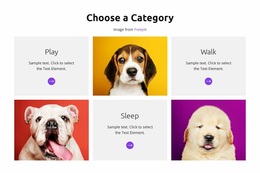
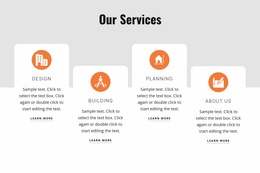
A homepage might use an asymmetric showcase, a services page equal-width cards, and a resources page a denser article Grid. They do not need identical column counts. What keeps them related is the underlying framework:
- Shared container widths give sections consistent left and right boundaries.
- Column alignment connects headings, image edges, and cards across differently arranged sections.
- Predictable gutters create a recognizable rhythm between cells.
- Responsive breakpoints allow columns to change without destroying the relationship between content groups.
For example, a homepage might use one wide featured image that spans two columns, while the services page uses three evenly sized cards. Keep the same outer content width, align the card edges to familiar column lines, and repeat the gutter spacing between them. The proportions change, but the alignment still feels connected.
Build the Grid System in Nicepage
Nicepage's Grid Element provides layout controls for rows, columns, and gaps. Use them to create different sections that still share page boundaries and spacing patterns.
Theme Settings can coordinate the colors used throughout the project; see Site Colors. Visual styling matters, but the Grid's column widths, alignment, and gutters are what make this particular approach recognizable.
Review the Website, Not Just Individual Sections
If you are designing several pages, compare the homepage and a couple of inner pages side by side. Place screenshots at the same width next to each other and check whether key image edges and card columns line up. A single-page website can use the same approach across its sections; a coherent Grid system is not limited to multi-page sites. Check narrower widths too, where columns may need to stack or regroup.
A Grid Repeater can handle consistently repeated entries, while a standard Grid suits a more varied composition. Use each where its structure supports the overall design.
Grid Website Design FAQ
Must all Grid sections use the same number of columns?
No. Different pages can use different compositions while sharing alignment, typography, and spacing rules.
What makes separate Grid pages look like one website?
Consistent section boundaries, related gap sizes, and coordinated colors and heading styles help different layouts feel connected.
How can Nicepage help maintain shared Grid styling?
Use the Grid Element for individual layouts and Theme Settings for shared colors and typography across the project.
Turn Grid Inspiration Into a Coherent Website
Study editorial, portfolio, magazine, asymmetric, and modular Grid designs for inspiration. Then apply shared column widths, alignment, and gutters to your own pages so their different compositions feel connected.